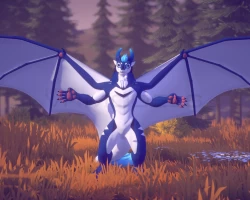
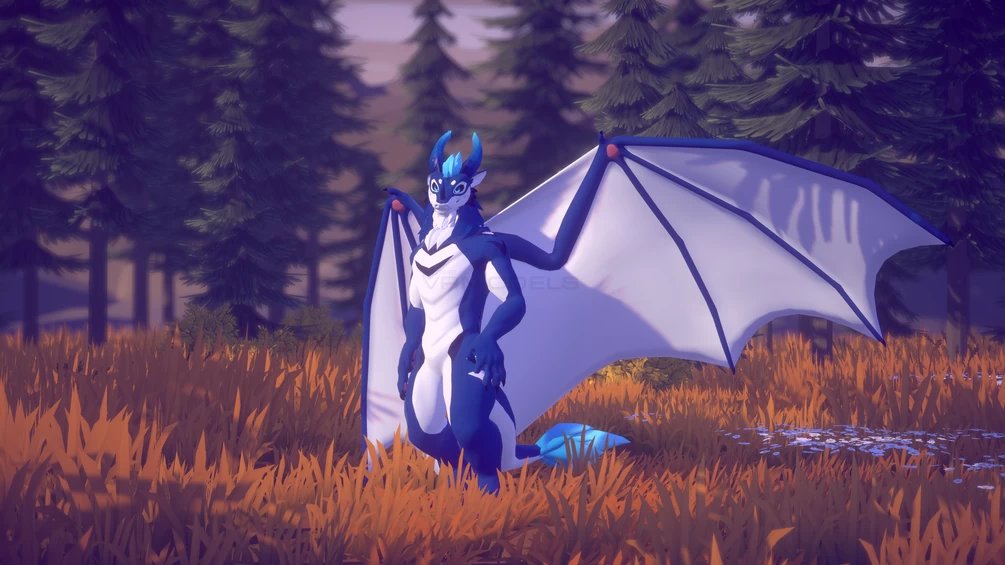
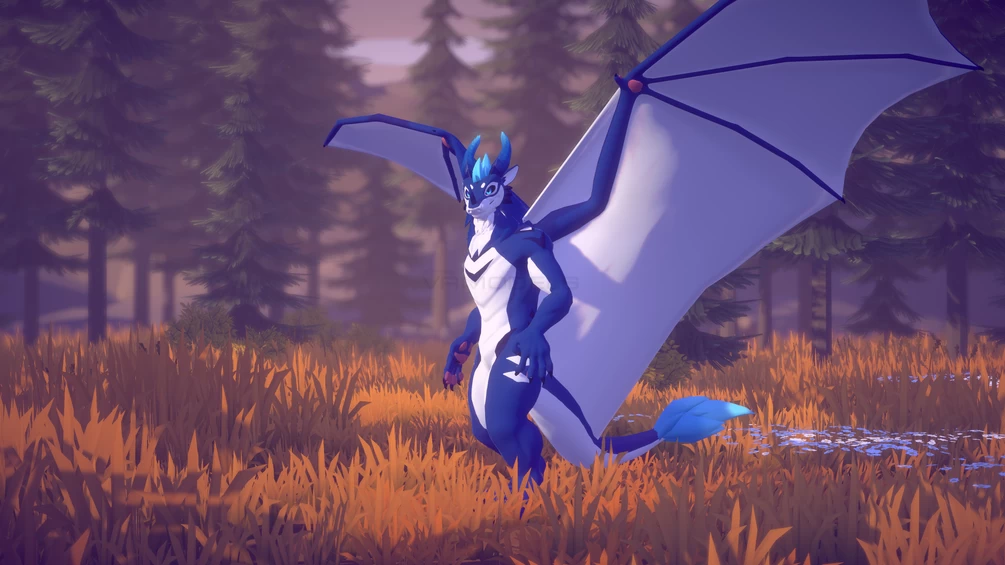
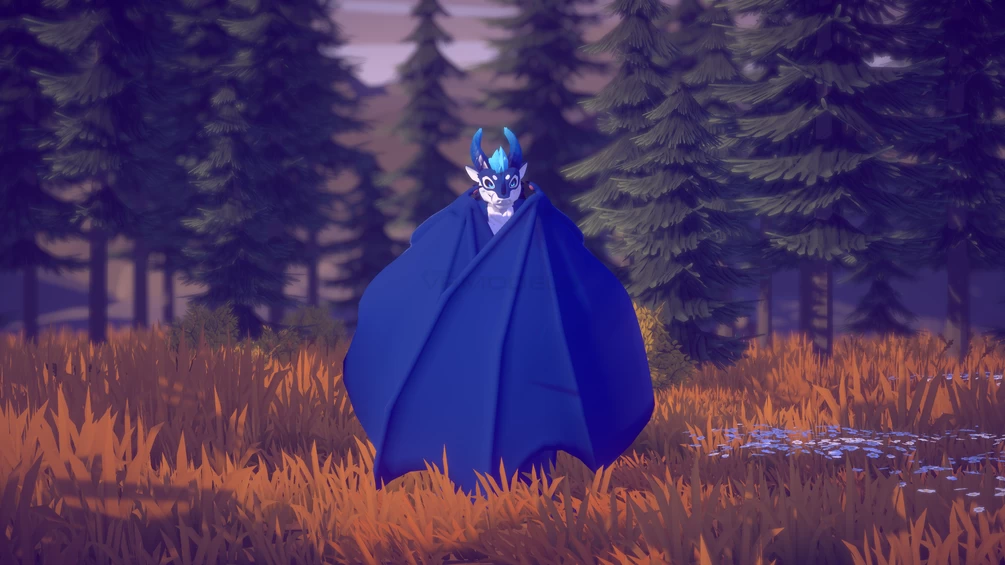
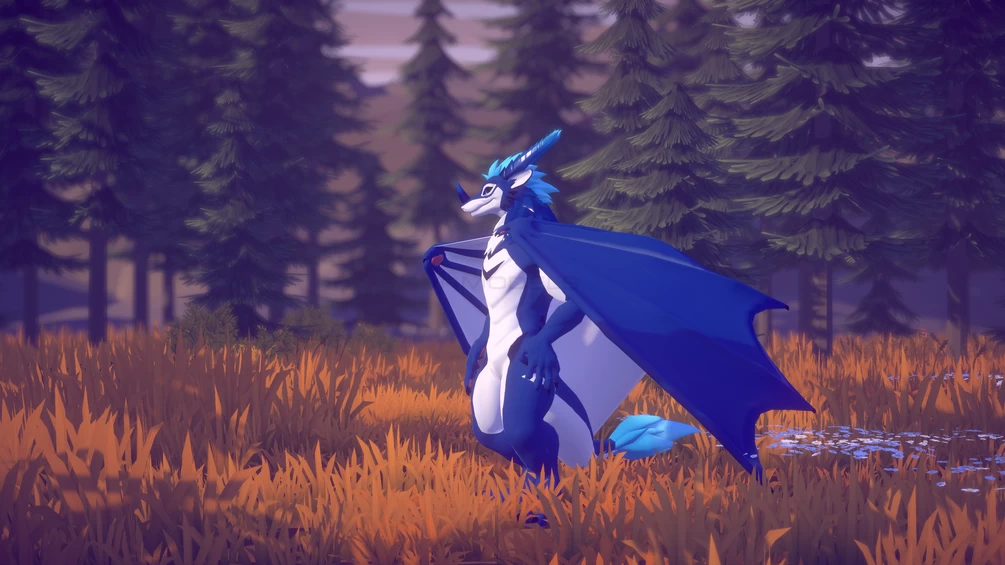
ZDragon Wings V2
To download the model, you need to log in.
Description
Add a set of big (or small!) dragon wings to your ZDragon by Zephyxus in VRChat! Made from scratch, they are much larger than the wings that the base avatar comes with and they have several features, including:
- Toggleable with a nice animation
- Size change with a slider, from cute little flappers to huge, swooshing wings
- Poseable with a puppet control
- Lively animations driven by head movement, look at your wing to extend it!
- Blendshapes for hiding/enlarging claws or paw pads
- Wing hugs!
- Flapping animation, triggered by just jumping, GoGo Loco flight compatible out of the box
- Audiolink UV set (see video)
These wings do not require any other license, they are made from scratch by Morghus and are completely free.
These wings only fit the ZDragon, Novabeast and Nardoragon.
Other versions for other avatars are available aswell, such as for the freakhound, Vernid, and Zairiza.
Installation
This package requires VRCFury for installation. Download it here: https://vrcfury.com
Installation without VRCFury is theoretically possible, however, I can't provide help with it.
1. Install VRCFury
2. Import the ZDragon Wings V2 package
3. Locate the "ZDragon Wings V2" prefab in your Project view, click and drag it directly onto your main avatar object in your inspector/scene, so that it becomes a direct child of it
4. IMPORTANT: Delete the existing "Wings" object from your avatar! Leaving it there or just disabling it will not work as the wings use the same parameter as the base avatar to toggle them off or on. (Requires Unity 2022)
5. Done! VRCFury will take care of everything else, including merging the animation controllers, parameters and menu entries.
Uploader's note: I was able to upload the zdragon avatar with these sets of wings, but beware of performance, as there are a lot of physbones.
