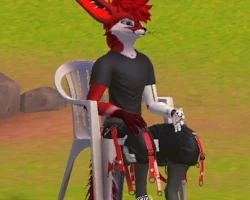
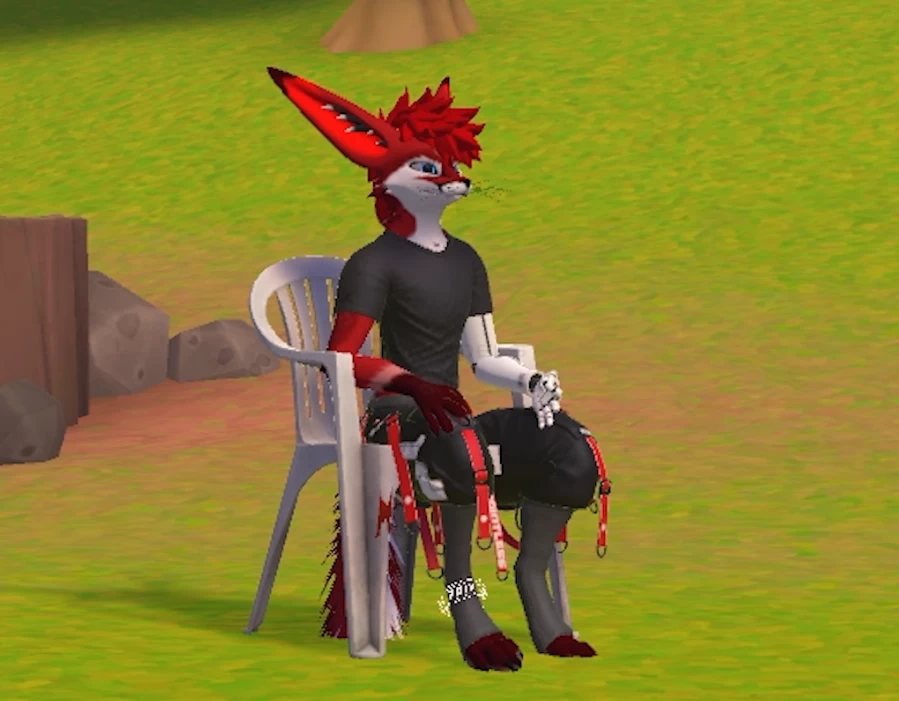
Plastic Lawn Chair
To download the model, you need to log in.
Description
Dependencies;
Poiyomi Toon Shader Version 8.1.166 or Newer
VRCFury
Installation;
1) Drag the Plastic Lawn Chair prefab onto your avatars root. [No need to unpack the prefab]
2) You can scale the prefabs root incase you need it to be bigger or smaller.
3) Disable the prefab.
4) Done! VRCFury does the rest! [Do NOT disable the prefab]
If any issues are found, please let me know of them on discord @pointless.support
Please make sure you are on the latest SDK before contacting my support!
4.5) To install the Quest/Standalone prefab, go to the folder labeled "_Quest Prefab" and use that prefab on your Quest/Standalone variant of your avatar!
Quest/Standalone prefab variants will not include non VRChat shaders, sounds/audio sources, or lights due to VRChats limitation on Quest avatars!
sidenote from uploader;
Now you can pull a Vergil from Devil May Cry and mock your sibling with your back to them.
Poiyomi Toon Shader Version 8.1.166 or Newer
VRCFury
Installation;
1) Drag the Plastic Lawn Chair prefab onto your avatars root. [No need to unpack the prefab]
2) You can scale the prefabs root incase you need it to be bigger or smaller.
3) Disable the prefab.
4) Done! VRCFury does the rest! [Do NOT disable the prefab]
If any issues are found, please let me know of them on discord @pointless.support
Please make sure you are on the latest SDK before contacting my support!
4.5) To install the Quest/Standalone prefab, go to the folder labeled "_Quest Prefab" and use that prefab on your Quest/Standalone variant of your avatar!
Quest/Standalone prefab variants will not include non VRChat shaders, sounds/audio sources, or lights due to VRChats limitation on Quest avatars!
sidenote from uploader;
Now you can pull a Vergil from Devil May Cry and mock your sibling with your back to them.
