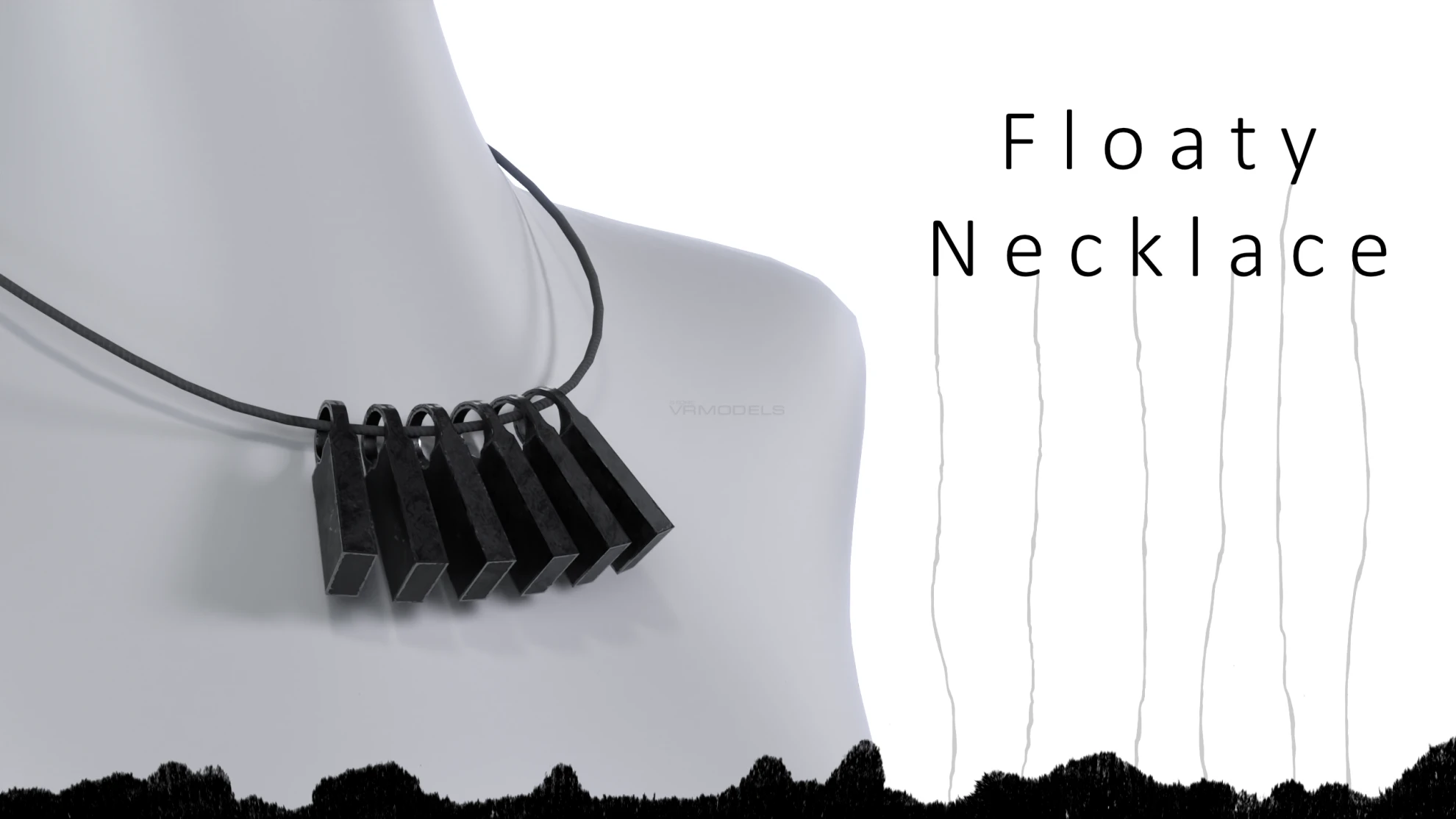
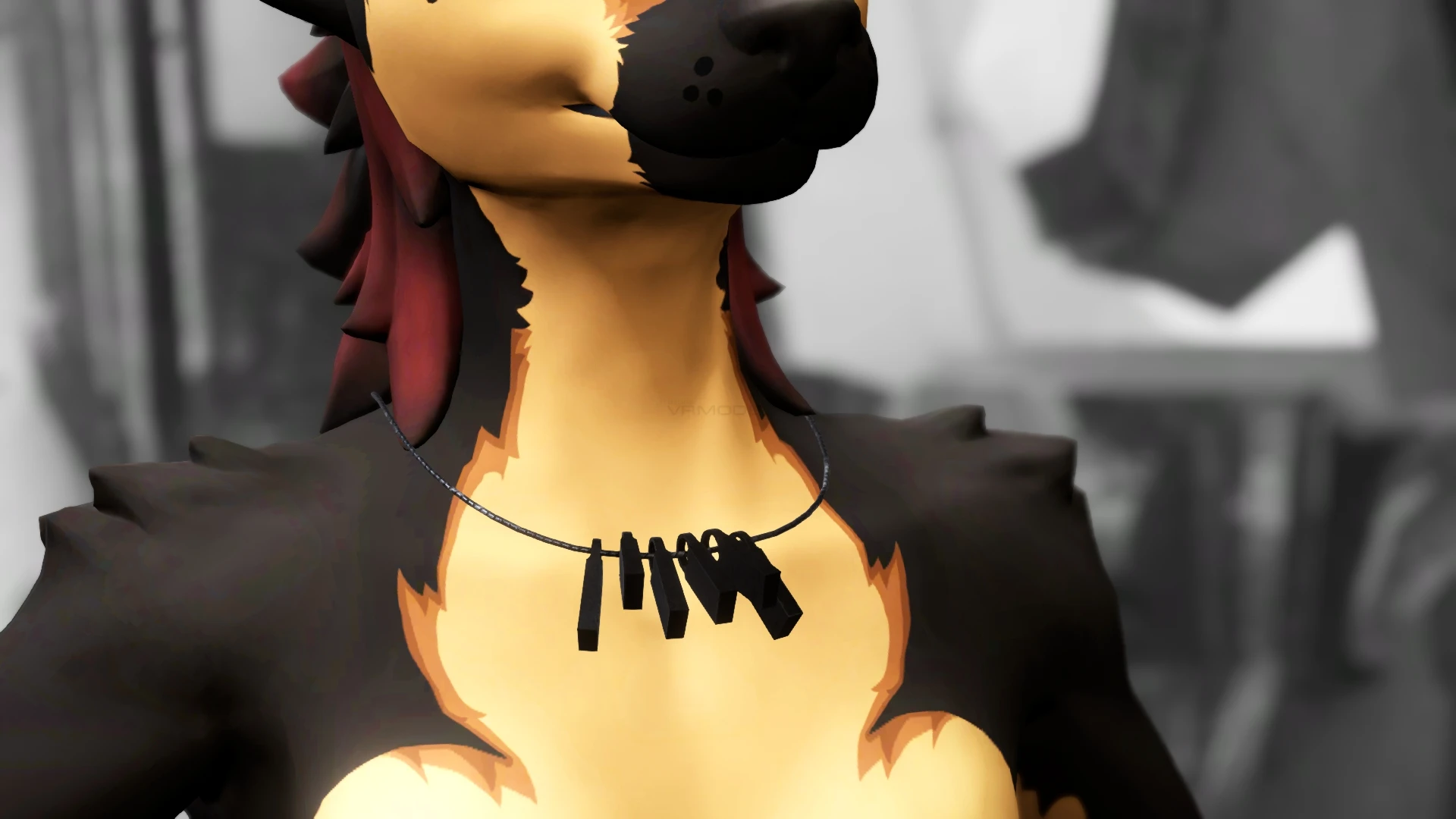
Floaty Necklace
To download the model, you need to log in.
Description
[Specs]
△ - Vertex Count 1,104
⚯ - Bone Count 11
◩ - Texture resolution - 1K
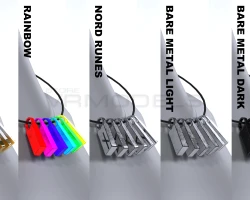
◐ - Material variants - 5
↺ - Animation loop ~10 sec.
[How to setup?]
🛠 The necklace comes in two versions — pick the one you prefer:
🛠 Physbone — charms are rigged and use VRChat's PhysBone component.
🛠 Floating — charms use an animation clip for that floaty look.
Import the Floaty Necklace Unity package into your project
Enable the version you want and drag the prefab onto your avatar root
Pick a material from the materials folder and drag it onto the necklace
Fine-tune the fit by moving, rotating, or scaling these bones:
Front Center · Necklace Back · Necklace Shoulder.L · Necklace Shoulder.R
The floating animation only plays in Unity when you enter Play Mode via the Gesture Manager — this is normal!
△ - Vertex Count 1,104
⚯ - Bone Count 11
◩ - Texture resolution - 1K
◐ - Material variants - 5
↺ - Animation loop ~10 sec.
[How to setup?]
🛠 The necklace comes in two versions — pick the one you prefer:
🛠 Physbone — charms are rigged and use VRChat's PhysBone component.
🛠 Floating — charms use an animation clip for that floaty look.
Import the Floaty Necklace Unity package into your project
Enable the version you want and drag the prefab onto your avatar root
Pick a material from the materials folder and drag it onto the necklace
Fine-tune the fit by moving, rotating, or scaling these bones:
Front Center · Necklace Back · Necklace Shoulder.L · Necklace Shoulder.R
The floating animation only plays in Unity when you enter Play Mode via the Gesture Manager — this is normal!
