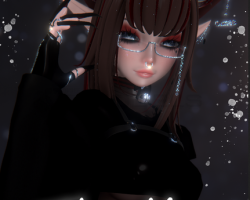
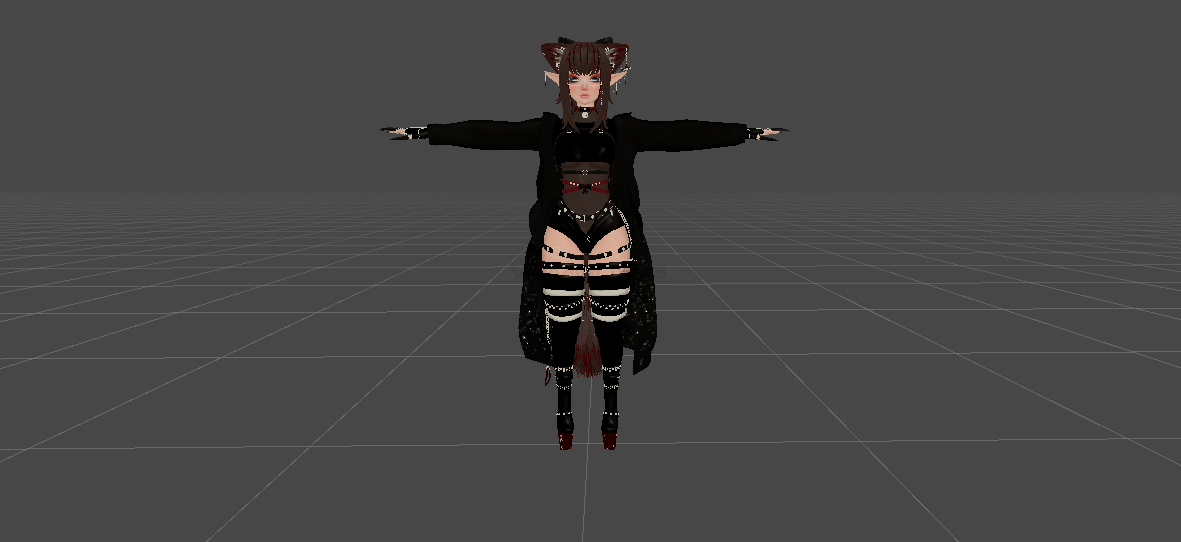
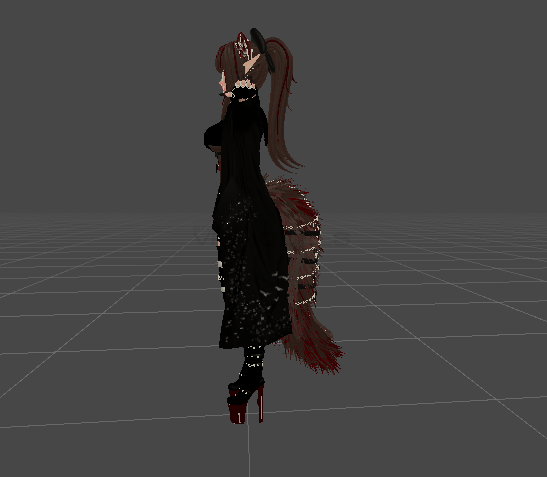
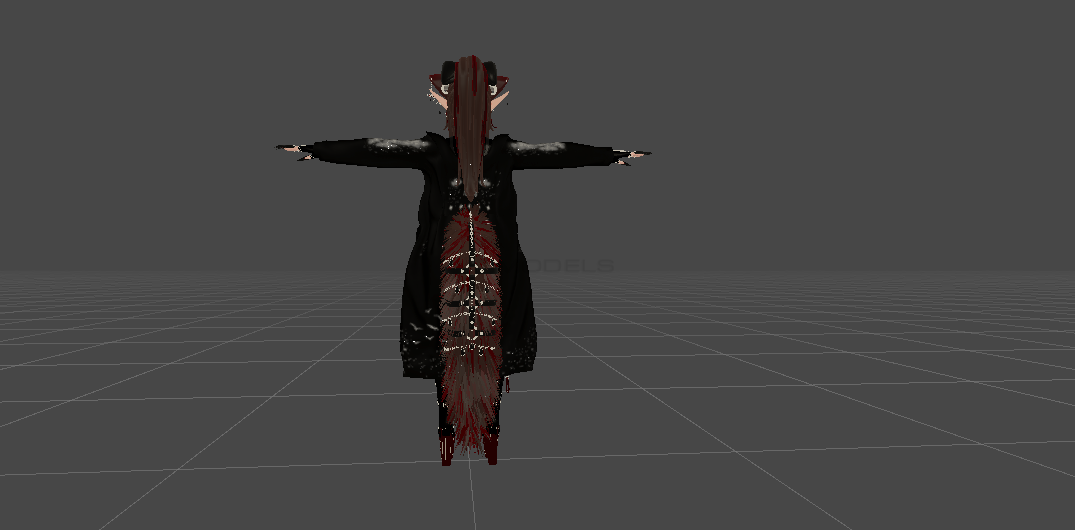
Thalia
 The link to the model was removed from the site at the request of the copyright holder
Description
How to use this package and upload to VRChat.
1. Open Unity 2019.4.31f1
2. Import VRChat Avatar SDK (3.0).
3. Import a Shader you want to use, Poi is recommended
4. Import Dynamic Bones.
5. Import The Avatar Package.
Avatar Special Features
- Clothing
Bodysuit, Shorts, Top, Pasties, Coat, Boots, Gloves,
Fishnets
- Accessories
Arm straps, Choker, Claws, Glasses, Harness,
Hip chain, Septum, Waist band
- Hair, Tail, Ears
Ears, Elf ears, Dial to change hair styles, Dial to change tails
1. Open Unity 2019.4.31f1
2. Import VRChat Avatar SDK (3.0).
3. Import a Shader you want to use, Poi is recommended
4. Import Dynamic Bones.
5. Import The Avatar Package.
Avatar Special Features
- Clothing
Bodysuit, Shorts, Top, Pasties, Coat, Boots, Gloves,
Fishnets
- Accessories
Arm straps, Choker, Claws, Glasses, Harness,
Hip chain, Septum, Waist band
- Hair, Tail, Ears
Ears, Elf ears, Dial to change hair styles, Dial to change tails

Due to spam in the comments, comments have been disabled.
All comments already added to this material have been hidden.Comments disabled: NomNom
We apologise for any inconvenience.