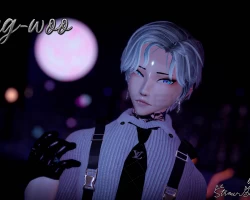
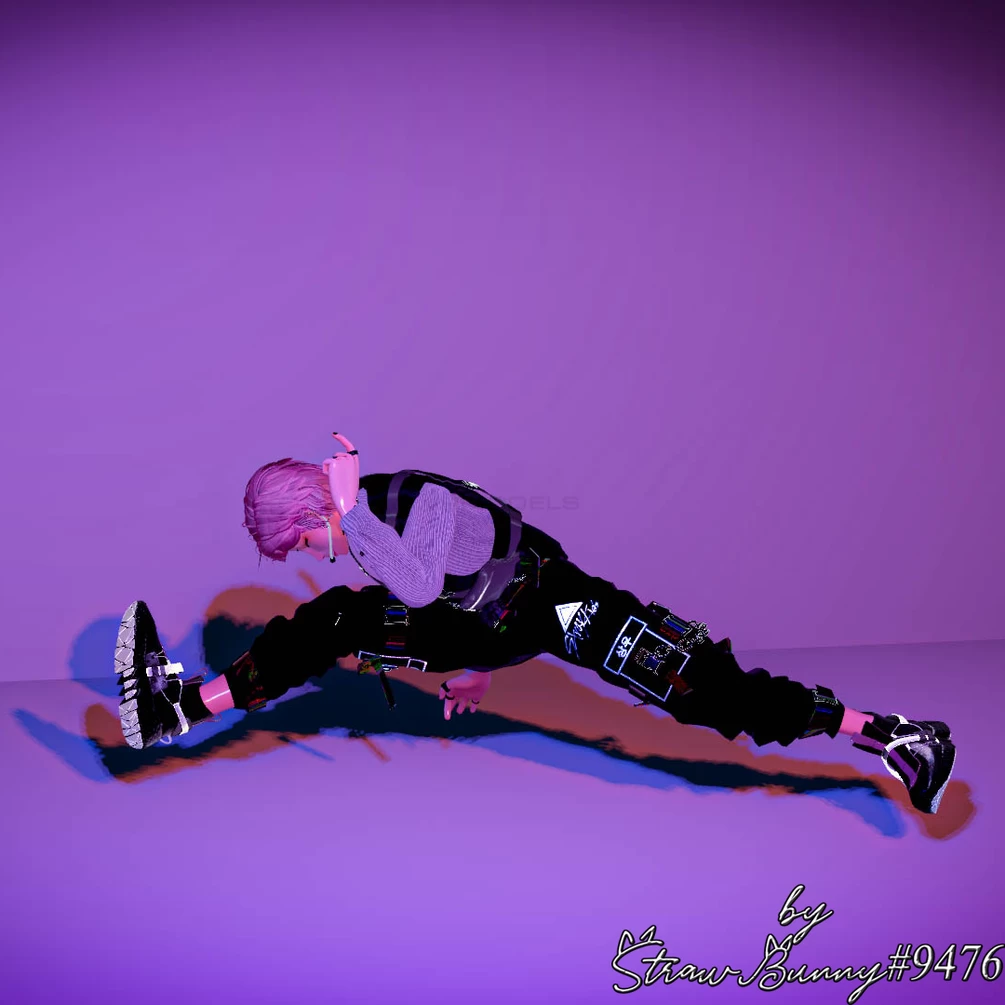
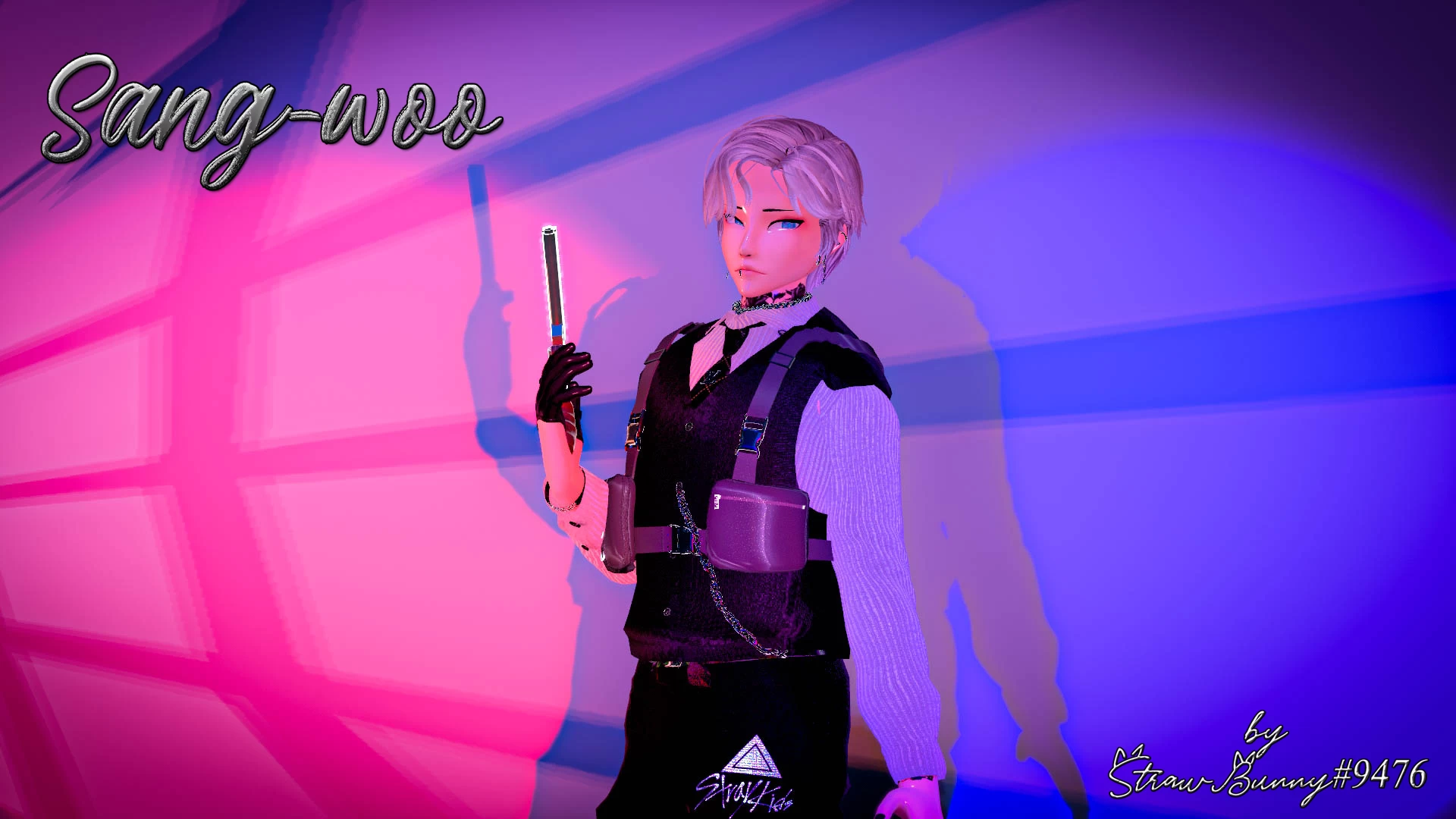
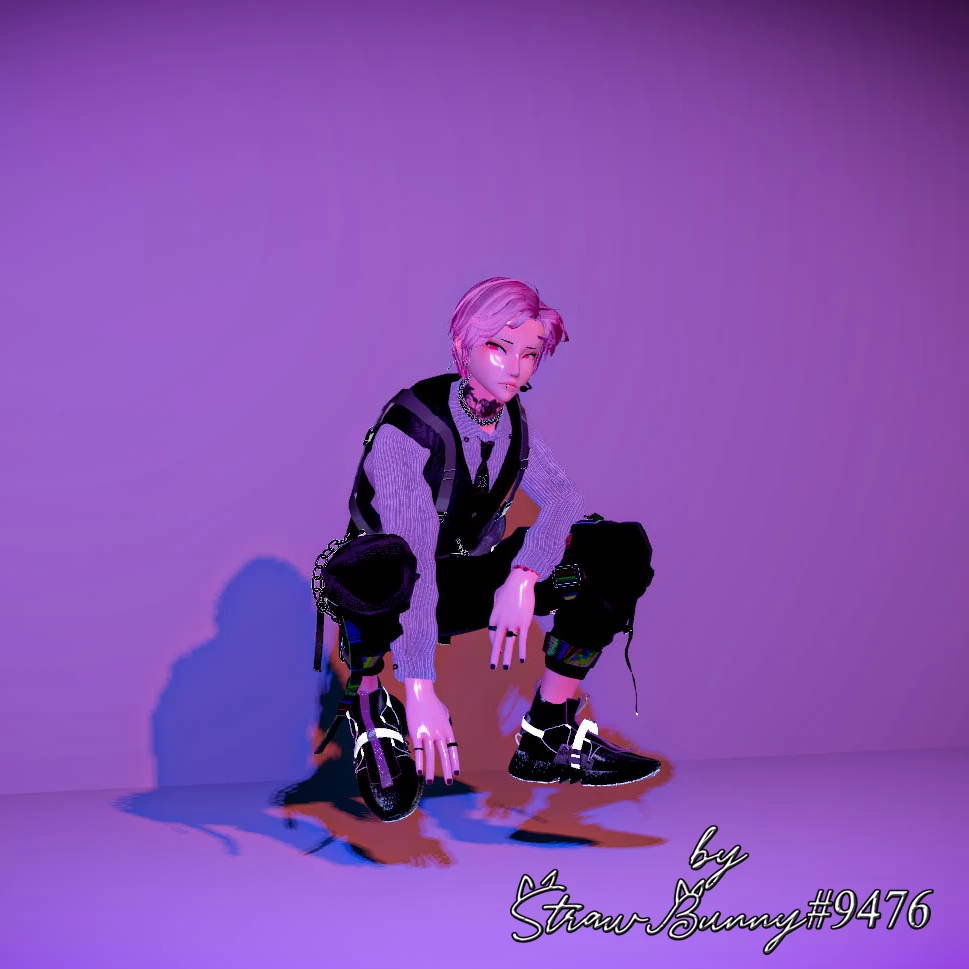
Sang-woo
 The link to the model was removed from the site at the request of the copyright holder
Description
How to use this package and upload to VRChat.
1. Open Unity 2019.4.31f1
2. Import VRChat Avatar SDK (3.0).
3. Import a Shader you want to use, Poiyomi Pro is recommended.
4. Import Dynamic Bones.
5. Import Dynamic Pen System
6. Import The Avatar Package.
Avatar Special Features
- Dissolve toggles for Clothes + Extras: Shirt, Vest, Tie, Shirt open, Shoes, Pants, Mask, Gun, Chest-Rig bags, Glove, Bracelets, Mic, Earrings, Choker, Rings)
- 6 Eye Colors (Blue-Black-Brown-Green-Red-Grey)
- 8 Hair colors (Black, Dark Red, White, Brown, Grey, Pastel Blue, Pastel Pink, Blonde)
- Dynamic Penetration System Setup
- Funtional Gun (Particles and sound)
- Marker
- Springjoint System by Brex
1. Open Unity 2019.4.31f1
2. Import VRChat Avatar SDK (3.0).
3. Import a Shader you want to use, Poiyomi Pro is recommended.
4. Import Dynamic Bones.
5. Import Dynamic Pen System
6. Import The Avatar Package.
Avatar Special Features
- Dissolve toggles for Clothes + Extras: Shirt, Vest, Tie, Shirt open, Shoes, Pants, Mask, Gun, Chest-Rig bags, Glove, Bracelets, Mic, Earrings, Choker, Rings)
- 6 Eye Colors (Blue-Black-Brown-Green-Red-Grey)
- 8 Hair colors (Black, Dark Red, White, Brown, Grey, Pastel Blue, Pastel Pink, Blonde)
- Dynamic Penetration System Setup
- Funtional Gun (Particles and sound)
- Marker
- Springjoint System by Brex

Due to spam in the comments, comments have been disabled.
All comments already added to this material have been hidden.Comments disabled: NomNom
We apologise for any inconvenience.