Model info
Content type:Avatars
Сreated by: spiderlily
SDK: 3.0 (VRChat)
Platform:
PC + Quest
Рhysbones: No
Face Tracking: No
Full body: Yes
Nsfw: Yes
DРS \ SPS : No
Views: 42 331
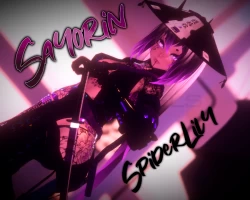
Sayorin
To download the model, you need to log in.
Description
How to use this package and upload to VRChat.
1. Open Unity 2019.4.31f1
2. Import VRChat Avatar SDK (3.0).
3. Import a Shader you want to use, Poiyomi Pro is recommended.
4. Import Dynamic Bones.
5. Import The Avatar Package.
Avatar Special Features
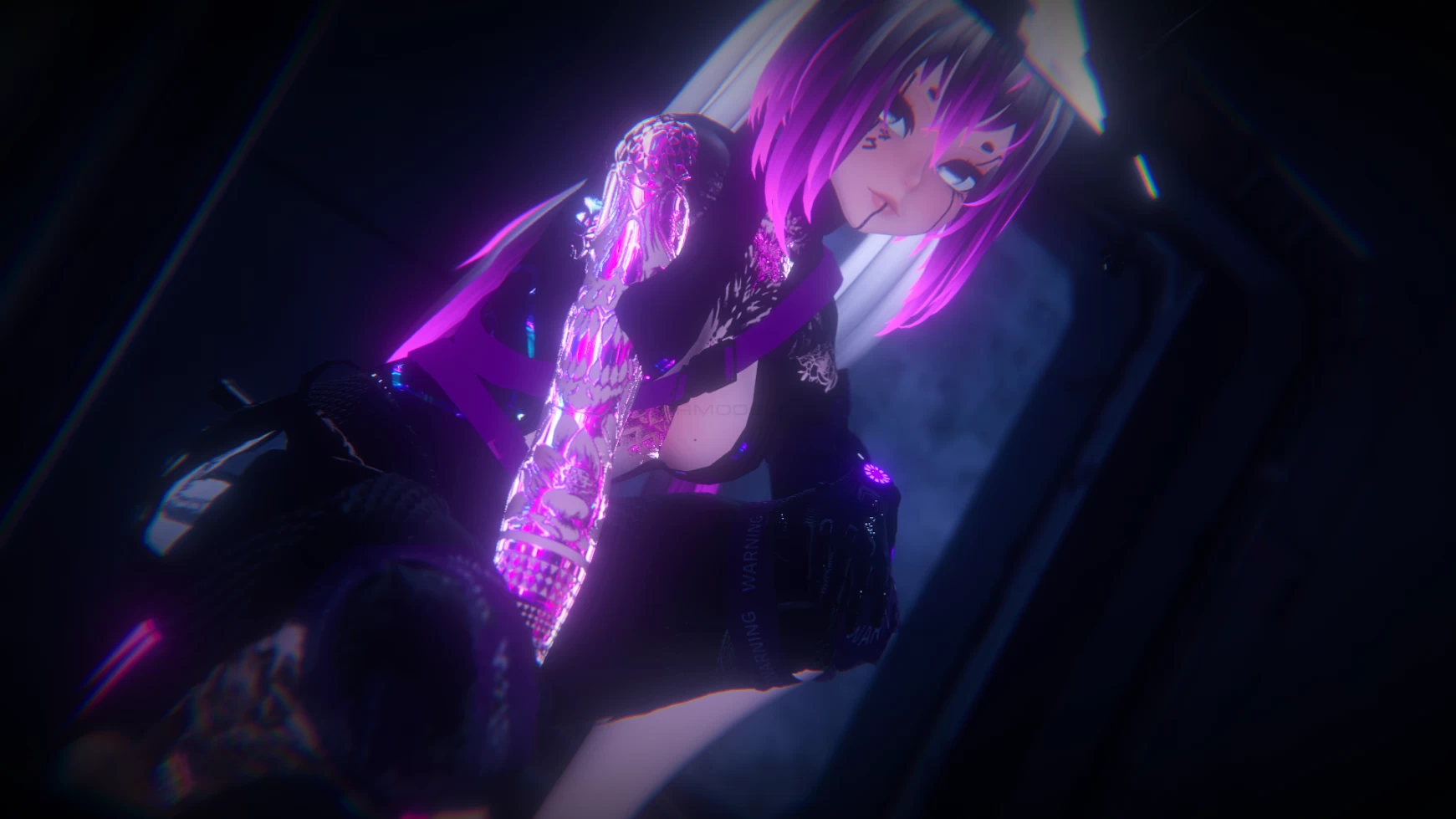
𝖣𝗒𝗇𝖺𝗆𝗂𝖼𝗌 𝖿𝗈𝗋 Hair, buns, twintails, armband, chest
5 𝖼𝗎𝗌𝗍𝗈𝗆 𝗀𝖾𝗌𝗍𝗎𝗋𝖾𝗌.
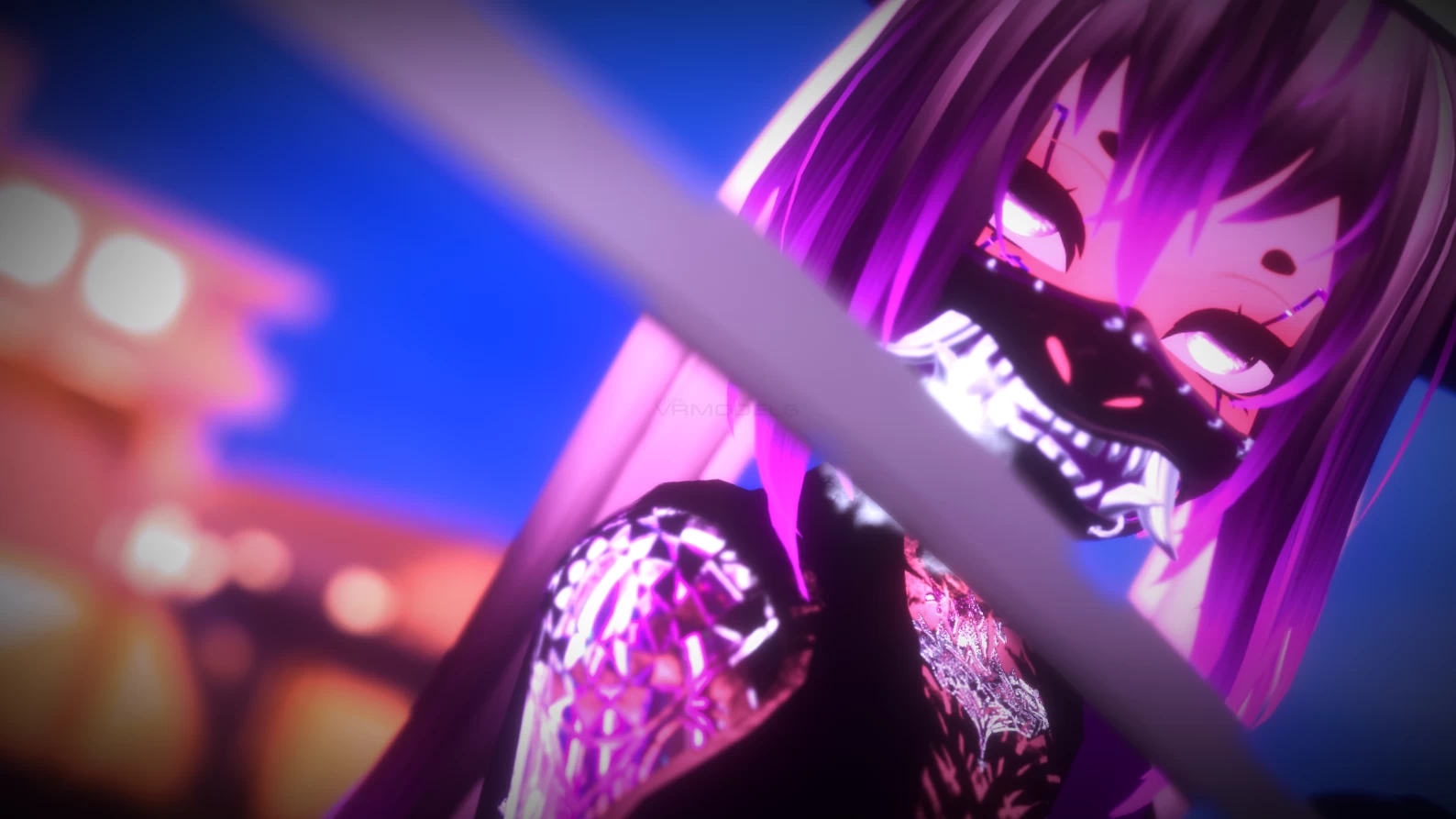
𝖳𝗈𝗀𝗀𝗅𝖾 Armband, Belts, Hat, Mask, LegStrap, Shoes, Pants, Bodysuit, HueClothes, HueHair.
1. Open Unity 2019.4.31f1
2. Import VRChat Avatar SDK (3.0).
3. Import a Shader you want to use, Poiyomi Pro is recommended.
4. Import Dynamic Bones.
5. Import The Avatar Package.
Avatar Special Features
𝖣𝗒𝗇𝖺𝗆𝗂𝖼𝗌 𝖿𝗈𝗋 Hair, buns, twintails, armband, chest
5 𝖼𝗎𝗌𝗍𝗈𝗆 𝗀𝖾𝗌𝗍𝗎𝗋𝖾𝗌.
𝖳𝗈𝗀𝗀𝗅𝖾 Armband, Belts, Hat, Mask, LegStrap, Shoes, Pants, Bodysuit, HueClothes, HueHair.
