Home » Avatars » Trinidad la Vaca

Model info

Content type:Avatars
Сreated by: Leche-Sama
SDK: 3.0 (VRChat)
Platform: PC
Рhysbones: No
Full body: Yes
Nsfw: Yes
DРS \ SPS : No
Views: 10 051
Trinidad la Vaca

To download the model, you need to log in.

Description

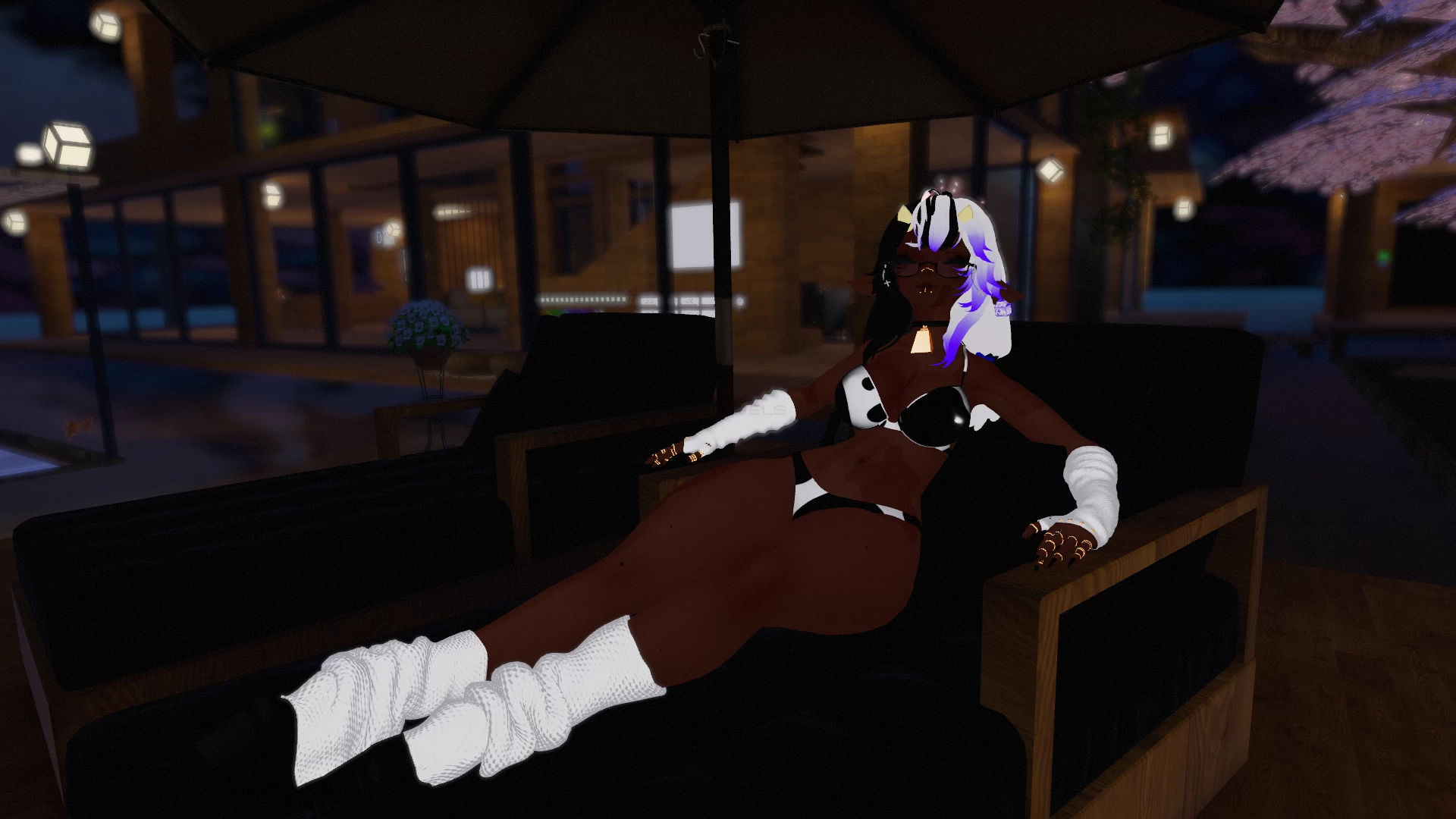
Body Sliders: Booba, Tummy, & Thicc

Color Hue Shift: Hair, Eye, Bodysuit, Hair ties, Bow on tail, Writing on Hoodie.

Slider for different nipple textures.

5 different skin color variants: Pale, Tan, Brownskin, Lightskin & Darkskin.

2 hairstyles, short and pigtails (both split)


Toggles

Clothing: Bodysuit, Crop Hoodie, Top & Skirt Outfit, Thighhighs, Boots, Panty & Bra Set, Leg & Warmers

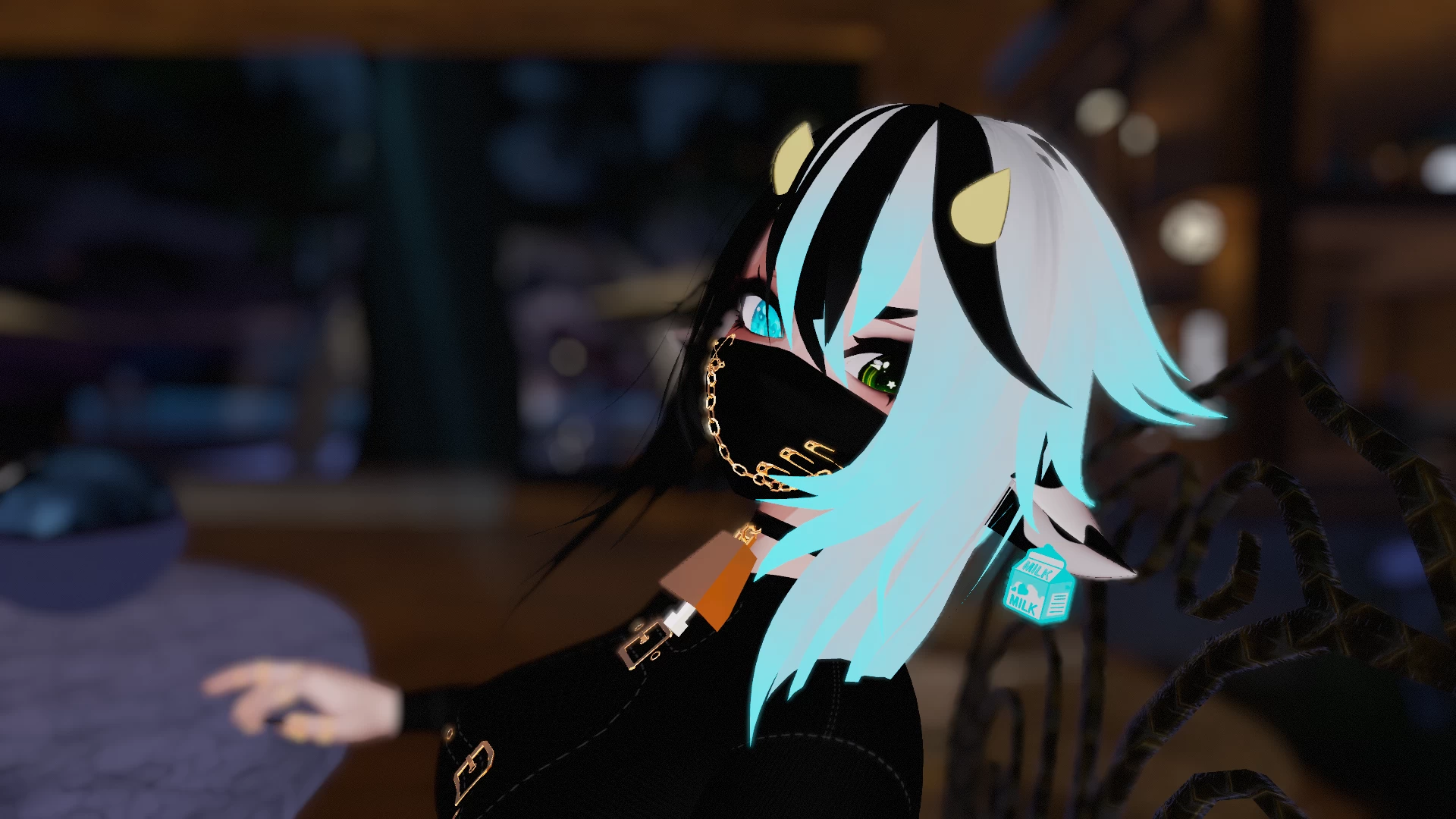
Accessories: Glasses, Mask, Rings, Cow Ears, Horns, Tail, Belly, Tag, Cow Plush with world constraint

Extras: Emote Particles, Milk Particles, Non-human & Human PP, Body & Face Piercings


She has a lot of DPS thanks to the DPS Tool.


How to Import:

SDK

Poi

Raliv's

Bones

then Model!

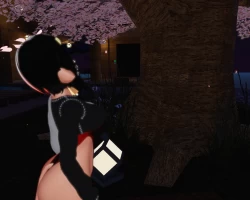
Screenshots of model Trinidad la Vaca in the game
Uploaded by

Anonymous


Comments: 6
Add comment

Information

To add your comment you need to log in.

  • foto
    ZakNogo #6
    0
    Oh yea, and if it wasn't known already, whenever you want to try to upload an avatar, for EVERY first time avatar you try to upload(that means any avatar you start with.), make sure you Detach the Blueprint ID before you start doing Build and Publish.

    After you do that, you won't need to detach the Blueprint of the avatar again.
    6 September 2022 16:12
  • foto
    ZakNogo #5
    0
    Just to say this out, like every other uploader...the uploader forgot to mention they already placed the Pumkin tools to this avatar package.

    DO NOT import the Pumkin tool into your project with this as there is already a Pumkin tool in this package. If you did, make sure BEFORE you even press import when you're selecting to import the avatar package, scroll down and UNCHECK the PumkinAvatarTool(Along with anything else thats giving that caution sign.). Otherwise, it will overlap and break the script; constantly making you do copies of Blueprint Prefabs and preventing you from trying to upload it.

    Once you do all that, you should be able to upload this fine.

    ALWAYS CHECK TO MAKE SURE there isn't another copy of an asset package inside an avatar package for those first-timers out there who are confused. Uncheck anything that has a caution sign in the package before you press import.
    6 September 2022 15:54
  • foto
    bread #4
    0
    yea its sad when someone passes away but extra going on some website to tell basically everyone how bad u or ur family is doing is trash. dont u think other people have problems too? and idk what u mean with the avi is broken except of the bad weightpaint on the avi.
    7 May 2022 12:02
  • foto
    JessaWolf #3
    0
    alois,
    ey dear, I understand ya. I saw u selling this model and read the bio upon it. I found ur avatar amazing and I deeply apologize and give condolences to u and ur family upon ur aunts passing. I myself know the feelings since I lost most of my family. I wish u luck for this to be taken down. Again, my condolences to the family
    4 May 2022 19:30
  • foto
    alois (user blocked for violating site rules) #2
    ***comment deleted***
    4 May 2022 09:56
  • foto
    Toast.eXe #1
    +1
    i need help uploading the avi, it keeps saying that it cant find the path to my avatar folder
    3 May 2022 04:26
s