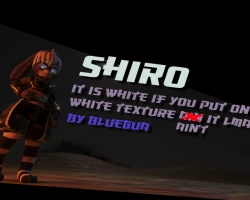
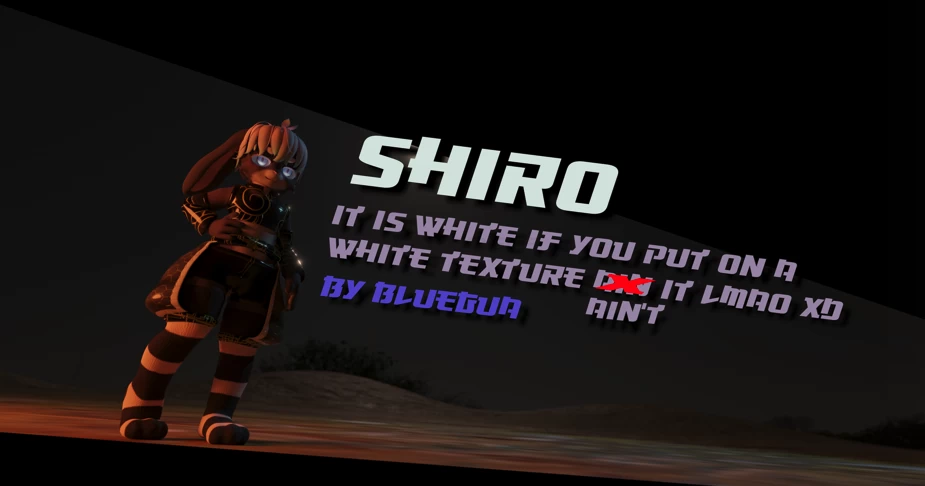
Home » Avatars » Shiro It Is White If You Put On A White Texture

Model info

Content type:Avatars
Сreated by: BlueGua
SDK: 3.0 (VRChat)
Platform: PC
Рhysbones: No
Full body: Yes
DРS \ SPS : No
Views: 5 283
Shiro It Is White If You Put On A White Texture

To download the model, you need to log in.

Description

Step By Step Installation:

1. Get the current version of unity.
2. Install VRCSDK.
3. Install DynamicBone.
4. Install Poiyomi's shader.
(https://github.com/poiyomi/PoiyomiToonShader)
6. Import Shiro unitypackage into the scene.
7. drag the prefab into the scene. and you should be able to upload the model from there.

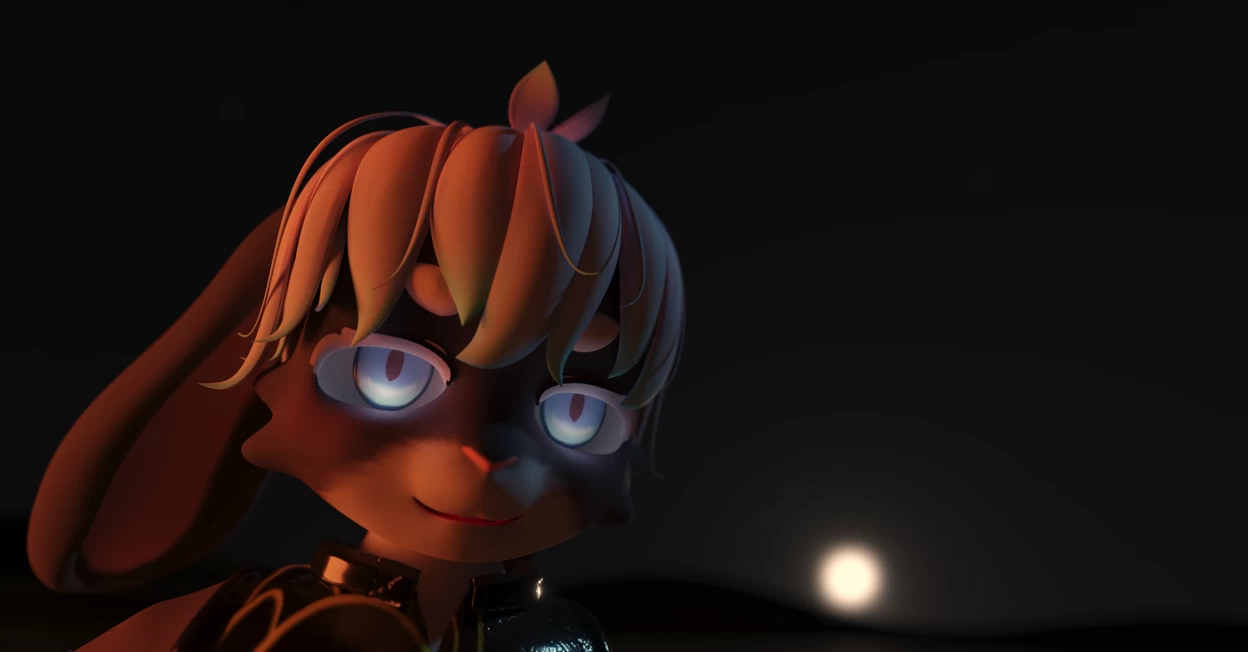
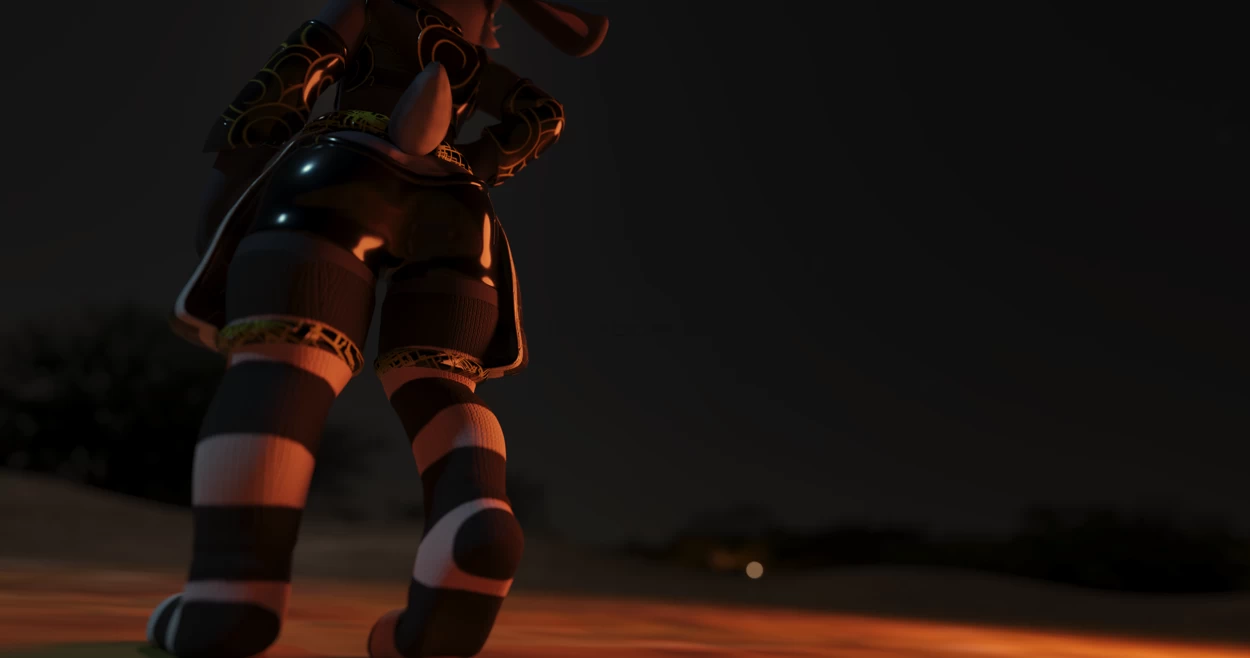
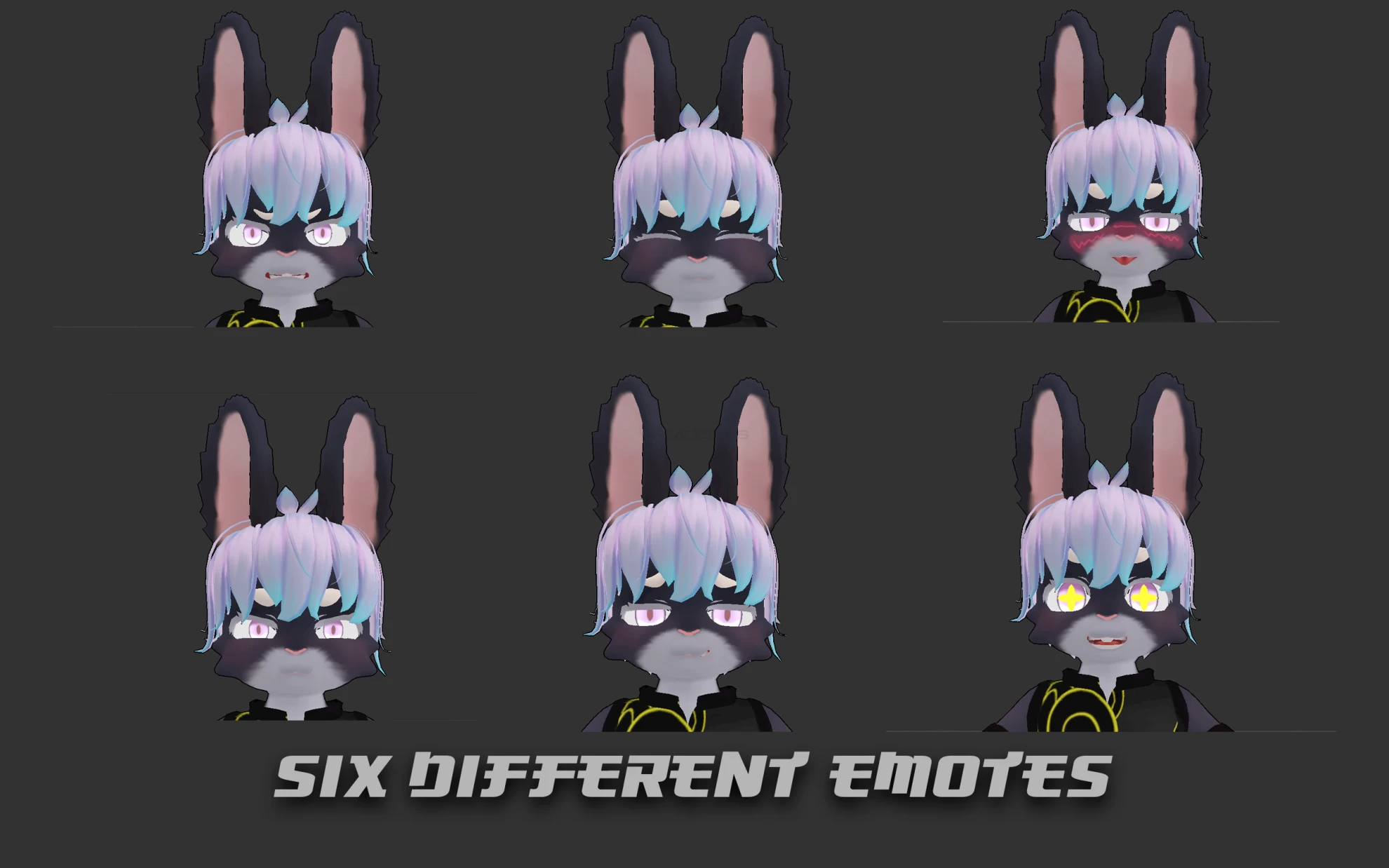
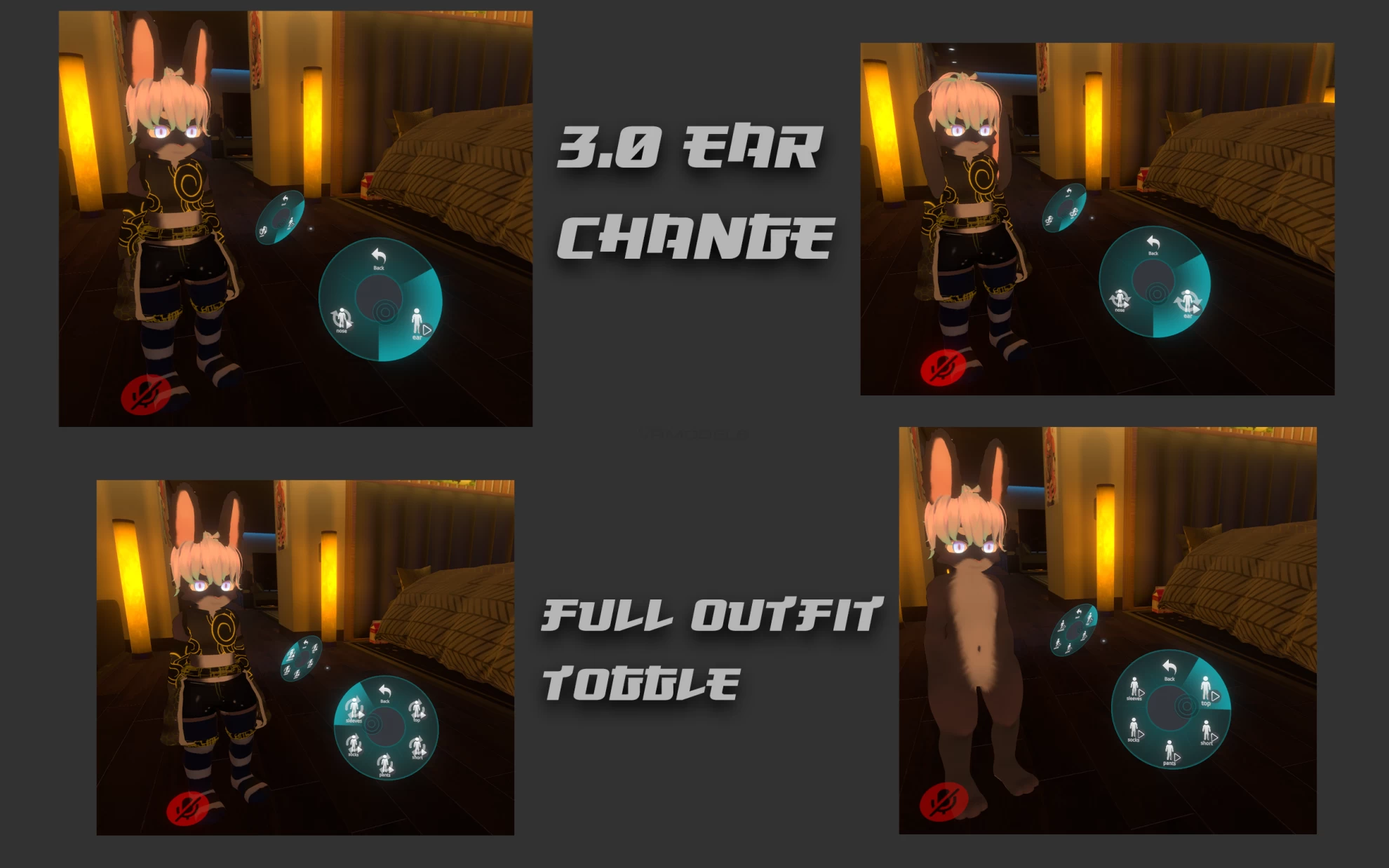
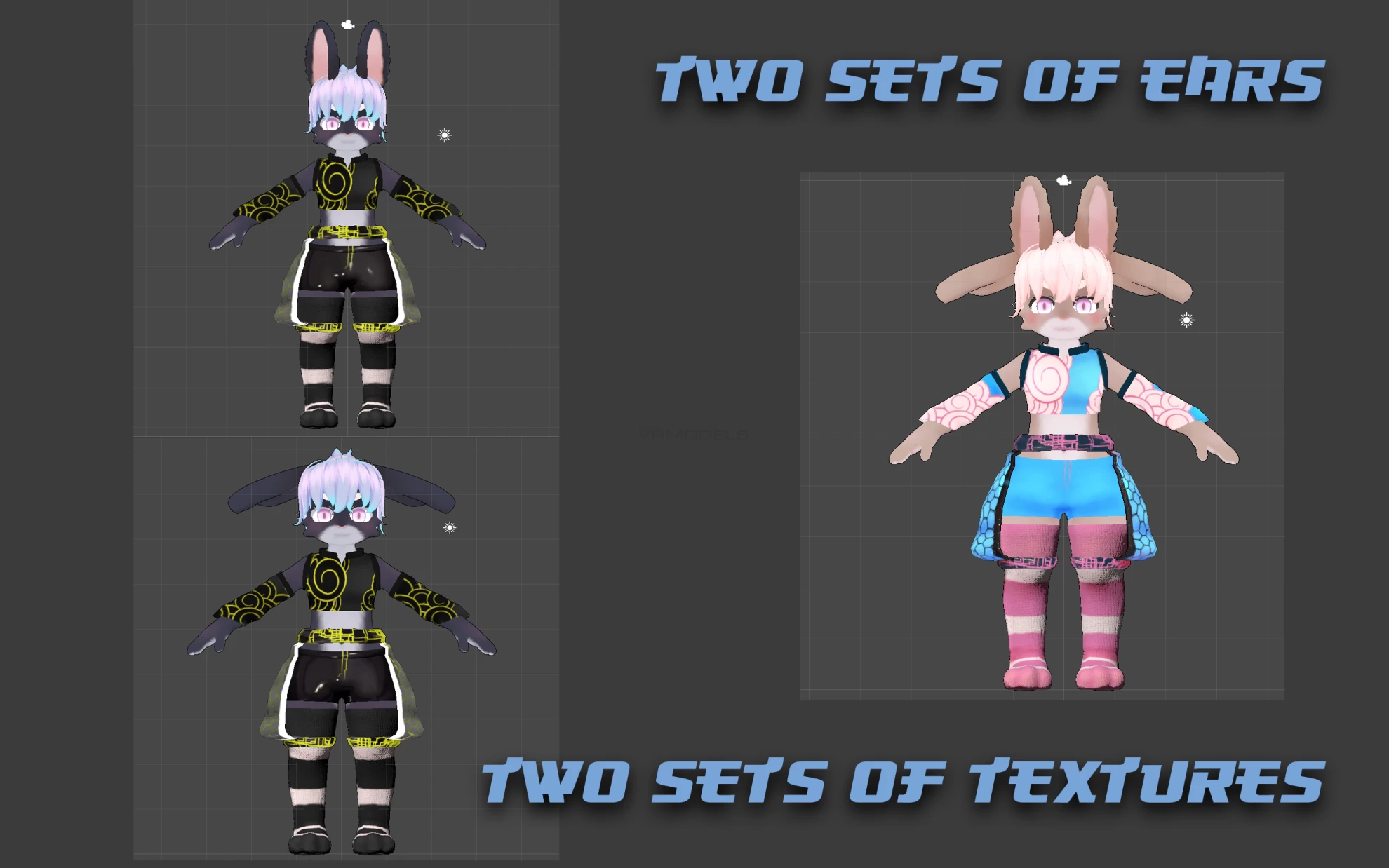
Screenshots of model Shiro It Is White If You Put On A White Texture in the game
Comments: 1
Add comment

Information

To add your comment you need to log in.

  • foto
    YupIllfuckem #1
    0
    ***comment deleted***
    5 June 2022 00:40
s