Home » Avatars » Mahima

Model info

Content type:Avatars
Сreated by: vastayavr
SDK: 3.0 (VRChat)
Platform: PC
Рhysbones: Yes
Face Tracking: No
Full body: Yes
Nsfw: Yes
DРS \ SPS : No
Views: 51 191
Mahima

To download the model, you need to log in.

Description

How to use this package and upload to VRChat.

1. Open Unity 2019.4.31f1
2. Import VRChat Avatar SDK (3.0).
3. Import a Shader you want to use, Poiyomi Pro is recommended.
4. Import Dynamic Penetration System
5. Import The Avatar Package.

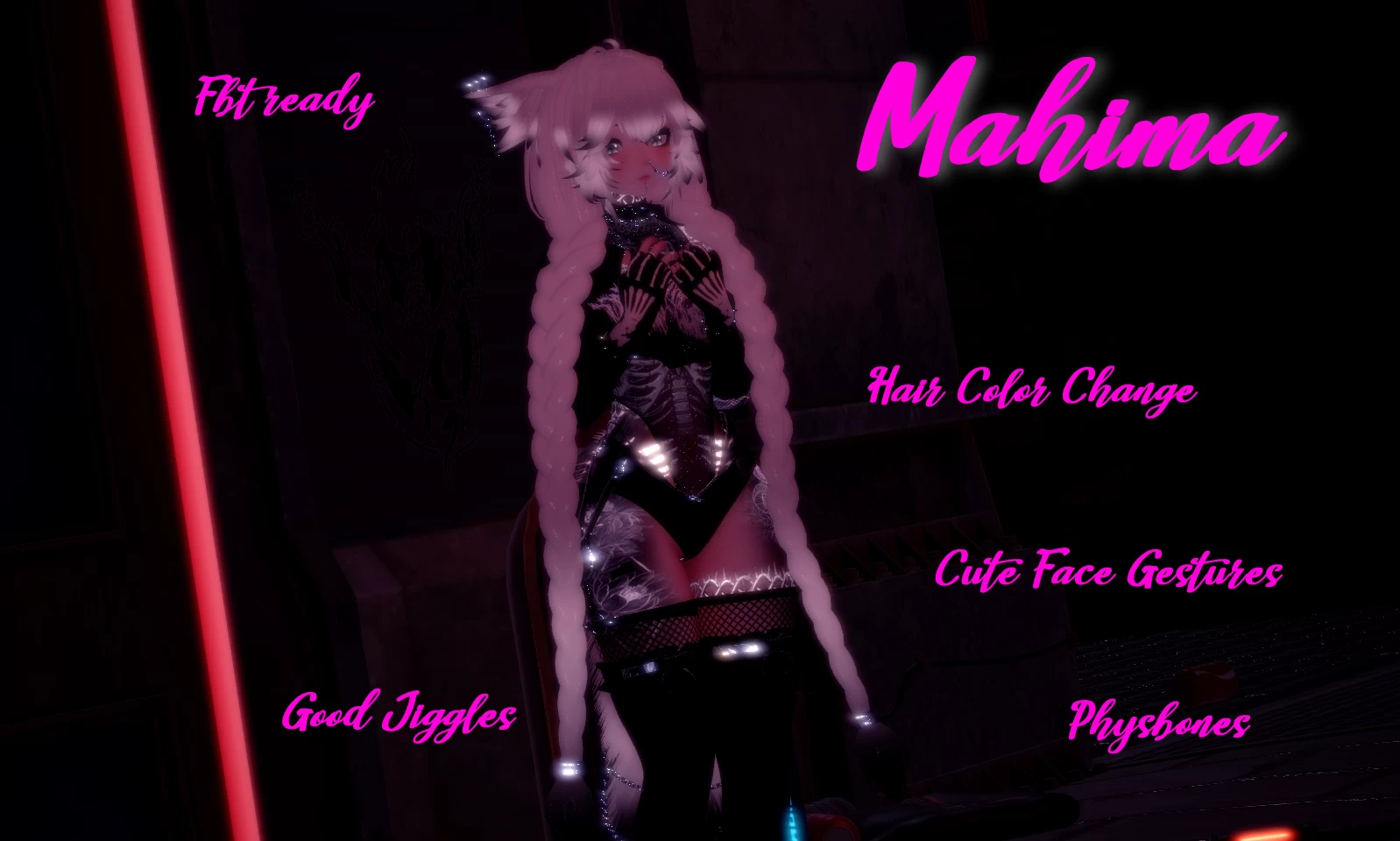
Avatar Special Features
- All gestures/idle animations/ etc, FBX+Prefab included.
- Phys bones: Ears,Hair,Boobs,Butt,Tail
- Colliders on whole body + floor collider for hair/tail
- Toggles via Inventory System:
- Custom made facial gesture animations
- Extra features:
• Hair Change
• FBT Ready

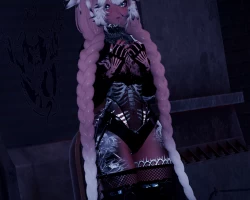
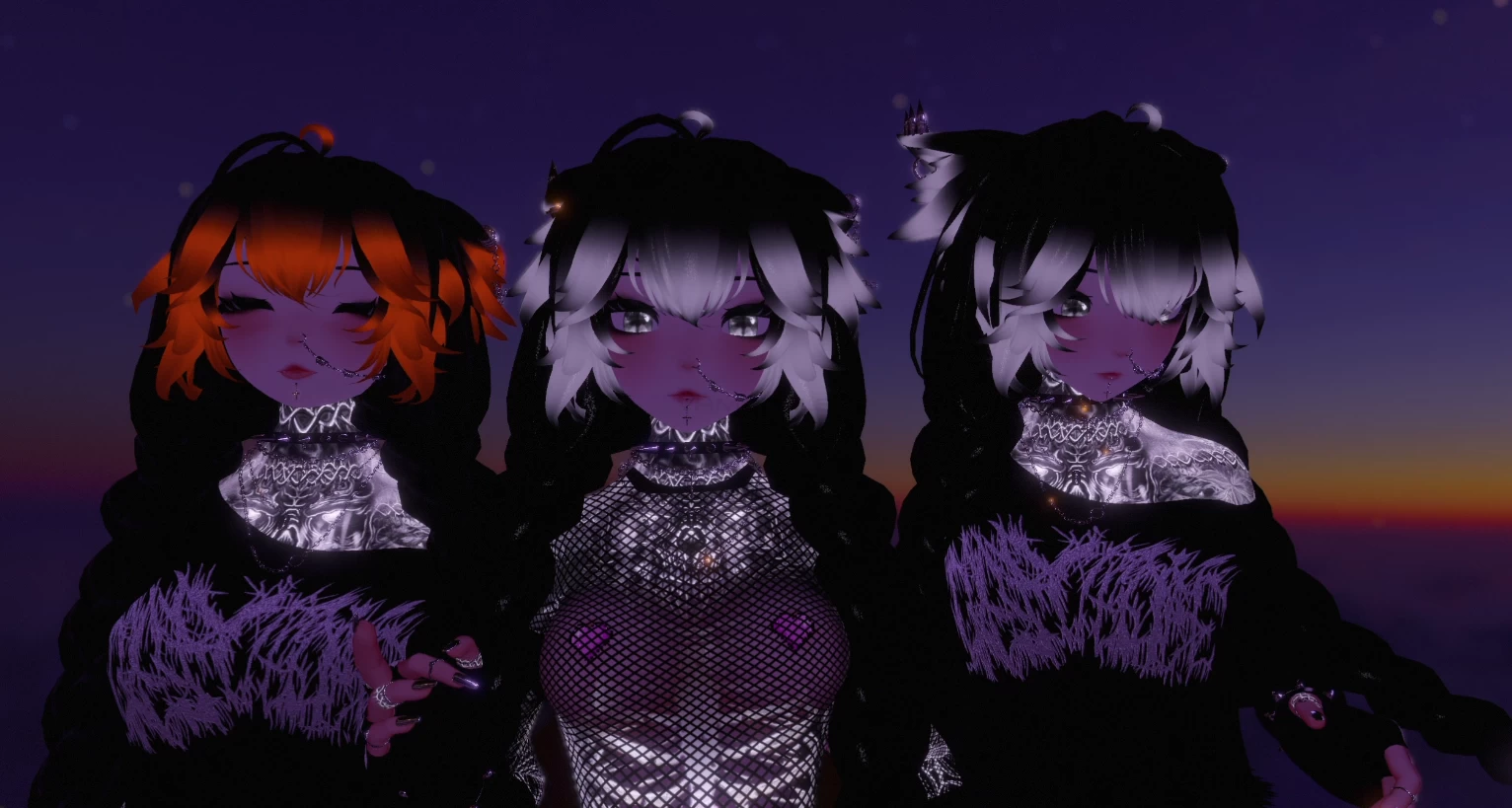
Screenshots of model Mahima in the game
Comments: 11
Add comment

Information

To add your comment you need to log in.

  • foto
    Project_Genesis #11
    0
    the Custom made facial gesture animations will not work for me
    24 November 2022 18:19
  • foto
    CalicoPeach #10
    0
    Some things are missing, like hair colors/outfits, ear resize. Is this broken or fixable.
    16 October 2022 22:38
  • foto
    chloe harkleroad #9
    0
    no asset bundle :(
    9 September 2022 14:51
  • foto
    jxstRylee #8
    prefab error :{ SAME° No matter what I do I always get the error
    14 July 2022 20:12
  • foto
    base #7
    +1
    uploaded it, all i did was delete VRLabs and reimport the latest version
    12 July 2022 14:55
  • foto
    Finaility #6
    +1
    babiighxul,
    i deleted it and checked the avi once i uploaded and everything looked like it worked- idk if the marker toggle works though since i havent been using my vr too much recently. dps idk about either but other than that; everything else works fine for me
    12 July 2022 00:05
  • foto
    MiraiNeko #5
    0
    could also always just delete the gesturemanager folder (if it exists) and import new versions of marker and av 3.0 manager. but people dont bother with thinking
    11 July 2022 14:55
  • foto
    Finaility #4
    0
    NovaShyaa,
    just delete it and it should work
    11 July 2022 03:09
  • foto
    Umizu #3
    +1
    if your having problems with uploading the avi just remove vrlabs
    11 July 2022 02:08
  • foto
    stopcussing #2
    +1
    babiighxul,
    agree prefab error
    10 July 2022 18:20
  • foto
    NovaShyaa #1
    +2
    i have problems with something of VRlabs
    10 July 2022 12:16