Home » Avatars » E-Baby 3.0

Model info

Content type:Avatars
Сreated by: fooly
SDK: 3.0 (VRChat)
Platform: PC
Рhysbones: Yes
Full body: Yes
Nsfw: Yes
DРS \ SPS : No
Views: 63 253
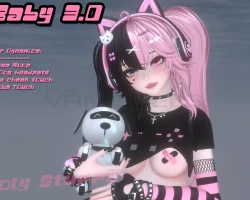
E-Baby 3.0

To download the model, you need to log in.

Description

How to use this package and upload to VRChat.

1. Open Unity 2019.4.31f1
2. Import VRChat Avatar SDK (3.0).
3. Import a Shader you want to use, Poiyomi Pro is recommended.
4. Import The Avatar Package.

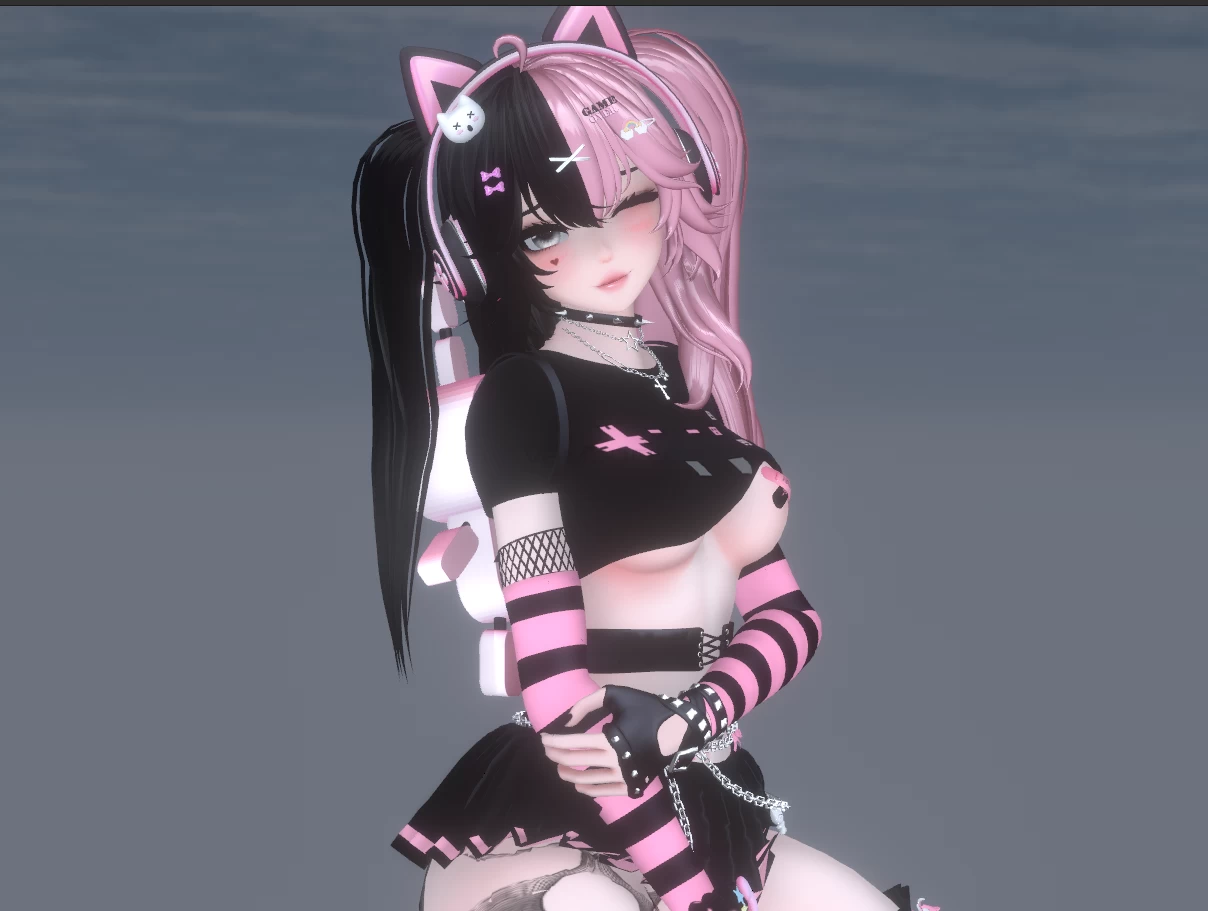
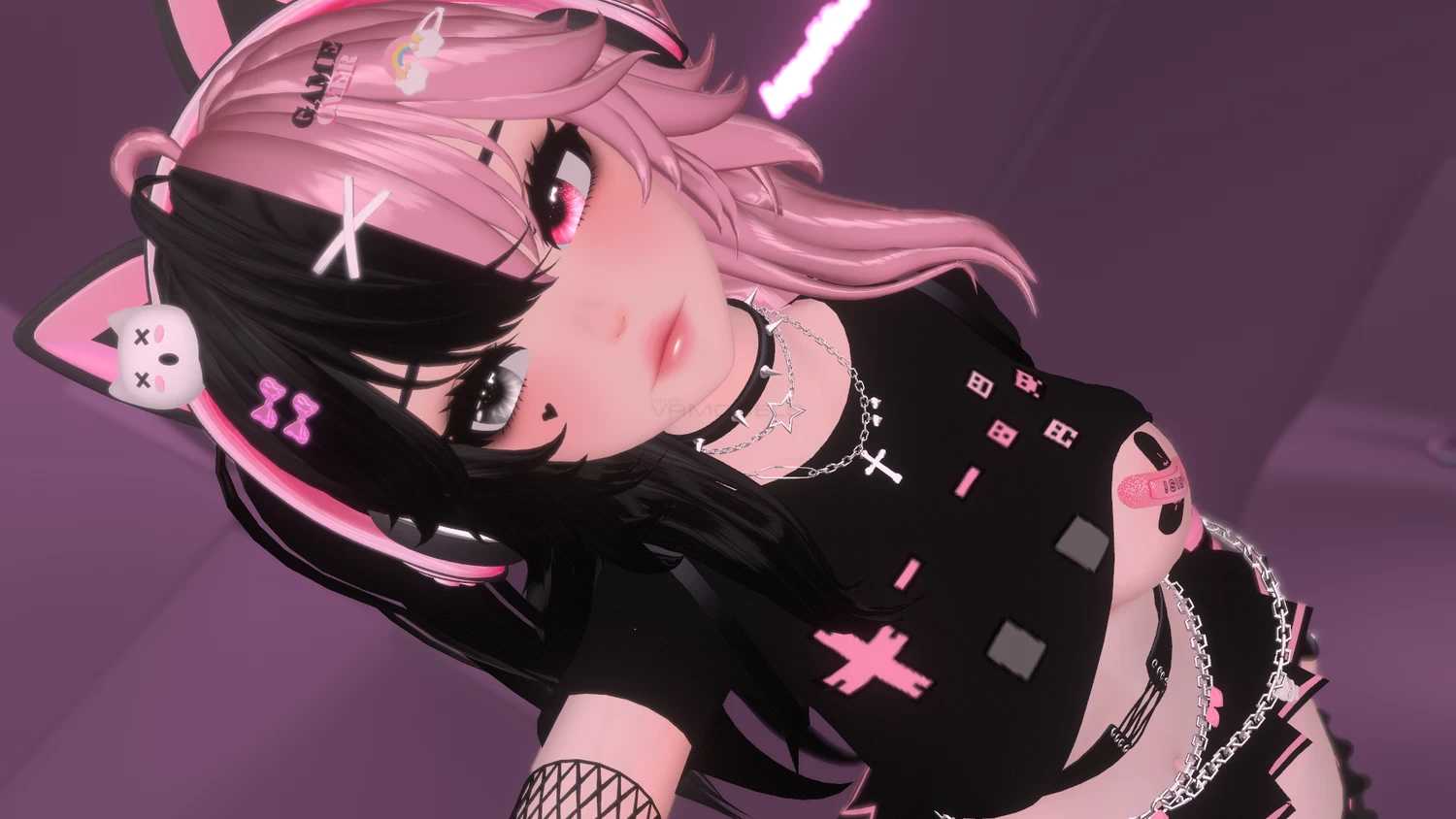
Avatar Special Features
VERY POOR has:
VRC Bones And Avatar Dynamics! Nose boops, robo dog makes cute face when head is pat, happy uwa when cheek is touched, Shy when booba touched, Robot backpack interaction when touched.
Heart shooting Gun!
Left and Right hair color toggles (6 different colors!)
NSFW (only pastie and panties come off- rest of outfit stays on!!)
Same eye color toggle
Robot Dog follower (has color toggle!)
Hue shift on anything pink on outfit, dog, and heart particles for gun.
Hair pins toggle
Avatar Dynamics can be toggled off
gestures
thigh and ass jiggle
Cute desktop idle
She has ass slap as well but im not sure if im smacking hard enough to test it correctly ^^; you can delete the 'ass slap' located on hips in you dont wish to have it!


Screenshots of model E-Baby 3.0 in the game
Comments: 29
Add comment

Information

To add your comment you need to log in.

  • foto
    AliCannon #29
    0
    what is "last fbx" after importing the unitypackage..?
    1 May 2025 09:32
  • foto
    milfpricilla #28
    Wallflower,
    I love you dawg
    25 March 2023 10:15
  • foto
    wolvesdontbeg #27
    0
    llennz,
    the toggles dont work for me
    19 March 2023 23:28
  • foto
    Wallflower (user blocked for violating site rules) #26
    How to upload (for noobs)

    Uploading PC Version:

    1. Import VRCSDK3
    2. Import Poyomi Pro or Poyomi Toon 7.3.50 to 8.0.385
    3. Import E-Baby
    4. Click on the E-Baby folder and double click the asset "e-baby"
    5. Click on the optimized version of the model in your Hierarchy and delete it.
    6. Upload avi.

    Uploading Quest version:

    (You'll need the Android SDK for Unity)
    1. Open a new project
    2. Import VRCSDK3
    3. Import E-Baby
    4. Go to E-Baby folder in assets and drag the "optimized" model into the scene. (She should be all pink at this time)
    5. Click on "All Materials" in your project files
    6. Click on each material one by one, and where it says "shader" in the inspector, manually change all the shaders to VRChat/Mobile/Toon Lit
    7. Open the VRCSDK control panel and go to "builder" then click "Switch Build Target to Android"
    8. Auto fix the audio error that will pop up.

    9. If you're attaching the Quest model to an already uploaded PC version of the model, go to "content manager" and copy the ID from the PC version. If you're just uploading for Quest only, skip this and upload the avi now.
    10. Click on the model in the scene and find the Pipeline Manager in the inspector tab.
    11. Paste the ID you copied into the blueprint ID.
    12. Upload the avi!
    20 October 2022 20:24
  • foto
    leana #25
    0
    Ajax_Tauron,
    same idk how to fix that
    30 August 2022 13:20
  • foto
    GvmDropz #24
    0
    llennz,
    You have to import shaders, what you're getting is called shader errors. Just go into the materials and reassign all the pink mats to your desired shader.
    23 August 2022 17:05
  • foto
    topanga #23
    0
    does she come with her toggles or no?
    9 August 2022 22:35
  • foto
    topanga #22
    0
    shes just fully pink! idk what i did wrong
    9 August 2022 21:11
  • foto
    Mama_Artemis #21
    +1
    What's funny is that if you use the very poor version on desktop and run in a straight line, she'll smack her own ass as she runs!

    Additionally, the optimized version works great when converted to a Quest avatar!
    3 August 2022 13:55
  • foto
    cookie__neko #20
    0
    Ajax_Tauron,
    ouvre avec winrar
    1 August 2022 12:31
  • foto
    Frowyo69 #19
    0
    I LOVE THIS AVI SM !! She works amazingly with no unity issues.
    31 July 2022 12:52
  • foto
    DaisyAimi #18
    0
    loving this avatar
    30 July 2022 17:53
  • foto
    Ajax_Tauron (user blocked for violating site rules) #17
    i cant even get the model to open i get "Failed to import package with error: Couldn't decompress package"
    30 July 2022 12:28
  • foto
    maxchaser2002 #16
    0
    It's normal when i click the prefab but when i put it in the scence it is grey
    30 July 2022 06:00
  • foto
    maxchaser2002 #15
    0
    No , i use the prefab in scene file , and it still grey , only some part are black
    30 July 2022 04:56
  • foto
    peach #14
    0
    maxchaser2002,
    you're probably looking at the fbx instead of the prefab or scene file.

    works perfectly!
    30 July 2022 03:34
  • foto
    maxchaser2002 #13
    0
    help me , the model is just all grey , it doesnt have any colour , i change all material to Poi but it still doesnt work :<
    30 July 2022 00:40
  • foto
    MochiiChi #12
    0
    ***comment deleted***
    29 July 2022 16:41
  • foto
    BB61IOWA #11
    0
    can't upload due to filenotfoundexception, prefab does not exist. dynamic bones were imported too in another attempt but all hair and physic bones are missing their script. anyone got a solution?
    29 July 2022 12:22
  • foto
    Serra #10
    0
    thank you very much~
    29 July 2022 04:36
  • foto
    Cloud queen0214 (user blocked for violating site rules) #9
    it showed up really white I tried to fix it didn't work maybe it's broken or I have the wrong poi. toon even tho I have the latest one?
    29 July 2022 00:28
  • foto
    deca #8
    0
    Thank you kind soul
    28 July 2022 15:32
  • foto
    Sug_Madic #7
    0
    ⣿⣿⣿⣿⣿⣿⣿⣿⣿⣿⣿⣿⣿⣿⣿⣿⣿⣿⣿⣿⣷⣬⡛⣿⣿⣿⣯⢻
    ⣿⣿⣿⣿⣿⣿⣿⣿⣿⣿⣿⡟⢻⣿⣿⢟⣻⣿⣿⣿⣿⣿⣿⣮⡻⣿⣿⣧
    ⣿⣿⣿⣿⣿⢻⣿⣿⣿⣿⣿⣿⣆⠻⡫⣢⠿⣿⣿⣿⣿⣿⣿⣿⣷⣜⢻⣿
    ⣿⣿⡏⣿⣿⣨⣝⠿⣿⣿⣿⣿⣿⢕⠸⣛⣩⣥⣄⣩⢝⣛⡿⠿⣿⣿⣆⢝
    ⣿⣿⢡⣸⣿⣏⣿⣿⣶⣯⣙⠫⢺⣿⣷⡈⣿⣿⣿⣿⡿⠿⢿⣟⣒⣋⣙⠊
    ⣿⡏⡿⣛⣍⢿⣮⣿⣿⣿⣿⣿⣿⣿⣶⣶⣶⣶⣾⣿⣿⣿⣿⣿⣿⣿⣿⣿
    ⣿⢱⣾⣿⣿⣿⣝⡮⡻⣿⣿⣿⣿⣿⣿⣿⣿⣿⣿⡿⠿⠛⣋⣻⣿⣿⣿⣿
    ⢿⢸⣿⣿⣿⣿⣿⣿⣷⣽⣿⣿⣿⣿⣿⣿⣿⡕⣡⣴⣶⣿⣿⣿⡟⣿⣿⣿
    ⣦⡸⣿⣿⣿⣿⣿⣿⡛⢿⣿⣿⣿⣿⣿⣿⣿⣿⣿⣿⣿⣿⣿⣿⡇⣿⣿⣿
    ⢛⠷⡹⣿⠋⣉⣠⣤⣶⣶⣿⣿⣿⣿⣿⣿⡿⠿⢿⣿⣿⣿⣿⣿⣷⢹⣿⣿
    ⣷⡝⣿⡞⣿⣿⣿⣿⣿⣿⣿⣿⡟⠋⠁⣠⣤⣤⣦⣽⣿⣿⣿⡿⠋⠘⣿⣿
    ⣿⣿⡹⣿⡼⣿⣿⣿⣿⣿⣿⣿⣧⡰⣿⣿⣿⣿⣿⣹⡿⠟⠉⡀⠄⠄⢿⣿
    ⣿⣿⣿⣽⣿⣼⣛⠿⠿⣿⣿⣿⣿⣿⣯⣿⠿⢟⣻⡽⢚⣤⡞⠄⠄⠄⢸⣿
    28 July 2022 12:39
  • foto
    DaisyAimi #6
    0
    Hey guys! If you are occurring problems with the “blueprint”. All you have to do is go to your VRChat Avatar descriptor, then go to the pipeline manager and click “Detach”. Then it should work :)
    28 July 2022 11:52
  • foto
    skolleyx #5
    +1
    pipeline manager> detach :) figured it out
    28 July 2022 09:28
  • foto
    little devil :p #4
    0
    skolleyx,
    remove the blueprint then it should work
    28 July 2022 09:27
  • foto
    bloom #3
    0
    skolleyx,
    https://docs.google.com/document/d/1iPax2VviQrkYE5YGZR8hkYyuxMRUcrgv3hBU7Io3y2U/edit#heading=h.52hkh4hlt49y
    28 July 2022 09:26
  • foto
    skolleyx #2
    0
    error saving blueprint when trying to upload to account, how do i fix that?
    28 July 2022 09:23
  • foto
    beauty #1
    0
    thanks yaki!
    28 July 2022 08:40