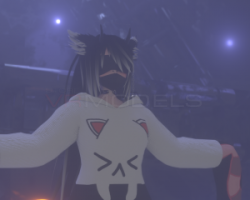
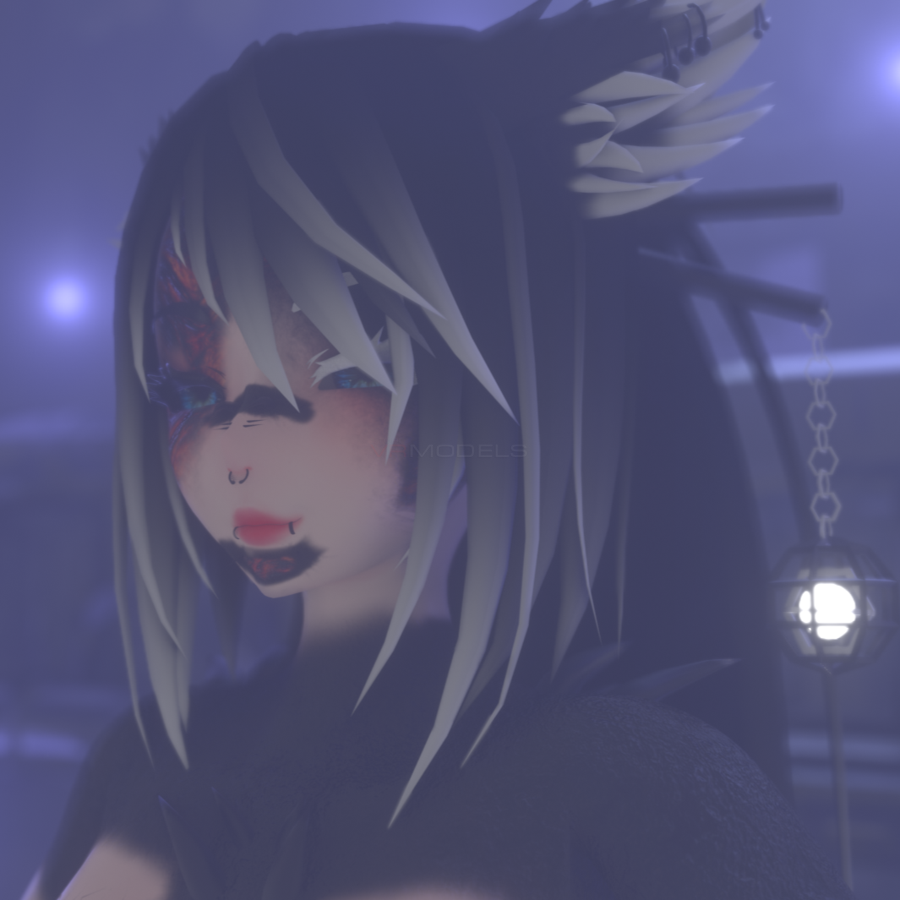
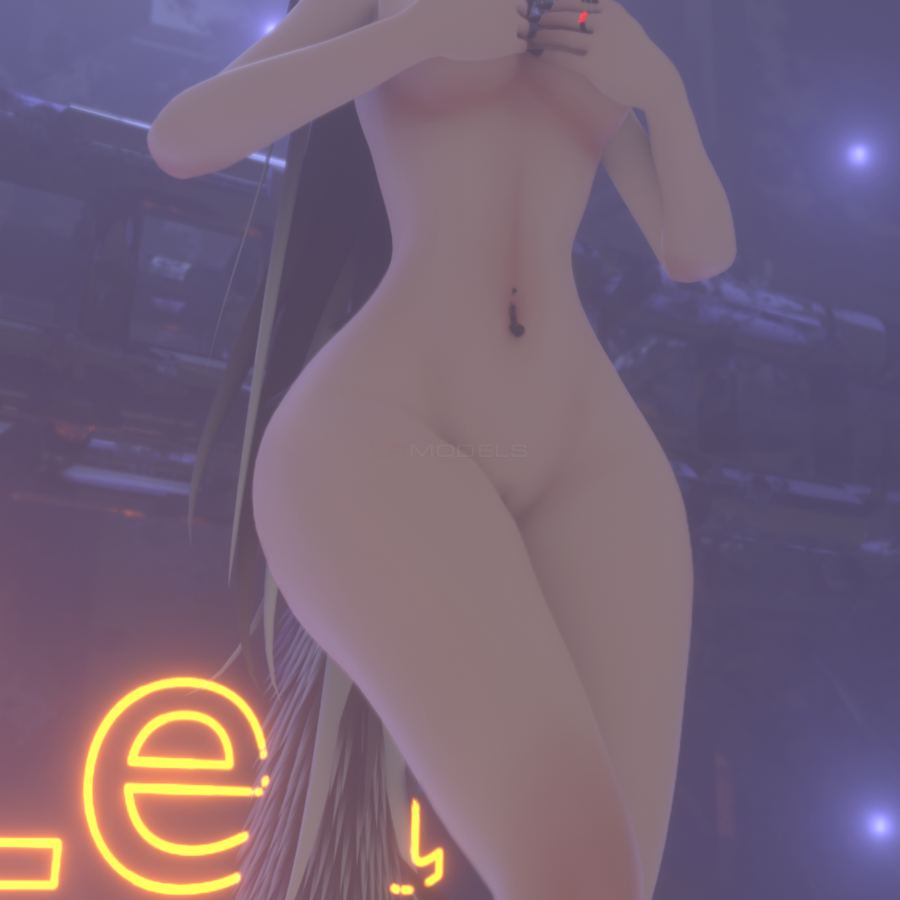

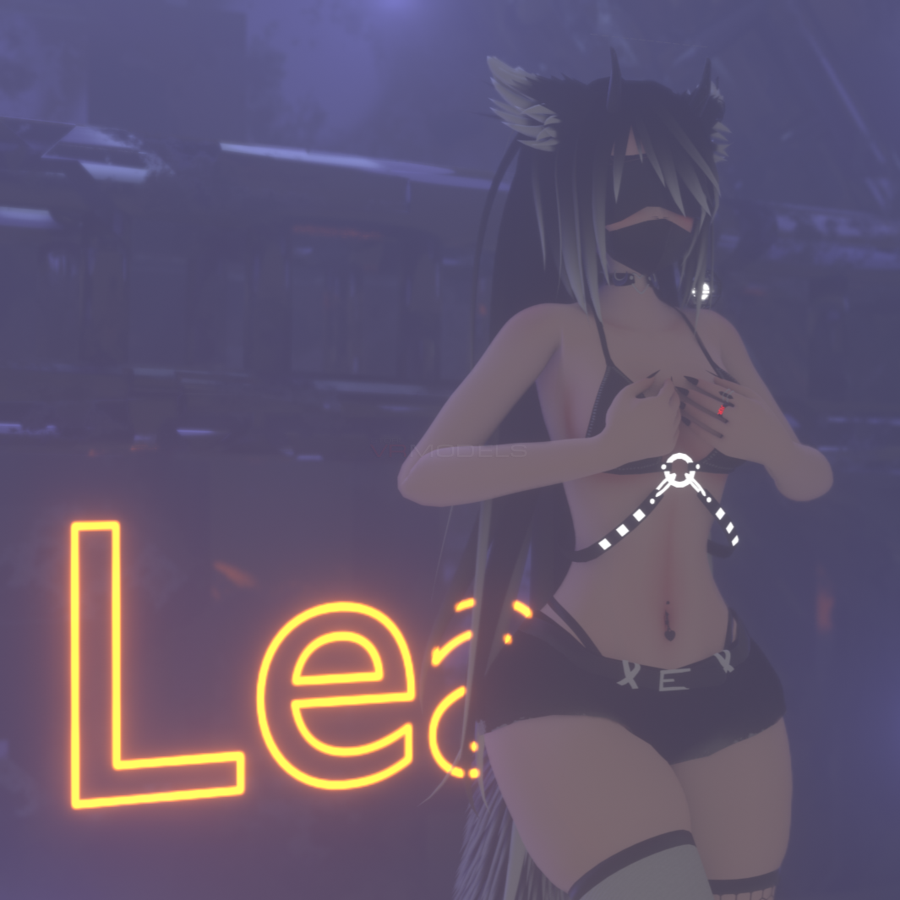

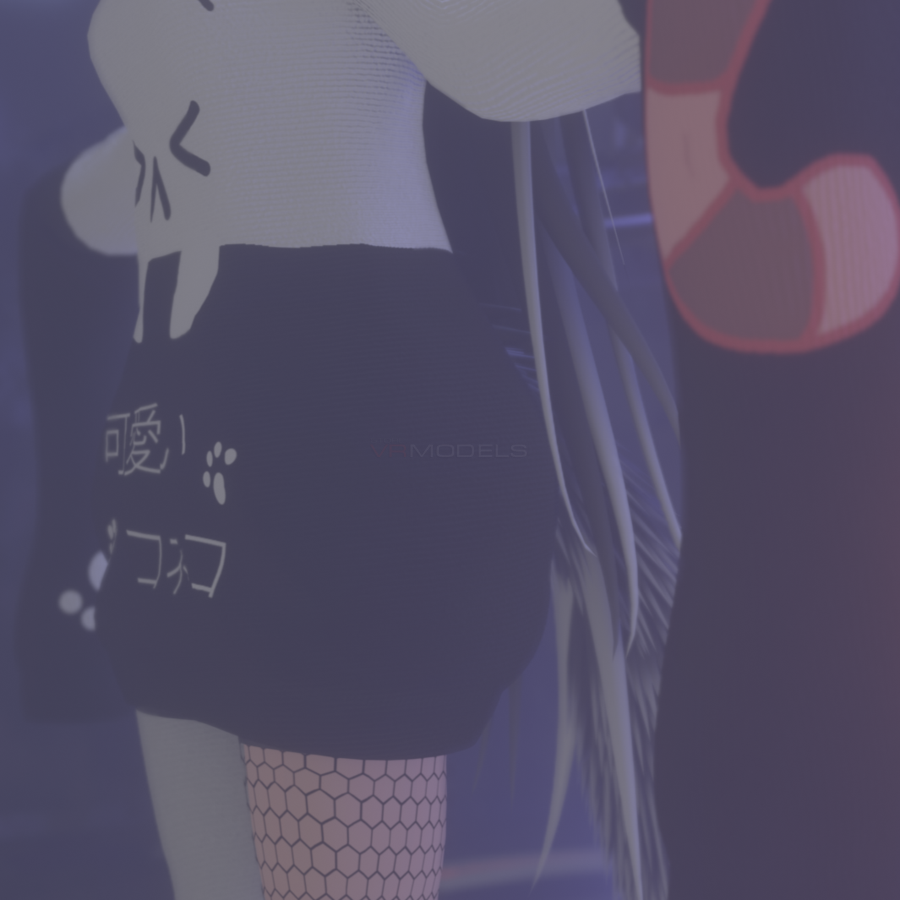
LEA - RIYSHIN
 The link to the model was removed from the site at the request of the copyright holder
Description
How to use this package and upload to VRChat.
1. Open Unity 2018.4.20f1.
2. Import VRChat Avatar SDK.
3. Import a Shader you want to use, Poiyomi is recommended.
4. Import Dynamic Bones.
5. Import The Avatar Package.
Enjoy the Avatar
-Avatars Are Not Worth 40 Dollars
What she got: Clothe toggle:
Full clothe toggles via wireframe and dissolve.
Corrupted Toggle
Hue shift
RGB Toggle,
Throwjoint, Body Glitter
HairSwap, Visemes
Tail Toggle
Mouth smoke
5 different Styles
8 different piercings
What you need!
Raliv's shader (1.21)
Poiyomi Pro Shader (7.2.01)
SDK 3.0 (latest)
Dynamic Bones (latest)
1. Open Unity 2018.4.20f1.
2. Import VRChat Avatar SDK.
3. Import a Shader you want to use, Poiyomi is recommended.
4. Import Dynamic Bones.
5. Import The Avatar Package.
Enjoy the Avatar
-Avatars Are Not Worth 40 Dollars
What she got: Clothe toggle:
Full clothe toggles via wireframe and dissolve.
Corrupted Toggle
Hue shift
RGB Toggle,
Throwjoint, Body Glitter
HairSwap, Visemes
Tail Toggle
Mouth smoke
5 different Styles
8 different piercings
What you need!
Raliv's shader (1.21)
Poiyomi Pro Shader (7.2.01)
SDK 3.0 (latest)
Dynamic Bones (latest)
