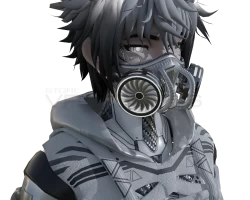
Avatars
Search
Avatars
Models
Other
Screenshots
Community
Authorization
Register
Home
»
Avatars
» Cyber Daedalus
Model info
Content type:
Avatars
Сreated by:
GHOST XO
SDK:
3.0 (VRChat)
Unity version:
Unity 2022
Platform:
PC
Рhysbones:
Yes
Face Tracking:
No
Full body:
Yes
Nsfw:
Yes
DРS \ SPS :
Yes
Views:
245 249
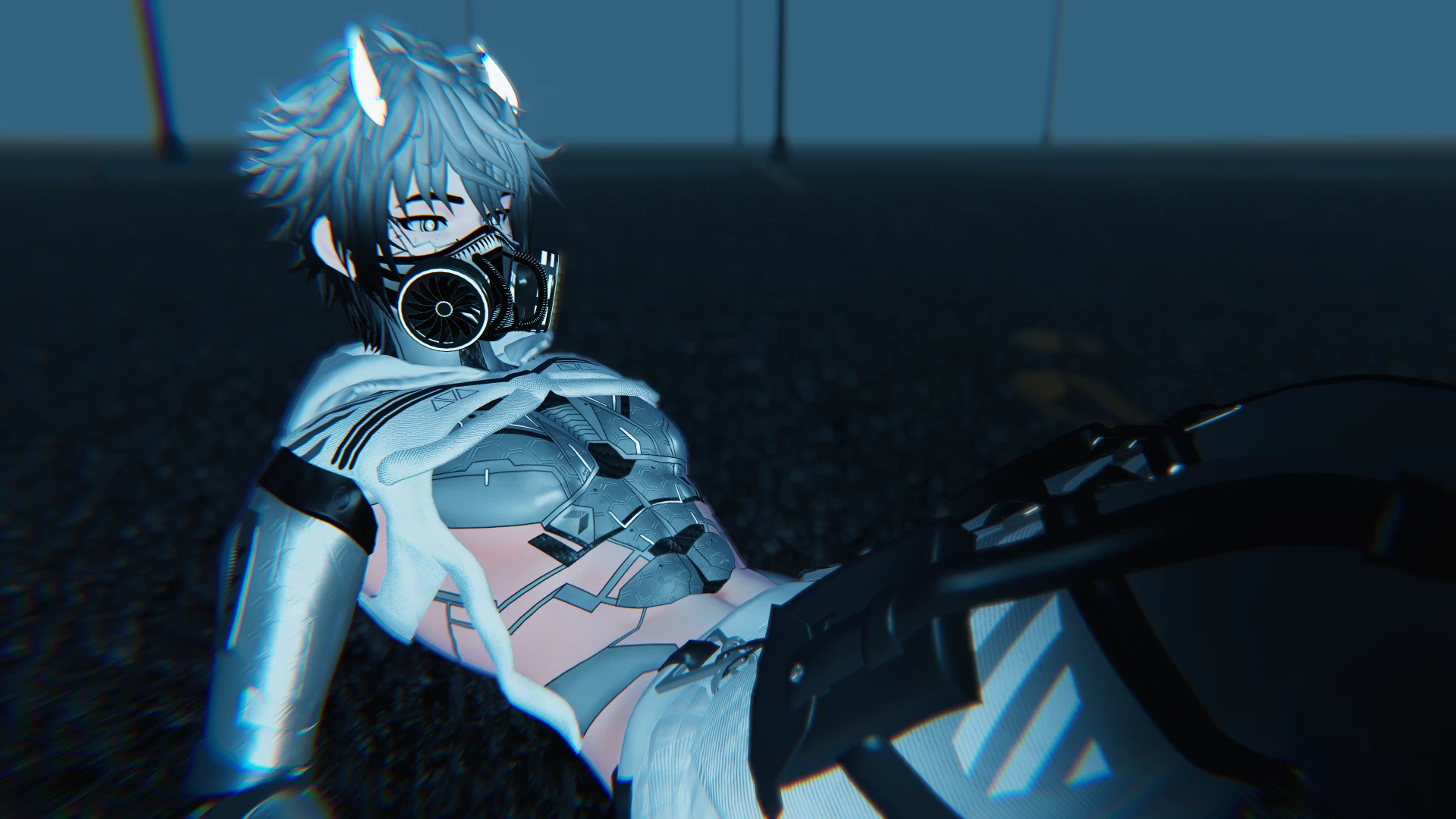
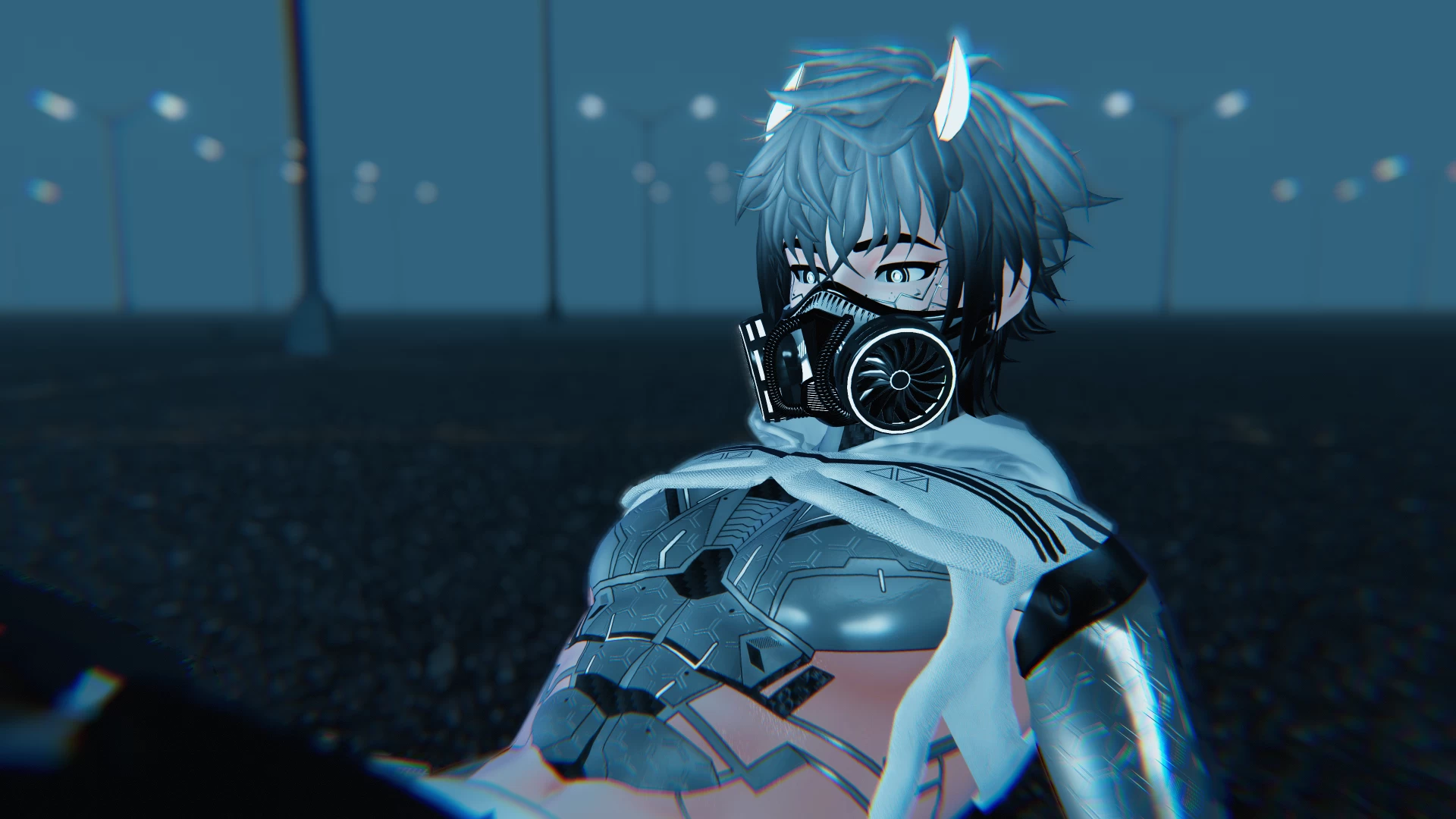
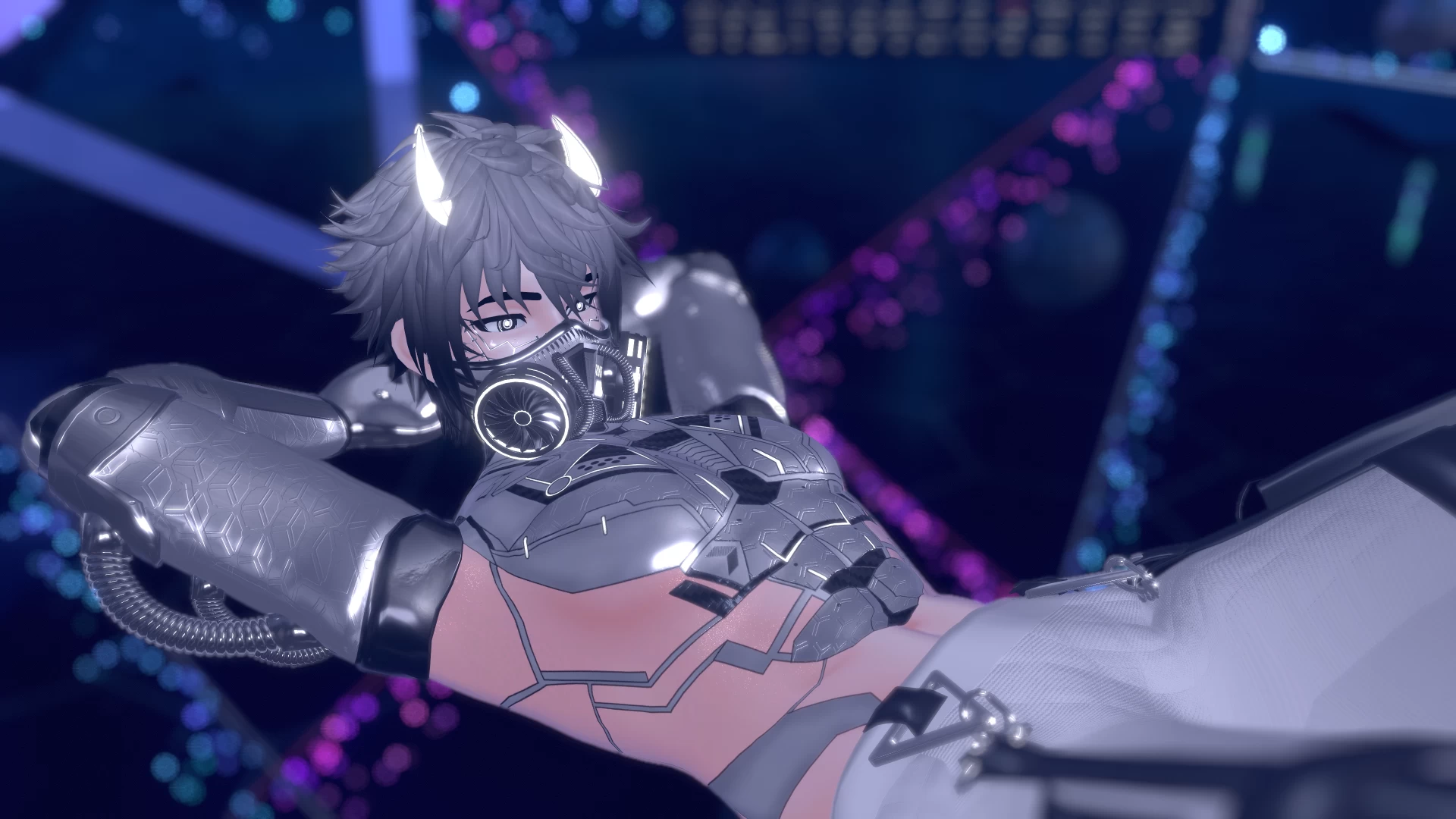
Cyber Daedalus
To download the model, you need to
log in
.
Description
Toggles:
Crop Top Hoodie
Tech Vest
Headband
Mask
Horns
NSFW (Pants)
Emissive Halo
!!IMPORT IN THIS ORDER!!
PC: vrcsdk -> Poiyomi 7.3.5 or Poiyomi Pro -> (optional:
DPS
+ Plugin) -> Lux
QUEST: vrcsdk -> Lux
Screenshots of model Cyber Daedalus in the game
https://vrmodels.store/avatars/24182-cyber-daedalus.html
Male
,
Couple
Uploaded by
AvatarsForEveryone
19-12-2022, 03:50
Comments: 18
Add comment
Information
To add your comment you need to
log in
.
fblc
#18
0
there is a new version , can someone help ?
10 April 2025 11:45
YeBoiDal
(user blocked for violating site rules)
#17
the avi has nothing on it so quest was easy
10 November 2023 02:11
degernate
#16
+1
ive been tryna get the quest vers to work for over 5 hours its driving me insane, has anyone gotten this to work yet?
29 September 2023 22:02
genricuser
#15
0
SlimeZenpai
, any update if you ever got it to work?
23 July 2023 00:45
hellish entity
#14
0
SlimeZenpai
, search how to optimize the avatars file size on google, I uploaded the avatar after optimizing the clothes textures to 1024 instead of 2048
4 July 2023 21:35
SlimeZenpai
#13
0
quest version says its to big to upload its only over by .30 mb please help
17 May 2023 14:39
emi vr
#12
+1
so if there isn't a pp on it or a toggle for
dps
just download toggle assistant and ravil dynamic pen and upload it into the project then drag a pp into the scene drag it onto the avatar in the hierarchy the move to appreciate spot / size then use toggle assistant chose your avatar , then the pp and create
dps
toggle don't forget to attach pp to hip armature <3 thats how i do it and it works
21 March 2023 08:22
KnusperToast
#11
0
How do I give the Avartar
DPS
I don't understand it
24 January 2023 14:38
Keiken Santiago
#10
+1
What does "+ plugin" mean? First time doing this and I can't seem to find any information about it. Already have the
DPS
unity package downloaded.
31 December 2022 02:30
tinina97
#9
0
it doasnt allowme to upload idkw
21 December 2022 20:45
-Fox-
#8
0
EL_Brimstone
,
sometimes when it says a model has
dps
, if it is a male sometimes there is no option for it, but when you remove the clothes then when yknow, its out then it itself is the
dps
, so maybe that is the case with this one.
21 December 2022 16:54
iheardthatlol
#7
+1
Hey need the Lux file, no link to it.or where do I download it??
iheardthatlol
,
Adding to this question, is it Lux URP Essentials?
21 December 2022 01:26
NEX I
#6
0
evelynewo
,
click the ... lines then download
19 December 2022 19:17
EL_Brimstone
#5
0
so i don't know if i am blind or not, but when i download the PC version, i see no
DPS
setting in the menus or the SDK menu when you go to upload it. is the PC version supposed to have
DPS
or is that a bug that doesn't come with?
19 December 2022 18:41
Ghosty123
#4
0
That was a really easy download
19 December 2022 16:56
evelynewo
#3
0
is anyone else not being able to download the quest file? if you have it can you send it to my discord ~Evelyne~#9878
19 December 2022 14:25
Natsuru
#2
0
Cosmic.1
,
You should be able to
19 December 2022 14:13
Cosmic.1
#1
+1
cant download thid one or the kux bc of the sight its takening me to
19 December 2022 10:56