Home » Avatars » Summer Trash

Model info

Content type:Avatars
Сreated by: Humiliation's Playroom
SDK: 2.0 (VRChat)
Platform: PC
Рhysbones: No
Face Tracking: No
Full body: Yes
Nsfw: Yes
DРS \ SPS : Yes
Views: 25 284
Summer Trash

To download the model, you need to log in.

Description


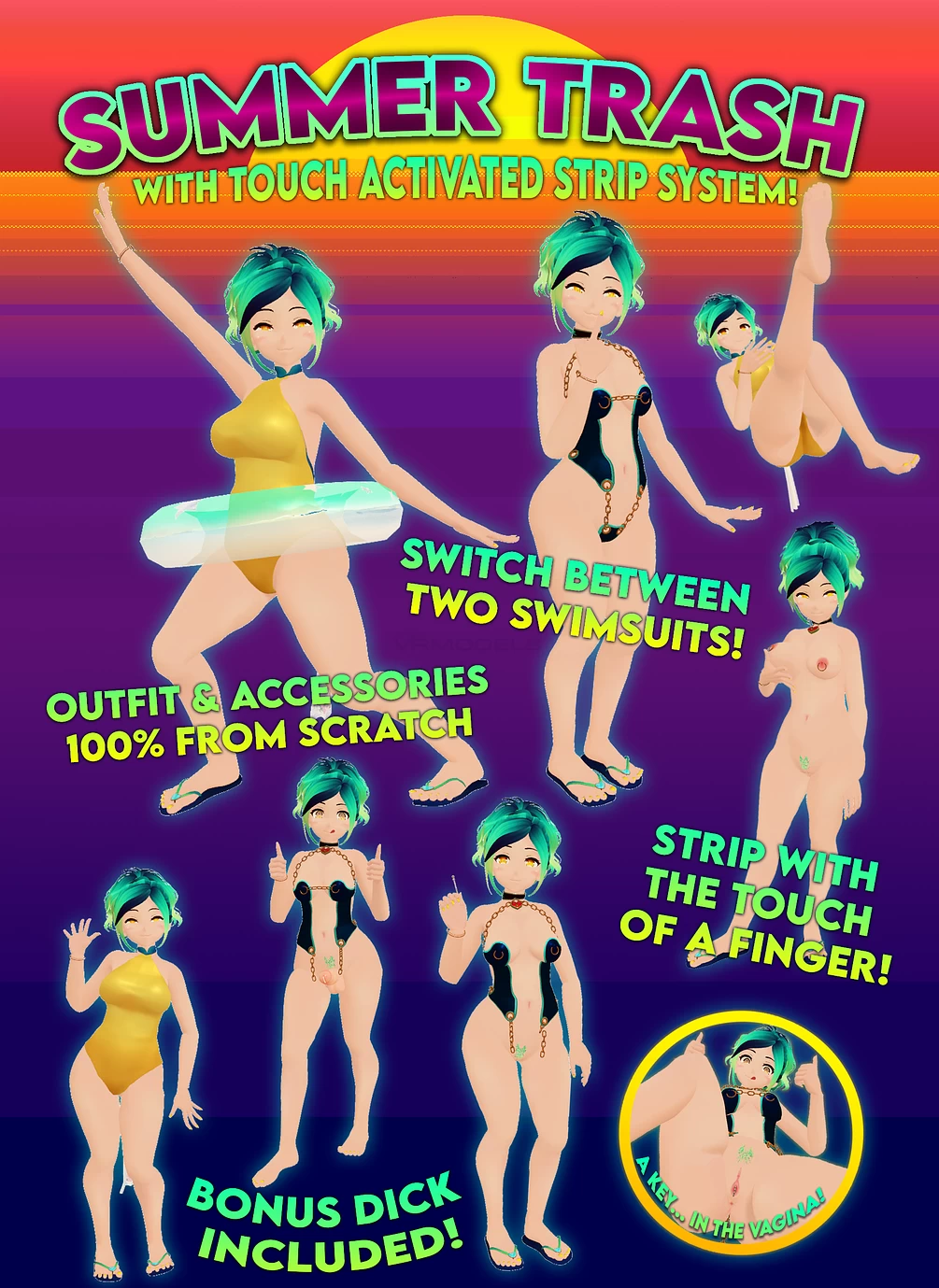
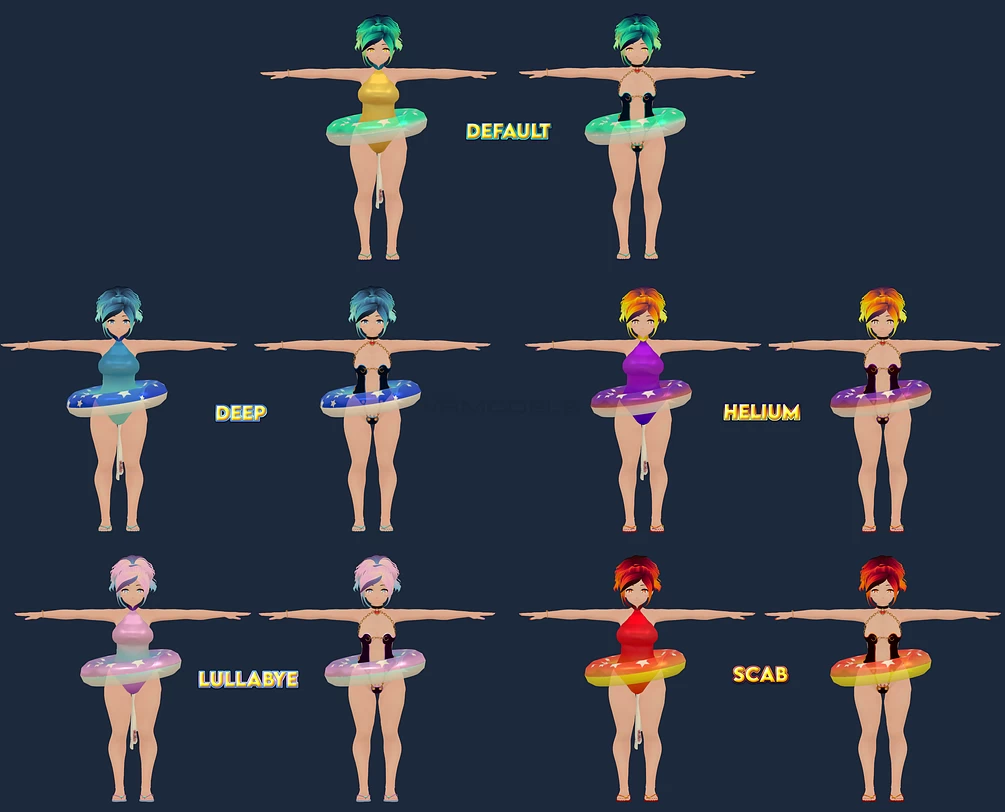
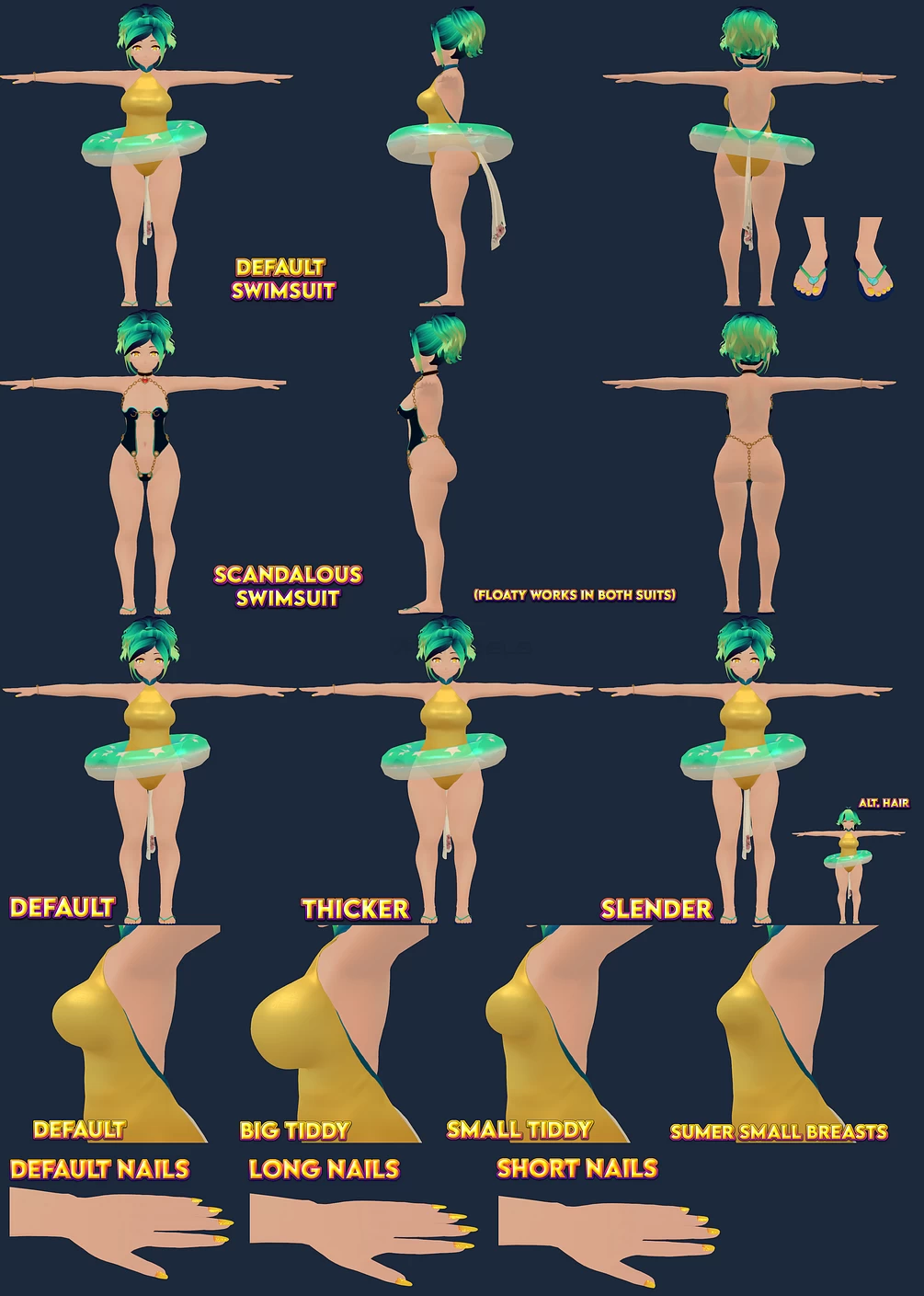
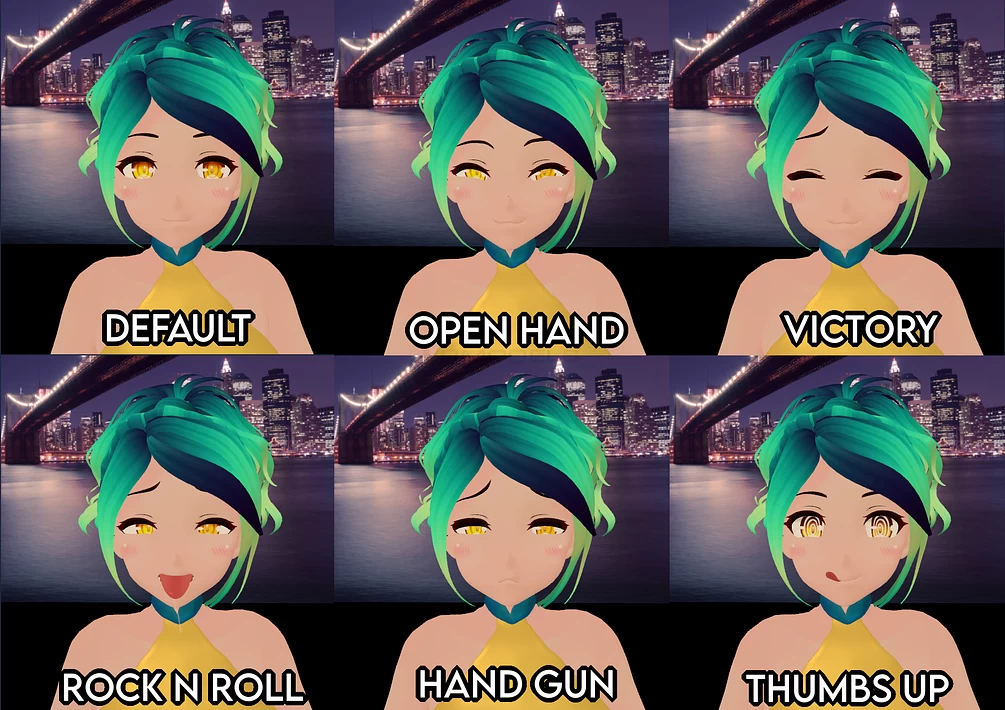
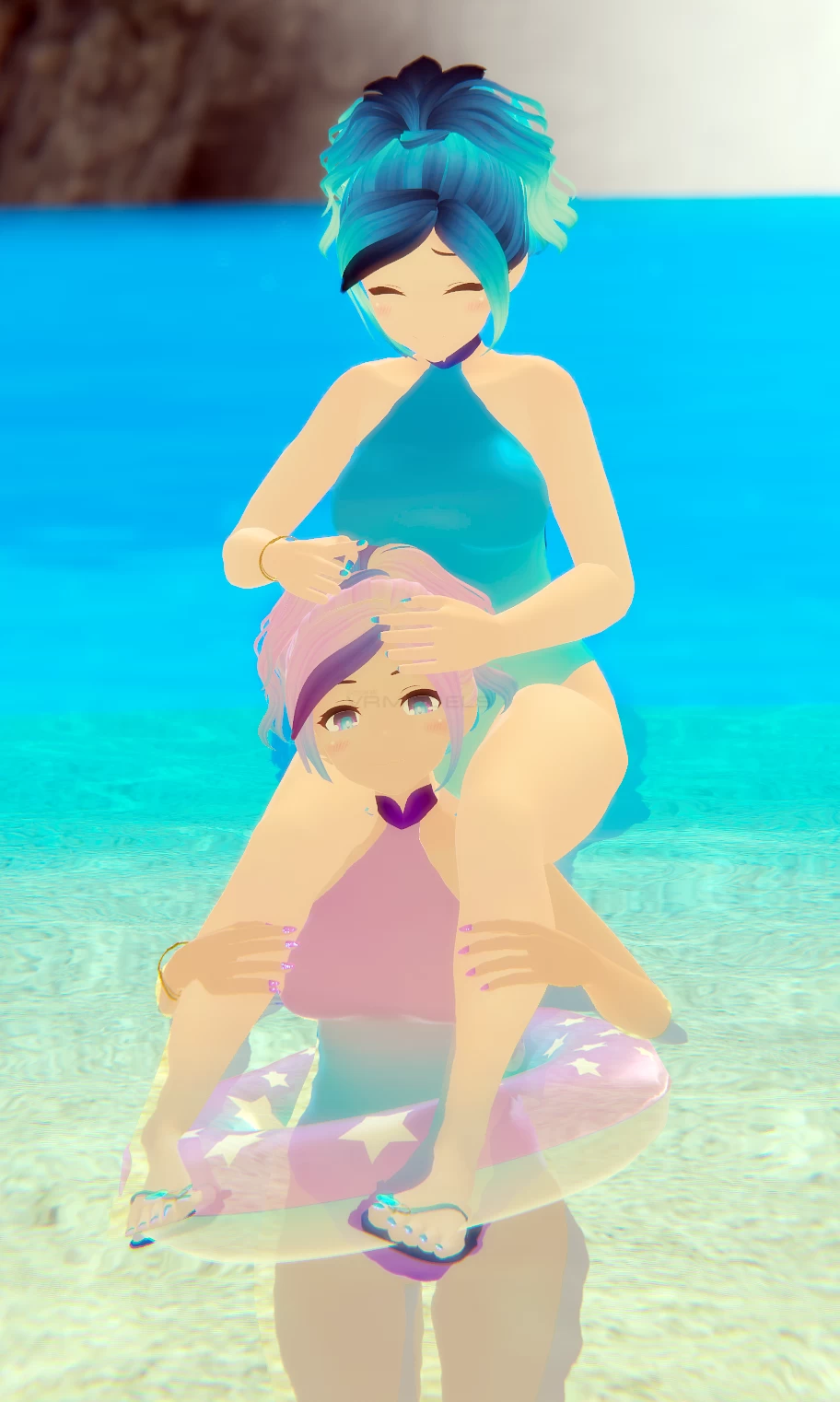
Summer Trash is here to bask in the sun, with a touch-activated strip system to make it easy for her to work on her tan, two swimsuits she can switch between, and a pool floaty to stay safe even when having fun! (Note: It is not a life saving device and should not be used as one.)

Both outfits and all accessories are created 100% from scratch, making a unique look that you can't find anywhere else!
Screenshots of model Summer Trash in the game
Comments: 5
Add comment

Information

To add your comment you need to log in.

  • foto
    alex zedr #5
    0
    ntroduction
    Changing textures and colors of the avatar shouldn’t be too hard even for people who are newer to Unity…
    BUT larger edits to the avatar, such as changes to the mesh or rig, should be done by someone who is very comfortable in both Blender and Unity.
    Install and Upload
    Start a new unity project. Import VRCSDK2. THIS WILL NOT WORK WITH SDK3.
    “Do I really need to start a new project?” -- If you are an advanced unity user, no. But if you are new to unity, you absolutely should. It’s the easiest way to avoid any issues.
    “Can I put multiple Trash avatars in one project?” -- Yes, but when you do just make sure you uncheck anything you already have installed from other Trash avatars, like Dynamic Bone, and that the Trash projects use the same SDK.
    Import june_2020_summer_trash.unitypackage
    Import Poiyomi's Toon Shader
    Import Fake_HDR_Refracted_Glass_Shader
    Once everything is imported, go to “humiliation’s playroom/summer_trash/” in your project window and use the “summer_trash_OPEN ME!!!!!!!!” scene.
    Once the scene is loaded, If dynamic bones don't work, delete the current dynamic bone folder and re-import either the original Trash Avatar package, or your own copy of the Dynamic Bone package into unity. I won't be supplying a separate unity package for the asset as it is a paid one, but you will be able to find it elsewhere.
    Under VRChat SDK: Settings, disable “Future Proof Publishing” -- it slows down upload time, offers no benefits, and can lead to errors uploading.
    When prompted about "Streaming Mipmaps" click "auto fix", and you’ll be good to upload!
    Ignore the warnings about custom keywords; you can still use them even if it's not ideal, and some shaders still rely on them.

    Common Issues and Fixes
    Customavatar.unity3d does not exist / prefab.unity3d does not exist
    This is caused by one of the scripts or assets in your project causing compile errors. The most common causes are either Dynamic Bone, Poiyomi’s Shader, or other non-required assets or scripts you installed.
    For required assets like Dynamic Bone or Poiyomi, just delete the folders and re-install them.
    For other assets, try deleting and re-installing, but depending on the asset it may not be possible to fix if it clashes with one of the required assets.

    Sometimes the quickest and easiest way to fix it is to just make a whole new project and start from step 1. This can be a difficult error even for experienced users.
    Yesterday at 17:28
  • foto
    AngelDust #4
    0
    where is the download i was wishing for this one
    16 February 2023 16:16
  • foto
    Takisch (user blocked for violating site rules) #3
    Avatar is missing 3/4 of the scripts it needs in order to even work. Lol

    What?wallern111,
    12 February 2023 05:13
  • foto
    wallern111 #2
    0
    Prince_Milo,
    Habe das gleiche problem, liegt daran das noch kein vrc decripter eingefügt wurde...nutzlos für mich, danke trzdm

    EDIT hope its not the same on the other "Trash Avis" otherwise the name is program xD
    3 February 2023 04:19
  • foto
    𖤐Incubus Boi~𖤐⁶⁶⁶ #1
    0
    I have imported the avatar and everything into a unity project but for some reason, the avatar doesn't show up in the sdk to upload. Any help?
    3 February 2023 01:38