Home » Avatars » Clara The Cat Witch

Model info

Content type:Avatars
Сreated by: kannykan
SDK: 3.0 (VRChat)
Platform: PC
Рhysbones: Yes
Face Tracking: No
Full body: Yes
Nsfw: Yes
DРS \ SPS : No
Views: 22 175
Clara The Cat Witch

To download the model, you need to log in.

Description


THIS HAS PHYSBONES!!!! <3
Interactable Spell book!!
Version with no spells included! (In case she is too high on mats for you)

♡ 110369k Polys for the model
♡ 42 Mats with Spells and 21 without Spells!
♡ This is a 3.0 model!!!!!
♡ All gestures/idle animations/etc., FBX+Prefab included.
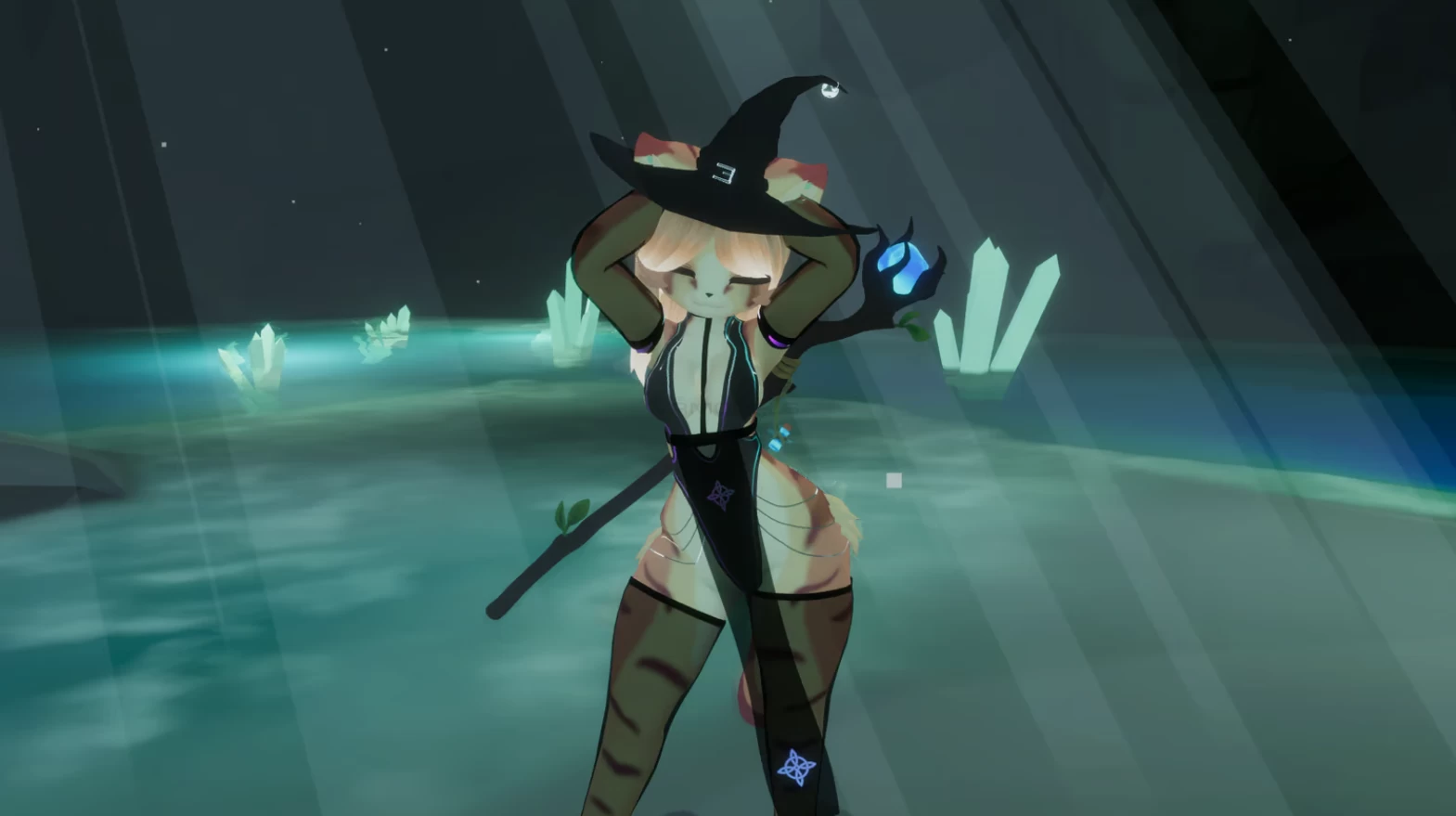
♡ Physbones on her Tail, Booba, Hair, Wiskers, Ears, Hat, Outfit, Butt, and Potion bottle.
♡ FBT ready

The Import order for this package is Newest SDK -> Shader (poi) -> The avatar <3
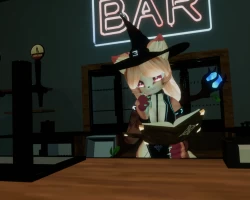
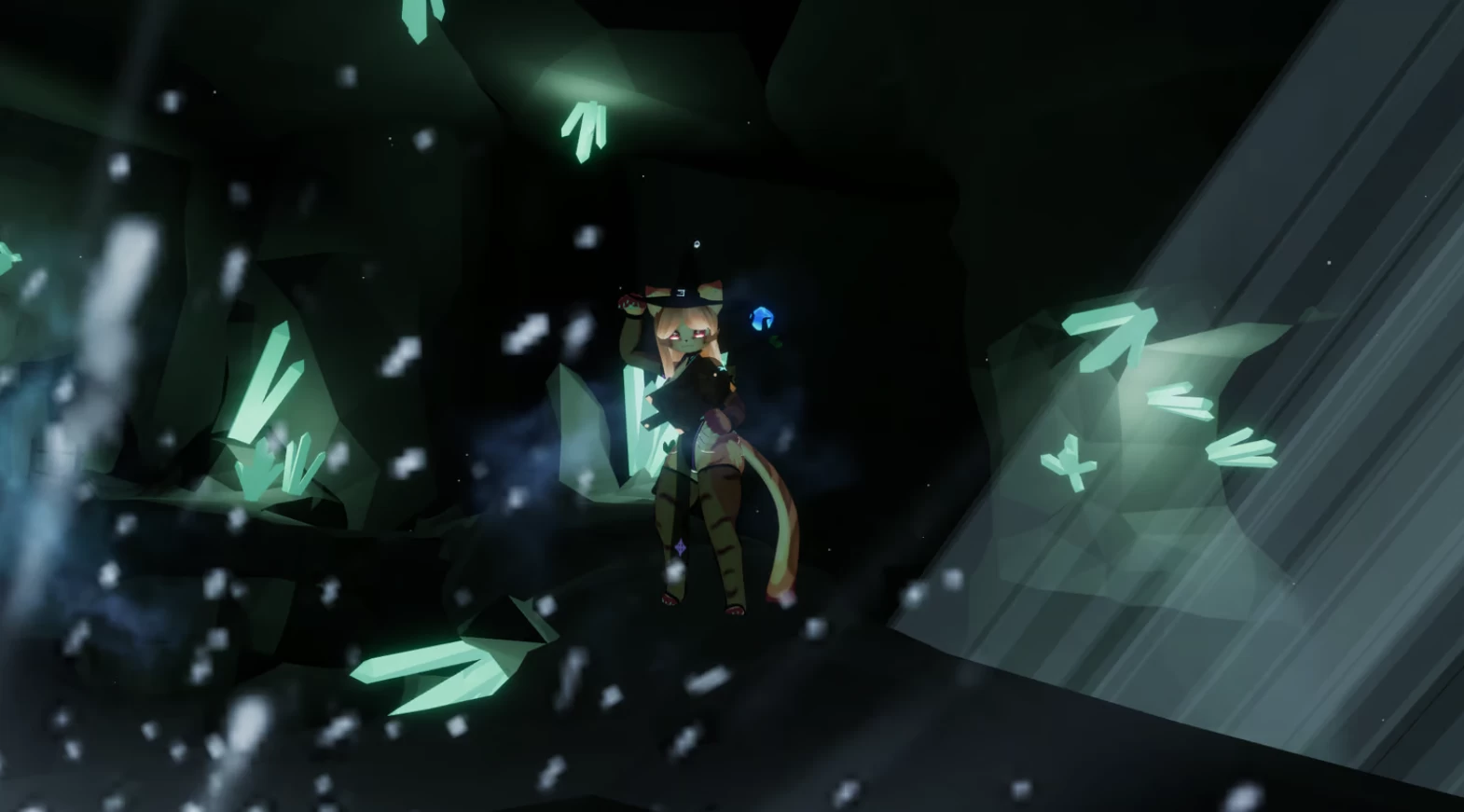
Screenshots of model Clara The Cat Witch in the game
Comments: 3
Add comment

Information

To add your comment you need to log in.

  • foto
    Rose_Lee #3
    0
    If you have recently updated your materials from v7 to v8+, you may have noticed the appearance of white spots or areas on your model. This is a result of a change in the shading type order, where the previously used Flat Shading has been replaced with ShadeMap, which is commonly used on Booth Models.

    You can find all Shading types by navigating to the Lighting Type dropdown menu, located under Shading/Shading. Change it back to Flat, or whatever shading type it was on before.
    "check this setting on all of your materials"
    30 November 2024 09:15
  • foto
    lexxieisnthere #2
    0
    Orca_Bubblez, Import poyomi toon before importing the avatar

    https://github.com/poiyomi/PoiyomiToonShader/releases/download/v9.0.61/poi_Toon_7.3.50_UpTo_9.0.61.unitypackage

    Orca_Bubblez, Second reply, was wrong before. In the hierarchy, open clara, and go to body. in the inspector, you should see al of the pink shaders. Change them all to poi toon.

    lexxieisnthere, Third reply, you also have to change the shaders for the Bodysuit object, the Harness Skirt, the hat, the Leggings and the Sleeves. For the staff, just click on the object in the scene and it will take you to it in the hierarchy. Leave the Tearsbottom and Tearstop material alone.

    lexxieisnthere, Fourth reply, shaders are still messed up but better than nothing.
    6 November 2024 10:05
  • foto
    Orca_Bubblez #1
    0
    she is showing all pink, can someone help me, ive been trying all day to fix it and i cant
    6 October 2024 21:19