Home » Avatars » TIGR

Model info

Content type:Avatars
Сreated by: Lil Miss Pasta
SDK: 3.0 (VRChat)
Unity version: Unity 2022
Platform: PC
Рhysbones: Yes
Face Tracking: No
Full body: Yes
Nsfw: Yes
DРS \ SPS : Yes
Views: 24 838
TIGR

To download the model, you need to log in.

Description


Thank you so much for your support!
Please remember to rate, it helps out lots <3 ★★★★★

PC upload Instructions:
1. Create a new Unity Avatar project using VCC, and log into the SDK
2. Import Poiyomi Toon 8.1.166
3. Import the TIGR PC Avatar Package
4. Open the "OPEN ME" scene in the TIGR folder
5. Unlock the avatar with your license key. This can be accessed though the "Gonso Licenser" tab at the top of your Unity project. This will also proc automatically if attempting to upload before unlocking
Ready to upload!

Quest upload instructions:
1. Create a new Unity Avatar project using VCC, and log into the SDK
2. Import the TIGR Quest Avatar Package
3. Open the "OPEN ME" scene in the TIGR folder
4. Remember to Copy/paste the blueprint ID from your PC upload to this one, for the fallback to sync
5. Unlock the avatar with your license key. This can be accessed though the "Gonso Licenser" tab at the top of your Unity project. This will also proc automatically if attempting to upload before unlocking.
Ready to upload!
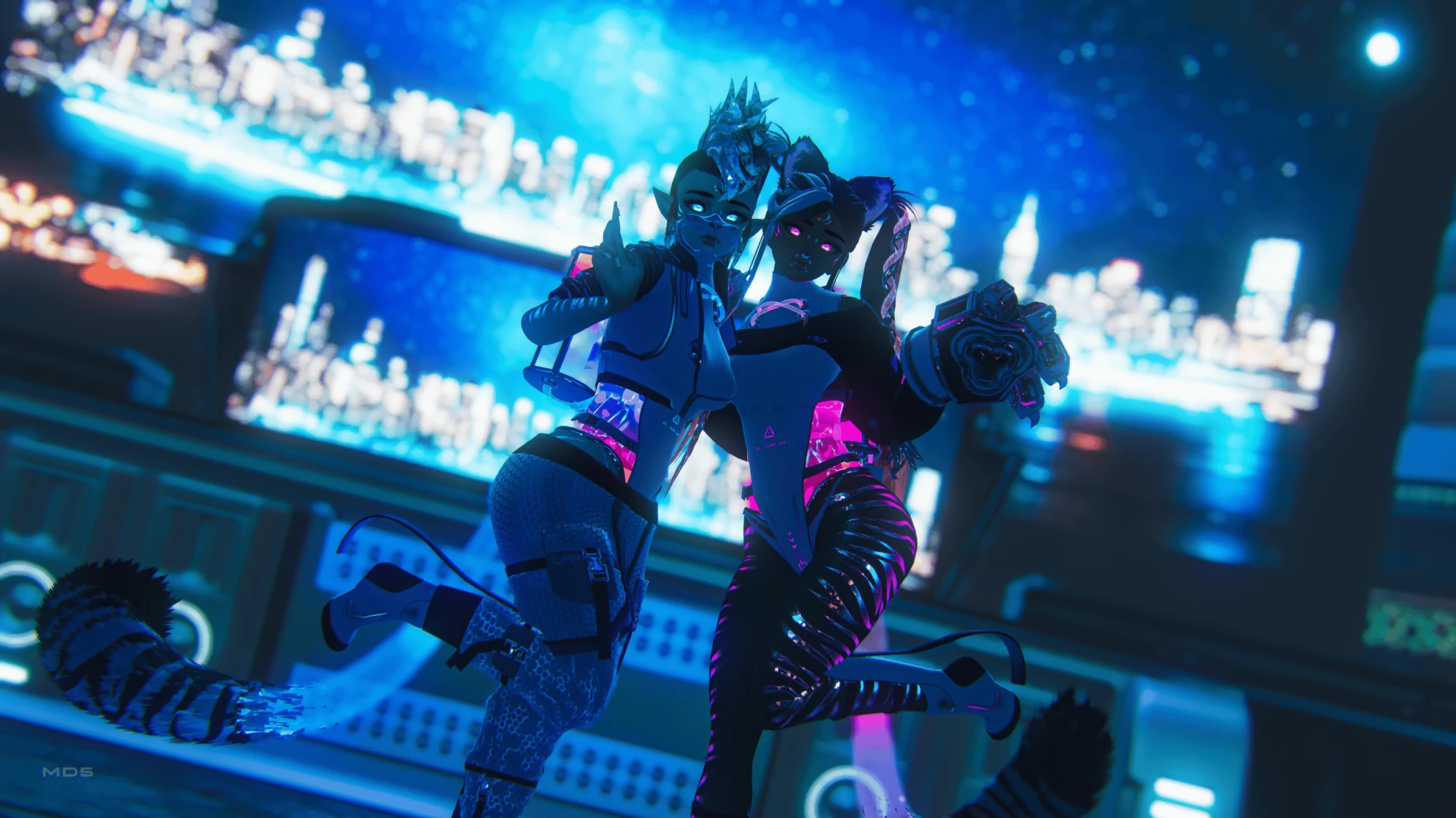
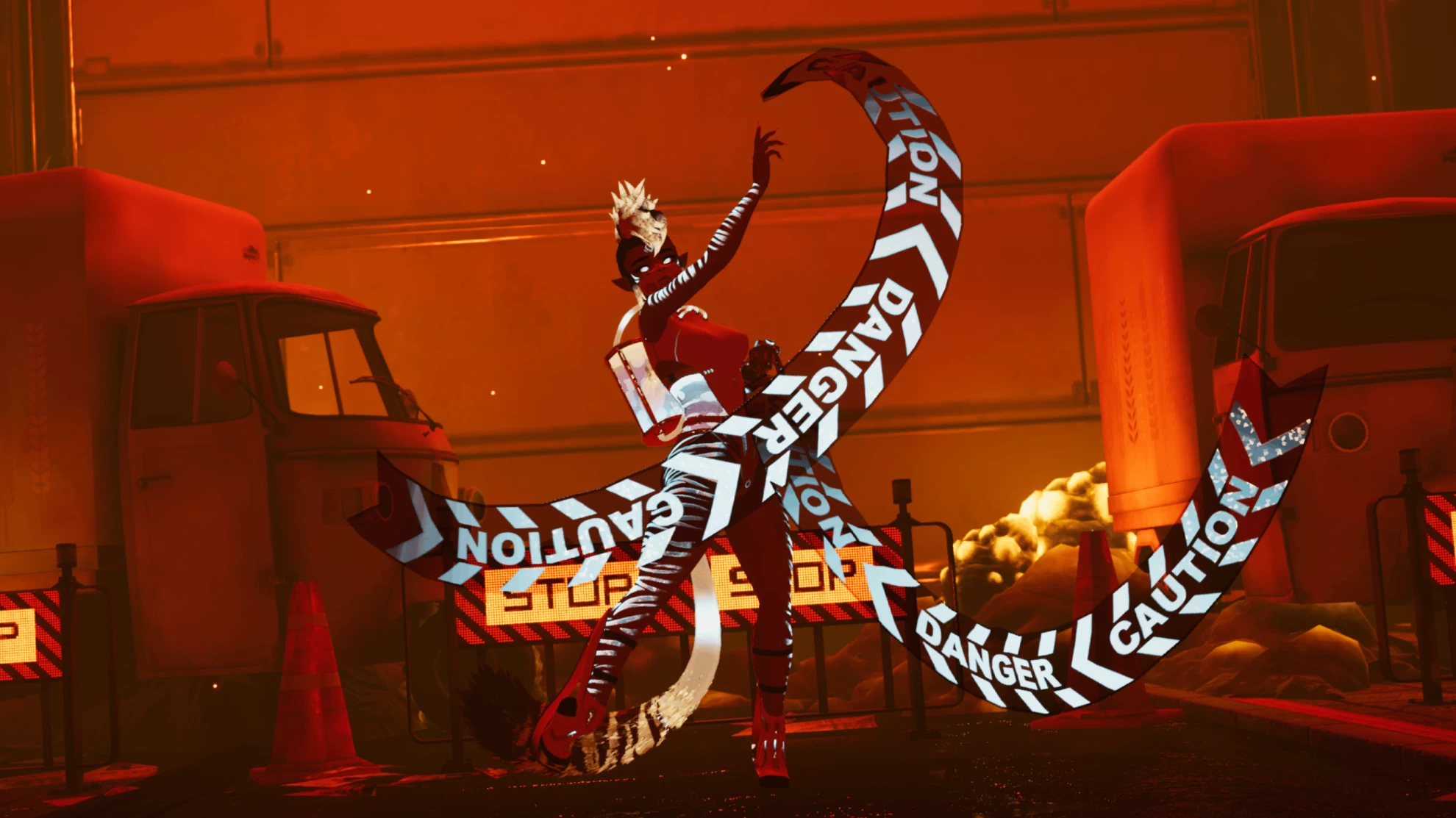
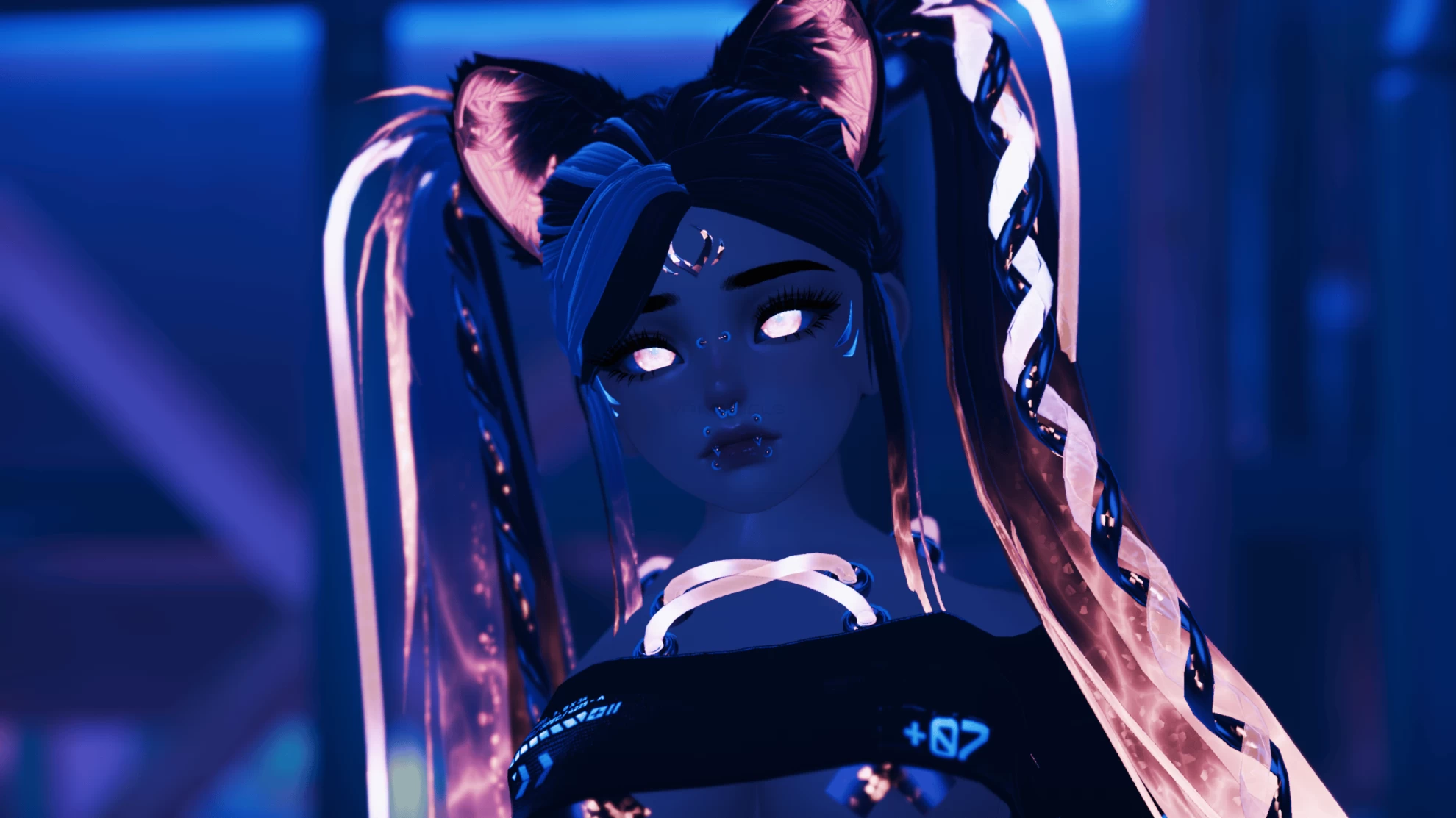
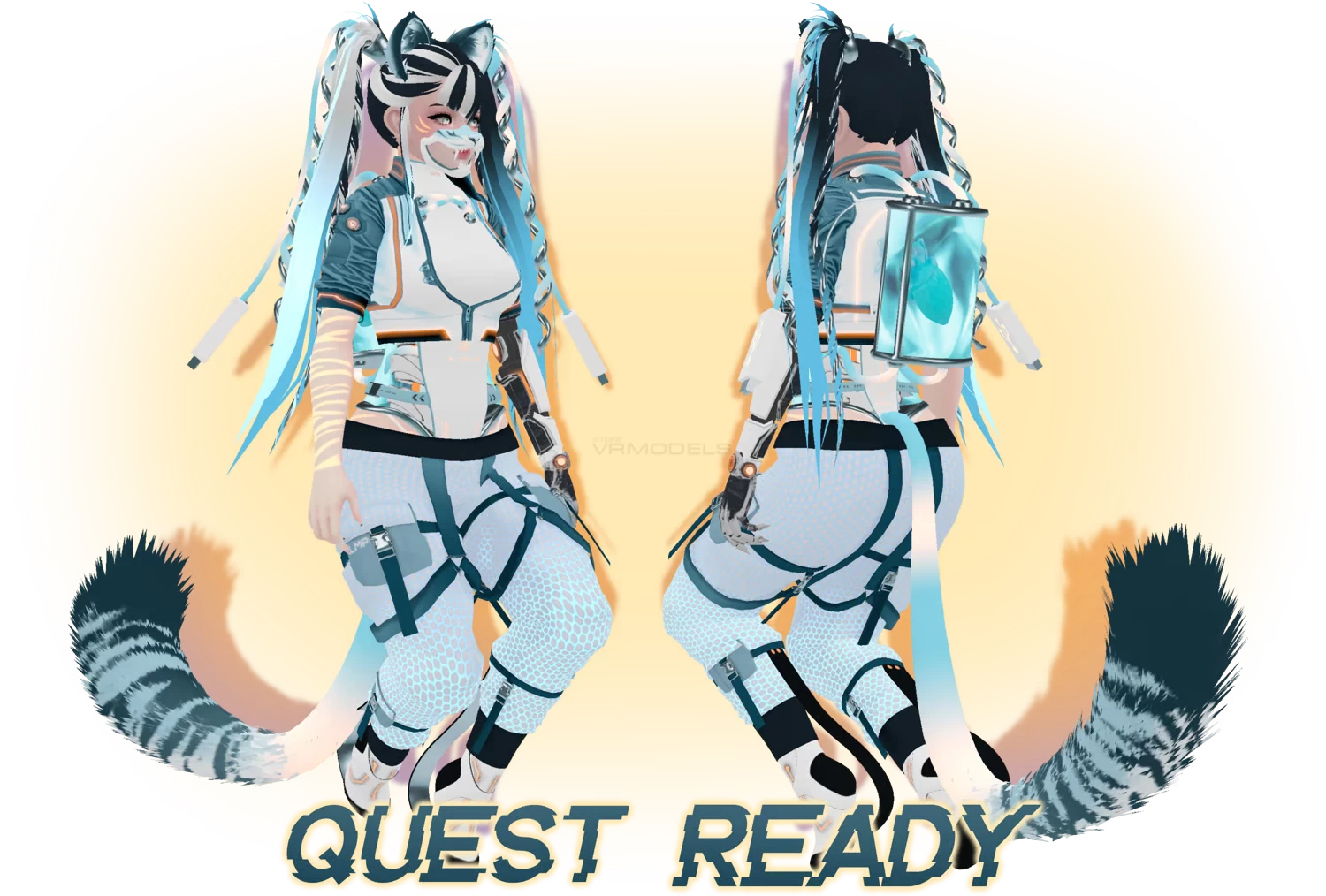
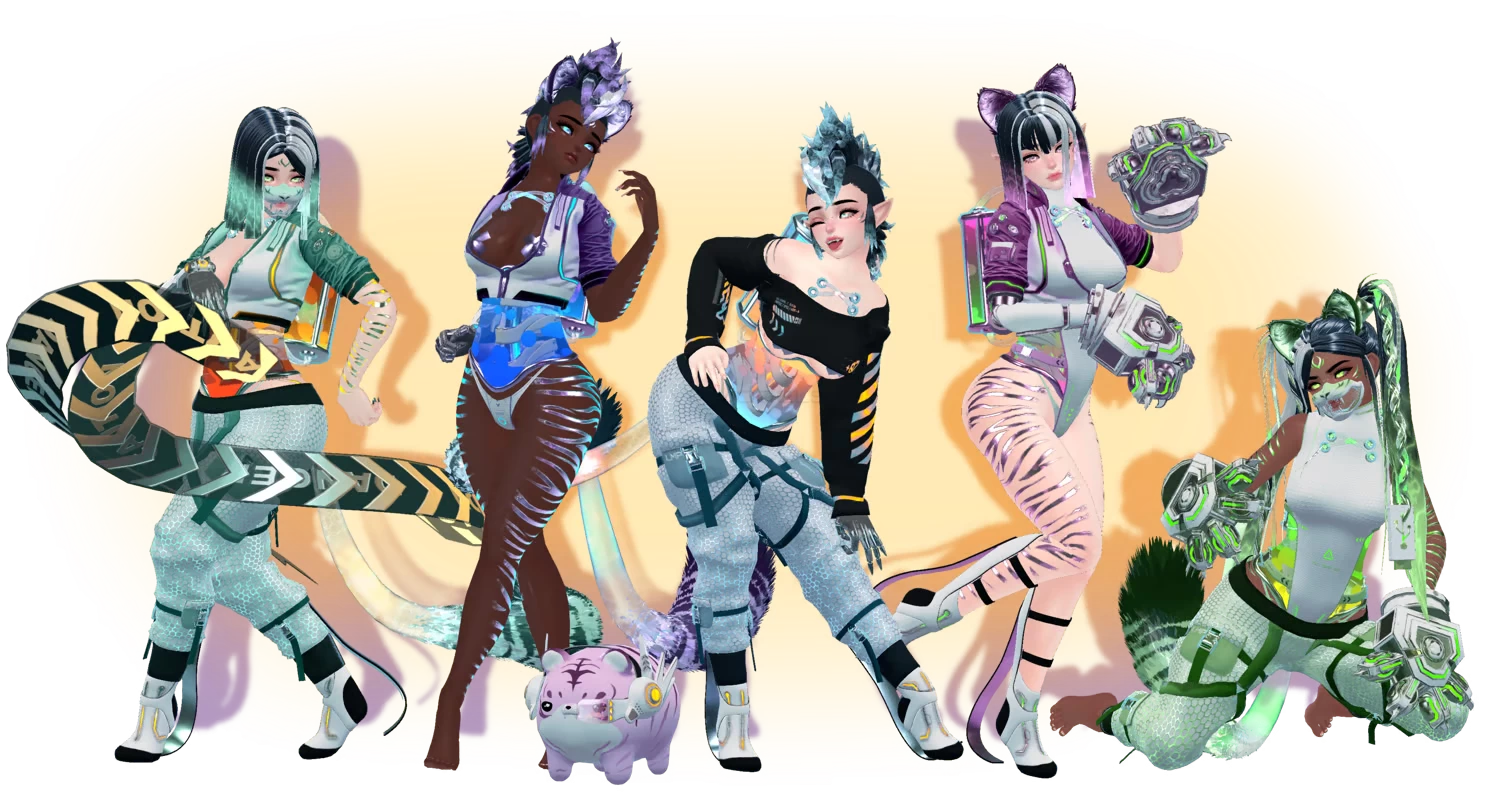
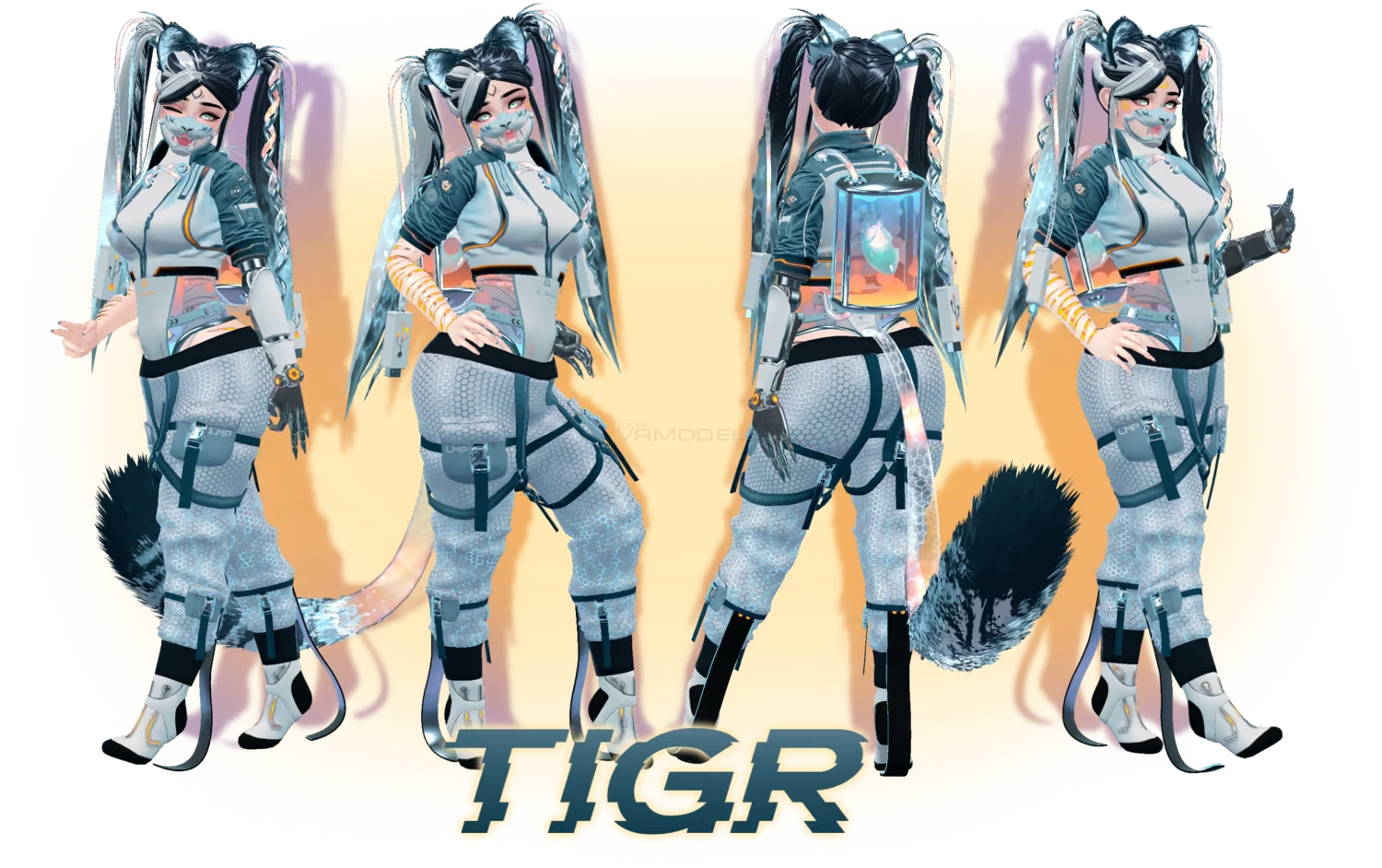
Screenshots of model TIGR in the game
Comments: 47
Add comment

Information

To add your comment you need to log in.

  • foto
    G “Starwarsgunguy” H #47
    0
    do not use
    16 August 2025 23:49
  • foto
    NuMochii #46
    0
    links to an empty folder. cannot download.
    14 June 2025 11:30
  • foto
    buggyboo #45
    ***comment deleted***
    24 March 2025 11:18
  • foto
    CyberOwl 92 #44
    0
    does anyone know how to do it?
    18 September 2024 16:19
  • foto
    thestoner #43
    0
    Nvm I'm a dumbass, well that's how you can get the whole model in but no toggles
    11 July 2024 01:08
  • foto
    thestoner #42
    +1
    for those wondering, i figured out how to upload this! its kinda weird of a process but do it exactly how i had!

    -first! do as you normally do to upload a avi!
    - when it tells you to put in a license indeed put one (from a prevoius commenter)
    4D336369-C675430A-8B222147-6B5179AE
    -it will tell you that the avi belongs to someone else
    -close the tab, doesn't matter
    -delete gonolicense from the project
    -boom try uploading again! you should be good!
    10 July 2024 23:56
  • foto
    Miriel Reap #41
    0
    I'm not able to uploud avi is there a way you can help
    4 June 2024 02:19
  • foto
    nebuchadnezzar010 #40
    0
    Are you willing to do uploads for people since the key isn't working right?
    18 March 2024 03:39
  • foto
    Iamnotadog #39
    0
    Dixon Cyder, Thanks
    4 March 2024 02:58
  • foto
    avisshouldbefree #38
    0
    from discレズ nekokittyレズ, LLMS, unfortunately, i cannot remove the avatar from the website. It doesnt give me an option. if you guys find a way to remove it please let me know!
    3 March 2024 10:14
  • foto
    from discレズ nekokittyレズ #37
    0
    avisshouldbefree, says the key belongs to someone elseavisshouldbefree, i think it would be the best
    3 March 2024 10:11
  • foto
    Strawberrycharms #36
    +1
    avisshouldbefree, yeah, deleting the gonso license won't work, it breaks it so yes it'd probably be best
    29 February 2024 19:13
  • foto
    avisshouldbefree #35
    0
    LLMS, unfortunately i cannot do that.. should i just remove the model? /genq
    29 February 2024 19:12
  • foto
    Strawberrycharms #34
    0
    it will say " this belongs to someone else ", its probably better if you upload it for people
    avisshouldbefree,
    29 February 2024 18:51
  • foto
    avisshouldbefree #33
    0
    for whoever needs the license key!

    4D336369-C675430A-8B222147-6B5179AE
    29 February 2024 17:37
  • foto
    gothbitch #32
    0
    Dixon Cyder, any luck fixing it?
    29 February 2024 17:13
  • foto
    Corsola #31
    0
    Santaslittlehelper, doesn't work either
    29 February 2024 05:50
  • foto
    VRModels #30
    Haruda, HOW TO UPLOAD AVATAR?
    anime145
    28 February 2024 10:12
  • foto
    Haruda #29
    -1
    J lp,
    I don't mean to be a bitch, but please have the decency to speak English here, if every person started speaking in their native language it would just derail the entire site.

    It's bad enough that people who don't know how to use Unity keep spamming the comment sections with "HOW TO UPLOAD AVATAR?!!!?!?!?", now imagine that but in multiple languages
    28 February 2024 09:10
  • foto
    redarrow64 #28
    Ali Fox S.,
    28 February 2024 08:39
  • foto
    yumizei. #27
    0
    what file or script do i delete for the gonolicense?
    28 February 2024 04:12
  • foto
    Innocent_devil #26
    0
    at least upload the scene
    28 February 2024 00:00
  • foto
    Zetafear #25
    0
    Dixon Cyder, Oh, please let me know when you do also
    27 February 2024 21:07
  • foto
    Ali Fox S. #24
    0
    Quote: redarrow64
    Dixon Cyder, that doesn't help it

    So do it yourself then
    27 February 2024 16:53
  • foto
    J lp #23
    0
    Hallo leute ich wollte mal wissen warum ich den Avi nicht steuern kann habe alles schon
    ausprobiert kann mir da einer helfen wie ich es einstellen kann
    26 February 2024 10:34
  • foto
    J lp #22
    0
    Hallo ich wollte den Key in das fenster einfügen und ist nicht dabei bitte um Hilfe
    26 February 2024 08:48
  • foto
    lunar_row #21
    +2
    Dixon Cyder, thank u love let me know when
    25 February 2024 22:39
  • foto
    redarrow64 #20
    Dixon Cyder, that doesn't help it
    25 February 2024 17:33
  • foto
    Dixon Cyder #19
    +7
    from discレズ nekokittyレズ, give me a day or 2 to fix all the animations and scripts, i'll fix it and upload it as a propper avatar.
    25 February 2024 17:21
  • foto
    from discレズ nekokittyレズ #18
    +1
    Dixon Cyder, sorry for the 2 hour long wait but i have just now uploaded the avatar and it won't let me move at all and nothing is available
    25 February 2024 17:08
  • foto
    Dixon Cyder #17
    0
    from discレズ nekokittyレズ, np problem hun, unlike most folks im here to help
    25 February 2024 17:05
  • foto
    Mother #16
    +3
    Quote: VRModels
    Mother, Why are you talking such nonsense? You don't need to be a programmer to use FBX file.


    because it's true.

    FBX isnt what people want, they want the finished avatar. anime127
    25 February 2024 14:35
  • foto
    from discレズ nekokittyレズ #15
    0
    Dixon Cyder, thank you for the help
    25 February 2024 14:20
  • foto
    Dixon Cyder #14
    +3
    Quote: from discレズ nekokittyレズ
    I know this is just another common comment but how tf do i find the license key xD

    just delete the script in GonsoLicense tab
    25 February 2024 14:03
  • foto
    from discレズ nekokittyレズ #13
    0
    I know this is just another common comment but how tf do i find the license key xD
    25 February 2024 13:56
  • foto
    DRAGON-69-GER #12
    0
    ***comment deleted***
    25 February 2024 13:19
  • foto
    VRModels #11
    Mother, Why are you talking such nonsense? You don't need to be a programmer to use FBX file.
    25 February 2024 13:14
  • foto
    Mother #10
    0
    ***comment deleted***
    25 February 2024 13:11
  • foto
    Tonic #9
    0
    Where is the Liscence key?
    25 February 2024 13:07
  • foto
    Mother #8
    +1
    Genuinely surprised this one got up when it has Gonzo in it. Pretty sure another avatar got denied because it had it in it.

    But unless you know coding, you won't be able to upload this.

    It does help for people who want to crack the script though ^^
    25 February 2024 13:07
  • foto
    Yae #7
    0
    Is there a way to upload the avi with a working fx so i can actually be able to customize her? anime125
    25 February 2024 11:09
  • foto
    Dust the Crystal #6
    0
    Shiony, use package extractor to unpack the avatar stuff
    25 February 2024 09:41
  • foto
    VRModels #5
    Dixon Cyder, Let's say it again. If you know unity - you can load ANY FBX model.
    25 February 2024 09:40
  • foto
    Dixon Cyder #4
    +1
    VRModels, thats not the issue, it's a validator key, it can't be uploaded because of that fact.
    25 February 2024 09:06
  • foto
    VRModels #3
    Shiony, Learn how to use unity. Any fbx file can be uploaded.
    25 February 2024 08:43
  • foto
    Shiony #2
    0
    Why would you put this model here if can't upload it to your account without a licence key?
    25 February 2024 08:35
  • foto
    crazyneko #1
    ***comment deleted***
    25 February 2024 07:22