Home » Avatars » Hokus Pokus

Model info

Content type:Avatars
Сreated by: Lil Miss Pasta
SDK: 3.0 (VRChat)
Unity version: Unity 2022
Platform: PC + Quest
Рhysbones: Yes
Face Tracking: No
Full body: Yes
Nsfw: No
DРS \ SPS : No
Views: 78 495
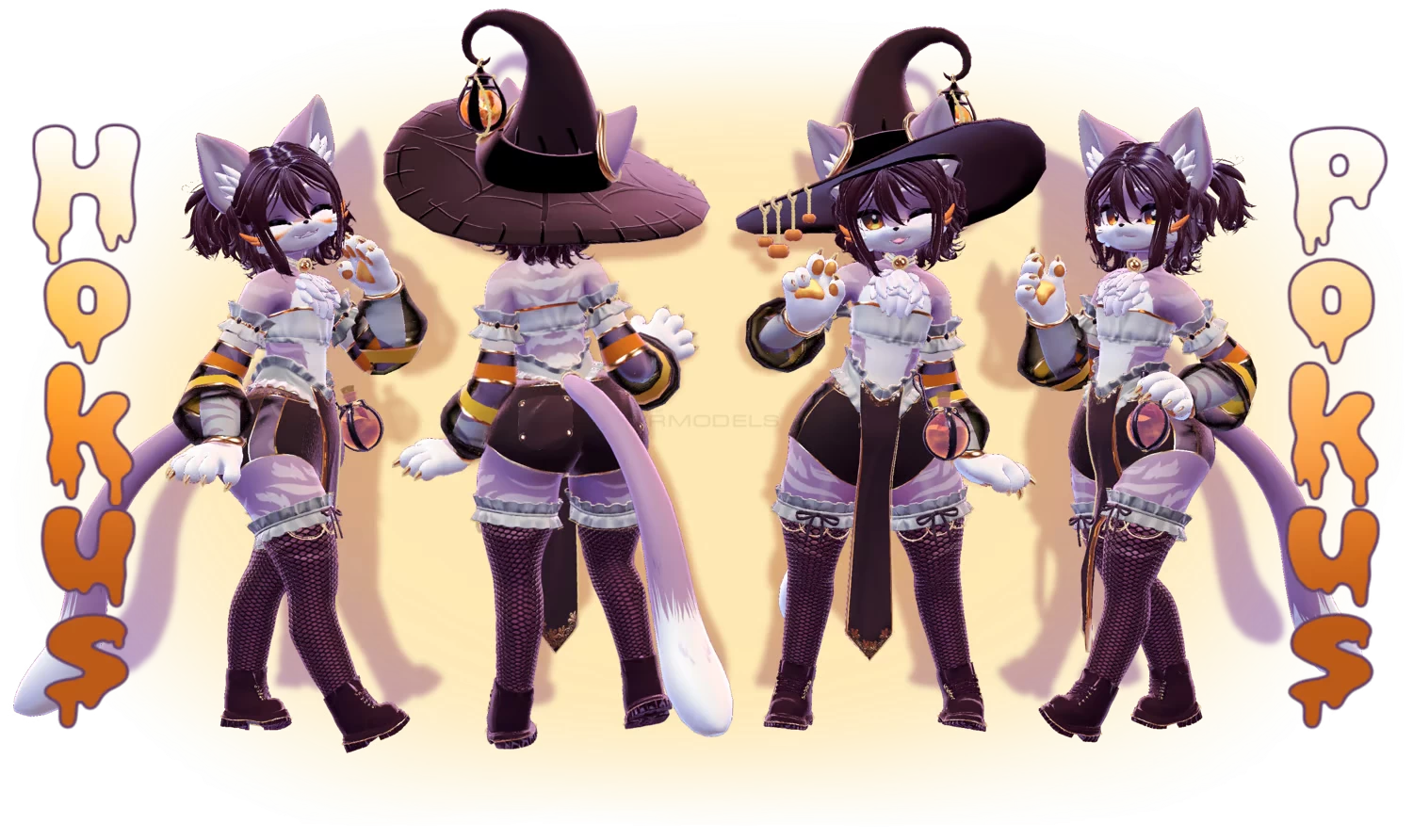
Hokus Pokus

To download the model, you need to log in.

Description


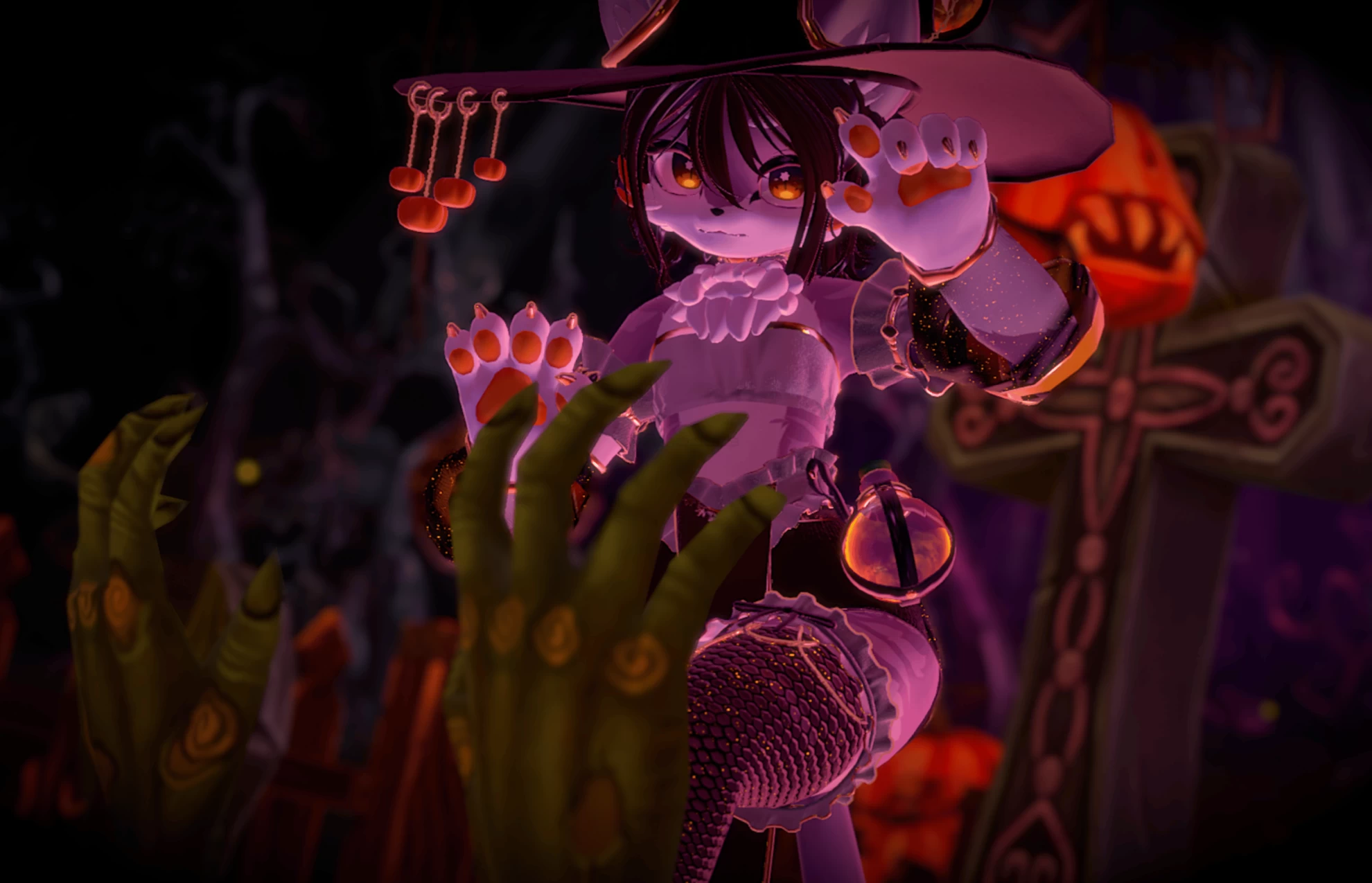
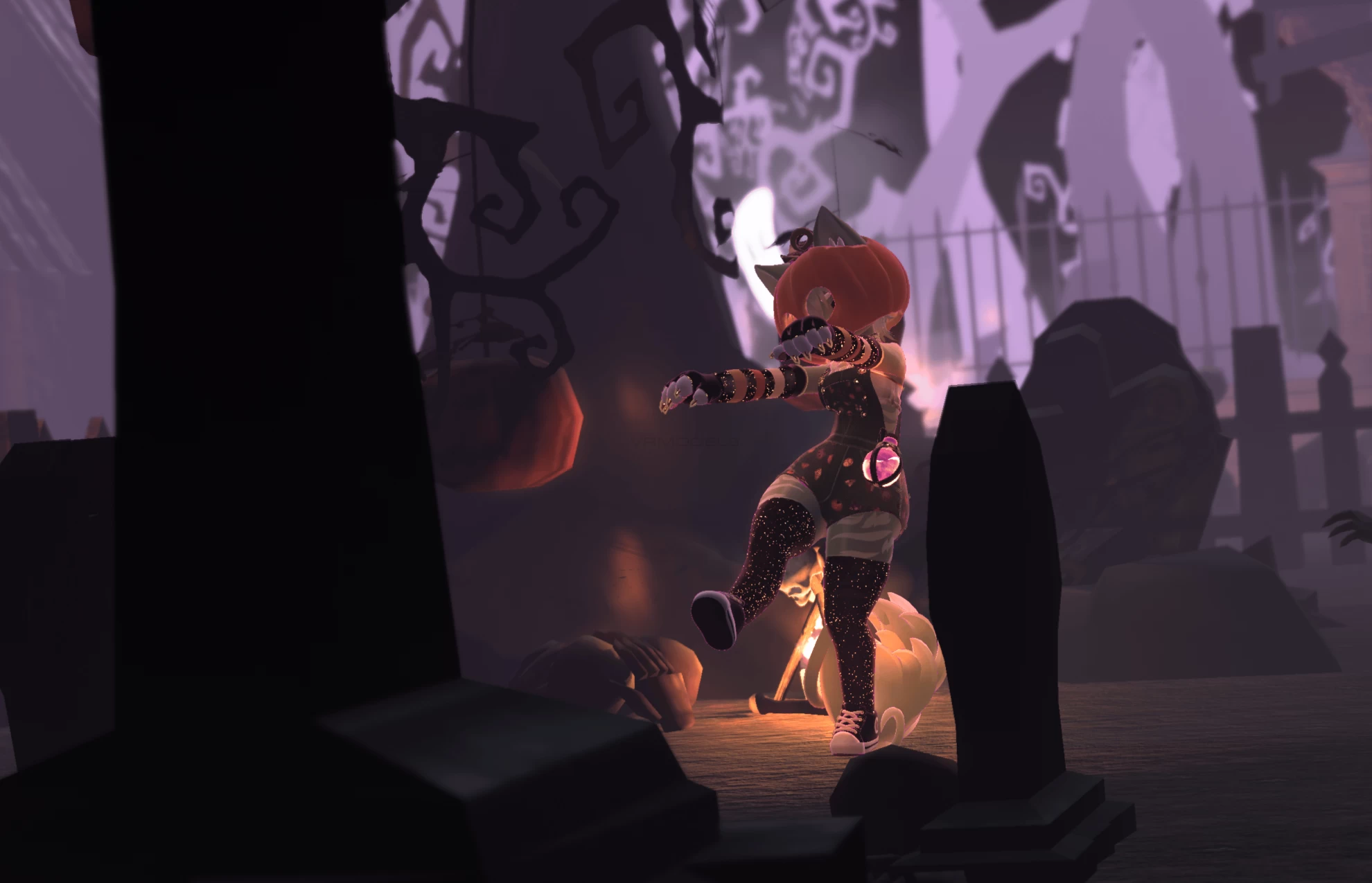
🎃 Pumpkin helmet with bonk SFX*
🎃 Fully gender fluid
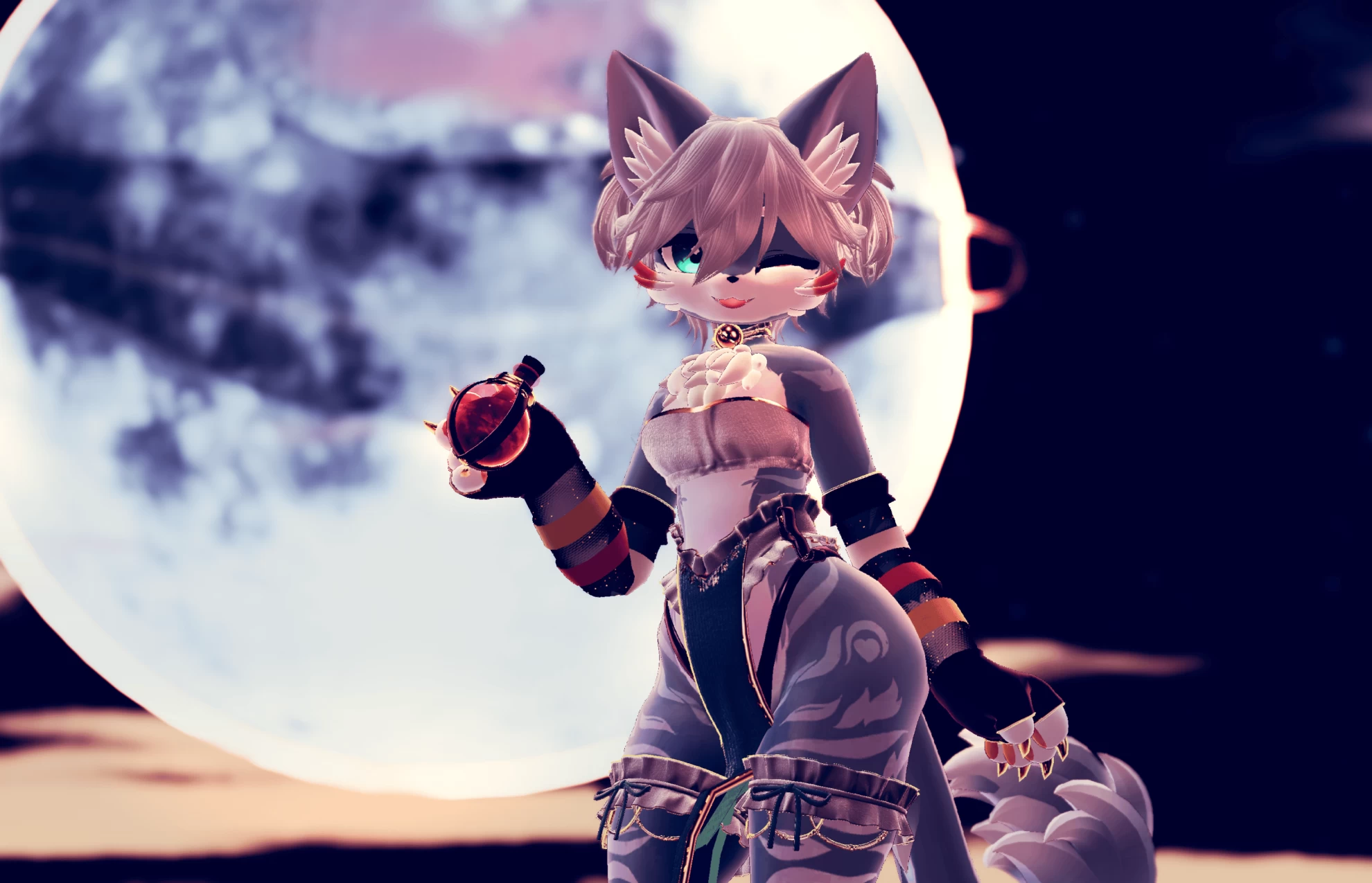
🎃 Interactable potion; drink, spill or throw it!*
🎃 Options for chest size, tail type and hair style
🎃 Flowy sleeves that react to gravity*
🎃 Lots of different outfit combinations
🎃 Clothes deform with blend shapes to fit any combo
🎃 6 Pre-set color schemes*
🎃 Manual color sliders*
🎃 Invisibility dissolve*
🎃 FBT ready, with Gogo Loco setup
🎃 Phys bones and colliders in all the right places
🎃 Full inventory system, with UV Discards and Dissolves*
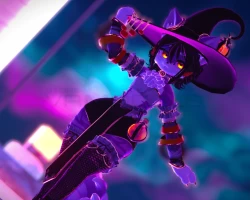
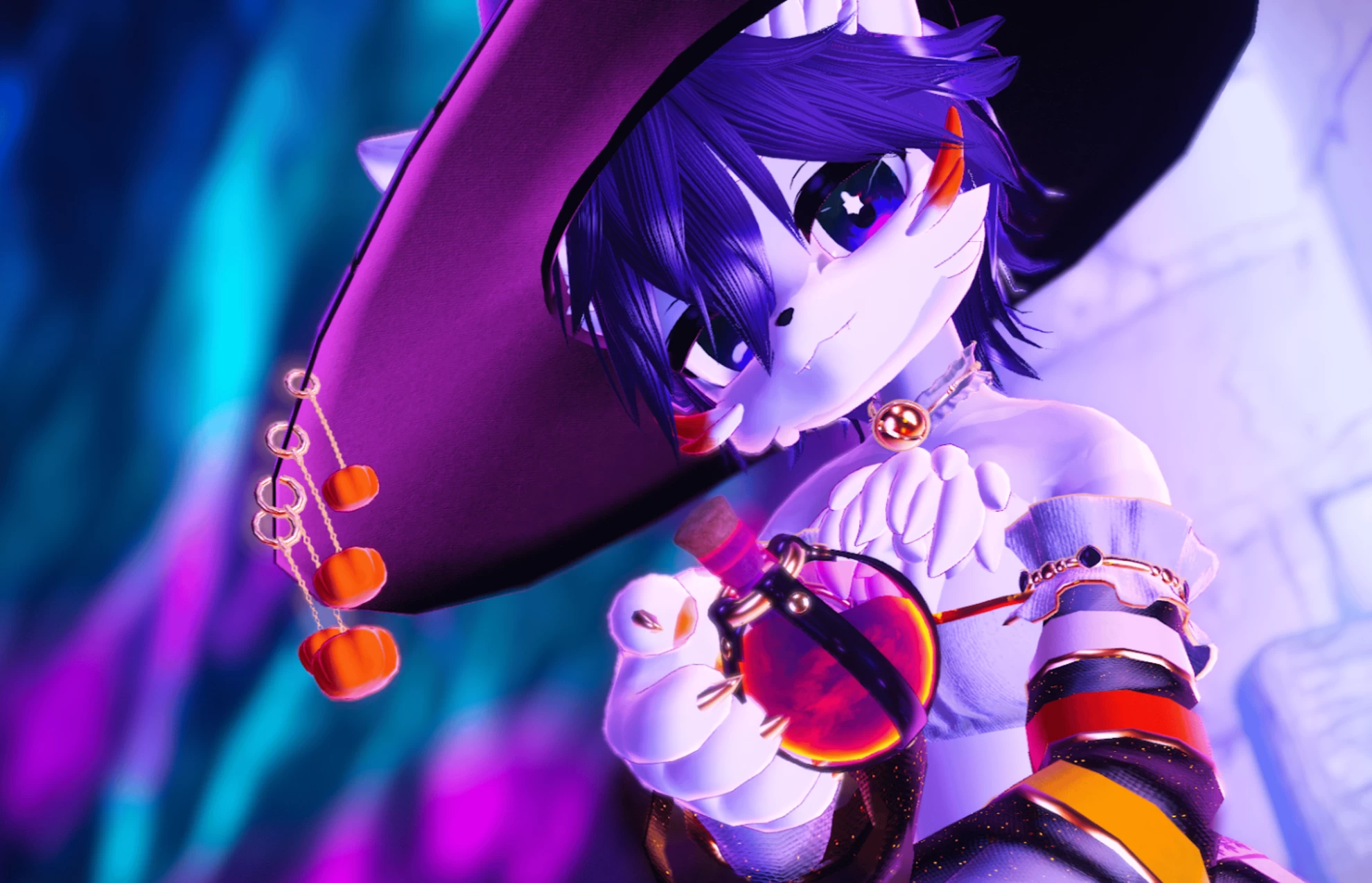
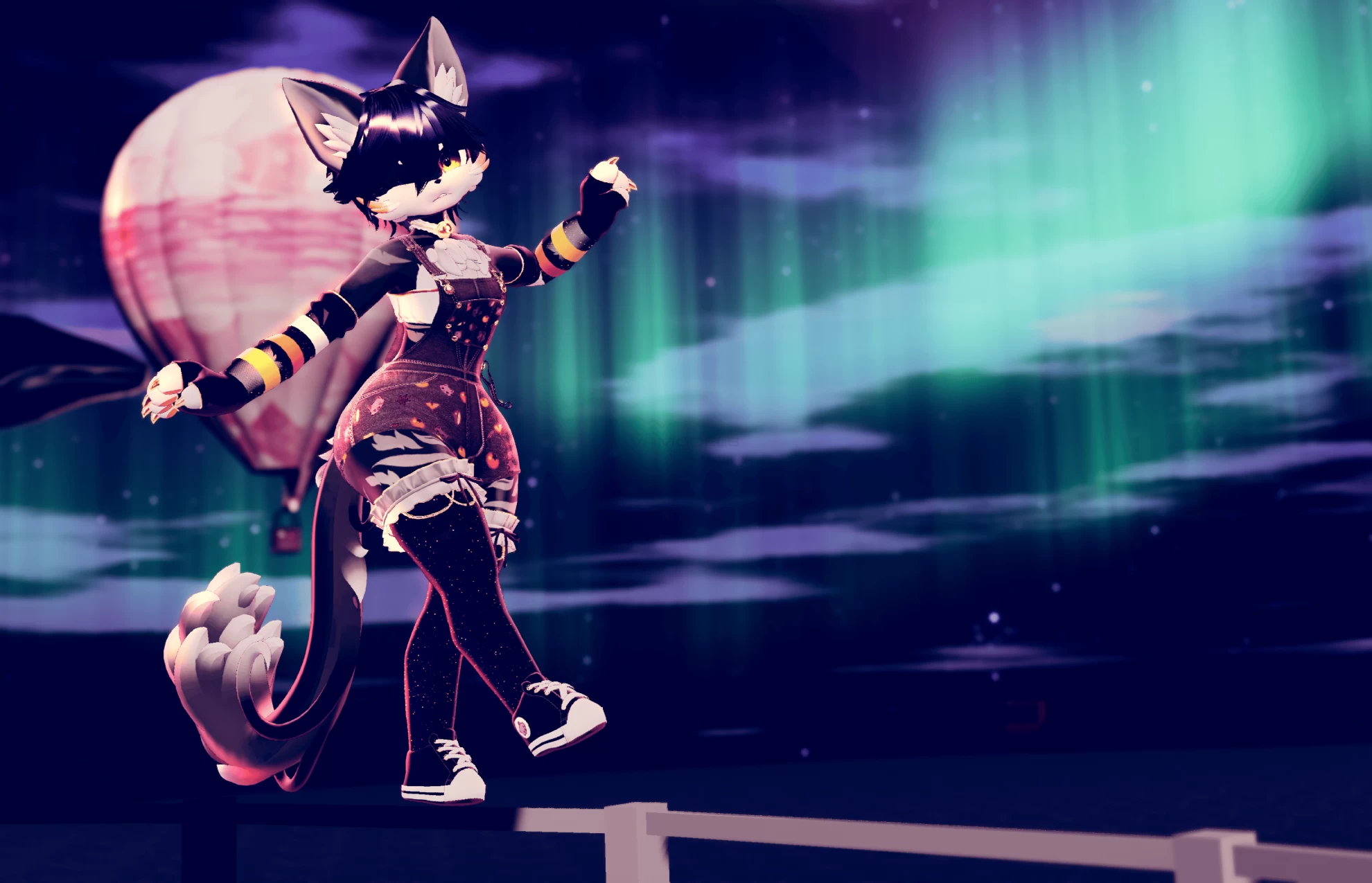
Screenshots of model Hokus Pokus in the game
Comments: 21
Add comment

Information

To add your comment you need to log in.

  • foto
    PrinceyCrow #21
    0
    Hey, where is the quest version? I haven't been able to find it, it only gives the pc version
    24 May 2025 15:47
  • foto
    bruhwtfcap #20
    Anybody have a working FBX that doesn't scramble in Blender? Wanna do some edits, but that license they put on it makes it literally impossible..
    24 September 2024 07:08
  • foto
    CombineMTF #19
    0
    CombineMTF, ok so i learned that was only ONE of the problems the bottle has and doing that only fixes the toggle but not the physics on the bottle and it still just floats
    20 August 2024 12:02
  • foto
    CombineMTF #18
    0
    Ok so i had an issue i managed to solve, the floating bottle.
    the FX controller for the avatar is not connected, to connect it you need to
    select the model in the hierarchy and then under the inspector tab find the animator and select the empty controller slot and find HokusPokusFX (near the bottom) and connect it.
    an then you need to go to the top, open Window<Animation<Animator to open the big tab, under layers find the bottle (9th from the bottom for me) and select the gear and move the weight to 1
    20 August 2024 11:48
  • foto
    katastrofa02 #17
    ***comment deleted***
    11 July 2024 23:57
  • foto
    AGayLittleOwl (user blocked for violating site rules) #16
    NekoMania, So when you click on the model, and look wear scene is in the top middle window, there should be one named Animator. Click that then scroll till you find one labeled Bottle. Look at the top right of that one and there will be a little cog wheel to click on. Click it and then drag the weight up from 0 to 1. It still doesn't perfectly work fully, but you can at least toggle it on and off that way
    9 July 2024 19:15
  • foto
    NekoMania #15
    0
    GayOwlAnon, Would you mind giving a bit more clarity? What cogwheel are you talking about? I don't see a cogwheel or any sliders aside from what's on the Inspector (animation speed).
    9 July 2024 14:57
  • foto
    AGayLittleOwl (user blocked for violating site rules) #14
    The bottle doesn't work because it doesn't have weight in the animator. Click the avi in the scene, then go up near play mode and click Animator. THEN scroll til you find Bottle, click the cogwheel, and drag the dot up to max. Works perfectly afterwards!
    8 July 2024 23:32
  • foto
    Sacratfox Anciens #13
    Missing Half of toggle we supposed to have in the video
    7 July 2024 03:58
  • foto
    HandOfDoom #12
    +2
    If you're having issues uploading it's likely you have Modular Avatar imported. I had the same problems till I removed it.
    28 March 2024 23:59
  • foto
    popstar #11
    0
    "Attempted to load the data for an avatar we do not own, clearing blueprint ID" >:(
    22 March 2024 20:56
  • foto
    Halo #10
    0
    sushithekitty, Yea idk what's up with that i just deleted it
    21 March 2024 22:59
  • foto
    FornitePlayer6969 #9
    0
    its missing a fbx.....
    21 March 2024 01:50
  • foto
    Tanja Olsson #8
    0
    What is Music called?
    20 March 2024 01:14
  • foto
    Muzzu #7
    +1
    Saykin, seems its been removed from the file i see no trace of it :)
    18 March 2024 02:13
  • foto
    SubyKitsune #6
    0
    Hey so like I can't download it is something wrong with the link for it
    17 March 2024 00:48
  • foto
    SeraphicHymn #5
    +1
    NotHereForMuchAtAll, not sure if it NEEDS it but also has gogoloco vrc fury prefab
    17 March 2024 00:36
  • foto
    sushithekitty #4
    +1
    there is a problem with the bottle on the avatar, you cant disable it and when you crouch, it floats
    16 March 2024 22:49
  • foto
    Beans VR #3
    0
    Saykin, i uploaded it completely fine, looked through some other things and didnt find anything at all. so go for it ig lmao
    16 March 2024 10:38
  • foto
    Saykin #2
    0
    What about the

    This model is protected with Gonso's licensing system. When uploading, the VRChat username of the uploader will become associated with the purchased license key, and the key cannot be used to upload to more accounts. No other information but the username and license key is read or logged.


    ?
    16 March 2024 08:52
  • foto
    NotHereForMuchAtAll #1
    +6
    Here are the missing instructions!


    Before purchasing, please ensure that you have:


    Unity 2022.3.6f1

    VRChat Creator Companion (VCC, VRChat website)

    Poiyomi Toon 8.1.166

    Additionally, please have basic knowledge of how to upload an avatar to VRChat.
    16 March 2024 08:40