Home » Avatars » Maggie

Model info

Content type:Avatars
Сreated by: Sui
SDK: 3.0 (VRChat)
Platform: PC
Рhysbones: Yes
Face Tracking: No
Full body: Yes
Nsfw: Yes
DРS \ SPS : No
Views: 29 001
Maggie

To download the model, you need to log in.

Description

Poi shaders, ralivs, and Legacy SDK need to imported before the avatar.
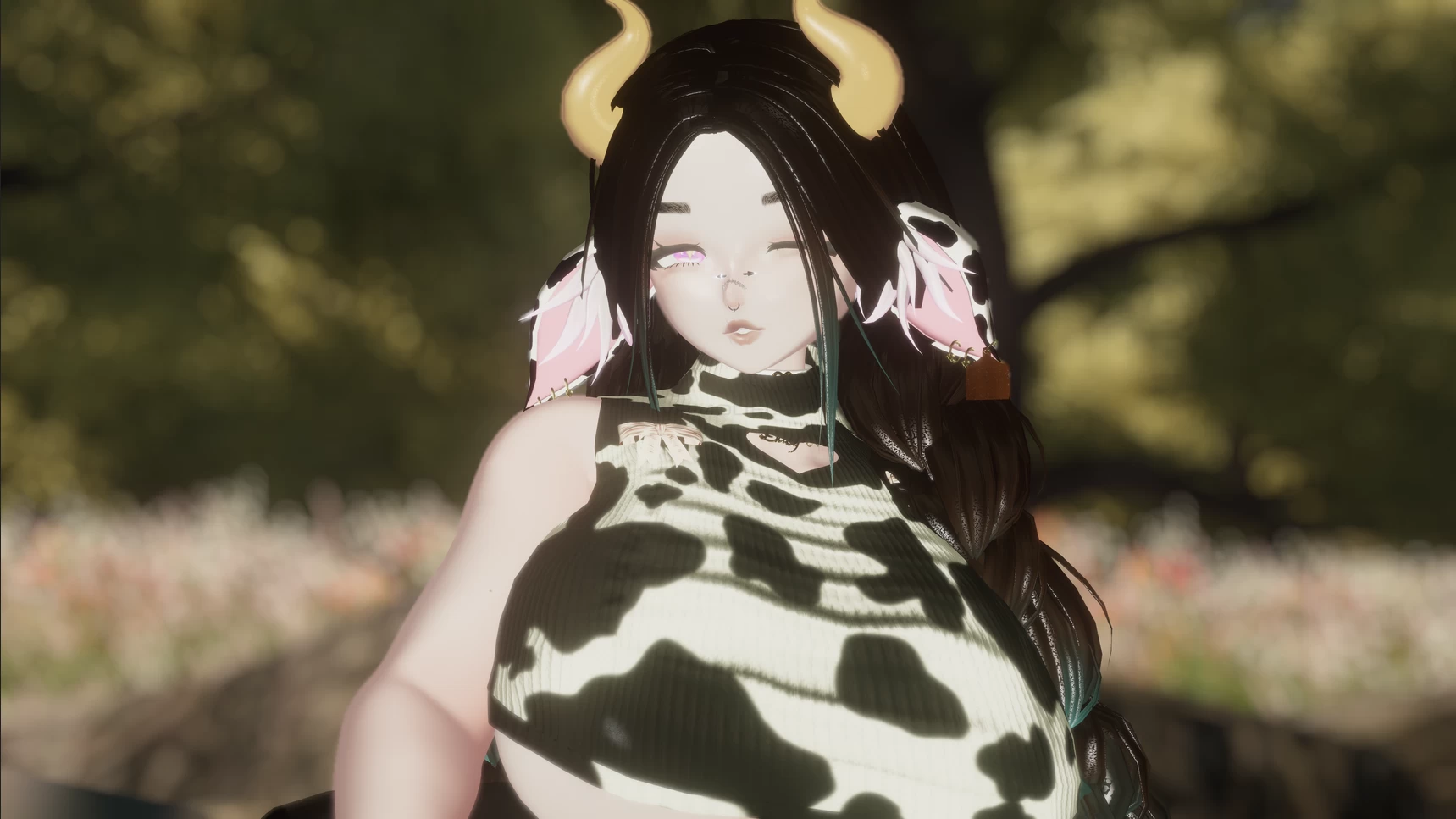
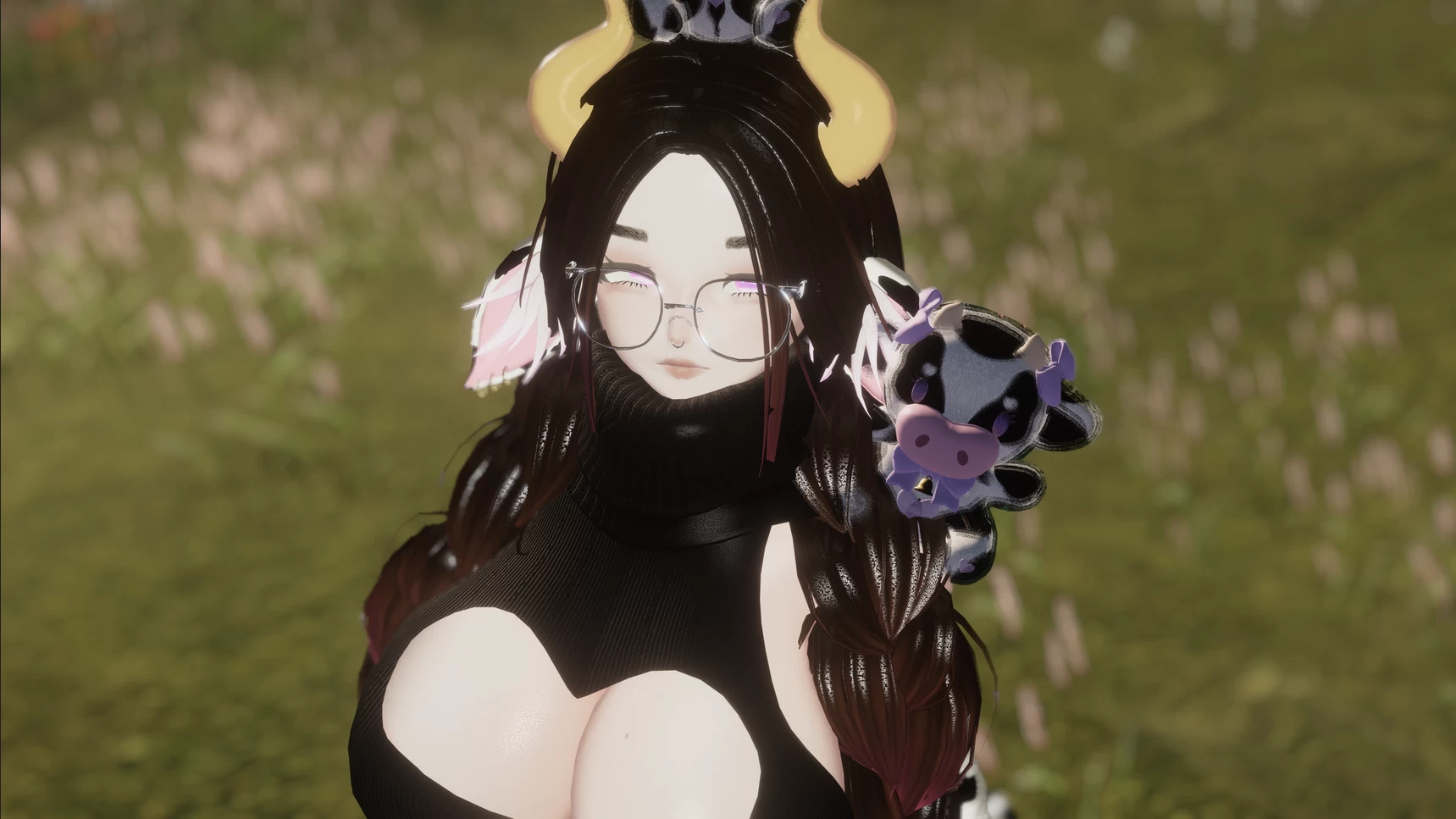
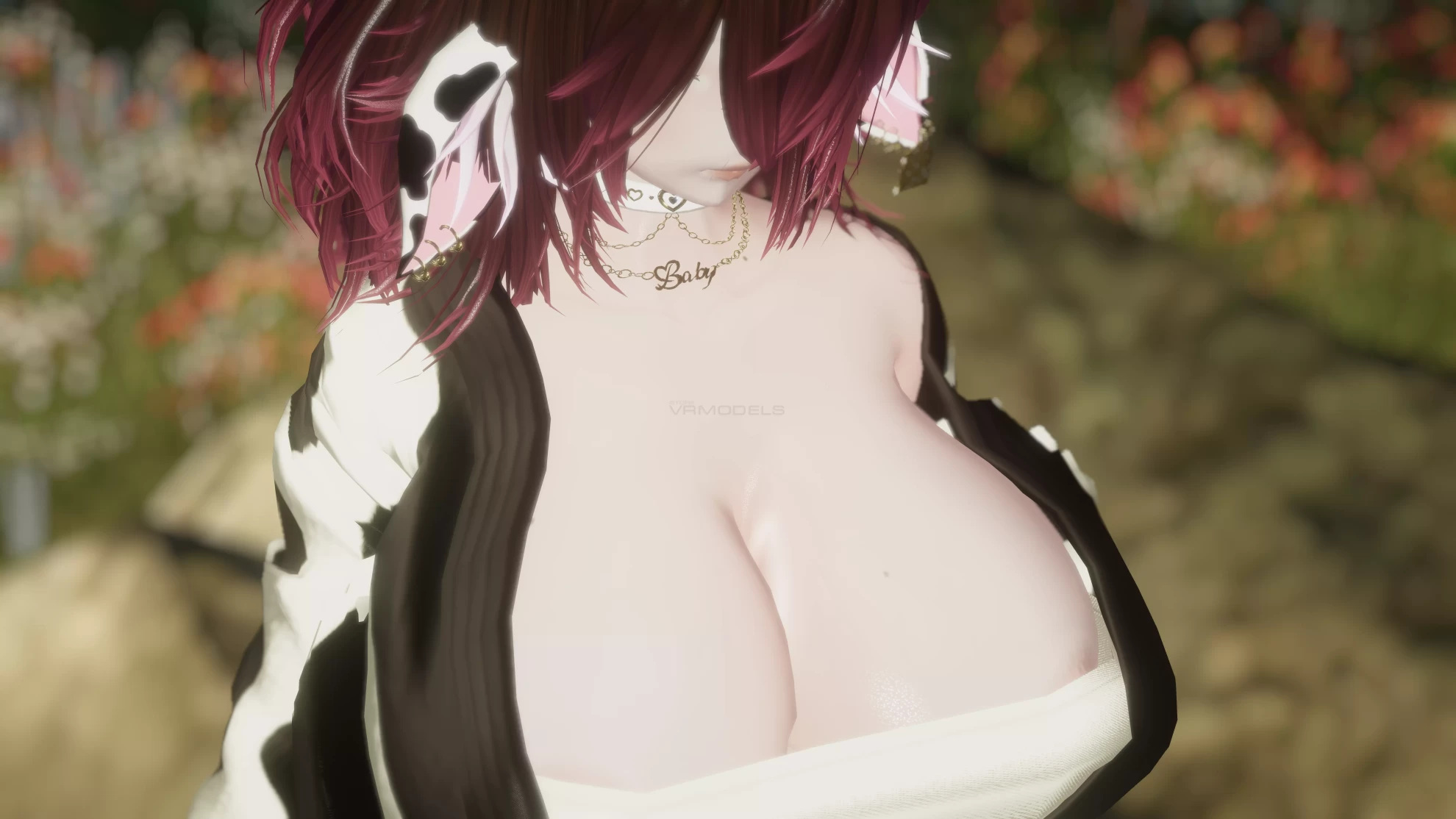
Screenshots of model Maggie in the game
Comments: 13
Add comment

Information

To add your comment you need to log in.

  • foto
    kakren2 #13
    +1
    Anyone trying to upload this avatar after the date of this post, should do the following to get it to work: open up VCC, create a new project, make sure 2019 avatar is selected, name the project whatever you want, hit create, Make sure VRCSDK base and VRCSDK avatar is installed on version 3.4.2, package manager is installed on version 0.1.26, lookup how to add poi toon to the VCC repository if you haven’t already added it, and then make sure the latest version of poi toon is selected and installed in your new VCC Project, after that hit open/open Project, wait for unity 2019 to load, Import ralivs DPS, then import Maggie, IMPORTANT!!! when Maggie’s import options menu window appears, make sure to UNSELECT both, the “VRCSDK” option, and the “package” option . After that, click on import. Then, in Maggie’s hierarchy search for “physics” look for the missing script and remove it, then go to Maggie’s texture folder and one by one lower the resolution of each texture from 4096 to 2048 and tick the option to “use crunch compression” it will take a while, but it must be done with vrchat’s new file size limitation, Then you should be able to upload her through the VRCSDK menu like normal.
    23 October 2024 03:06
  • foto
    kakren2 #12
    0
    Finally got her to work, I just had to decrease the resolution of all of her textures from 4K to 2K and use crunch compression, Strangely enough, I had the same issue with another avatar from the same creator, Yameii
    22 October 2024 02:13
  • foto
    kakren2 #11
    0
    Nosliw, ok, so I can upload the file successfully, however, I cant use it, because it fails security checks, I shall continue testing to see if I can get it to pass. this avi just may not work anymore in this day...
    22 October 2024 01:31
  • foto
    Nosliw #10
    0
    kakren2, yea dont use the blood-borne thing as custom SDK's dont really function anymore especially for the age of the file but if you are saying it bugs out with the blood borne stuff then i'm not sure, i dont remember that being there
    22 October 2024 00:00
  • foto
    kakren2 #9
    0
    Nosliw, so I tried uploading through the blood-borne thing and at first it seem to work, but when I actually went into the game and tried to Change into the avatar, I couldn’t, because it told me it failed security checks. Am I even supposed to import the blood-borne stuff from the Maggie unity package? I already tried uploading it without bloodborne, but either unity crashes, glitches out, or straight up fails to upload with errors such as “couldn’t locate the prefab” I have plenty of experience with uploading avatars, So I don’t know what the issue could be, I’ve already uploaded at least 20 other avatars, all of which work just fine, This is the first one I have encountered issues like this with, lol.
    21 October 2024 09:55
  • foto
    kakren2 #8
    0
    Nosliw, I appreciate the quick response, one more question, I noticed the Maggie file comes with bloodbourne built in, which is apparently, a modified sdk, and it adds its own drop down menu in unity which appears to allow me to upload the avi through it, do i use it to upload the avi, or do i use the default vrcsdk drop down menu?
    21 October 2024 05:13
  • foto
    Nosliw #7
    0
    kakren2, the last SDK they put out on the website before VCC was the norm but you should be able to just use 3.0.9 as its the oldest SDK for vcc like i said in my comment i used vcc but i dont have the project anymore
    21 October 2024 04:26
  • foto
    kakren2 #6
    0
    Nosliw, what version of vrcsdk did you use?
    21 October 2024 04:05
  • foto
    Arbitter #5
    0
    Anyone managed to make this quest compatible?
    7 April 2024 07:48
  • foto
    LethalBunny #4
    0
    Savannah2901, works with unity 2019 i just uploaded it and it works great
    3 April 2024 16:12
  • foto
    SavannahVRC #3
    0
    what exact version of unity should i use?
    27 March 2024 11:20
  • foto
    Nosliw #2
    0
    LazyJelly, i used 2019 unity with vcc, 8.2 poi and had no issues
    25 March 2024 09:08
  • foto
    DragonMama #1
    +1
    LazyJelly, There is a search bar in your avatar Hierarchy, type in "Physics" and then remove the missing script.
    24 March 2024 22:45