Home » Avatars » Jack

Model info

Content type:Avatars
Сreated by: Sunbae Models
SDK: 3.0 (VRChat)
Platform: PC
Рhysbones: Yes
Face Tracking: No
Full body: Yes
Nsfw: Yes
DРS \ SPS : Yes
Views: 54 812
Jack

To download the model, you need to log in.

Description

Features
☯ 60+ Toggles
☯ Materials swaps + Custom Swaps + Dissolves
☯ Newest Version of Gogoloco
☯ NSFW SPS with Custom Stripping Animation
☯ Full Body Tracking ready - Good for Dancing
☯ Custom Fake Index Gestures
☯ Slow Blink Animation

Includes Good Optimised Version as a Option for Checkout
☯ High Quality Opti Version - looks Close to Original
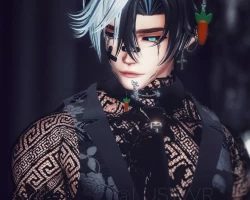
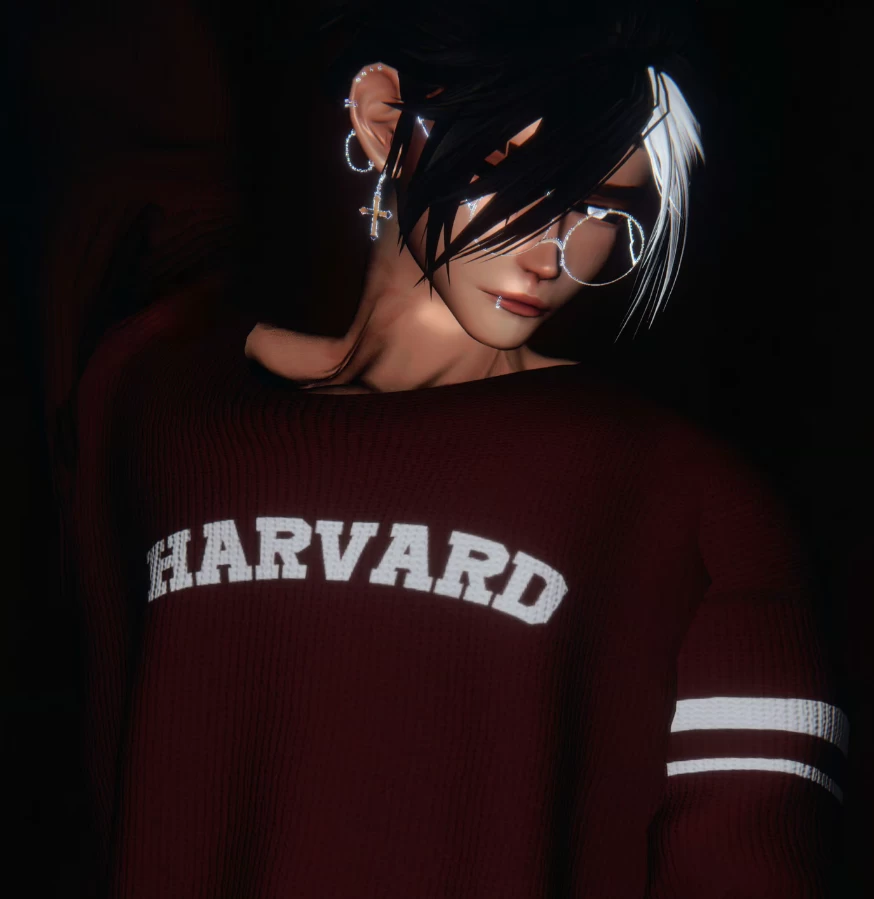
Screenshots of model Jack in the game
Comments: 13
Add comment

Information

To add your comment you need to log in.

  • foto
    Murry #13
    0
    I've uploaded this avatar three times, and each time it didn't match the performance rating. Does anyone know what could be causing this?
    25 June 2025 04:14
  • foto
    bweaves19 #12
    0
    Not sure what i need to do but it keeps saying i cant compress it under 500 mb
    20 January 2025 20:00
  • foto
    Meeseeks #11
    0
    no dps in this?
    23 July 2024 12:08
  • foto
    po96 #10
    0
    and the lolipop gone on the menu it seems.. maybe i done wrong
    5 June 2024 17:51
  • foto
    MorningDew #9
    0
    The avatar on its own is great, but in the photos it doesnt really show that the wrists look really weird otherwise the avatar is great
    15 May 2024 12:50
  • foto
    Reven #8
    0
    Does anyone know if it can be made quest compatible?
    24 April 2024 16:55
  • foto
    mytummyalwayshurts #7
    +9
    ~~~~UPDATE A FIX HAS BEEN FOUND FOR THE ERROR!!~~~~~~

    The error itself is a script one having to do with the "wholesome lollipop"

    There is no script attached to it hence why it is giving you an error when trying to upload, you need to add the dependency to VCC for the wholesome lollipop configuration via this link https://wholesomevr.github.io/vpm/

    After installing it should refresh your project in VCC, exit out of the project and reload it for good measure

    go into the lollipop prefab on the left side hierarchy and navigate to where it says 'script' and right click. it will pop up with a white menu where you should click on 'remove component' before trying to upload. there is a picture attached for all you visual learners <3
    19 April 2024 16:57
  • foto
    mytummyalwayshurts #6
    0
    "Attempting to upload an avatar we do not own" error is popping up for me, i've fixed it in the past but can't remember how. anyone got a fix?Is there an upload order for this, I've just put in vrcfury to my project ilovemybf69420,I found the fix for the "attempting to upload an avatar we do not own" it's basically just a message that's sent in the console when there are other issues in the script

    The script error has to do with the "Wholesome Lollipop"
    19 April 2024 16:17
  • foto
    Jaybird207 #5
    0
    So I detached the blueprint as usual, but when I went to upload I got an error: "we are attempting to upload an avatar we do not own" I have seen this a couple times, recently. Is there a way around this? Or is vrchat actually cracking down?
    19 April 2024 12:28
  • foto
    A-non-a-moose #4
    +1
    Harvard students built diffy these days >.>
    18 April 2024 18:20
  • foto
    ziltoida #3
    0
    it says missing prefab for me when uploading
    18 April 2024 16:30
  • foto
    toxicbunny #2
    0
    Kittrell Christina, not that ik of
    18 April 2024 14:09
  • foto
    Kittrell Christina #1
    Is there a female version
    18 April 2024 12:59