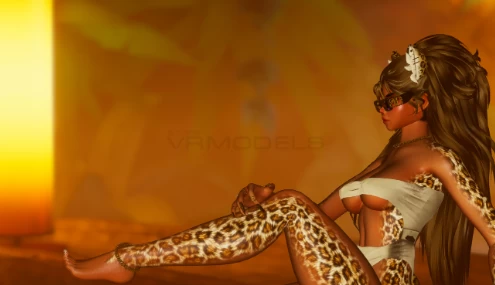
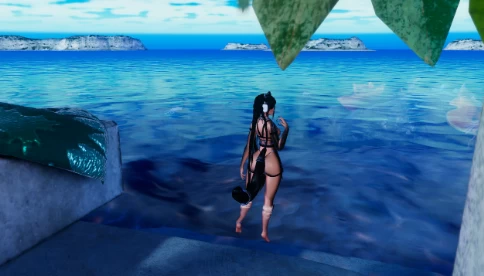
Model info
Content type:Avatars
SDK: 3.0 (VRChat)
Unity version: Unity 2022
Platform:
PC
Рhysbones: Yes
Face Tracking: No
Full body: Yes
Nsfw: Yes
DРS \ SPS : Yes
Views: 10 550
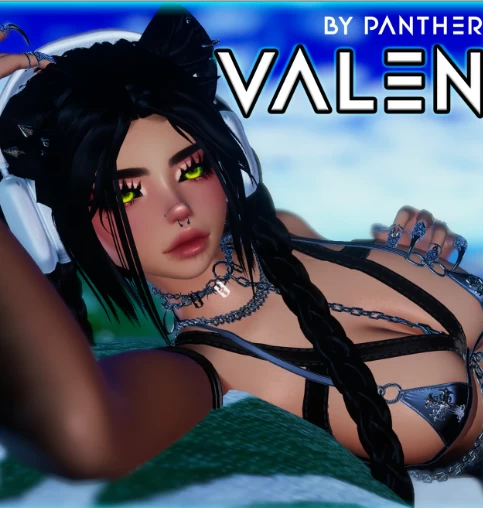
''Valen''
To download the model, you need to log in.
Description
𝗛𝗼𝘄 𝘁𝗼 𝗨𝗽𝗹𝗼𝗮𝗱 𝗩𝗮𝗹𝗲𝗻! (2 WAYS)
1.-
· UNPACKAGE the folder you downloaded.
· Open VCC (Unity 2022.3.6f1)
· ADD ''Existing Project''
· You ALL SET!
2.-
· UNPACKAGE the folder you downloaded.
· Open VCC (Unity 2022.3.6f1).
· CREATE a NEW PROYECT (All ALREADY INCLUDED).
· OPEN the UNITY file called ''VALEN by Panther''.
· You ALL SET!
· Crystal Shader
· Poiyomi ver. 7.3.050 Up To 9.0.57
· VRCFury (Ver. 1.860.0)
· SPS (Ver 2.0.8)
