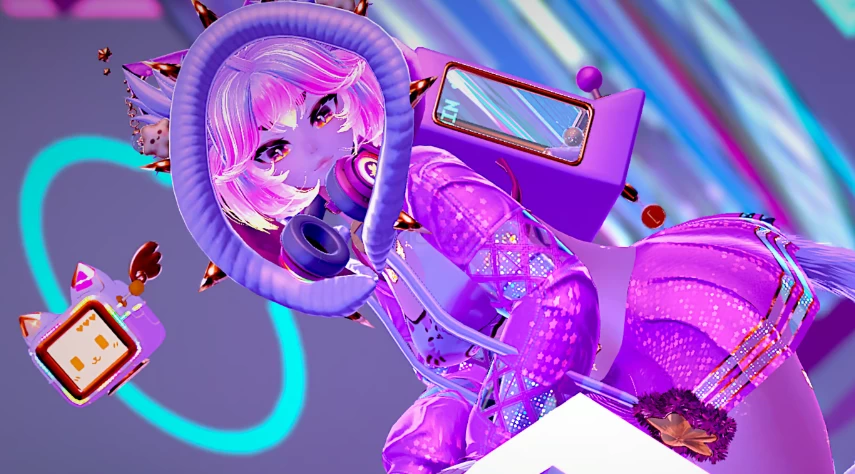
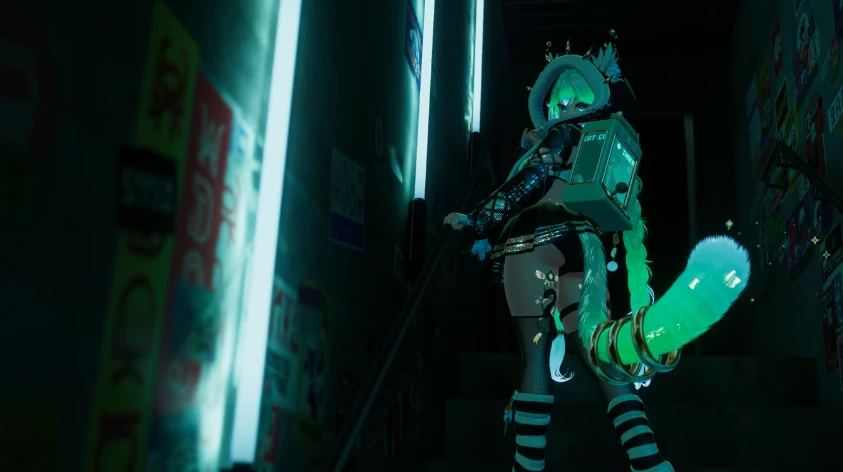
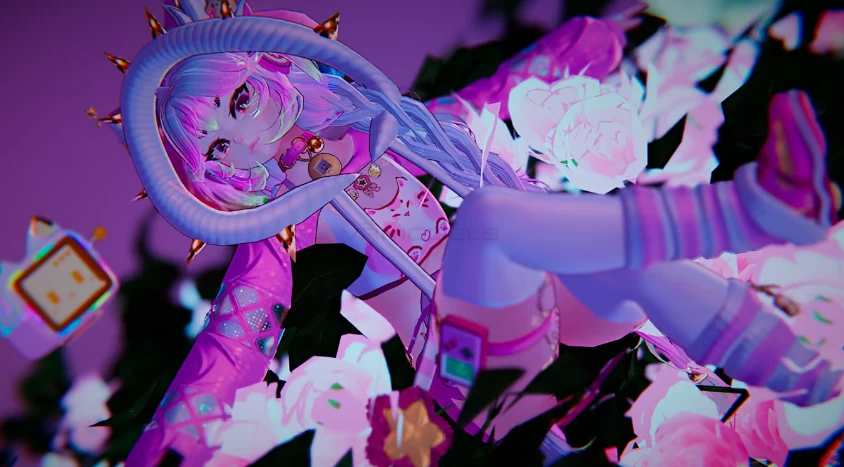
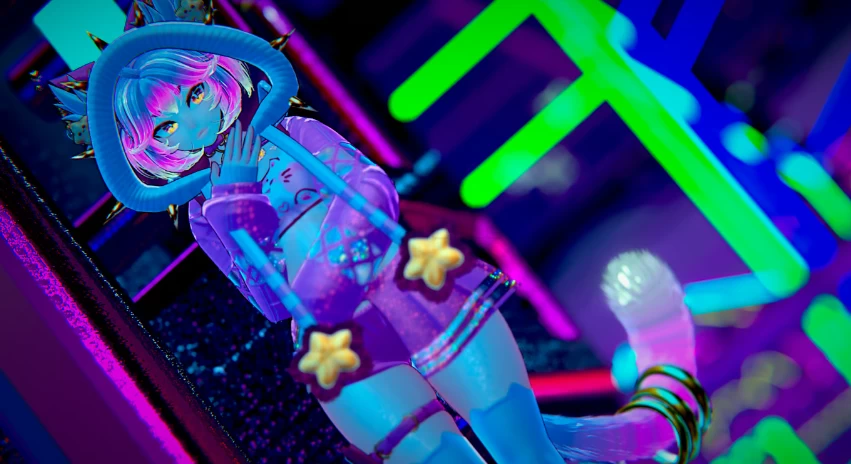
Model info
Content type:Avatars
SDK: 3.0 (VRChat)
Unity version: Unity 2022
Platform:
PC
Рhysbones: Yes
Face Tracking: No
Full body: Yes
Nsfw: Yes
DРS \ SPS : Yes
Views: 88 798
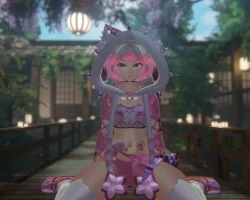
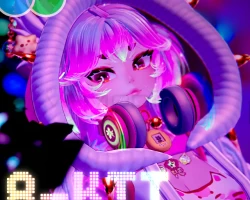
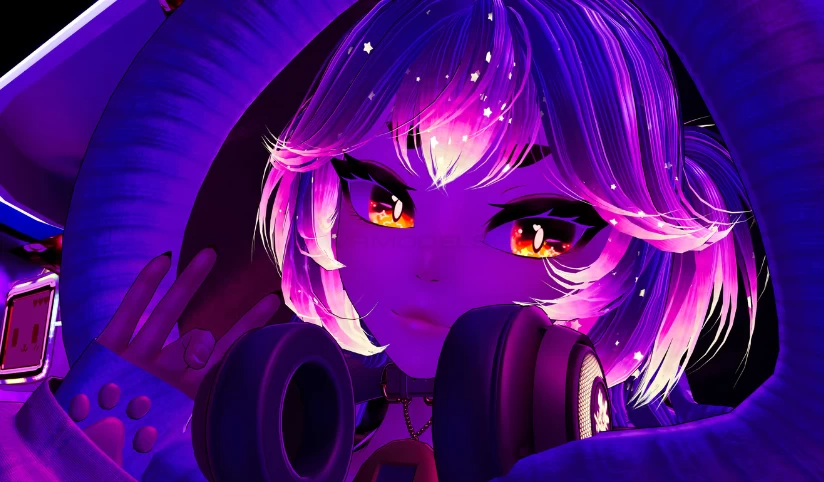
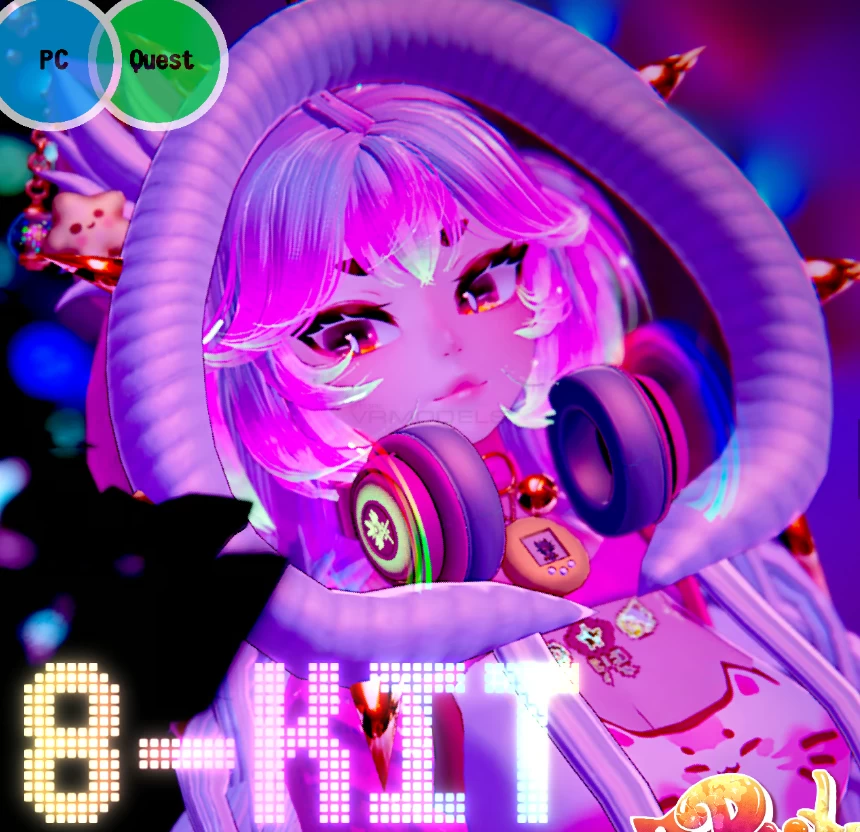
‘’8-Kit‘’
To download the model, you need to log in.
Description
Unity 2022.3.22f1
VRChat Creator Companion (VCC, VRChat website)
Poiyomi Toon 9.0.57
Please note that SPS is already built into this avatar, and you should not import VRCFury before upload!
Additionally, please have basic knowledge of how to upload an avatar to VRChat.
PC upload Instructions:
1. Create a new Unity Avatar project using VCC, and log into the SDK
2. Import Poiyomi Toon 9.0.57
3. Import the 8-Kit PC Avatar Package
4. Open the "OPEN ME" scene in the 8-Kit folder
Ready to upload!
Quest upload instructions:
1. Create a new Unity Avatar project using VCC, and log into the SDK
2. Import the 8-Kit Quest Avatar Package
3. Open the "OPEN ME" scene in the 8-Kit folder
4. Remember to Copy/paste the blueprint ID from your PC upload to this one, for the fallback to sync
Ready to upload!
VRChat Creator Companion (VCC, VRChat website)
Poiyomi Toon 9.0.57
Please note that SPS is already built into this avatar, and you should not import VRCFury before upload!
Additionally, please have basic knowledge of how to upload an avatar to VRChat.
PC upload Instructions:
1. Create a new Unity Avatar project using VCC, and log into the SDK
2. Import Poiyomi Toon 9.0.57
3. Import the 8-Kit PC Avatar Package
4. Open the "OPEN ME" scene in the 8-Kit folder
Ready to upload!
Quest upload instructions:
1. Create a new Unity Avatar project using VCC, and log into the SDK
2. Import the 8-Kit Quest Avatar Package
3. Open the "OPEN ME" scene in the 8-Kit folder
4. Remember to Copy/paste the blueprint ID from your PC upload to this one, for the fallback to sync
Ready to upload!