Home » Avatars » Emmigosa

Model info

Content type:Avatars
Сreated by: FXV
SDK: 3.0 (VRChat)
Unity version: Unity 2022
Platform: PC
Рhysbones: Yes
Face Tracking: Yes
Full body: Yes
Nsfw: Yes
DРS \ SPS : Yes
Views: 84 918
Emmigosa

To download the model, you need to log in.

Description


// Emmigosa (Human/Furry)
Description
Fxv? Making baddies? what kind of upside-down parallel universe is this?!!?!?

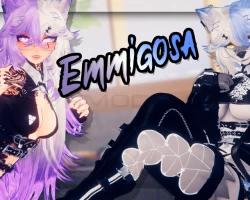
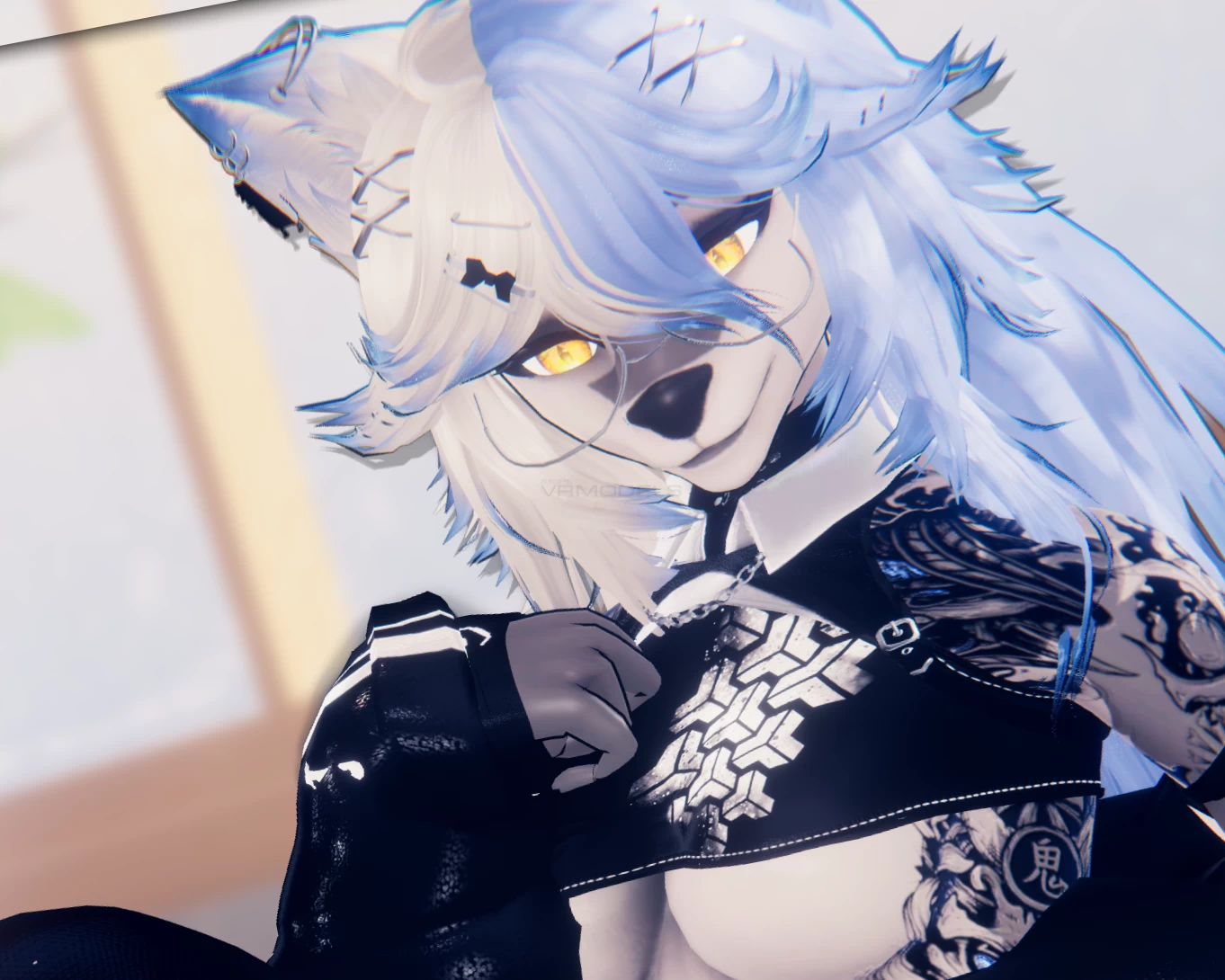
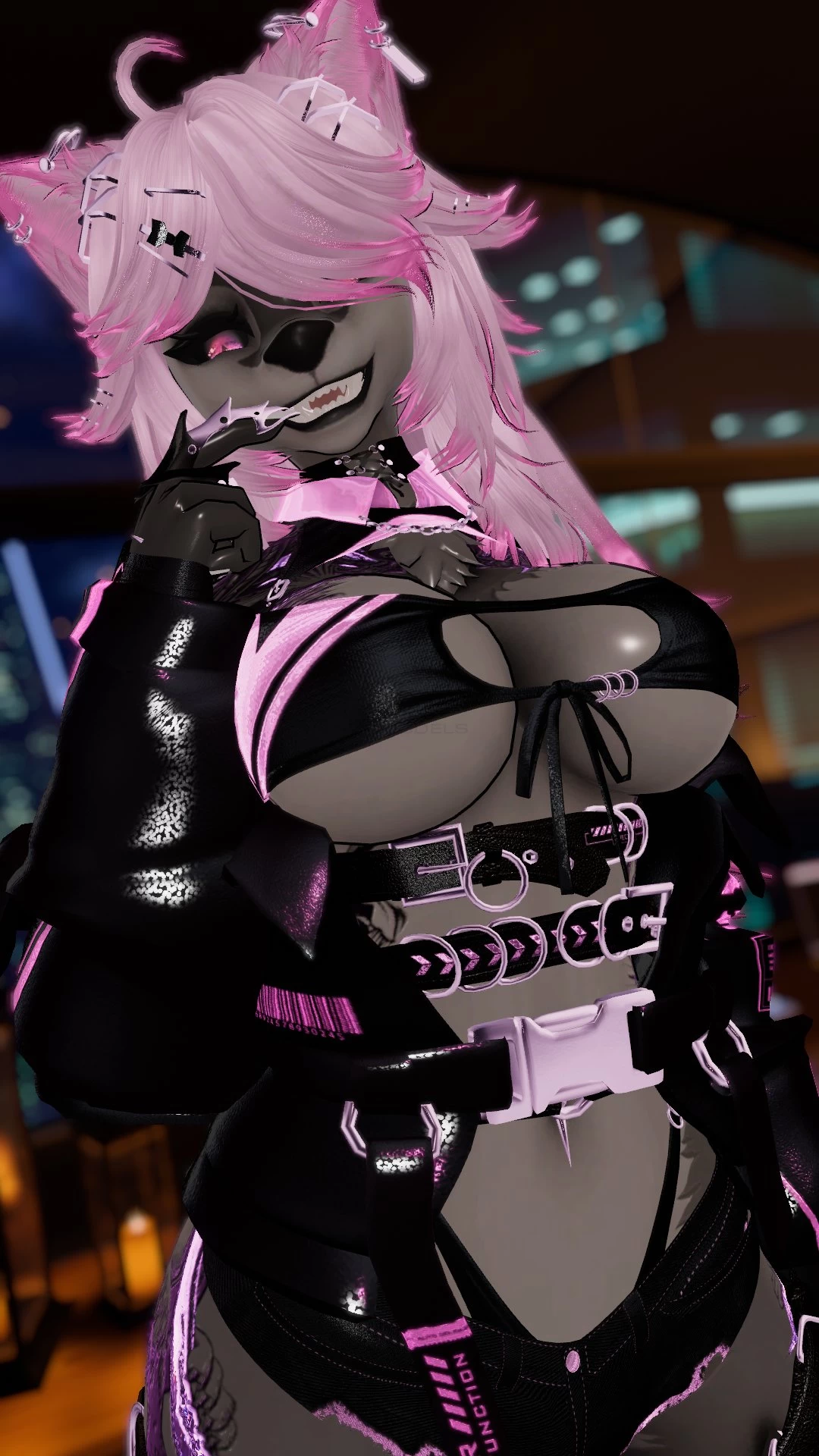
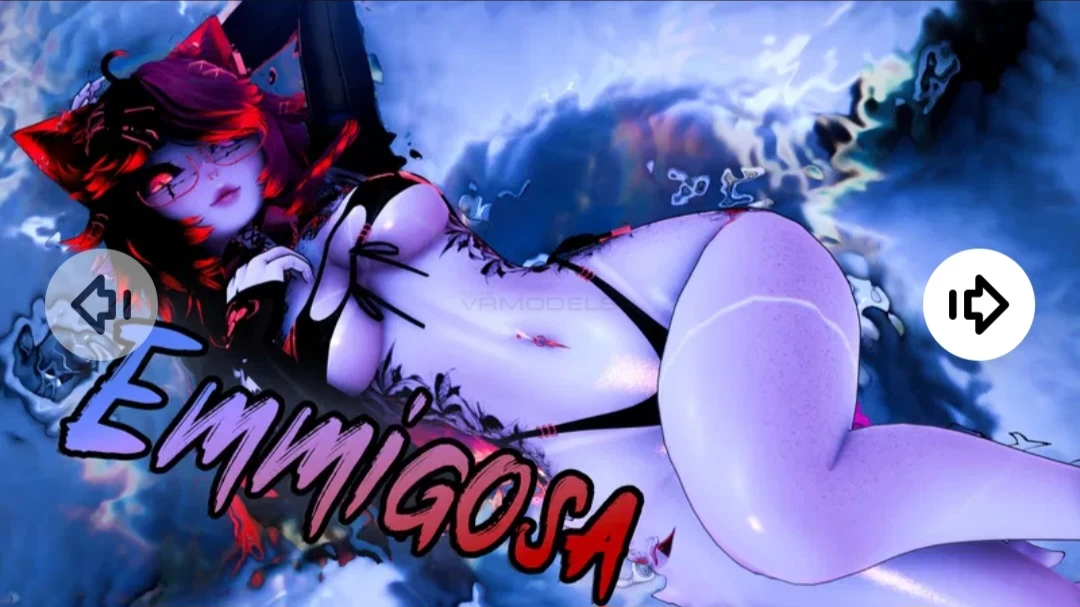
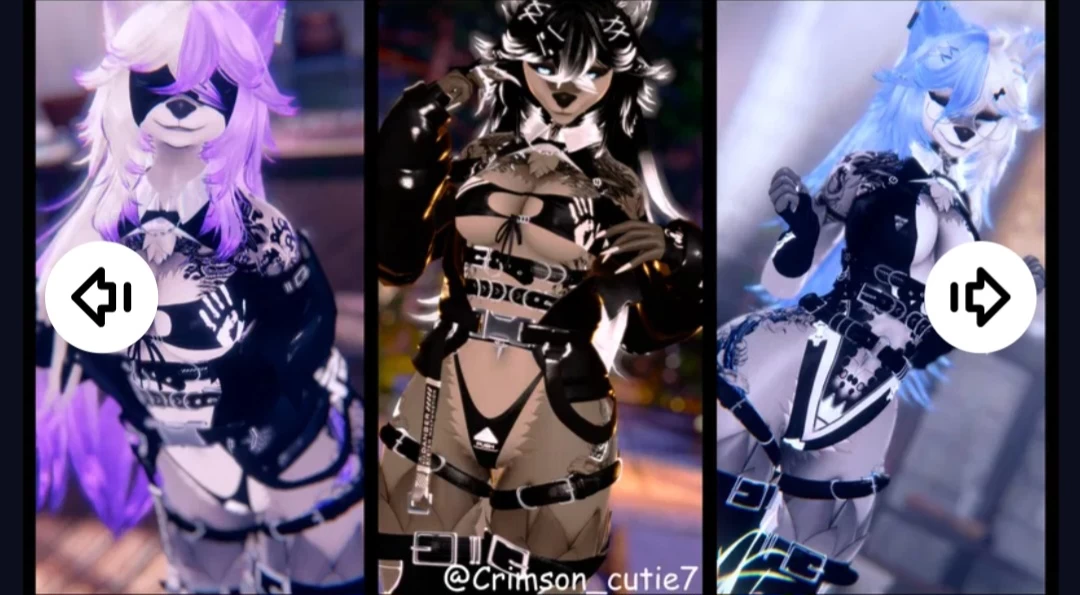
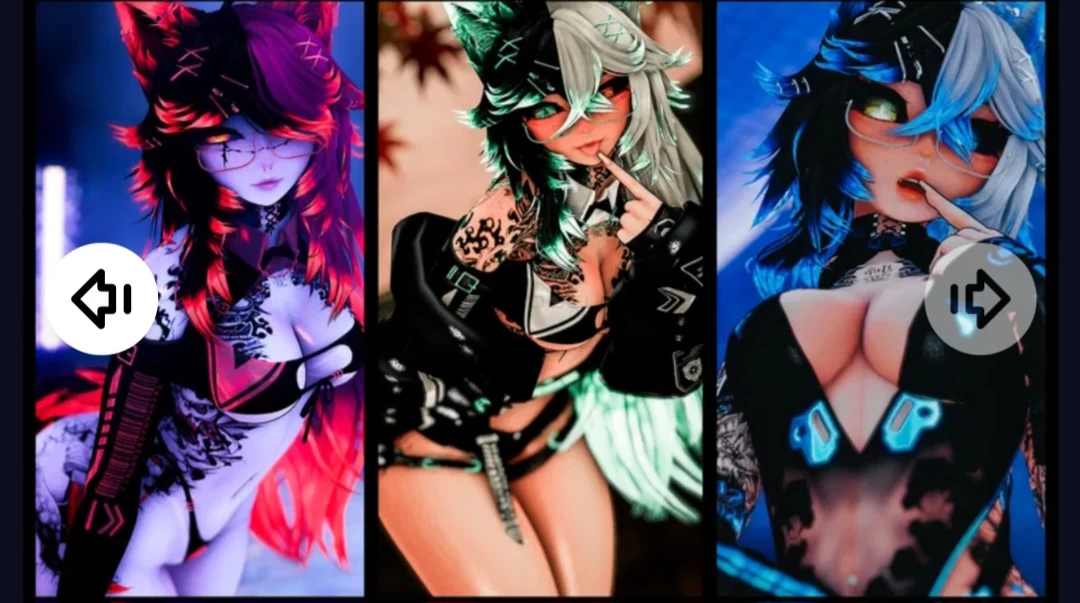
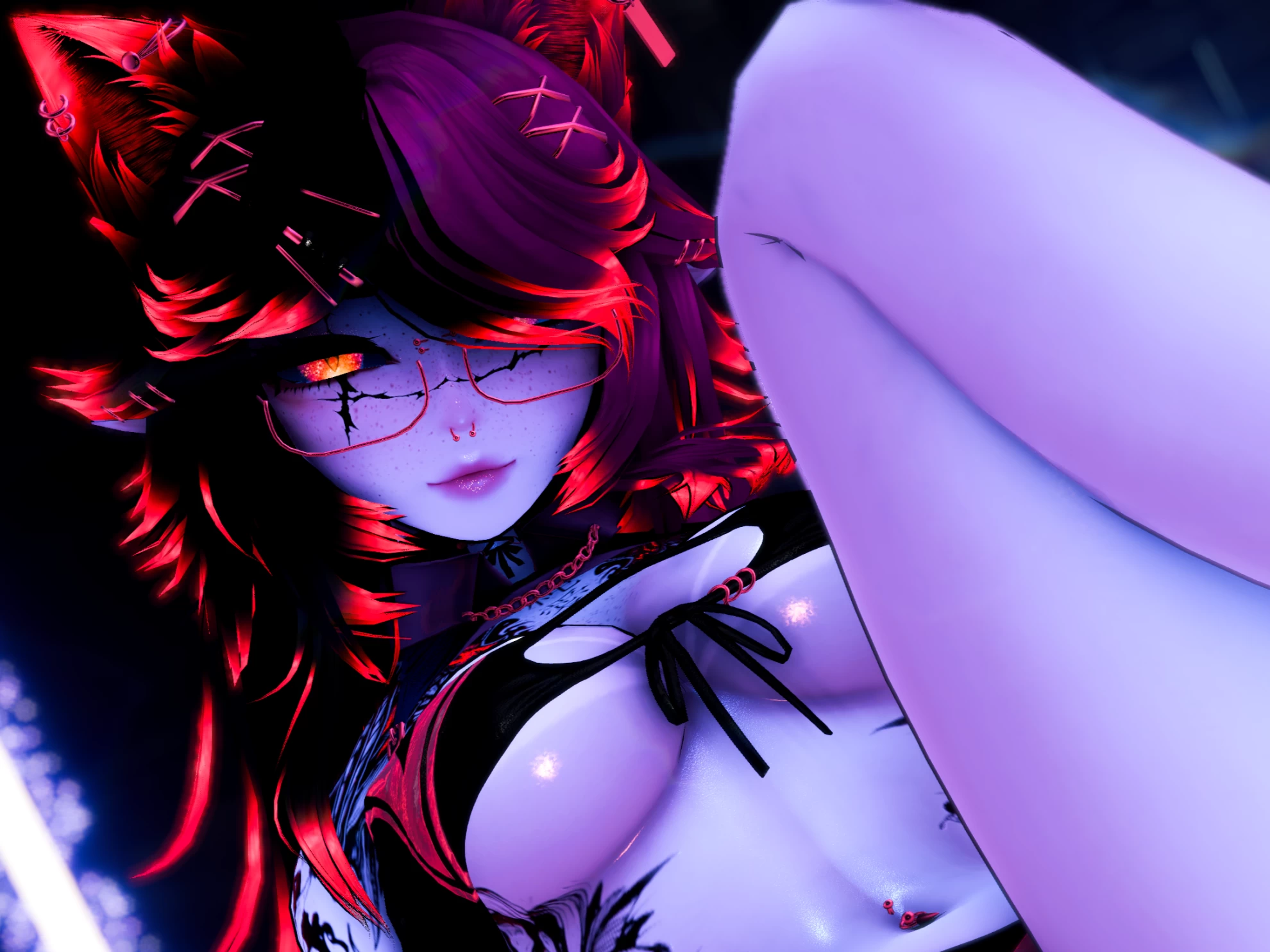
Meet Emmigosa, my take on making an... uhm... Gulps pretty woman... like really pretty... I really went out of my comfort zone with this one, and I'm excited to see what people think! as always, you can purchase her on my Jinxxy shop as well, and my socials are down there c:

Brief Feature Overview:
Over 65 unique toggles to completely customize your version!
plenty of hair customization, including 2 sets of back hair, and 2 sets of bangs, with one being a radial to precisely set your bang position :3
Poiyomi Pro and Toon version pre made!
Greyscale and lighting multiplier sliders to perfectly give yourself your desired lighting!
toggleable ability to have your skin dim when someone gets near it!
Toggleable outlines
Toggle on and off elf ears!
Audiolink on hair and outfit!
Contacts for: Eye poking, mouth opening, JUMPFxv, and headpat!
Nearby another Fxv avatar? See a little JumpFXV show up on your dogtag! (Toggleable)
Tattoos that you are able to toggle off and on
Skintone slider
Sclera toggle
Tanlines Guh
Bodyshine
and a fade on the face under the hair! (toggleable)

Furry Version???:
I kinda did a whole "what if I delay the avatar a month and make a furry version as well to go along with the avatar" and decided to make an entire second version with Rokkasuu that was furrified! like all of the toggles are there except the shoes and heels but like... furry feet tho LOL
(This IS a separate upload b/c it was so last minute, FYI.)

●Quality of Life:
Tidy and neat folder to easily find whichever model you want!
Icons for (I think) 100% of the toggles within the radial menu!
Neatly organized Fx that isn't a complete labyrinth to navigate (or it might be idk sorry X3)
Easy import text for you to follow with links for everything you need to install!
Poiyomi toon scene also provided for people who don't have poiyomi pro! No $10 paywall for you!
Screenshots of model Emmigosa in the game
Comments: 44
Add comment

Information

To add your comment you need to log in.

  • foto
    NyanTeaVee #44
    0
    the issue stems from it not having a unity scene to open, like every other avatar out there, as far as I can tell
    24 June 2025 03:12
  • foto
    AvtorNtet (user blocked for violating site rules) #43
    how to add furry version to model?
    18 May 2025 06:43
  • foto
    Woods1 #42
    +1
    I can't find the Furry Version
    13 April 2025 13:30
  • foto
    RAM1500 #41
    0
    Do i just download the emmigosa both 1.2 file or do i need to get those other 3 that say legs arms and furry?
    cuz i dont know what those other files are for
    16 March 2025 13:55
  • foto
    Earthwalker #40
    0
    S0d4rush, just renamme the unity zip by removing .gz or go into the google drive folder and download only the unity file

    percs, if you dont have face tracking re load the package and uncheck face tracking. thats usually the issue. Are there any more details that your consoles prints when failing to upload?
    9 February 2025 12:41
  • foto
    7tvister7 #39
    Does anyone else not have the animation for turning the tail and ears on and off?
    9 February 2025 11:23
  • foto
    Emliy #38
    0
    thelizzy, Ty
    9 February 2025 02:37
  • foto
    S0d4rush #37
    0
    I can't seem to figure out how to unpack the package, could someone explain that to me please
    9 February 2025 02:17
  • foto
    percs #36
    how do i upload the avi, its telling me somethings wrong with the vrcfury
    8 February 2025 05:44
  • foto
    21V4erashniy12 #35
    0
    guys, help me add this skin to my account..... pls...
    (or if it's not too much trouble, give me a link to the guide)
    it's just that when I load a model instead of a normal avatar it shows me this:
    https://imgur.com/a/omUaLn9
    7 February 2025 02:07
  • foto
    21V4erashniy12 #34
    0
    guys, help me add this skin to my account..... pls...
    (or if it's not too much trouble, give me a link to the guide)
    6 February 2025 08:50
  • foto
    mika7 #33
    0
    AshyNL010, thanks! <3
    6 February 2025 07:20
  • foto
    wildan hafifi (user blocked for violating site rules) #32
    Dragowolf, fake info lol

    thelizzy, actually u dont need to, its just ur browser setting
    5 February 2025 06:28
  • foto
    AshyNL010 #31
    al u have to do is click on download here. from there u get to google drive then just click on the main file that wil open that folder then from there download the unity package is al you have to do.
    5 February 2025 04:34
  • foto
    VRModels #30
    Dragowolf, Don't mislead people. Everything's working fine.
    4 February 2025 21:21
  • foto
    Dragowolf #29
    This package does not work unless you actually have the unity package don't bother its just been ripped lol
    4 February 2025 21:12
  • foto
    thelizzy #28
    +5
    For those who are having problems with getting to file to unzip heres what you can do once the file is downloaded you have to convert the file from a .gz to a . zip file I used cloudconvert.com it works great. then you have to unzip the file and from that point you can import into unity hopefully this helps some of you all out <3
    4 February 2025 17:56
  • foto
    Kazumi Hifumi Asuka #27
    0
    naah! the furry looks amazing! wow!
    4 February 2025 09:11
  • foto
    mytummyalwayshurts #26
    0
    oogaboogaunga, yeah I'm seeing that now, just odd that it opened right away for me but i'm not sure
    4 February 2025 08:02
  • foto
    oogaboogaunga #25
    0
    mytummyalwayshurts, you have to click on Dor, in the top toolbar then click avatar setup. there is no automatic popup for most users.
    4 February 2025 05:22
  • foto
    wildan hafifi (user blocked for violating site rules) #24
    Witchz, pretty much
    4 February 2025 05:14
  • foto
    Witchz #23
    +3
    Okay holy shit, the .spp files are substance painter files. You're telling me all the confusion is because people don't know what a folder in google drive works????
    anime45
    4 February 2025 03:22
  • foto
    Witchz #22
    0
    Downloading this just to figure out how it works lmao, tbh I have never seen an .spp file, but people here would instantly freak out at the sight of a .zip file and not know how to open them. This new generation is truly lost
    4 February 2025 03:12
  • foto
    mytummyalwayshurts #21
    0
    Queen royale, I don't know how to explain it other than it's just a pop-up window with the 'dependencies' for the avatar itself, gives you options for how and what you want to upload (regular or furry, poi pro or toon, etc) And then it uploaded perfectly fine for me after changing some of the shaders from errors, im not quite sure what other issues there could be it was a smooth process for myself
    3 February 2025 19:31
  • foto
    klutzkitty #20
    0
    thanks for the help and unnecessary comments -_-
    3 February 2025 17:17
  • foto
    AsterPlushie #19
    0
    ***comment deleted***
    3 February 2025 16:19
  • foto
    Mali-Chan #18
    0
    Quote: KJ Redacted
    literally nothing that anyone has said has made any sense, ive been uploading models for years 300+ on my account and ive never seen this shit. It being easy apparently aint it if multiple people are having issues

    yea it is very easy, i just got hella confised bcs of the .gz file
    3 February 2025 15:39
  • foto
    KJ Redacted #17
    +1
    literally nothing that anyone has said has made any sense, ive been uploading models for years 300+ on my account and ive never seen this shit. It being easy apparently aint it if multiple people are having issues
    3 February 2025 14:49
  • foto
    wildan hafifi (user blocked for violating site rules) #16
    Mali-Chan, save as all file type lol, also if .gz file just drag and drop the rar file to unity and let it import

    justauseronvr, real, and how ironic VRM staff are more smarter figuring stuff like this lmaoo
    3 February 2025 13:54
  • foto
    justauseronvr #15
    0
    Reading these comments is entertainment.
    3 February 2025 13:36
  • foto
    Mali-Chan #14
    0
    Quote: wildan hafifi
    Mali-Chan, dude just right click.one of file and download it, dont be slow bruhh

    And also its a fucking real file u just need to learn how to download file from gdrive properly lmafaooo

    weird that everytime i download it i get a .gz file
    3 February 2025 13:13
  • foto
    wildan hafifi (user blocked for violating site rules) #13
    Mali-Chan, dude just right click.one of file and download it, dont be slow bruhh

    And also its a fucking real file u just need to learn how to download file from gdrive properly lmafaooo
    3 February 2025 13:09
  • foto
    Mali-Chan #12
    0
    ***comment deleted***
    3 February 2025 13:07
  • foto
    Rowan Stransky #11
    +2
    After you click on the green download button double click on the 'Main File' and then download the one that says 'Unitypackage'
    3 February 2025 12:24
  • foto
    wildan hafifi (user blocked for violating site rules) #10
    DommyMommyFutanari, probably u downloaded the whole file anime146
    3 February 2025 11:49
  • foto
    DommyMommyFutanari #9
    0
    wildan hafifi, im mainly talking about why the unity package got turned into a zip file lol
    3 February 2025 11:32
  • foto
    wildan hafifi (user blocked for violating site rules) #8
    DommyMommyFutanari, just download em one by oneeeeee, click the folder and right click the fileeee, come on folks is 2025 and yet u guys still didnt know how to download file from gdrive properly?
    3 February 2025 11:24
  • foto
    DommyMommyFutanari #7
    +2
    wildan hafifi, next time put the unity package file here, not the file turned into a folder for the dummies here smh smh
    3 February 2025 11:04
  • foto
    wildan hafifi (user blocked for violating site rules) #6
    Dude its a gdrive with all file in it, why u guys are so slow lmaooo

    This is why u need to learn how to do unity and how to read properly before u can upload ur own avi anime133
    3 February 2025 10:23
  • foto
    Queen royale #5
    0
    mytummyalwayshurts, dependencies? what kind of conditions?
    3 February 2025 10:15
  • foto
    mytummyalwayshurts #4
    0
    in order to get the package in PROPERLY you have to accept the dependencies from the side panel that pops up when you import. this is the only way it will import properly
    3 February 2025 09:12
  • foto
    shikan #3
    0
    i rather not have that file in my pc... <.< hope the actuall model comes soon here
    3 February 2025 09:00
  • foto
    TheCutest #2
    Where is the file?
    3 February 2025 08:21
  • foto
    klutzkitty #1
    +3
    files are confusing. i cant find the avatar to put into unity
    3 February 2025 08:14