Model info
Content type:Avatars
SDK: 2.0 (VRChat)
Unity version: Unity 2022
Platform:
PC
Рhysbones: No
Face Tracking: No
Full body: Yes
Nsfw: No
DРS \ SPS : No
Views: 15 516
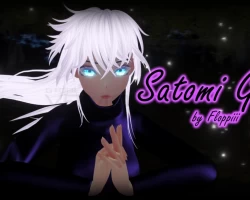
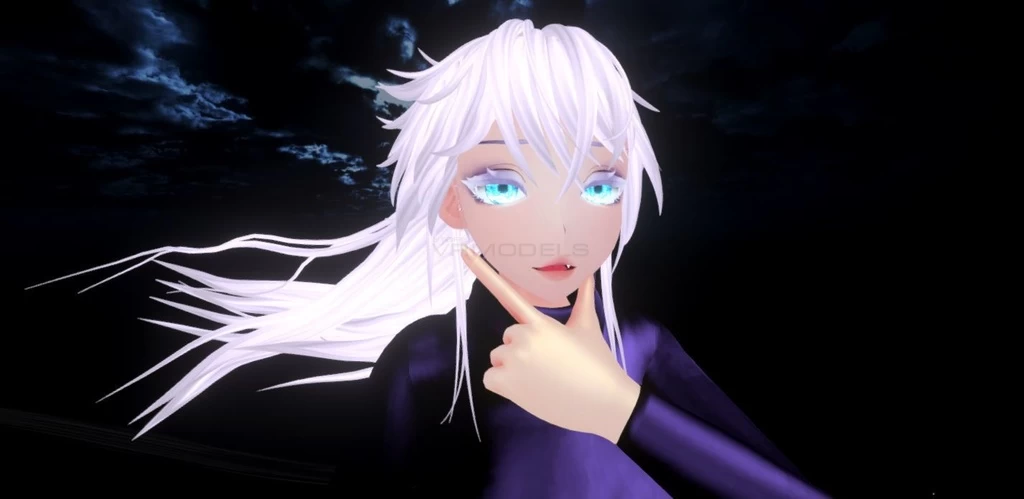
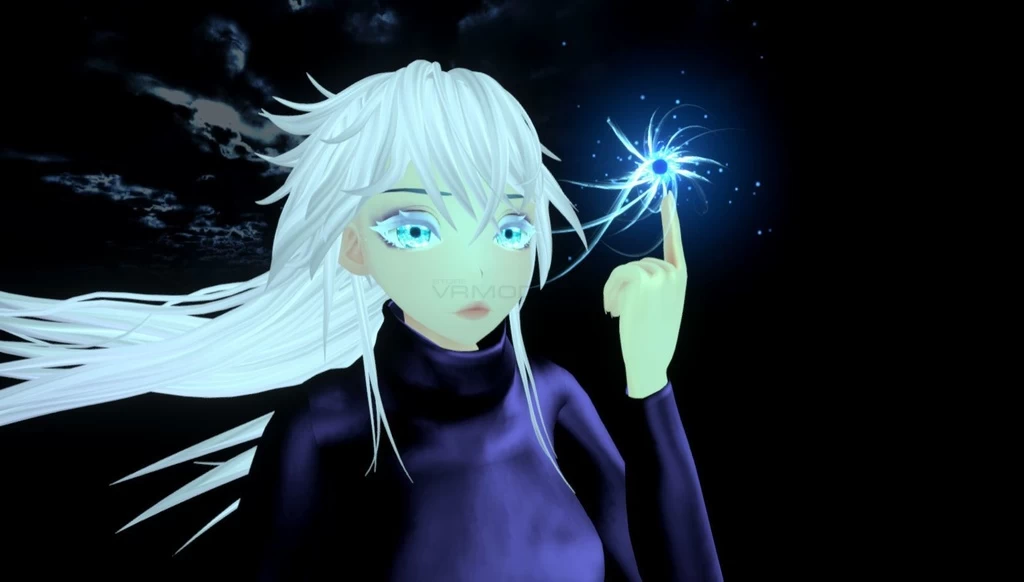
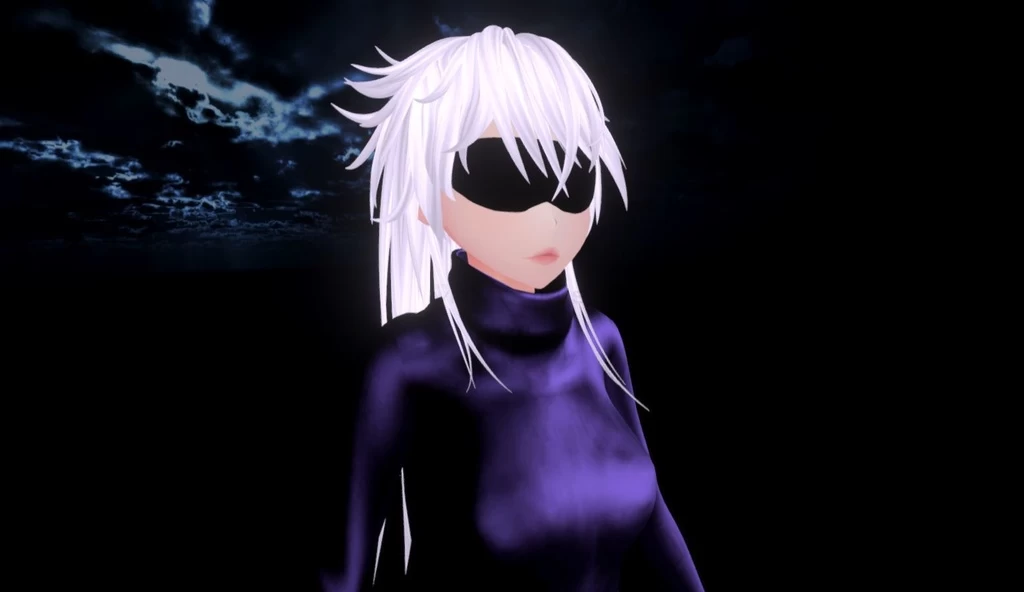
【Unity/VRChat】Jujutsu Kaisen Satomi Gojo Vrchat Avatar by Floppiii
To download the model, you need to log in.
Description
-Create a new Unityproject in Unity 2019 with Unity Hub (Not Creator Companion) Unity 2022 should also work!
-Import the PoiyomiToon7.3.050.unitypackage
-Import the luka#8375 june lite one half.unitypackage
-Import the VRCSDK3-AVATAR-2022.10.27.00.35_Public.unitypackage
-Finally Import the Satomi Gojo by Floppiii v1.0..unitypackage
-Go to the Assets/Floppiiis Prefabs/Gojo Avatar Folder and open the "Satomi Gojo Scene" File
-If you don't like the Music that plays once you remove the mask feel free to add your own song. To do that you need to expand the Heirarchy of the Model in the Scene:
Expand "Gojo" first, then "Animations" at the bottom, followed by "Musicstuff" - then click on the Gameobject "Idle Music" and feel free to drag another Audio Clip into the first field which you imported beforehand. Feel free to join my Discord if you need help with that: https://discord.gg/W8suTCp
-Now you just need to log into your vrchat account in the vrcsdk control panel and can upload her right away! It will take a while because the Poiyomi Shader Materials will be locked first, don't worry. :D
-Import the PoiyomiToon7.3.050.unitypackage
-Import the luka#8375 june lite one half.unitypackage
-Import the VRCSDK3-AVATAR-2022.10.27.00.35_Public.unitypackage
-Finally Import the Satomi Gojo by Floppiii v1.0..unitypackage
-Go to the Assets/Floppiiis Prefabs/Gojo Avatar Folder and open the "Satomi Gojo Scene" File
-If you don't like the Music that plays once you remove the mask feel free to add your own song. To do that you need to expand the Heirarchy of the Model in the Scene:
Expand "Gojo" first, then "Animations" at the bottom, followed by "Musicstuff" - then click on the Gameobject "Idle Music" and feel free to drag another Audio Clip into the first field which you imported beforehand. Feel free to join my Discord if you need help with that: https://discord.gg/W8suTCp
-Now you just need to log into your vrchat account in the vrcsdk control panel and can upload her right away! It will take a while because the Poiyomi Shader Materials will be locked first, don't worry. :D
