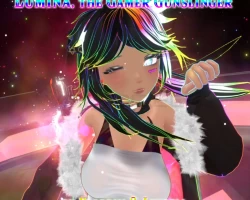
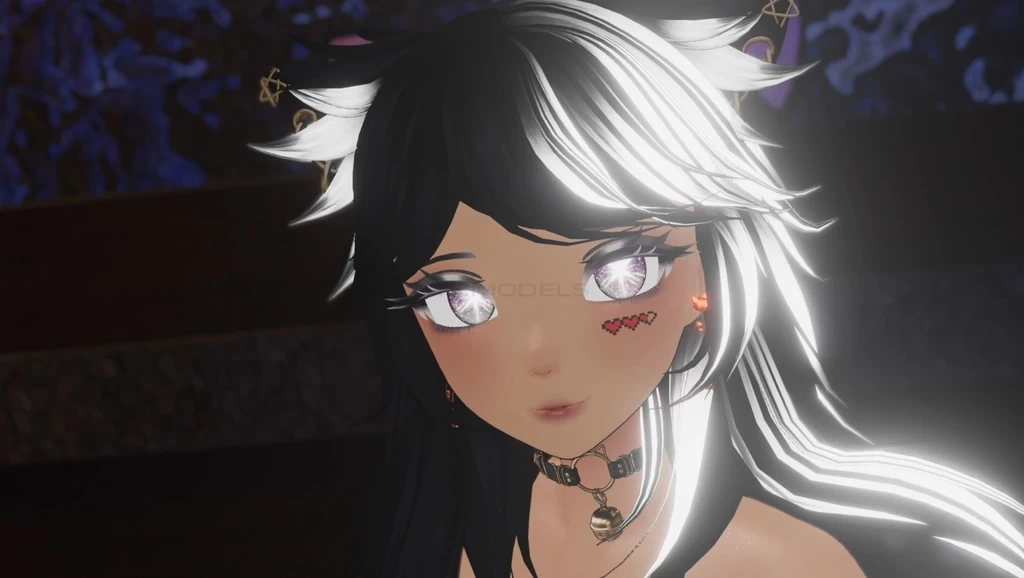
Home » Avatars » 【Unity/VRChat】Lumina, the Gamer Gunslinger Avatar by Floppiii & Lysbell (New Gunblade)

Model info

Content type:Avatars
SDK: 2.0 (VRChat)
Unity version: Unity 2022
Platform: PC
Рhysbones: No
Face Tracking: No
Full body: Yes
Nsfw: No
DРS \ SPS : No
Views: 18 129
【Unity/VRChat】Lumina, the Gamer Gunslinger Avatar by Floppiii & Lysbell (New Gunblade)

To download the model, you need to log in.

Description

-Open the Project
-Import the poi_Toon_7.3.50_To_8.1.167.unitypackage
-Import the Lumina Gamer Gunslinger Avatar by Floppiii 1.4.unitypackage
-Go in the Project File Browser go to: Assets\Floppiiis Prefabs\Lumina Gamer Gunslinger Avatar by Floppiii
And then open the Scene file: "Lumina Gamer Gunslinger Scene"
-Enter the 4-8 Digit Password you want to use to unlock the Avatar's Animations Ingame. (Number 1-8 only)
-Press Apply. The Script will Generate a new copy of the Avatar with a "RePassword" added behind it.
Note: This Recreated Avatar doesn't have the script on it anymore. Keep the Original copy in the Scene to create a Version with a new Password.
-The new created copy of the Avatar can be uploaded to Vrchat by you. It will work 100% just like in the Video and as described in the Avatar Description.txt file.
-Open the Menu ingame and use the "Password" button to open the Pasword submenu. Enter the digits you set up for the Avatar to unlock the Animations of the Avatar.
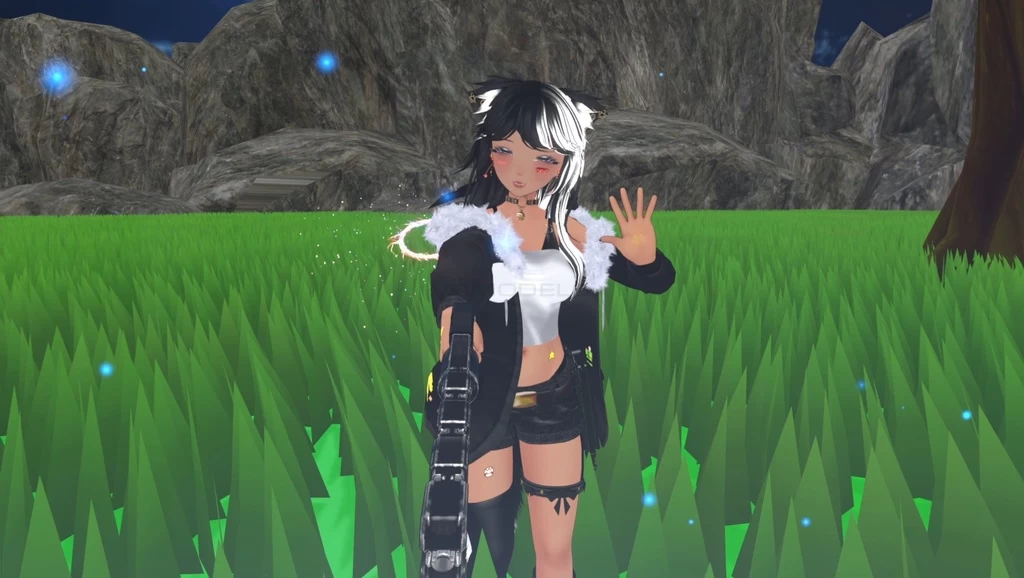
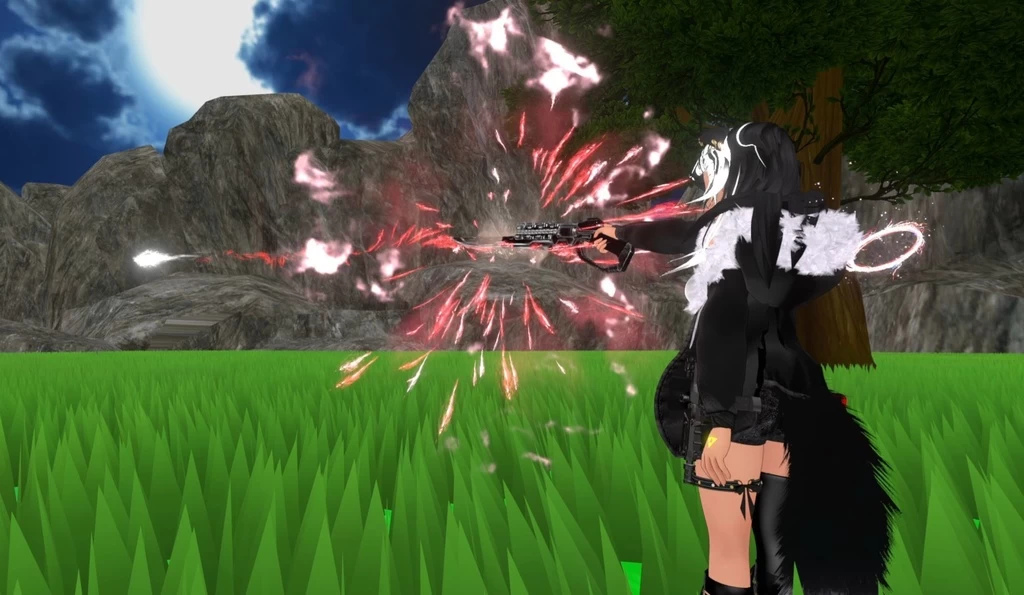
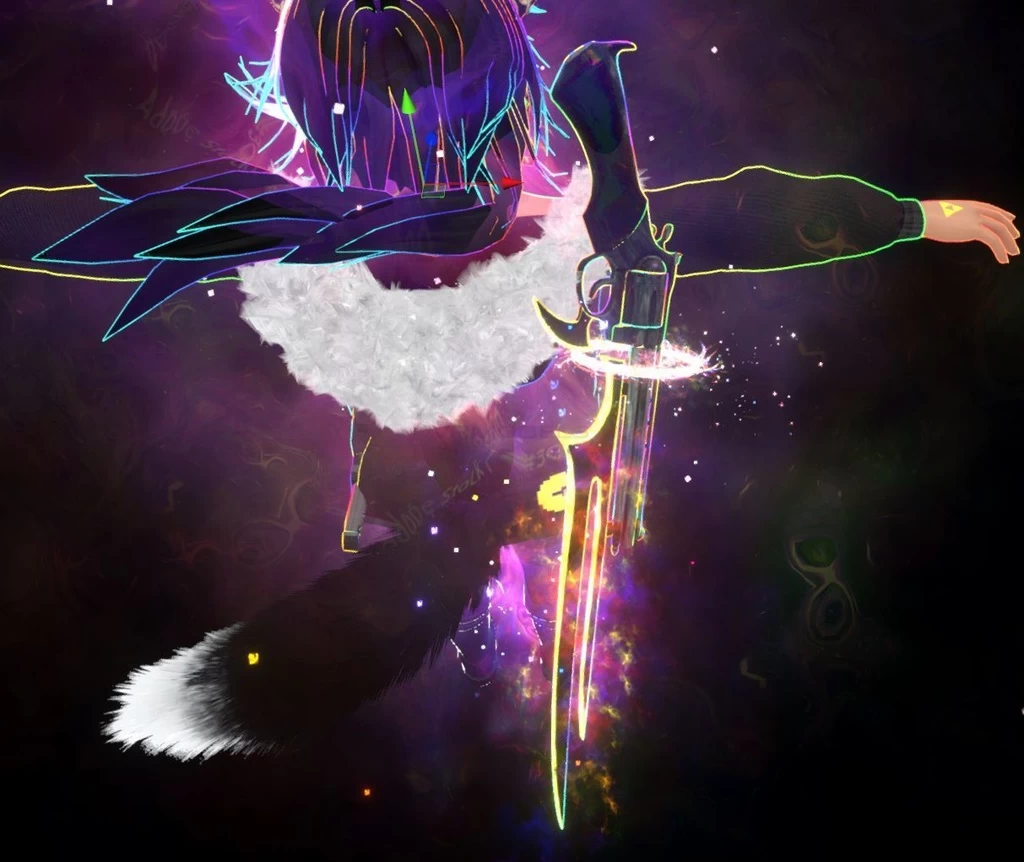
Screenshots of model 【Unity/VRChat】Lumina, the Gamer Gunslinger Avatar by Floppiii & Lysbell (New Gunblade) in the game
Comments: 24
Add comment

Information

To add your comment you need to log in.

  • foto
    Chhate #24
    0
    Lord Grey, do u still need help? srry im kinda late lol
    21 October 2025 05:01
  • foto
    Lord Grey #23
    0
    can some please tell me how to change the password?
    15 July 2025 01:28
  • foto
    Butterfly88 #22
    0
    is someone know witch shader i have to use for the fur on the jacket because with poyomi 8.1 it dosent looks like the fur on the jacket . thanks and have a nice night or day everyone !
    22 May 2025 03:58
  • foto
    8AM_Cosmo #21
    0
    Angeleverdark, Wait so we just delete the password can you help me my discord is cosmooovr
    10 May 2025 06:40
  • foto
    8AM_Cosmo #20
    0
    Please someone tell us how to add a password
    5 May 2025 08:36
  • foto
    fuzzy crusherGT #19
    0
    Damn anyone wanna hop on discord and help me XD
    16 April 2025 03:02
  • foto
    Volttekka (user blocked for violating site rules) #18
    Goddamn, all the password stuff is like a thin layer of grime that you have to peel off
    31 March 2025 11:12
  • foto
    Can Poker #17
    0
    If someones Helping me ill give him Discord Nitro for 2 months since i am stuck at this and dont want to Waste my time

    Discord :canlelouch1
    18 March 2025 01:11
  • foto
    Can Poker #16
    0
    VMs, I cant find it there is no Option for setting one please show me a screenshot

    TurboSplash, I cant there is no Option if there is please provide a screenshot since i cannot see one and i was looking for 3 hours
    17 March 2025 11:42
  • foto
    TurboSplash #15
    0
    Catzy, You have to set the password with numbers 1 through 8. Read the description again
    10 March 2025 17:47
  • foto
    TEXX #14
    0
    does anyone else have a circle on the screen when you do effects ?
    17 February 2025 20:43
  • foto
    moxifloxy #13
    0
    password plz
    17 February 2025 06:59
  • foto
    VMs #12
    You have to set the password at the bottom of the inspector when selecting the avatar
    9 February 2025 10:52
  • foto
    Angeleverdark #11
    0
    Can confirm: deleting the password stuff does work. This avatar is BONKERS lmao. Most fun and ludicrous avi I've played with in a minute. Anyone know how to use her teleport?
    7 February 2025 08:12
  • foto
    MrCookieMonster #10
    +2
    you dont need a password you go to the fx layer and in every section youu will see under ANYSTATE Just Remove the animation that has random number is not hard

    just delete what i circled on picture after you delete the avtar should work now
    6 February 2025 07:49
  • foto
    Docta Dab #9
    +1
    I will say that yes, going through the fx layer and params and removing all the password related points worked. And is a fun avi to use.
    6 February 2025 06:26
  • foto
    maneru3468 #8
    +1
    does anyone know the password?
    5 February 2025 16:02
  • foto
    bre.pop #7
    0
    MrCookieMonster, do you do uploads?

    MrCookieMonster, or can i alternatively have your project sent to me?
    5 February 2025 13:20
  • foto
    MrCookieMonster #6
    +1
    i fix the password problem just remove on the fx on each section you will see on the pic just delete the paramater that has radom number
    5 February 2025 02:51
  • foto
    MrCookieMonster #5
    0
    me to were can we find the password
    4 February 2025 16:09
  • foto
    zombbiman #4
    0
    how did unlock the password i dont understand how to do it
    4 February 2025 11:32
  • foto
    xXTimeKeeperXx #3
    0
    TDF, I tried, it wouldn't give me an option.. like it normally does ill try a new project.
    4 February 2025 06:01
  • foto
    TDF #2
    +2
    xXTimeKeeperXx, you just do auto fix
    4 February 2025 04:01
  • foto
    xXTimeKeeperXx #1
    0
    wont upload due to mismapped textures
    4 February 2025 02:35