Model info
Content type:Avatars
Сreated by: EIGHT
SDK: 3.0 (VRChat)
Unity version: Unity 2022
Platform:
PC
Рhysbones: Yes
Face Tracking: Yes
Full body: Yes
Nsfw: Yes
DРS \ SPS : Yes
Views: 37 337
[MOON] The Rogue Agent
To download the model, you need to log in.
Description
ARKit Face/Eye tracking ready out of the box!!!
RE: Customization
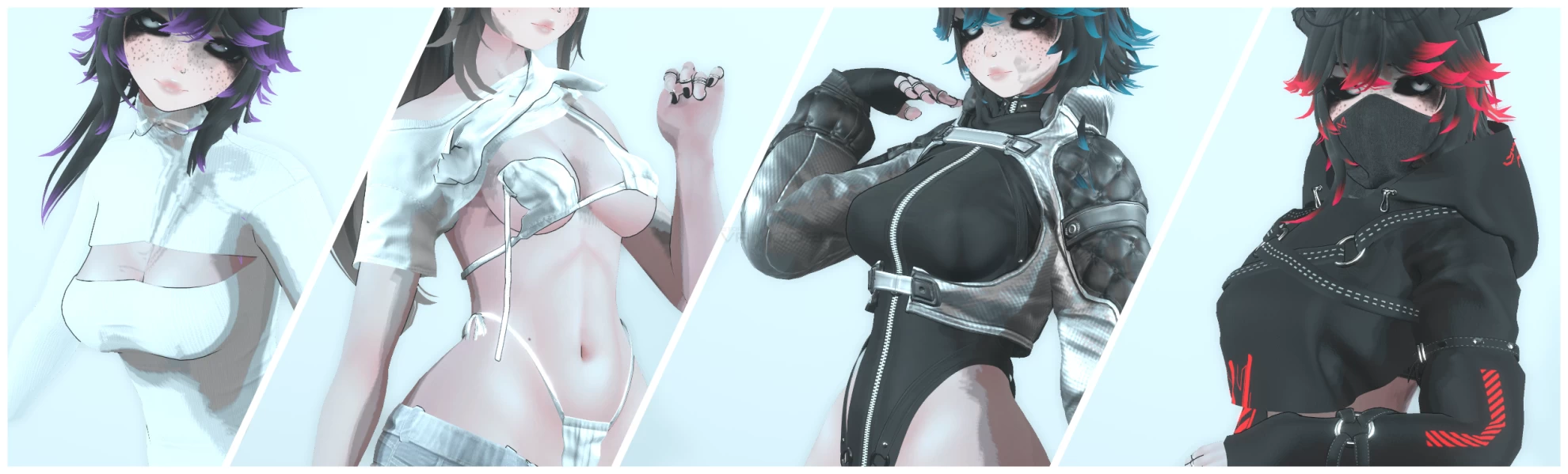
- 4 Outfits to mix and match! (with some restrictions lol)
- Hue Shift
EYES
OUTFIT
HAIR EMISSIONS
Clothes Black to White (with a cool lil animation :3)
RE: Body Settings and VRCFury
- SPS
- PCS v1.8.0.2 (for uhhh... yeah)
- Skin Color Radial
- Lollipop v5
RE: Other
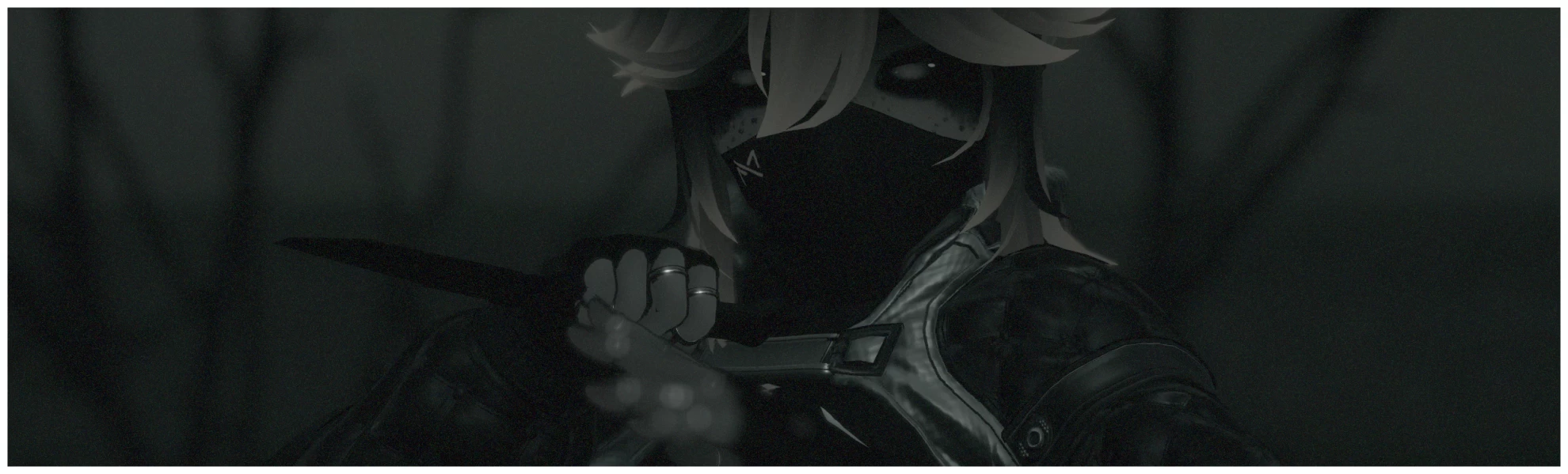
- Grabable Knife! (make sure gestures are on :3)
- Custom Sculpt: VRBase EGIRL: (ZinPia)
- Custom Breast Rig: (Lupinixx) (EIGHT Edit)
- Custom Gestures: (Sleepy, Angry, Wink, and more!)
- GoGo Locomotion: (For all the half-bodies/deskies out there <3)
- FBT Ready (duh)
RE: Uploading (Unity 2022.3.22f1)
1. Create a new avatar project using the VRC Creator Companion
2. PLEASE make sure it is up to date!
3. If you're using a face-tracking headset please install the "Jerry's FT Template" https://adjerry91.github.io/VRCFaceTracking-Templates/
4. Install VRCFury using the creator companion (The avi literally relies on it) (DISCLAIMER!!! Please use VRCFury 1.1143.0! The new Fury Update breaks some Fury based packages!
5. Open the newly created project!
6. Import Poi Toon 7.3.50_UpTo_9.0.60 (Included in the 001_MOON download file)
7. Import Crystal Shader (Included in the 001_MOON download file)
8. Import the 001_MOON Unity Package File
9. Open scene called: 001_MOON
10. Log into your VRC account in the VRCSDK splash menu and upload!
