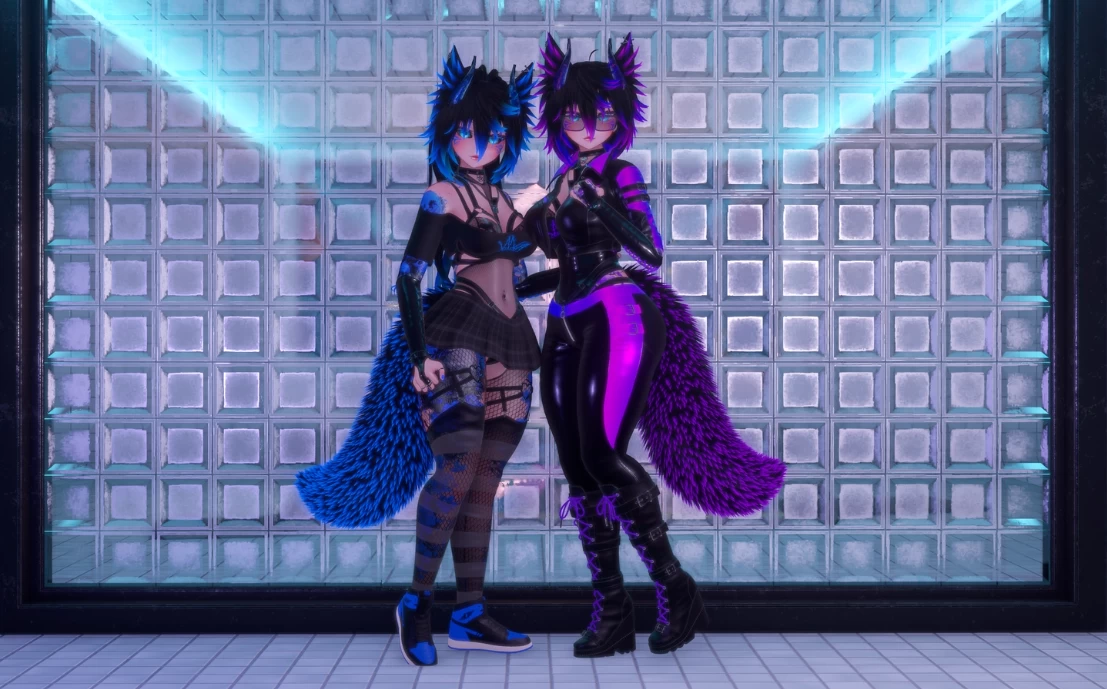
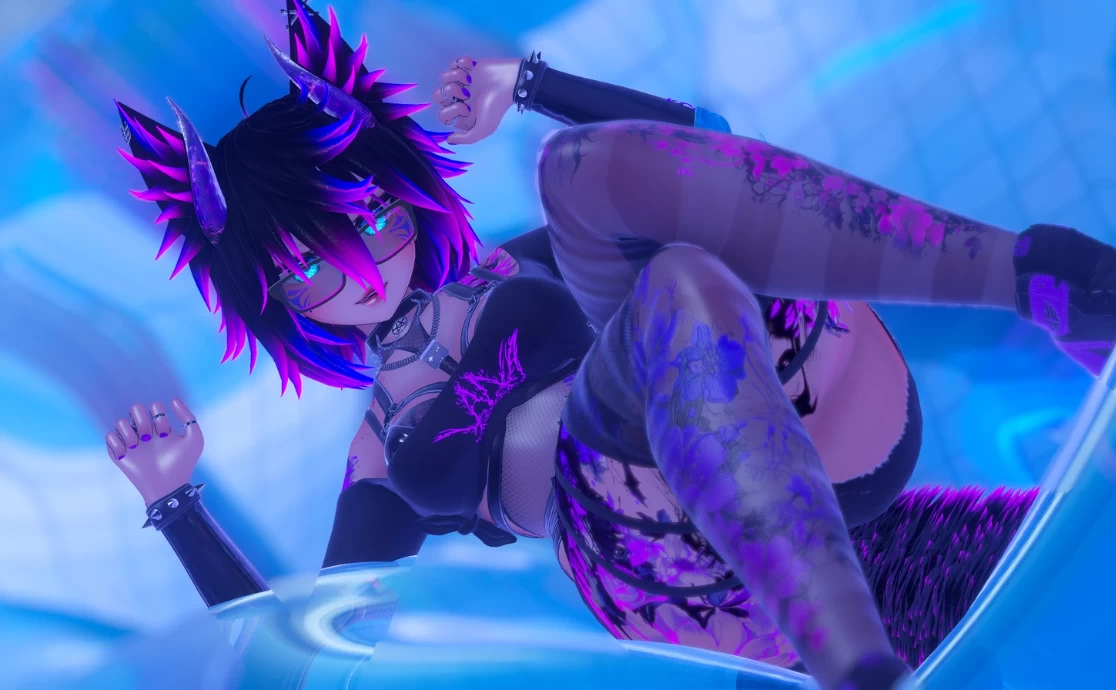
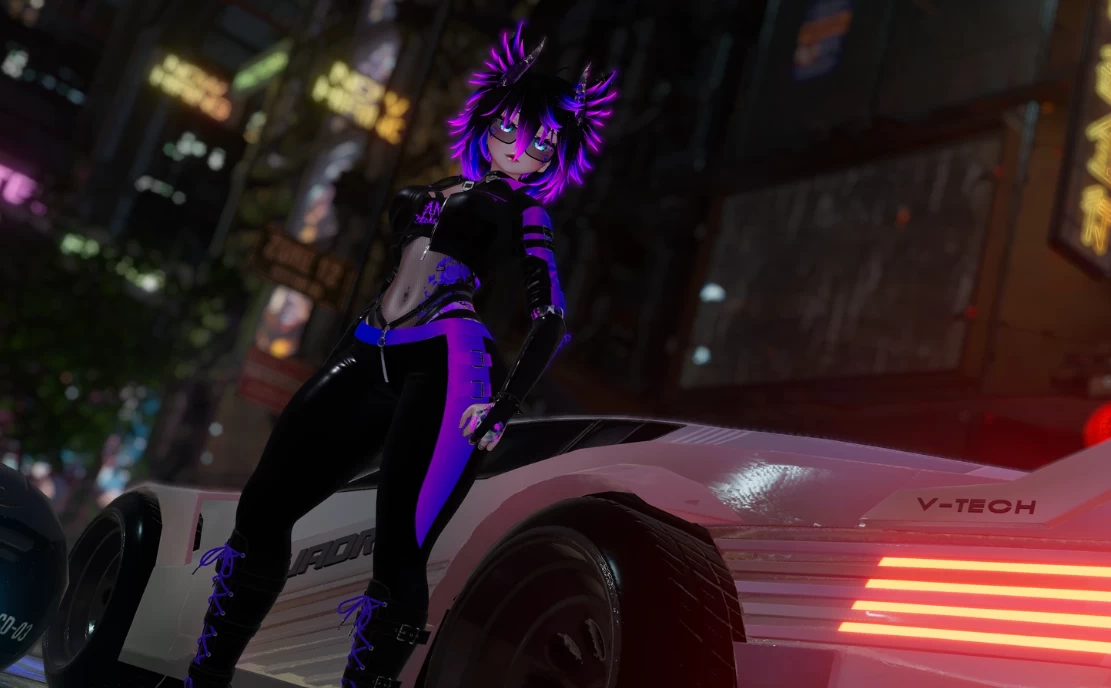
Model info
Content type:Avatars
Сreated by: BeardieChan
SDK: 3.0 (VRChat)
Unity version: Unity 2022
Platform:
PC
Рhysbones: Yes
Face Tracking: Yes
Full body: Yes
Nsfw: Yes
DРS \ SPS : No
Views: 47 748
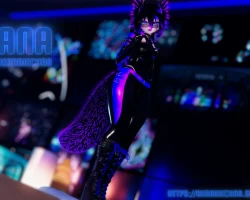
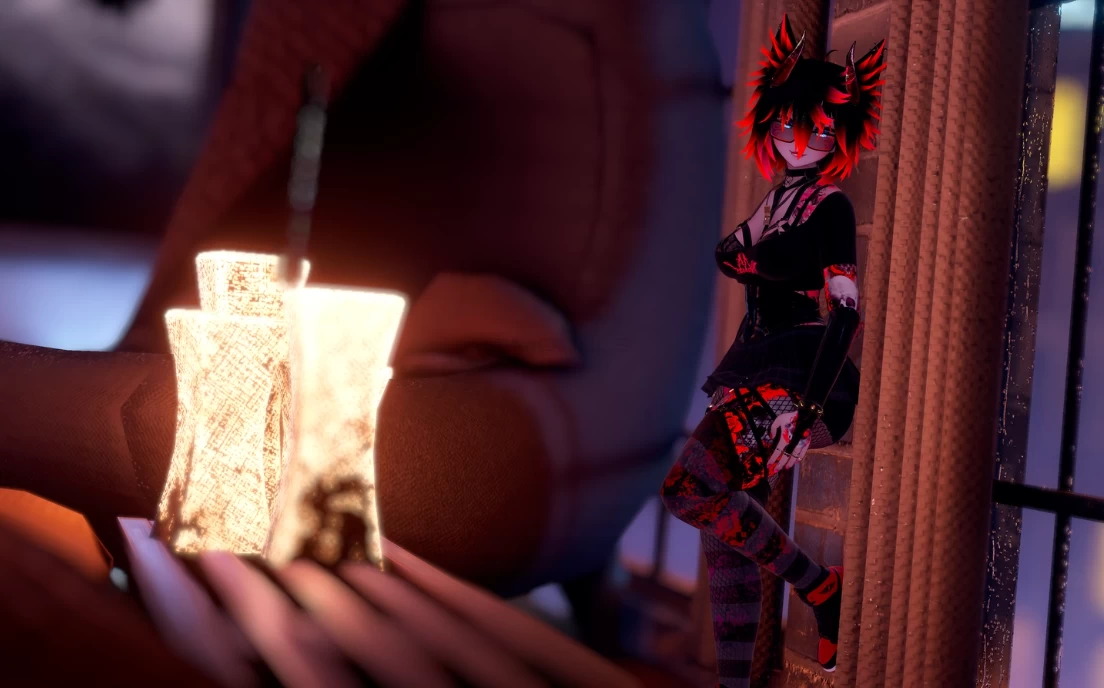
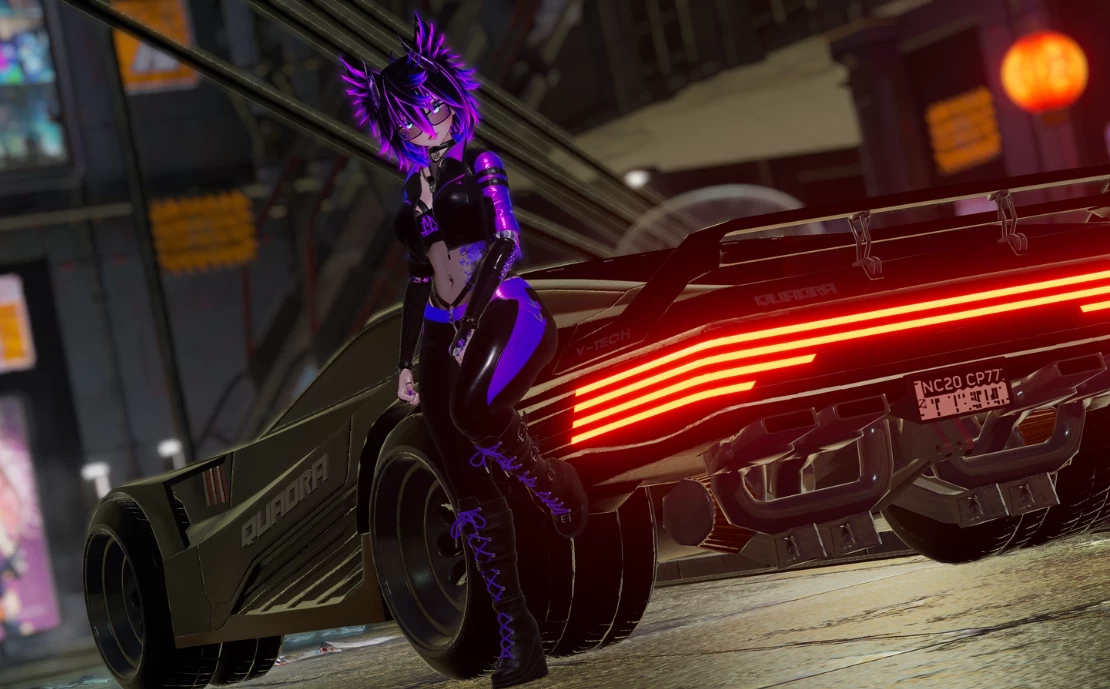
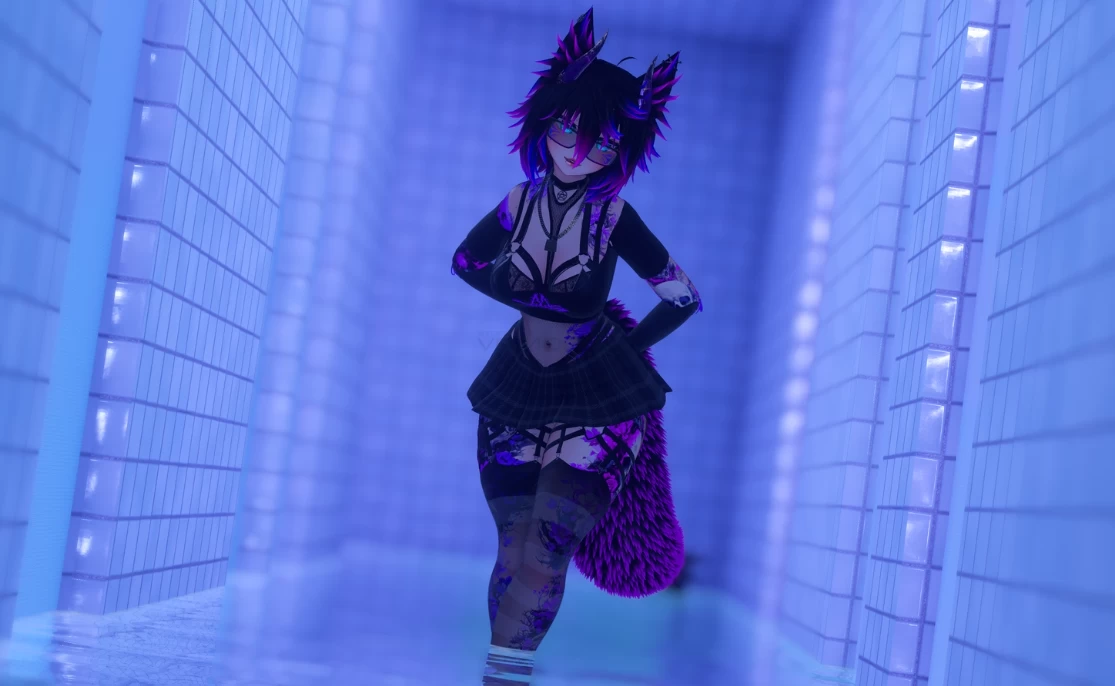
Lana
To download the model, you need to log in.
Description
Features:
Full face tracking with Unified Expressions, demo was made on Quest Pro:
Dissolves for main clothes and accessories all individually toggle, 4 Clothing Presets
Latex body, Tattoo and Skin options with body lighting slider and animated wet toggle
Hair hues, Black/White/Color toggles, Emission hues, Hair options: Long/Short and Pony tail, Shorter Bangs
Many Hue's and customization, if you like red, green or blue etc you can!
Contact toggles noseboops, headpats, eye pokes, slaps, kiss contact, mouth poke
8 Gestures with weighted individual fists (the peace gesture has a closed eyes hand open mix with hot breath's)
Sounds: slaps, nose boops, purrs
Audiolink spectrum emissions, toggles off
Lots of customization like: Eye sclera toggle, Face markings, Fangs, Jewelry toggles, Nails length, Elf ears
Get super close! Reduced clipping set on the body material so you can get up close and personal.
Optimization:
UV discard toggles with dissolves for main clothes
Most Meshes joined and materials combined to lower draw calls (Hair/Tail/Ears share 1 material for example)
Toggles and radials converted to Blendtrees where parameter drivers, dissolves or motion times are not needed to reduce time to get through the FX layer causing less lag
Less than 200MB Texture Vram, Textures marked down to reduce size with crunch compression to maintain quality vs size
No blendshapes used on clothing to hide things
Gogo Locomotion ready
Quality:
Substance PBR texture sets used and setup in Poiyomi with glossy maps
Body/Head mesh is joined for a seamless neck, substance painter used to blend textures
Blue prefab never unpacked, you can freely edit in blender then overwrite the original to update the changes!
Face FX layer does not allow face to over animate or over blink e.g. headpat will cancel gestures so your face does not look cursed
New base heavily edited for good FBT
Clean and simple menus with icons
Anchor overrides and Bounding boxes set
Future updates for fixes and improvements please report any bugs found
Write defaults off work flow
Some additional features are on the avatar but they are optional and not the primary focus of the avatar!
Full setup with Wholesome tool
Wholesome Lollipop v5
Please use UNITY 2022.3.22f1 to avoid issues not 2019
Vrchat avatars 3.7.3 sdk
VRCFury 1.1141.0
Gogo Loco 1.8.6
Poiyomi toon 9.0.61
adjerry templates 6.4.2
Follow this order exactly:
1. Create a new project in VRChat Creator Companion for avatars unity 2022.
2. Add VRCFury 1.1141.0 through Creator Companion method
3. Add Gogo Loco 1.8.6 to project with creator companion
4. Facetracked verison add adjerry templates 6.4.2 to project
5. Import Poiyomi toon 9.0.61 through creator companion
7. Import Lana by BeardieChan Package
8. Open Scene Called Lana in the Assets/BeardieChan/Lana/Scenes folder
9. Go to the top of unity and find VRChat SDK and click show control panel and login.
10. Name your avatar then capture or choose a thumbnail click save button.
11. Press Autofix on the red errors we can ignore other yellow warnings.
12. press Build and Publish Avatar, yes to any warnings that may come up and auto fix to WD warning, upload on private only please.
Full face tracking with Unified Expressions, demo was made on Quest Pro:
Dissolves for main clothes and accessories all individually toggle, 4 Clothing Presets
Latex body, Tattoo and Skin options with body lighting slider and animated wet toggle
Hair hues, Black/White/Color toggles, Emission hues, Hair options: Long/Short and Pony tail, Shorter Bangs
Many Hue's and customization, if you like red, green or blue etc you can!
Contact toggles noseboops, headpats, eye pokes, slaps, kiss contact, mouth poke
8 Gestures with weighted individual fists (the peace gesture has a closed eyes hand open mix with hot breath's)
Sounds: slaps, nose boops, purrs
Audiolink spectrum emissions, toggles off
Lots of customization like: Eye sclera toggle, Face markings, Fangs, Jewelry toggles, Nails length, Elf ears
Get super close! Reduced clipping set on the body material so you can get up close and personal.
Optimization:
UV discard toggles with dissolves for main clothes
Most Meshes joined and materials combined to lower draw calls (Hair/Tail/Ears share 1 material for example)
Toggles and radials converted to Blendtrees where parameter drivers, dissolves or motion times are not needed to reduce time to get through the FX layer causing less lag
Less than 200MB Texture Vram, Textures marked down to reduce size with crunch compression to maintain quality vs size
No blendshapes used on clothing to hide things
Gogo Locomotion ready
Quality:
Substance PBR texture sets used and setup in Poiyomi with glossy maps
Body/Head mesh is joined for a seamless neck, substance painter used to blend textures
Blue prefab never unpacked, you can freely edit in blender then overwrite the original to update the changes!
Face FX layer does not allow face to over animate or over blink e.g. headpat will cancel gestures so your face does not look cursed
New base heavily edited for good FBT
Clean and simple menus with icons
Anchor overrides and Bounding boxes set
Future updates for fixes and improvements please report any bugs found
Write defaults off work flow
Some additional features are on the avatar but they are optional and not the primary focus of the avatar!
Full setup with Wholesome tool
Wholesome Lollipop v5
Please use UNITY 2022.3.22f1 to avoid issues not 2019
Vrchat avatars 3.7.3 sdk
VRCFury 1.1141.0
Gogo Loco 1.8.6
Poiyomi toon 9.0.61
adjerry templates 6.4.2
Follow this order exactly:
1. Create a new project in VRChat Creator Companion for avatars unity 2022.
2. Add VRCFury 1.1141.0 through Creator Companion method
3. Add Gogo Loco 1.8.6 to project with creator companion
4. Facetracked verison add adjerry templates 6.4.2 to project
5. Import Poiyomi toon 9.0.61 through creator companion
7. Import Lana by BeardieChan Package
8. Open Scene Called Lana in the Assets/BeardieChan/Lana/Scenes folder
9. Go to the top of unity and find VRChat SDK and click show control panel and login.
10. Name your avatar then capture or choose a thumbnail click save button.
11. Press Autofix on the red errors we can ignore other yellow warnings.
12. press Build and Publish Avatar, yes to any warnings that may come up and auto fix to WD warning, upload on private only please.
