Home » Avatars » Ginger Shark

Model info

Content type:Avatars
Сreated by: Octo Hedgie
SDK: 3.0 (VRChat)
Unity version: Unity 2022
Platform: PC
Рhysbones: Yes
Face Tracking: No
Full body: Yes
Nsfw: Yes
DРS \ SPS : Yes
Views: 62 263
Ginger Shark

To download the model, you need to log in.

Description

What this product contains:
- Unity Package (Ready for VRChat export)
- SPP texture files
- Blend file
- FBX

Avatar Features:


- Fullbody compatible
- Unified Expressions
- ARKit
- Body Adjustment Toggles
- Ear and Tail Puppets
- Material Swaps on Clothing and Bodyody
- Clothing Toggles
- Custom BubbleBeam (nose boop)

Requirements:


- Unity 2022.3.6f1 - And understanding of how to use it (There are many tutorials which you can find on YouTube)
- VRChat SDK3.0
- VRCFury- And an understanding of how to use it
- Poiyomi TOON-

- Wholesome Lollipop-
wholesome lollipop
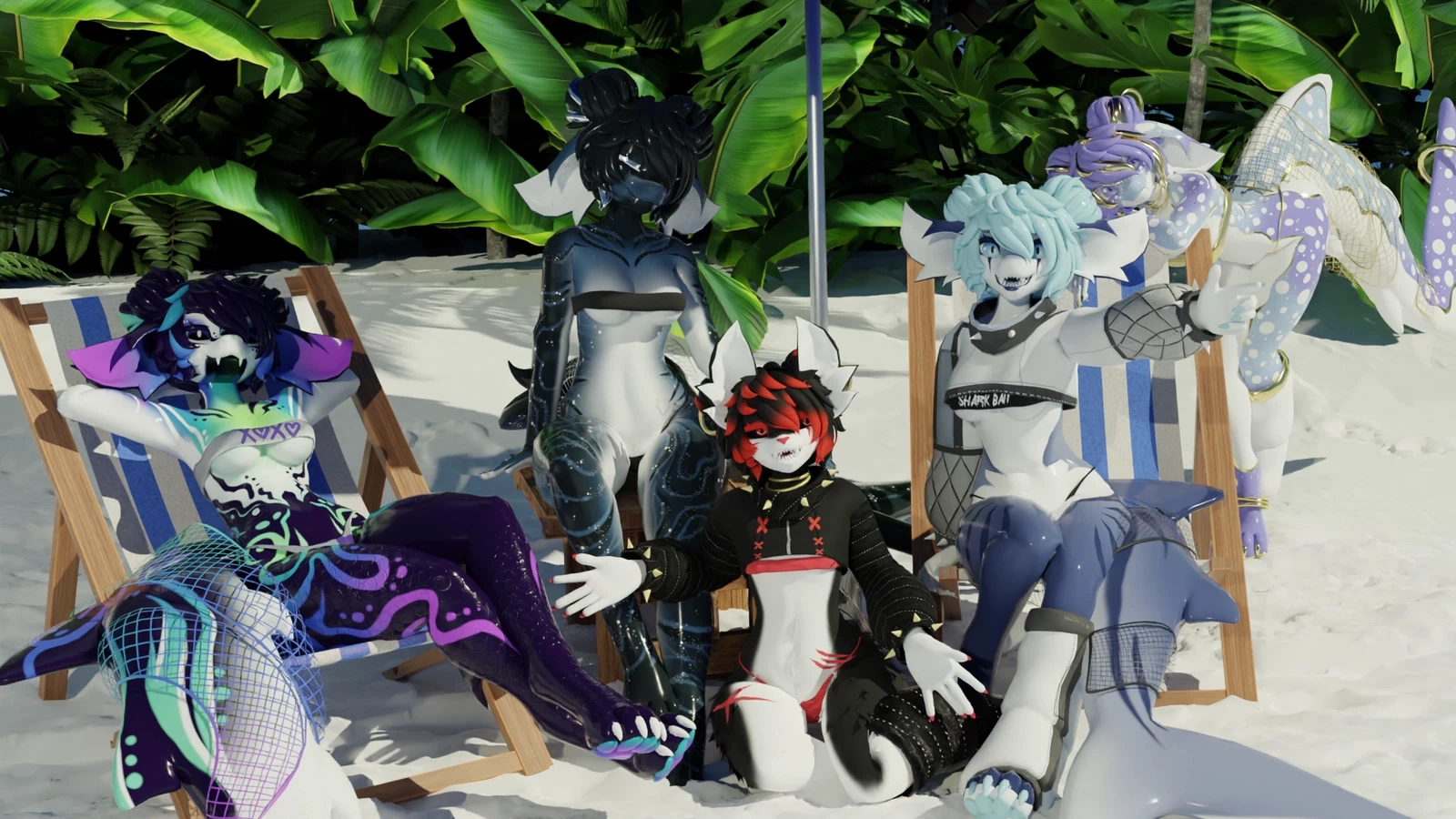
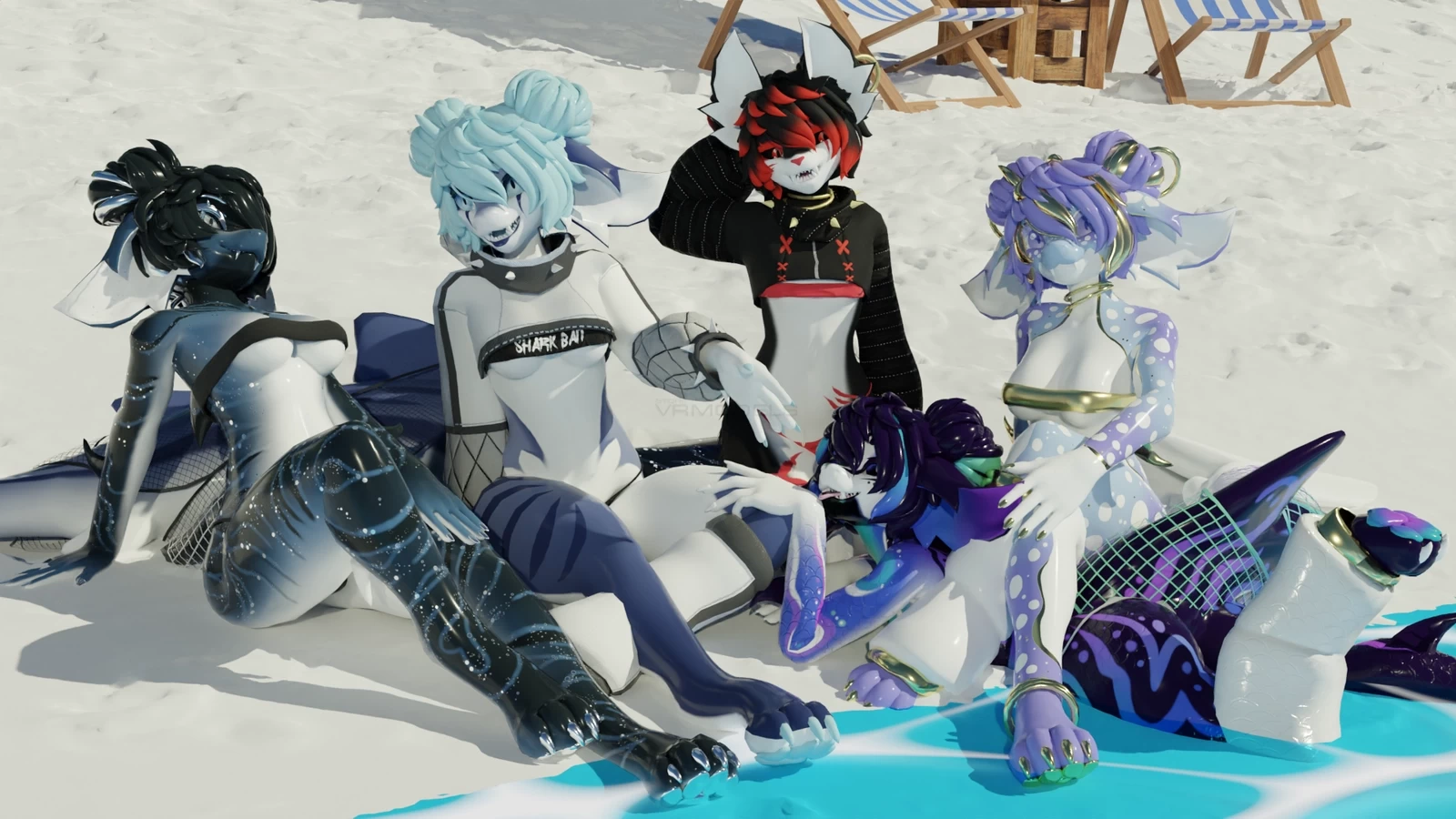
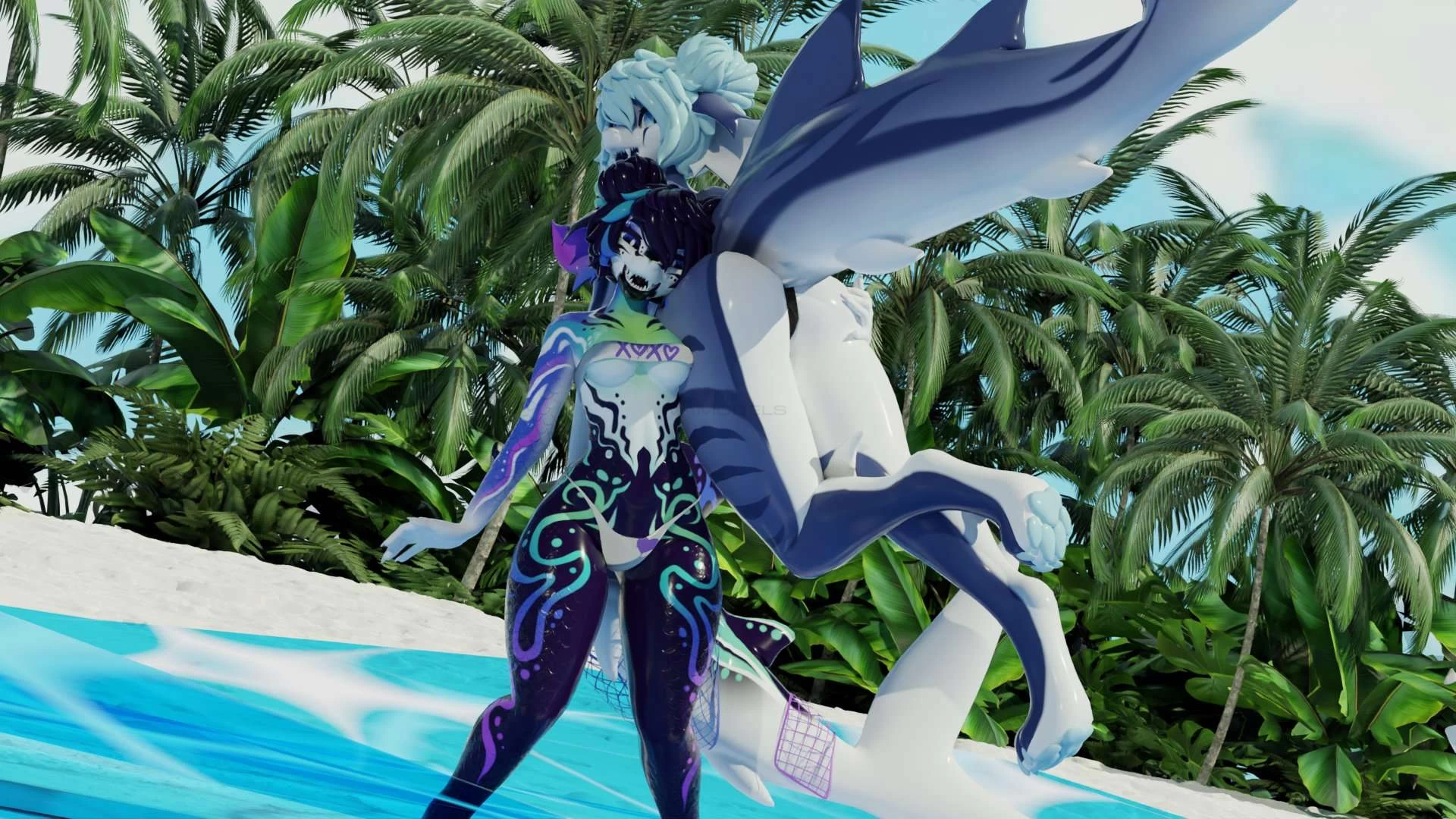
Screenshots of model Ginger Shark in the game
Comments: 26
Add comment

Information

To add your comment you need to log in.

  • foto
    pepperpanda88 #26
    0
    is anyone having an issue downloading? i download it, makes a winrar file, i open the file and its just a butt load of number folders? anyone about to send me the folder or have an idea of whats doing wrong
    30 May 2025 10:28
  • foto
    Lily2828 #25
    0
    This avi is not in these folders are unorganized
    21 May 2025 05:44
  • foto
    Angeleverdark #24
    0
    I am IMMENSELY confused as to what problems everyone else seems to be having. It's all organized in folders in the drive. You just download the files you want and you're good to go. The real issue I was having is that I kept being unable to get her textures not to default to the sfw versions because there was NO option to make them nsfw in game but the default in the unity project was nsfw. Ended up just replacing the textures in the materials and that solved that problem. I only came back to get the SPP file so I could do some custom texture work on her. As for the one person whose sps option was "greyed out"...I hope you tried enabling her in the hierarchy...cause it completely works fine.
    24 April 2025 13:52
  • foto
    kiranic #23
    0
    ive tried whats been told, if anyone that sees this has working files i ask please to upload here on vrm for anyone else along side me having problems to download, tysm to anyone that dose
    1 April 2025 12:45
  • foto
    -kiwi- #22
    +1
    everybody keep saying you gotta change file names and all this but the simple and easy solution is to just click download and when brought to the drive page click into the thing that says unity package and download the thing from there without needing to jump through hoops or do any extra nonsense
    1 April 2025 12:37
  • foto
    Ashley-Bear #21
    +1
    xKatzex What do you mean? it works fine for me, i renamed my archtemp with all those numbers inside to .unitypackage and its imports just fine, my files are gz/tar and all i do is unzip till it shows the archtemp and i renamed it to .unitypackage and works just fine and uploads and got it working.. so not sure how thats false information when it works fine. If it works it works you know, Will gladly show on discord
    1 April 2025 04:37
  • foto
    TheRandomPerson #20
    Ashley-Bear, you don't rename the archtemp. You have to rename the .unitypackage file because behind it there is a .gz you can see it when you extend the explorer settings to show file endings. when you the the .gz then you have to delete the .gz and you have a working unitypackage. i don't know why you have to spread false infomation
    1 April 2025 01:07
  • foto
    wildan hafifi (user blocked for violating site rules) #19
    Ofeliamay, dude ur browser setting make sure u using chrome or microsoft edge and dont forget to enable "ask before download" on ur browser setting and save it as all file type
    31 March 2025 15:08
  • foto
    Ofeliamay #18
    0
    Ashley-Bear, thank you for the help, but sadly when I tried to import the newly renamed (.unitypackage)archtemp package, nothing shows up in the folder for me to import into unity.
    31 March 2025 14:36
  • foto
    Ashley-Bear #17
    0
    Ofeliamay when you unzip the file there will be a "archtemp" win-zip/7zip thingie, just rename it to .unitypackage and go to assets and import custom package/file
    31 March 2025 14:02
  • foto
    Ofeliamay #16
    0
    I'm still so confused. I can't find any files within the package labeled .gz? ;w;
    31 March 2025 12:58
  • foto
    wildan hafifi (user blocked for violating site rules) #15
    kiranic, ur browser setting lol, enable "ask before download" first on ur download browser setting
    31 March 2025 12:52
  • foto
    UHidklmao #14
    0
    kiranic, I'm also unfortunately having this issue..
    31 March 2025 12:29
  • foto
    IrishBear #13
    0
    Could someone please help me- I've uploaded before but idk how to do this one
    My discord is tinybear1234
    plz help T-T
    31 March 2025 11:20
  • foto
    kiranic #12
    0
    wildan hafifi, i dont know if u got my message but in case im just replying, if possible could u help me? i download the unity, open the zip, open the sfw zip in it, and just see the mixed folders with names of random letters and numbers, i check for the .gx thing and neither unity packs had it
    31 March 2025 08:48
  • foto
    Indiemayhem #11
    0
    whats the red dog model in the pictures? i like it
    31 March 2025 08:02
  • foto
    Chiyomu #10
    IamZenith, click on it go to inspector and click the checkbox to "enable" it
    31 March 2025 04:28
  • foto
    IamZenith #9
    0
    How do you get the SPS version to not be grayed out? Never ran into this issue before. Doesn't allow me to click on that one, only lets me click the Non-SPS version. Specific things I have to add? If so, what do you add? If not adding, is it something else?
    31 March 2025 04:22
  • foto
    Chiyomu #8
    it says it uses the lollipop but it has no pp?
    31 March 2025 04:01
  • foto
    kiranic #7
    0
    Wolf_Bite21, im a tad lost, if its ok do you have discord or a social i can add to show you whats wrong??
    31 March 2025 03:42
  • foto
    Wolf_Bite21 #6
    0
    Corcor, It's because both files have ".gz" at the ends of them. If you rename the files and erase the ".gz" at the end of the name then it turns into a normal unity file
    31 March 2025 03:31
  • foto
    wildan hafifi (user blocked for violating site rules) #5
    Corcor, im not :p
    31 March 2025 03:17
  • foto
    kiranic #4
    0
    when importing the files and opening them in unity the both vers are zip files im the files and opening it you cant import the package, is anyone else having this problem??
    31 March 2025 02:40
  • foto
    CoockieFox97 #3
    0
    ***comment deleted***

    alles klar, danke :) xKatzex,
    31 March 2025 01:50
  • foto
    TheRandomPerson #2
    CoockieFox97, Für dich zur info: Die datein funktionieren so wie sie sollen. Du darfst nicht immer alles willkürlich entpacken. Wenn die endung .gz da steht musst du nur das .gz löschen. Das erkennst du daran wenn du eine zip hast wo .unitypackage stehen hast. da steht dann meisten nen .gz hinter und das dann weg löschen haste die unity datein so wie sie sein sollen.
    31 March 2025 01:35
  • foto
    CoockieFox97 #1
    0
    es zeigt keine unity datei an, da kommen nur buchstaben und zahlen in jedem ordner
    30 March 2025 23:51