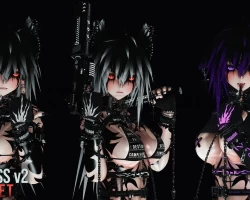


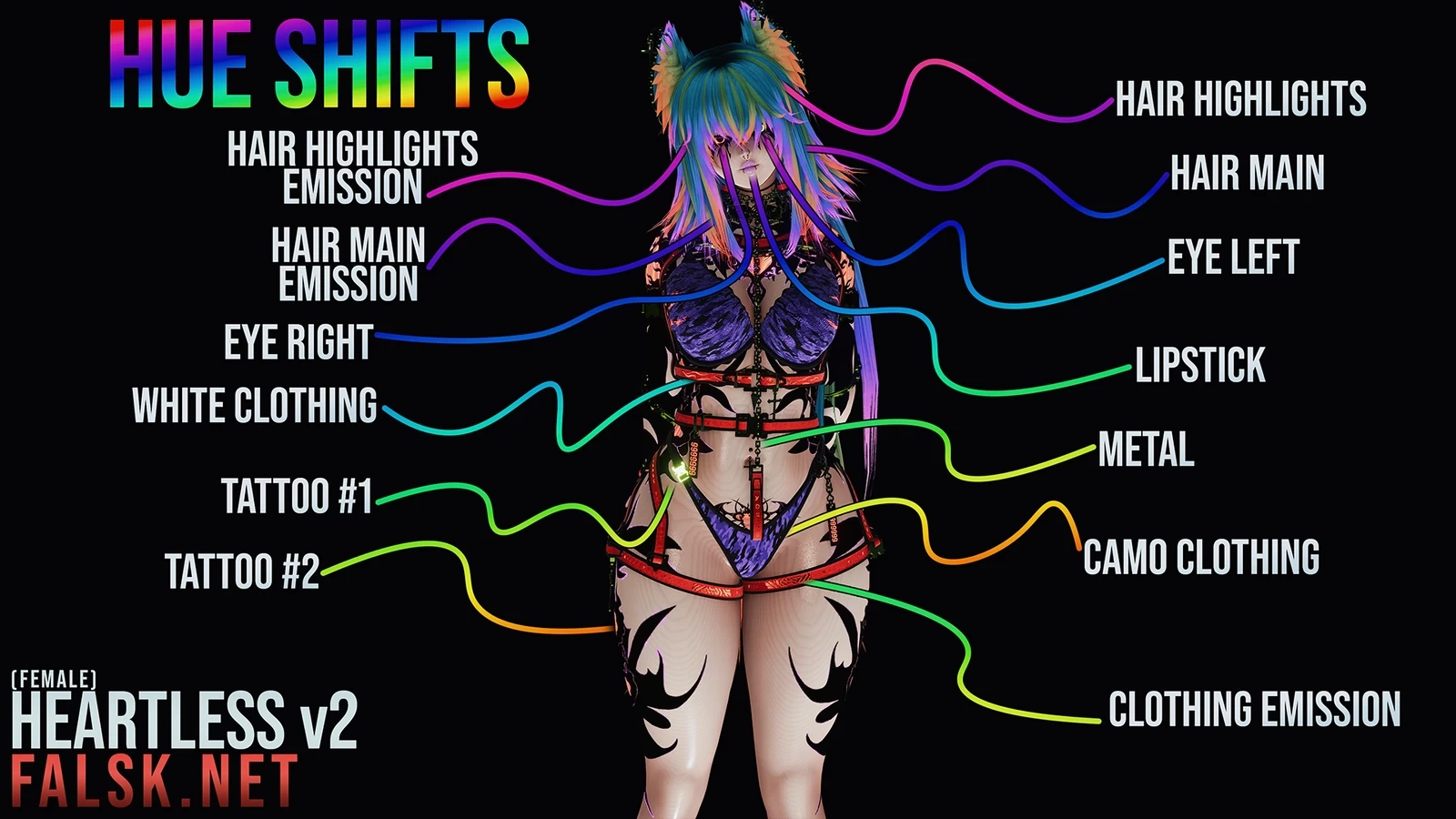

Model info
Content type:Avatars
Сreated by: Falsk.net
SDK: 3.0 (VRChat)
Unity version: Unity 2022
Platform:
PC
Рhysbones: Yes
Face Tracking: Yes
Full body: Yes
Nsfw: Yes
DРS \ SPS : Yes
Views: 55 102
Heartless V2
To download the model, you need to log in.
Description
Make a project with VCC (Creator Companion).
Import Poiyomi Pro/Toon (The version I used was PRO 9.2.1 but any newer version should work. You can also use Toon but you won't have an Ambient Occlusion toggle) .
Import VRC Fury (You can install Fury with the VCC/Creator Companion by clicking the button above) (The version I used was 1.1183.0).
*ONLY FOR FACE TRACKING* If you want to upload the face tracking version, import VRCFT Jerry's Templates (I used version 6.5.3)
Import the Avatar unitypackage(Available here above).
*ONLY FOR FACE TRACKING* Replace the eye rotations and tongue animations. Watch: https://www.youtube.com/watch?v=TTGcT_P7Mtg (1 minute video)
Go to the "OPEN ME" folder. Pick what avatar you want to upload by enabling it in the scene.
If you want darker camo textures you can import the "Darker_Camo_Textures.unitypackage". If you wanna switch back again just import the avatar package.
If you want another slider for the body brightness only, import the "ADDON-Body-brightness-slider.unitypackage".
Import Poiyomi Pro/Toon (The version I used was PRO 9.2.1 but any newer version should work. You can also use Toon but you won't have an Ambient Occlusion toggle) .
Import VRC Fury (You can install Fury with the VCC/Creator Companion by clicking the button above) (The version I used was 1.1183.0).
*ONLY FOR FACE TRACKING* If you want to upload the face tracking version, import VRCFT Jerry's Templates (I used version 6.5.3)
Import the Avatar unitypackage(Available here above).
*ONLY FOR FACE TRACKING* Replace the eye rotations and tongue animations. Watch: https://www.youtube.com/watch?v=TTGcT_P7Mtg (1 minute video)
Go to the "OPEN ME" folder. Pick what avatar you want to upload by enabling it in the scene.
If you want darker camo textures you can import the "Darker_Camo_Textures.unitypackage". If you wanna switch back again just import the avatar package.
If you want another slider for the body brightness only, import the "ADDON-Body-brightness-slider.unitypackage".
