Model info
Content type:Avatars
Сreated by: Lil Saku
SDK: 3.0 (VRChat)
Unity version: Unity 2022
Platform:
PC + Quest
Рhysbones: Yes
Face Tracking: Yes
Full body: Yes
Nsfw: No
DРS \ SPS : No
Views: 20 077
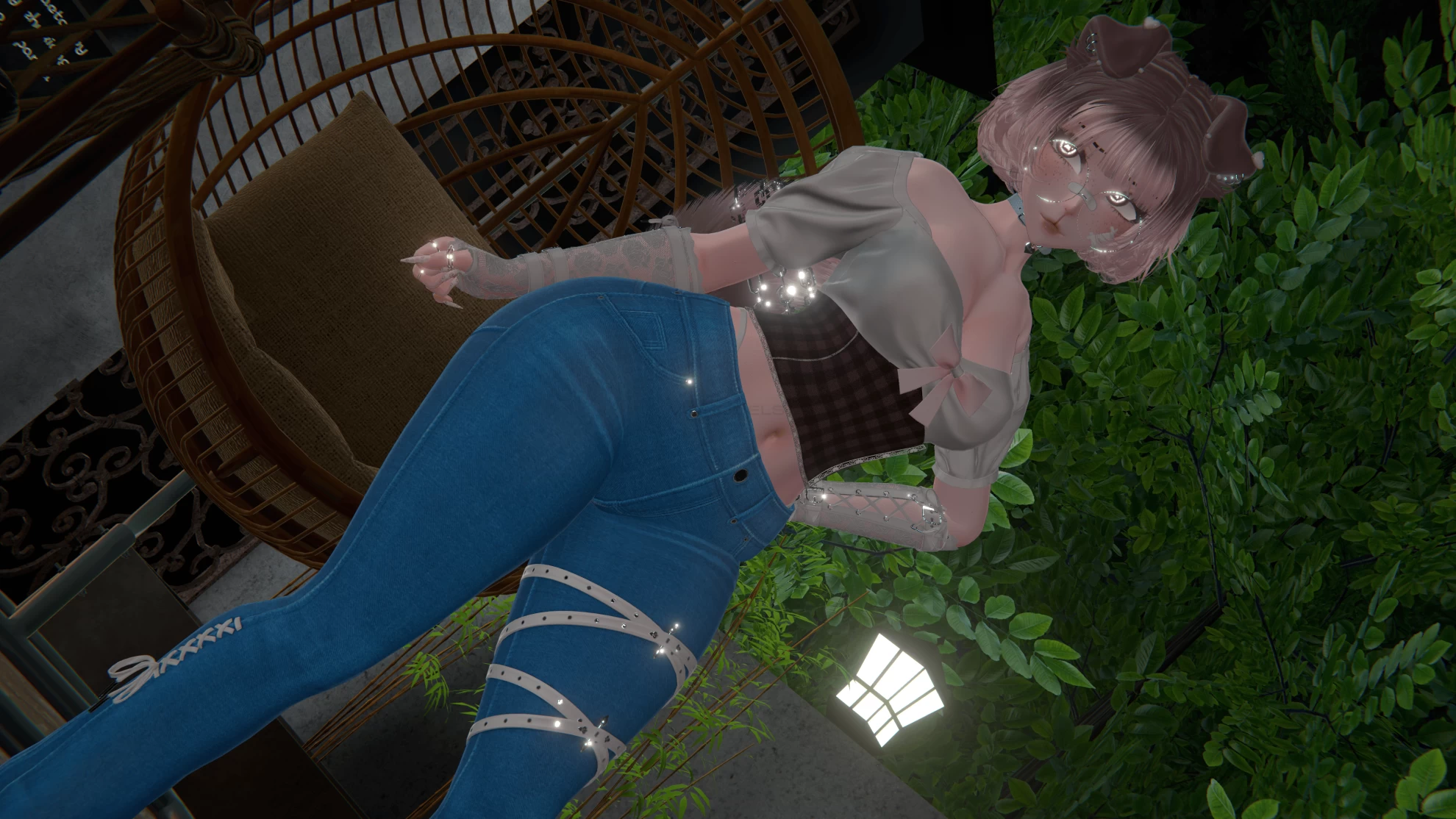
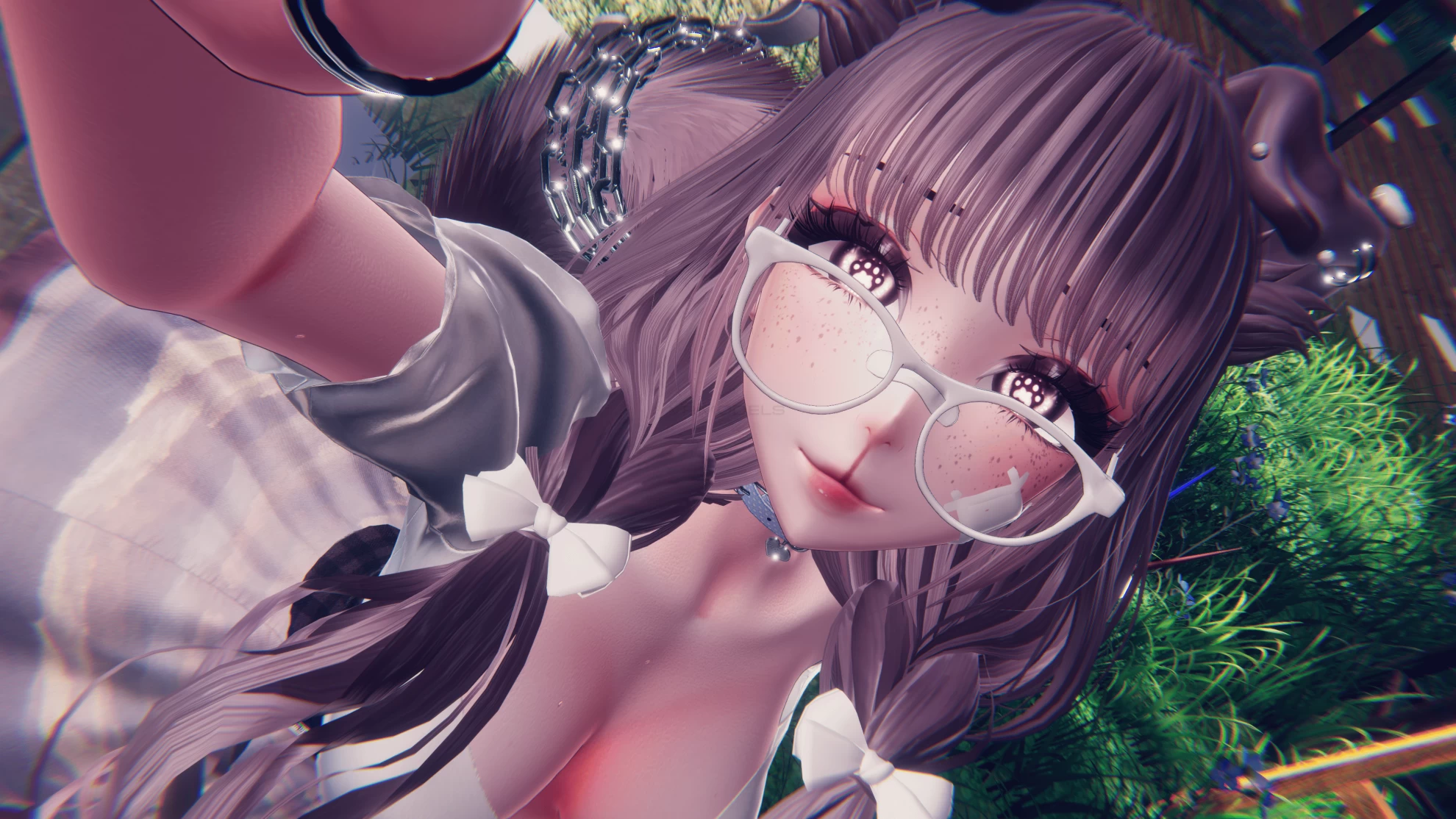
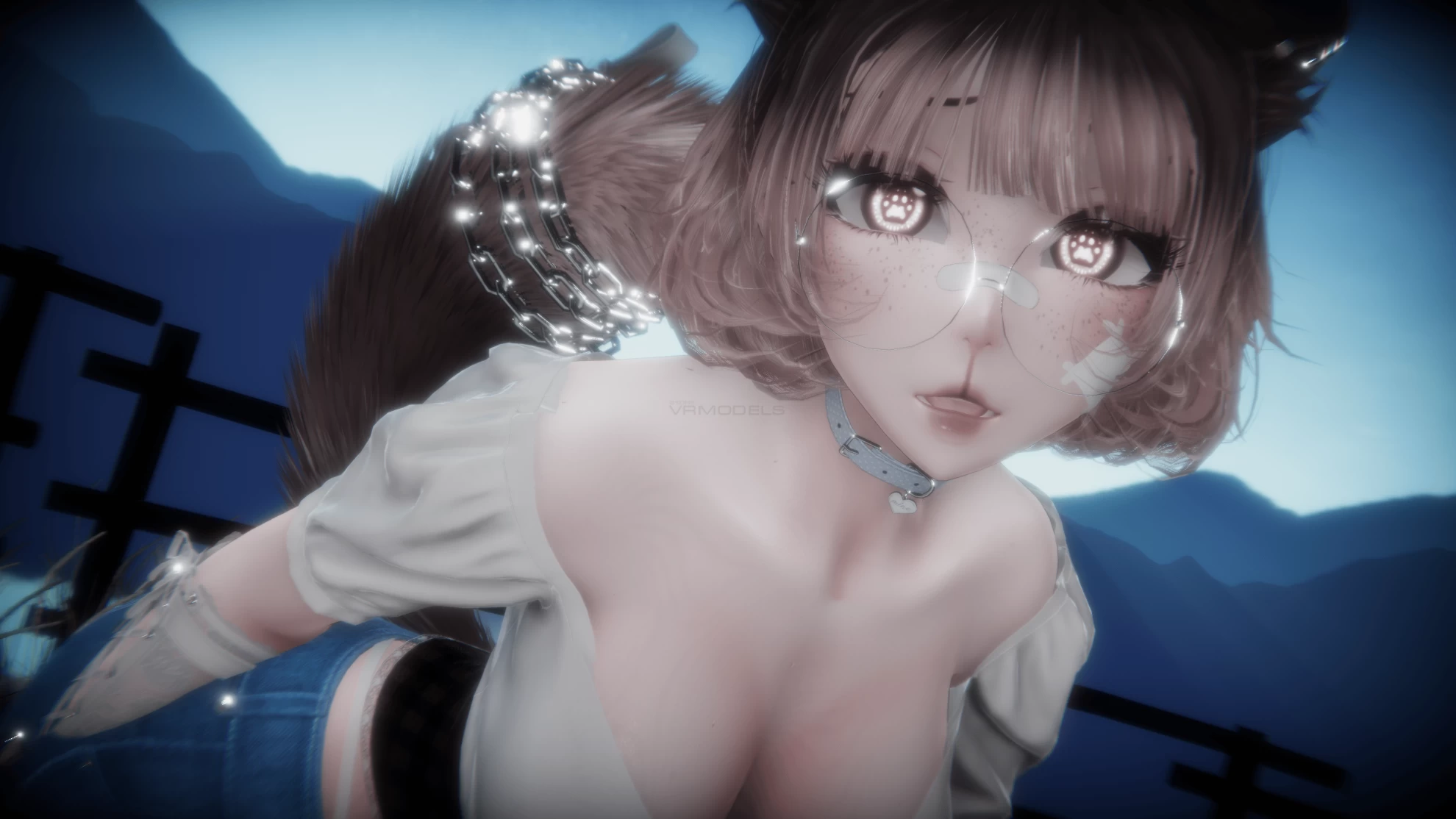
♡ PuppyChi 2.0 ♡ The Sweet Puppy /FaceTracking!
To download the model, you need to log in.
Description
This avi was made for the 2022.3.22f1 unity version!!
☆・Quest compatible !!
☆・Custom Menu Icons!!
☆・Toggles for everything!! You can customaze as your liking!
☆・Skin Swap, Hair colours (+ 4), Hair Hue, Eyes Hue, Top Swaps + Black-White
☆・Discord Button (annoy your friends!), Mood Tag (wiht a lot of stats), Beanbag, spanky (get freesky), gaggy!!
☆・Face tracking + expressions+ more than 30 toggles!
☆・NEW Gogogloco!!
☆・Tops:
Cottage Top, Lace Tpo, Puppy Top, Pastuiues, Top Off
☆・Lower:
Jeans, Short Pants, Comfy Long Pijamas, Skirt, Pantsuis
☆・Middles:
Dress, Onesie, Bodysuit, Jacket
☆・Shoes:
Cute socks, Heels, Toe Socks, Slippers
☆・3 Hairstyles:
Short Hair, Ponytail ( 4 Bangs Options), Cute Low Pigtails
☆・Accessories:
Chokerrui, Gloves, Glasses Round, Glasses Square, Bandaids, Muzzle, Rings
☆・Animal Parts:
Puppy ears and tail
☆・HueShifts:
. Eye Hue
. Skin swaps
. Hair swaps + hue shift in all of them
. Accessories/ dress/ gloves swap black- white
☆・Toys:
. Dog House (world drop)
. Tail wag + Contacts
. Springjoints
. Flow Toys
. Plushies
. Pointer
. Presentation (yes, you can make a presentation with it lol)
︵‿︵‿︵‿︵ How To Install ︵‿︵‿︵‿︵
︵‿︵PC Version
1・Open ccAvatar companion
2・Create a new project (avatar) ------> Manage Project:
Add:
·VrcFury
·Vrcft- Jerry's Template
3・Open the project and add the poyomi shader ( i used poi_Pro7.3.50_UpTop_9.2.6.... or use any poyomi pro!)
4・Import the avatar package
5・Open The tab with the sdk (top left) and log in
6・Click ^upload for windows^
IF YOU GET BLUEPRINT ERROR DEATATCH THE BLUEPRINT CLIKCING IN YOUR AVATAR!!
︵‿︵Quest Version
1・Open ccAvatar companion
2・Create a new project (avatar) ------> Manage Project:
Add:
·VrcFury
·Vrcft- Jerry's Template
3・Import the avatar package
4・Open The tab with the sdk (top left) and log in
5・Click ^upload for QUEST^
IF YOU GET BLUEPRINT ERROR DEATATCH THE BLUEPRINT CLIKCING IN YOUR AVATAR!!
☆・Quest compatible !!
☆・Custom Menu Icons!!
☆・Toggles for everything!! You can customaze as your liking!
☆・Skin Swap, Hair colours (+ 4), Hair Hue, Eyes Hue, Top Swaps + Black-White
☆・Discord Button (annoy your friends!), Mood Tag (wiht a lot of stats), Beanbag, spanky (get freesky), gaggy!!
☆・Face tracking + expressions+ more than 30 toggles!
☆・NEW Gogogloco!!
☆・Tops:
Cottage Top, Lace Tpo, Puppy Top, Pastuiues, Top Off
☆・Lower:
Jeans, Short Pants, Comfy Long Pijamas, Skirt, Pantsuis
☆・Middles:
Dress, Onesie, Bodysuit, Jacket
☆・Shoes:
Cute socks, Heels, Toe Socks, Slippers
☆・3 Hairstyles:
Short Hair, Ponytail ( 4 Bangs Options), Cute Low Pigtails
☆・Accessories:
Chokerrui, Gloves, Glasses Round, Glasses Square, Bandaids, Muzzle, Rings
☆・Animal Parts:
Puppy ears and tail
☆・HueShifts:
. Eye Hue
. Skin swaps
. Hair swaps + hue shift in all of them
. Accessories/ dress/ gloves swap black- white
☆・Toys:
. Dog House (world drop)
. Tail wag + Contacts
. Springjoints
. Flow Toys
. Plushies
. Pointer
. Presentation (yes, you can make a presentation with it lol)
︵‿︵‿︵‿︵ How To Install ︵‿︵‿︵‿︵
︵‿︵PC Version
1・Open ccAvatar companion
2・Create a new project (avatar) ------> Manage Project:
Add:
·VrcFury
·Vrcft- Jerry's Template
3・Open the project and add the poyomi shader ( i used poi_Pro7.3.50_UpTop_9.2.6.... or use any poyomi pro!)
4・Import the avatar package
5・Open The tab with the sdk (top left) and log in
6・Click ^upload for windows^
IF YOU GET BLUEPRINT ERROR DEATATCH THE BLUEPRINT CLIKCING IN YOUR AVATAR!!
︵‿︵Quest Version
1・Open ccAvatar companion
2・Create a new project (avatar) ------> Manage Project:
Add:
·VrcFury
·Vrcft- Jerry's Template
3・Import the avatar package
4・Open The tab with the sdk (top left) and log in
5・Click ^upload for QUEST^
IF YOU GET BLUEPRINT ERROR DEATATCH THE BLUEPRINT CLIKCING IN YOUR AVATAR!!
