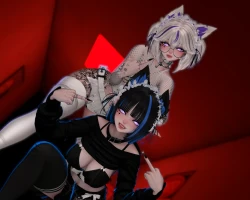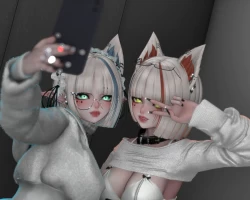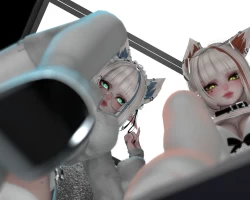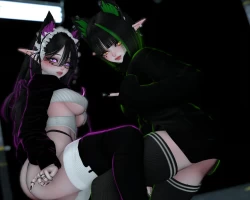
Model info
Content type:Avatars
Сreated by: anubisss
SDK: 3.0 (VRChat)
Unity version: Unity 2022
Platform:
PC
Рhysbones: Yes
Face Tracking: Yes
Full body: Yes
Nsfw: Yes
DРS \ SPS : Yes
Views: 42 739
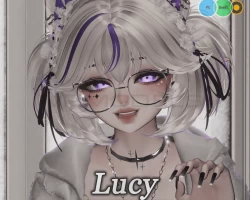
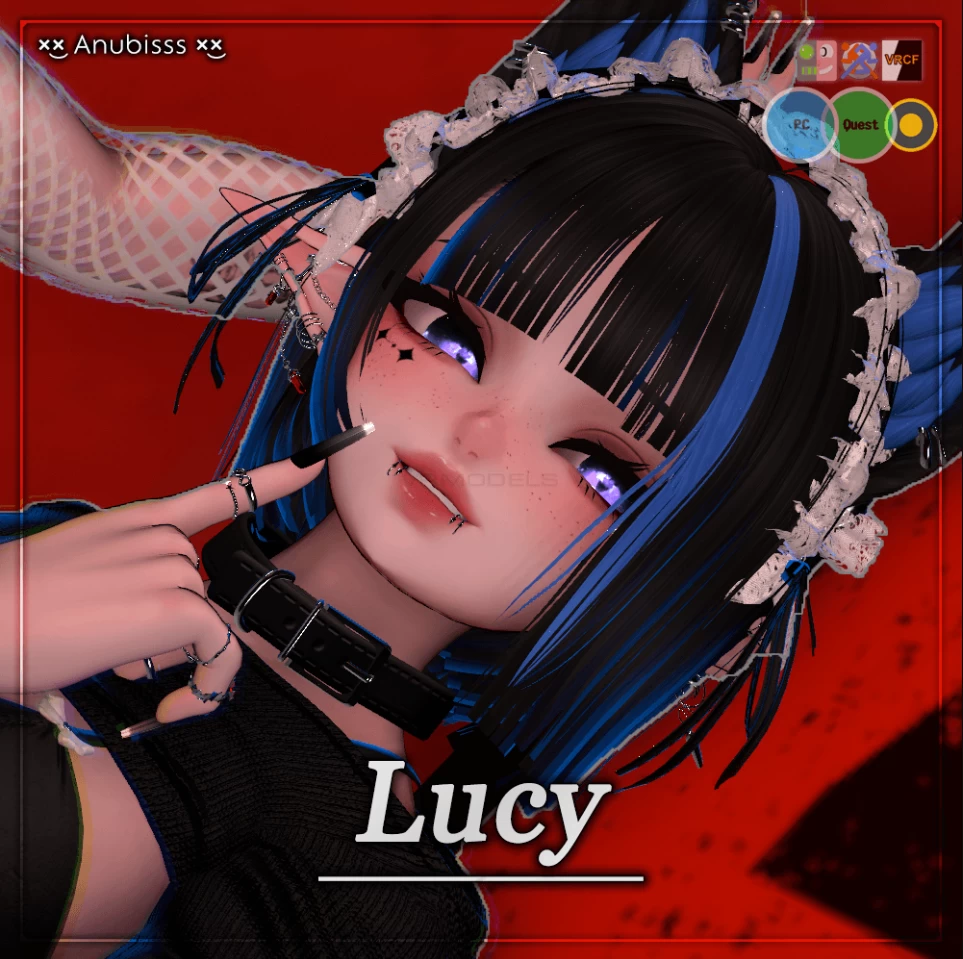
Lucy
To download the model, you need to log in.
Description
⚞ Features ⚟
✴ Opti(Middle) Version Included
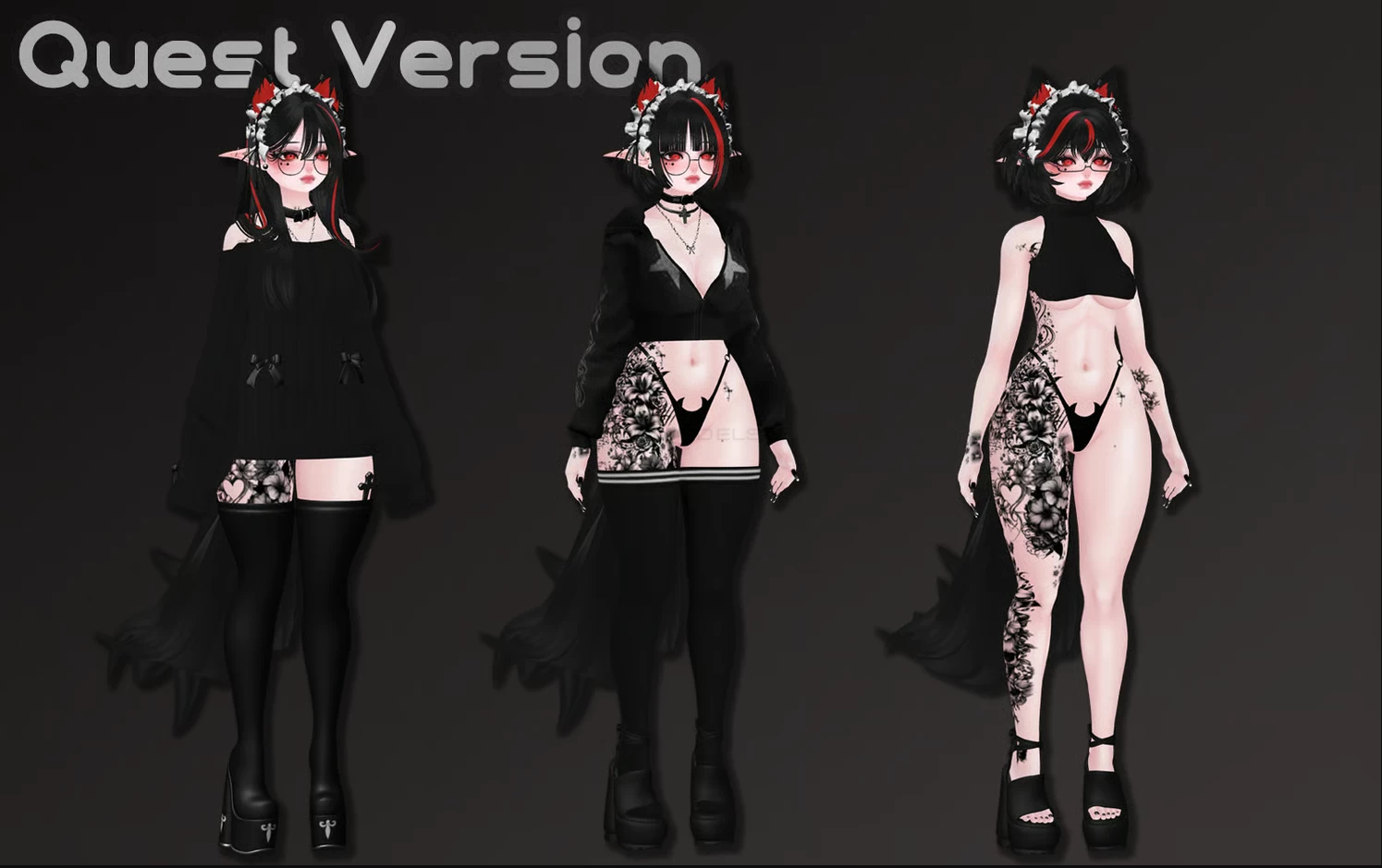
✴ Quest Compatible
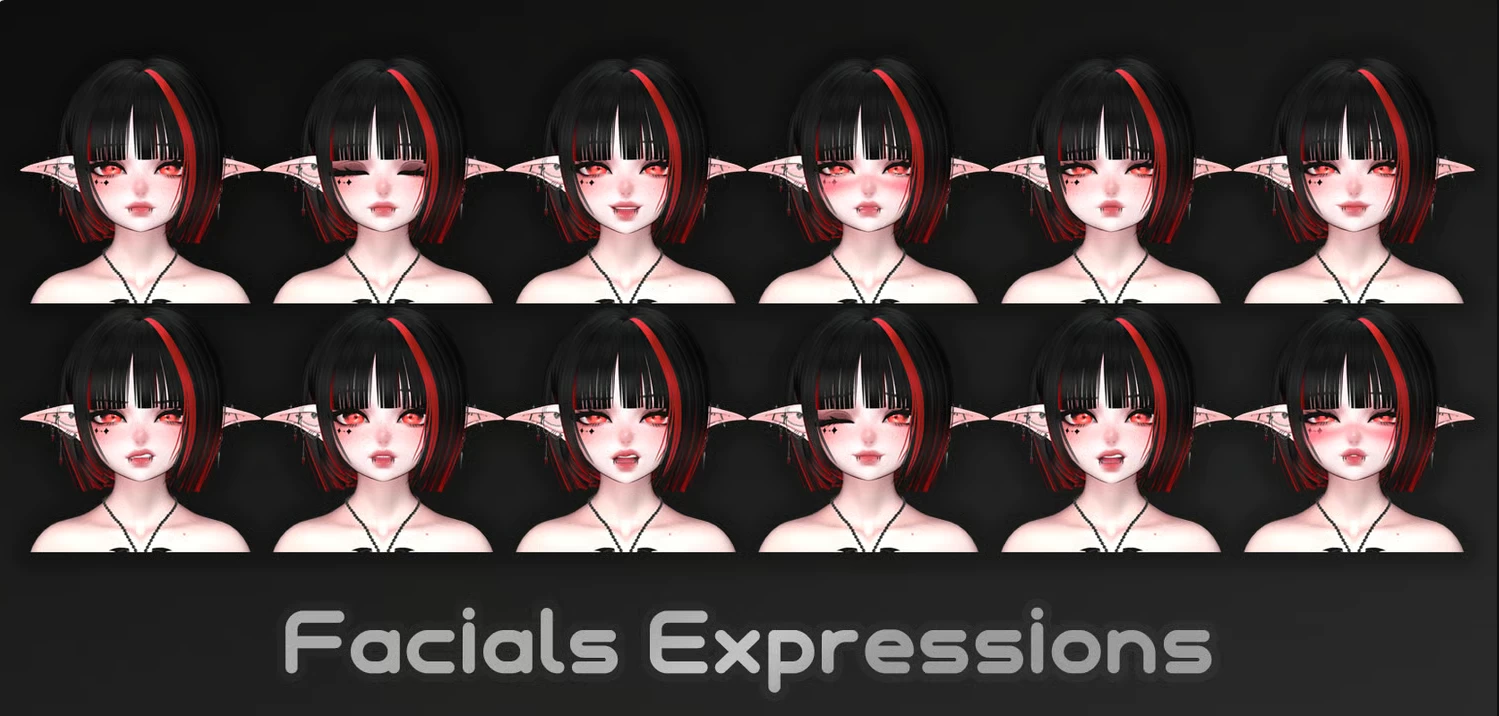
✴ VRCFaceTracking (ARKit)
✴ GoGo Locomotion Beyond
✴ Contact Receiver (Head, Nose, Mouth, Eyes)
✴ Vape System, Fans
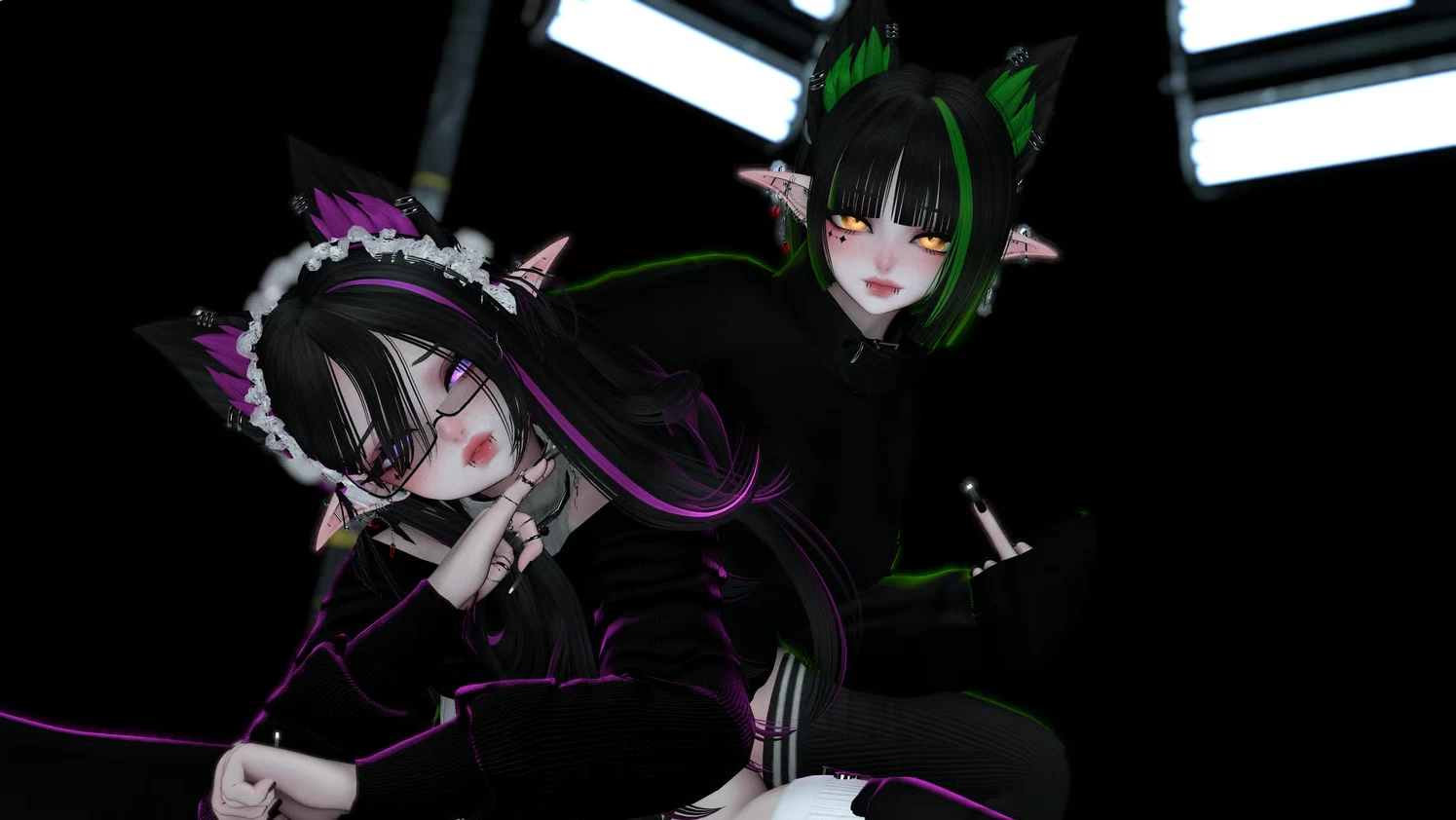
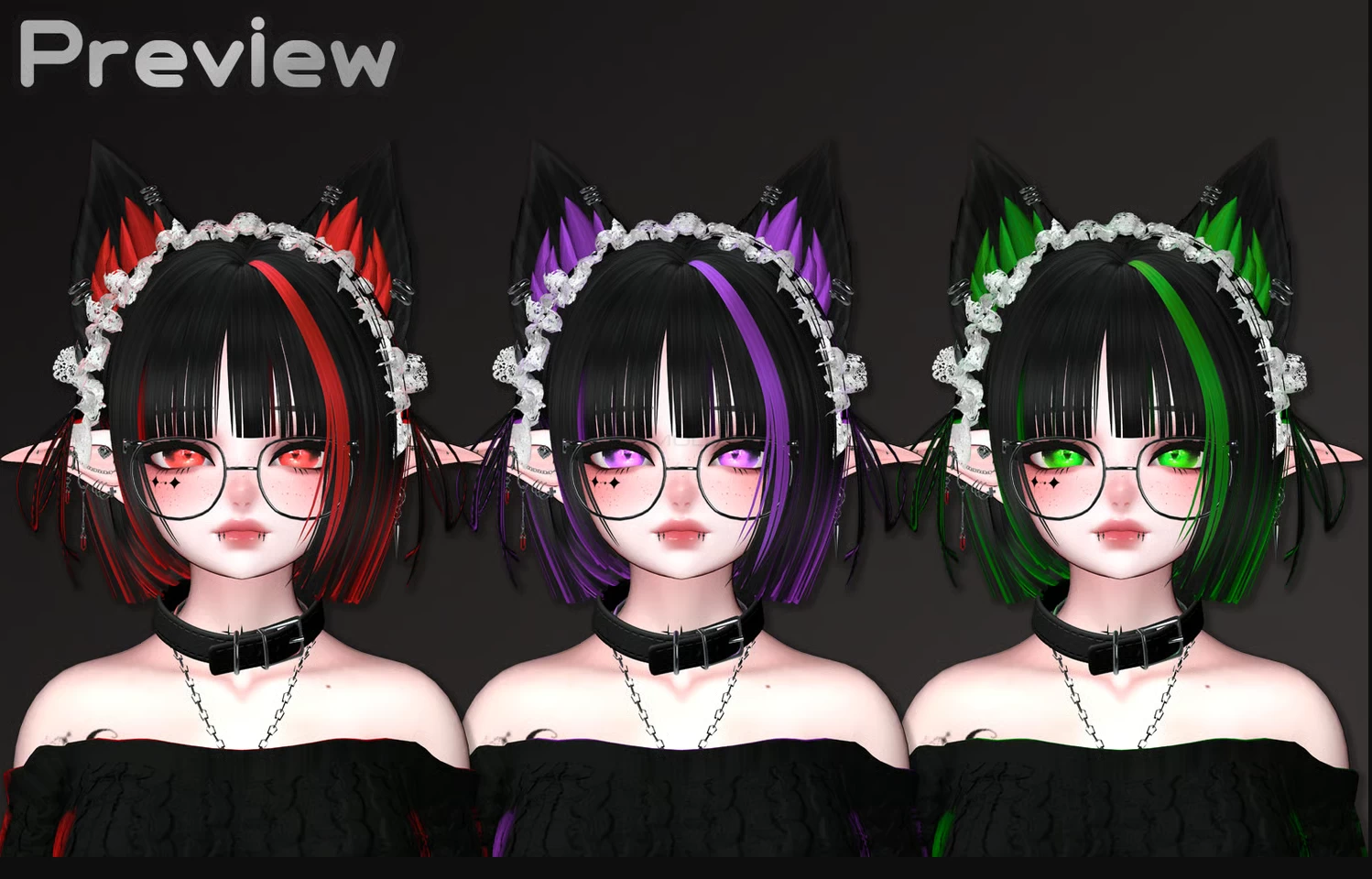
✴ Color Swap (Hair, Outfits, Rim Lights, Eyes, Fans)
✴ SPS
⚞ ✎ How to Upload? (PC) ✎ ⚟
Create a new avatar project in VCC.
Load VRCFury, FaceTracking Template into the newly created project from VCC.
Open the newly created project.
Import the latest version of the Poiyomi Toon shader package.
Import the avatar package.
Open the scene or prepeb included in the package and upload the avatar from the SDK.
⚞ ✎ How to Upload? (Quest) ✎ ⚟
Create a new avatar project in VCC.
Load VRCFury into the newly created project from VCC.
Open the newly created project.
Import the avatar package.
Copy the Blueprint of the PC version that you completed the upload, paste it into VRC Pipeline Manager, and upload it.
✴ Opti(Middle) Version Included
✴ Quest Compatible
✴ VRCFaceTracking (ARKit)
✴ GoGo Locomotion Beyond
✴ Contact Receiver (Head, Nose, Mouth, Eyes)
✴ Vape System, Fans
✴ Color Swap (Hair, Outfits, Rim Lights, Eyes, Fans)
✴ SPS
⚞ ✎ How to Upload? (PC) ✎ ⚟
Create a new avatar project in VCC.
Load VRCFury, FaceTracking Template into the newly created project from VCC.
Open the newly created project.
Import the latest version of the Poiyomi Toon shader package.
Import the avatar package.
Open the scene or prepeb included in the package and upload the avatar from the SDK.
⚞ ✎ How to Upload? (Quest) ✎ ⚟
Create a new avatar project in VCC.
Load VRCFury into the newly created project from VCC.
Open the newly created project.
Import the avatar package.
Copy the Blueprint of the PC version that you completed the upload, paste it into VRC Pipeline Manager, and upload it.