Avatars
Search
Avatars
Models
Other
Screenshots
Community
Authorization
Register
Home
»
Avatars
» Shay Luna Hyenid
Model info
Content type:
Avatars
Сreated by:
LunaVRC1
SDK:
3.0 (VRChat)
Unity version:
Unity 2022
Platform:
PC
Рhysbones:
Yes
Face Tracking:
No
Full body:
Yes
Nsfw:
Yes
DРS \ SPS :
Yes
Views:
44 672
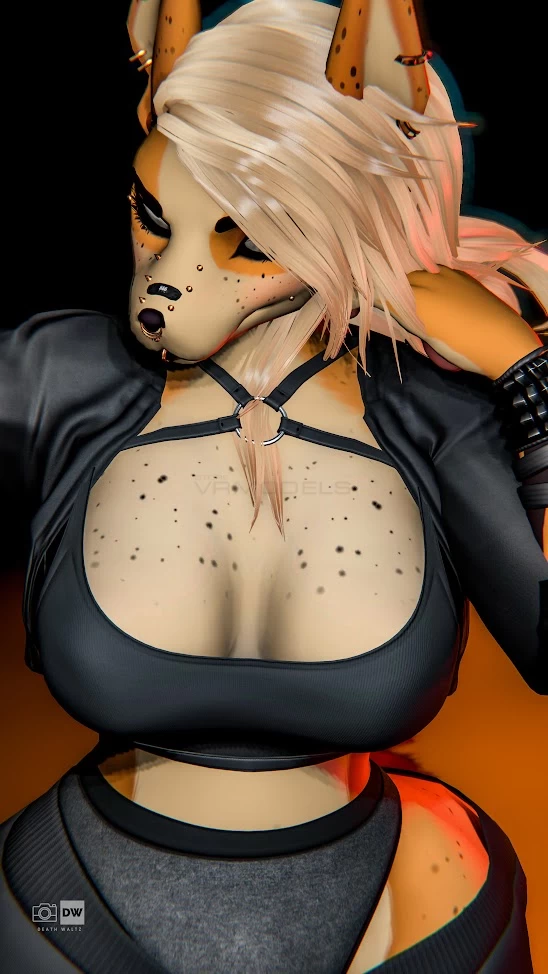
Shay Luna Hyenid
To download the model, you need to
log in
.
Description
Hyenid Edit By LunaVRC1
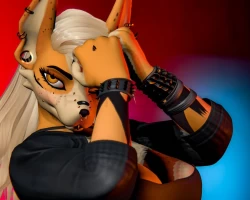
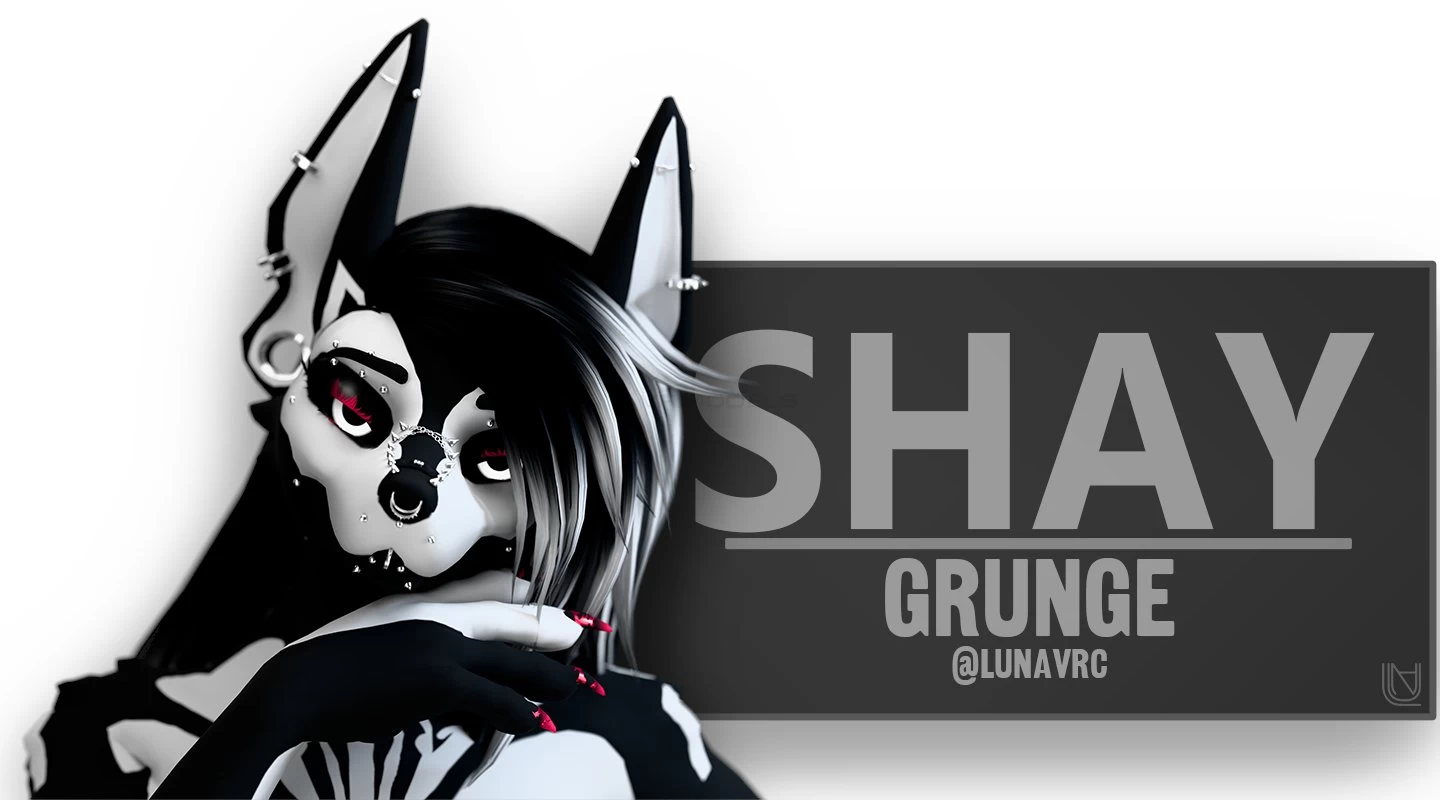
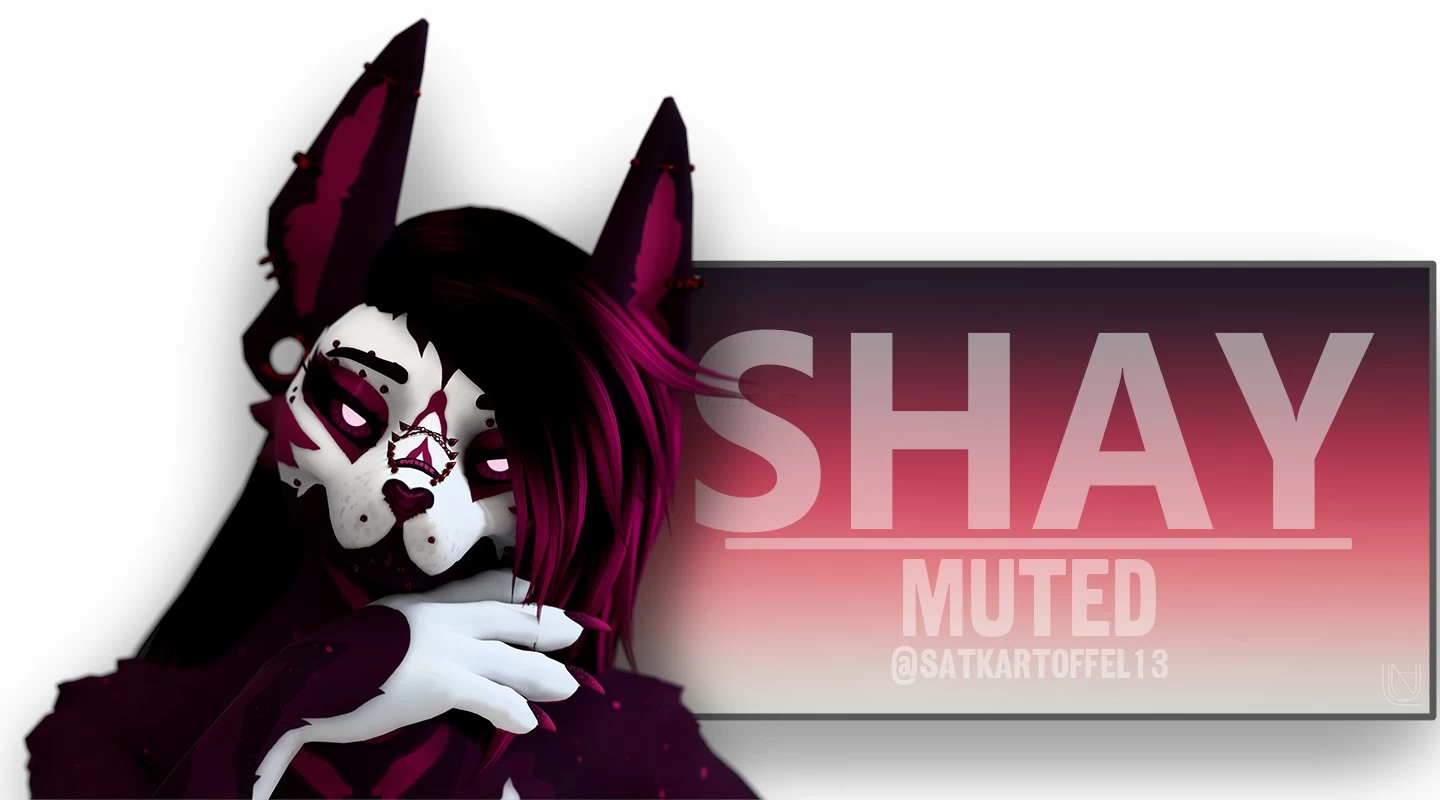
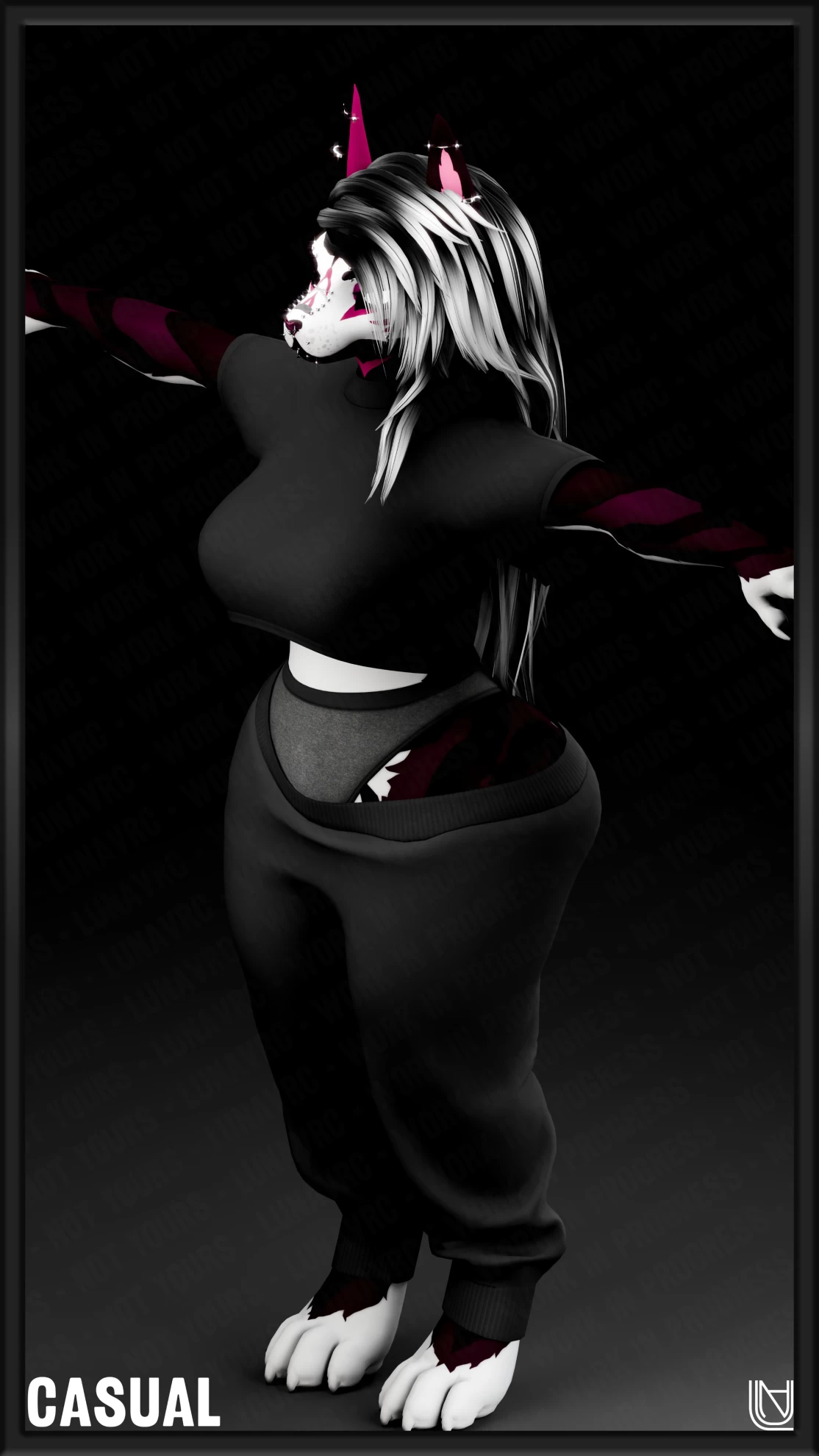
Screenshots of model Shay Luna Hyenid in the game
https://vrmodels.store/avatars/49695-shay-luna-hyenid.html
Female
,
Furry
,
Hyenid
Uploaded by
wildan hafifi
16-07-2025, 22:20
Comments: 21
Add comment
Information
To add your comment you need to
log in
.
Alistair Vesiam
#21
0
missing the "read me" file that explains you need all 3 pacakges for NSFW to work fully
30 November 2025 08:03
CocoChoco
#20
+1
You guys do know you can just fix the eyes with transparent and then alpha cutoff all the way to right
24 July 2025 15:35
Vilyam Vill
#19
0
regarding the eyes, you turn on the Poiyomi 7.3 version, you will have a color slider, you select the latest one there where you remove the transparency of the color
20 July 2025 07:23
CyberLov
#18
+3
anyone having issues with downloading the nsfw??
19 July 2025 18:04
Cosmetz
#17
0
norvac yrrah
, where's the slider that you are refering to?
19 July 2025 12:19
Cosmetz
#16
0
PolarizDFuzz
, may i ask what problems importing the og yeen fixed? the only issue i had was with the eyes and i don't see how importing the og yeen could fix that. thank you.
19 July 2025 12:05
JackDoe71
#15
+2
Import the OG Yeen by Alber then the Normal, NSFW, and Extended versions of this one. It worked fine for me. Also I use poi_Pro_7.3.50_UpTo_9.3.1. It covers all versions old and new.
17 July 2025 23:55
Delta27
#14
0
to help as much as I can from what I've done so far, everything goes off poi 7.3, some of the cloths and avi materials need to be looked up to find some of the more hidden stuff, this can be done by finding the body and looking at what material is being used and just look up that name into the folder search bar and just change it to poi 7.3, for the eyes however, I'm still working on that, I'll let yall know if I figure it out.
Note: for a quick fix for the eyes you can just look up "Transparent (Un/Lit)" in the material tab and it should fix the eyes
If you guys need help with anything lmk!
17 July 2025 20:37
scaryv1bze
#13
0
norvac yrrah
, which slider do you gotta move from 0.5 to 1.1 ?
17 July 2025 19:29
Jase00
#12
0
i import it but it missing a lot of the prefabs .how do i fix that as cant get the avatar to show
17 July 2025 19:18
norvac yrrah
#11
+3
for those that have problem with the eye you will need to change the eye shader from opaque to transparent and move the slider from 0.5 to 1.1
17 July 2025 17:07
BLVRD
#10
+2
Why upload a broken file smh
17 July 2025 16:57
Ash_narl1221
#9
0
i thought the model was full in a unity package
17 July 2025 16:36
wildan hafifi
(user blocked for violating site rules)
#8
Lomaximo_
, no
17 July 2025 12:51
Lomaximo_
#7
+5
wildan hafifi
, Next time, use the translator to see if there's a solution to the eye problem, because the text is broken. Answer correctly
17 July 2025 11:55
asdurp
#6
0
this is hella buggy
17 July 2025 11:13
aya_a
#5
0
「ᴢᴀɴᴇᴛʜᴇᴘᴀɪɴ」1
, i checked the texture, the sclera texture is above the eye texture. i tried moving the eye texture in front but the eye is rotated to where the iris is in the back of the head instead of facing forward
17 July 2025 06:10
「ᴢᴀɴᴇᴛʜᴇᴘᴀɪɴ」1
#4
aya_a
, its probably a clear eye texture. or its poiyomi. ill check it out when i get off of vrc
17 July 2025 05:55
aya_a
#3
0
I'm having the same issue. the eyes are just fully white. Any fix?
17 July 2025 04:52
wildan hafifi
(user blocked for violating site rules)
#2
Lomaximo_
, i dont speak taco
17 July 2025 04:17
Lomaximo_
#1
0
los ojos se ven blancos, no se como arreglarlo
17 July 2025 03:40