Avatars
Search
Avatars
Models
Other
Screenshots
Community
Authorization
Register
Home
»
Avatars
» Zola
Model info
Content type:
Avatars
Сreated by:
Natsumi
SDK:
3.0 (VRChat)
Unity version:
Unity 2022
Platform:
PC
Рhysbones:
Yes
Face Tracking:
Yes
Full body:
Yes
Nsfw:
Yes
DРS \ SPS :
Yes
Views:
50 334
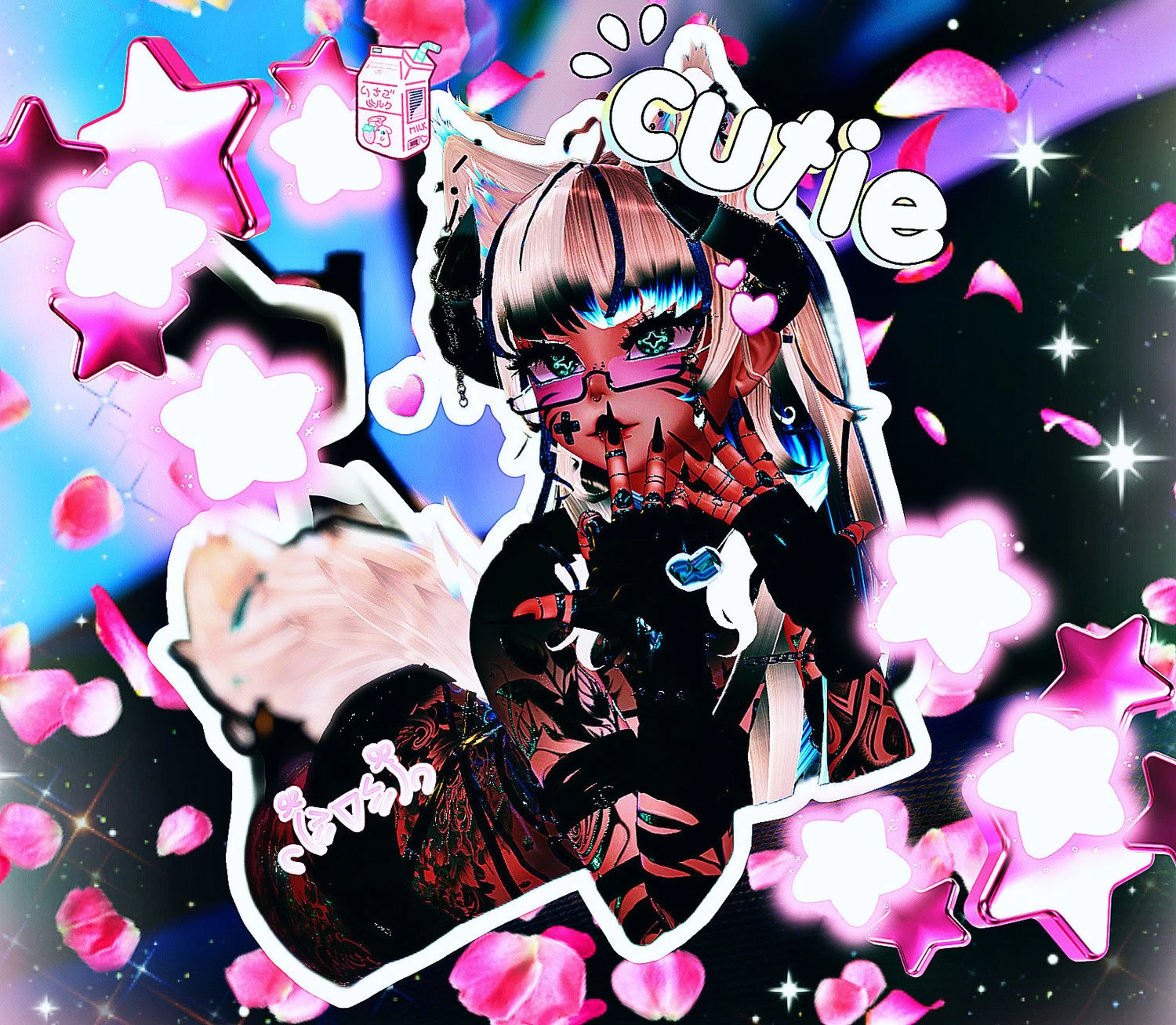
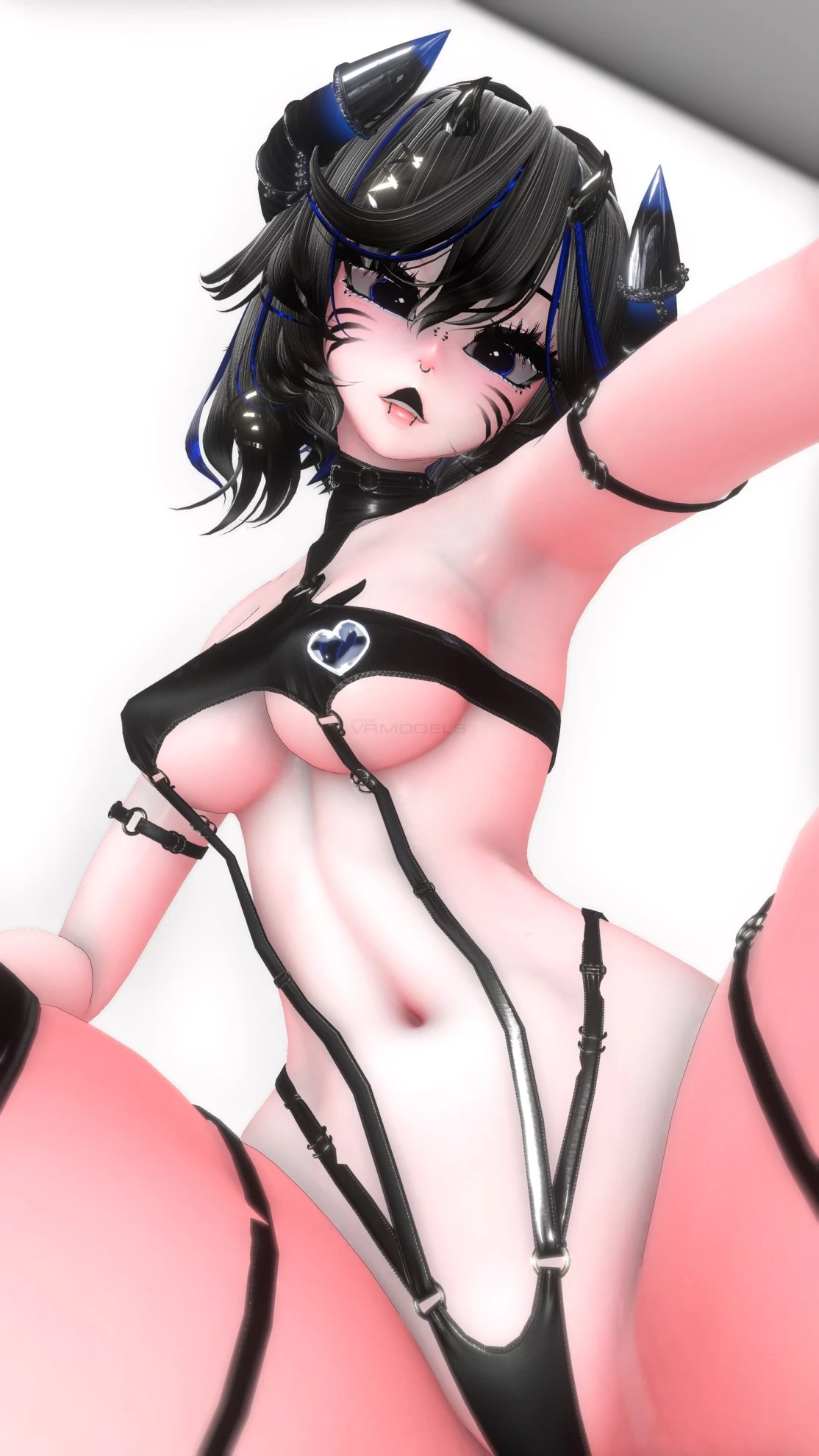
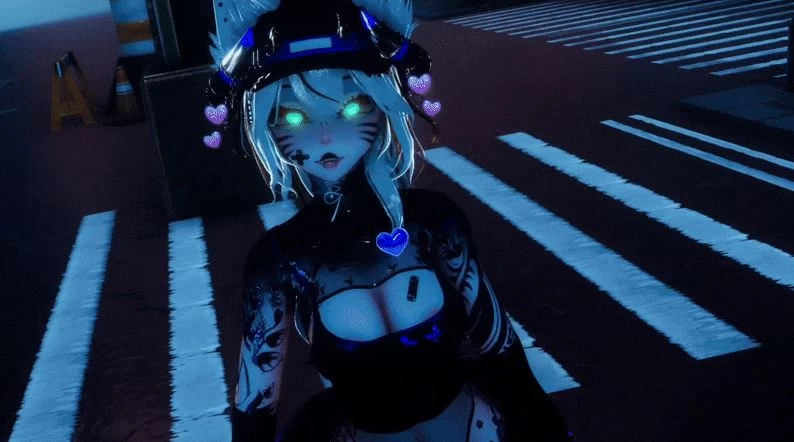
Zola
To download the model, you need to
log in
.
Description
Head
Body
Face textures
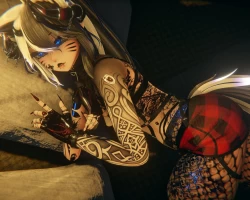
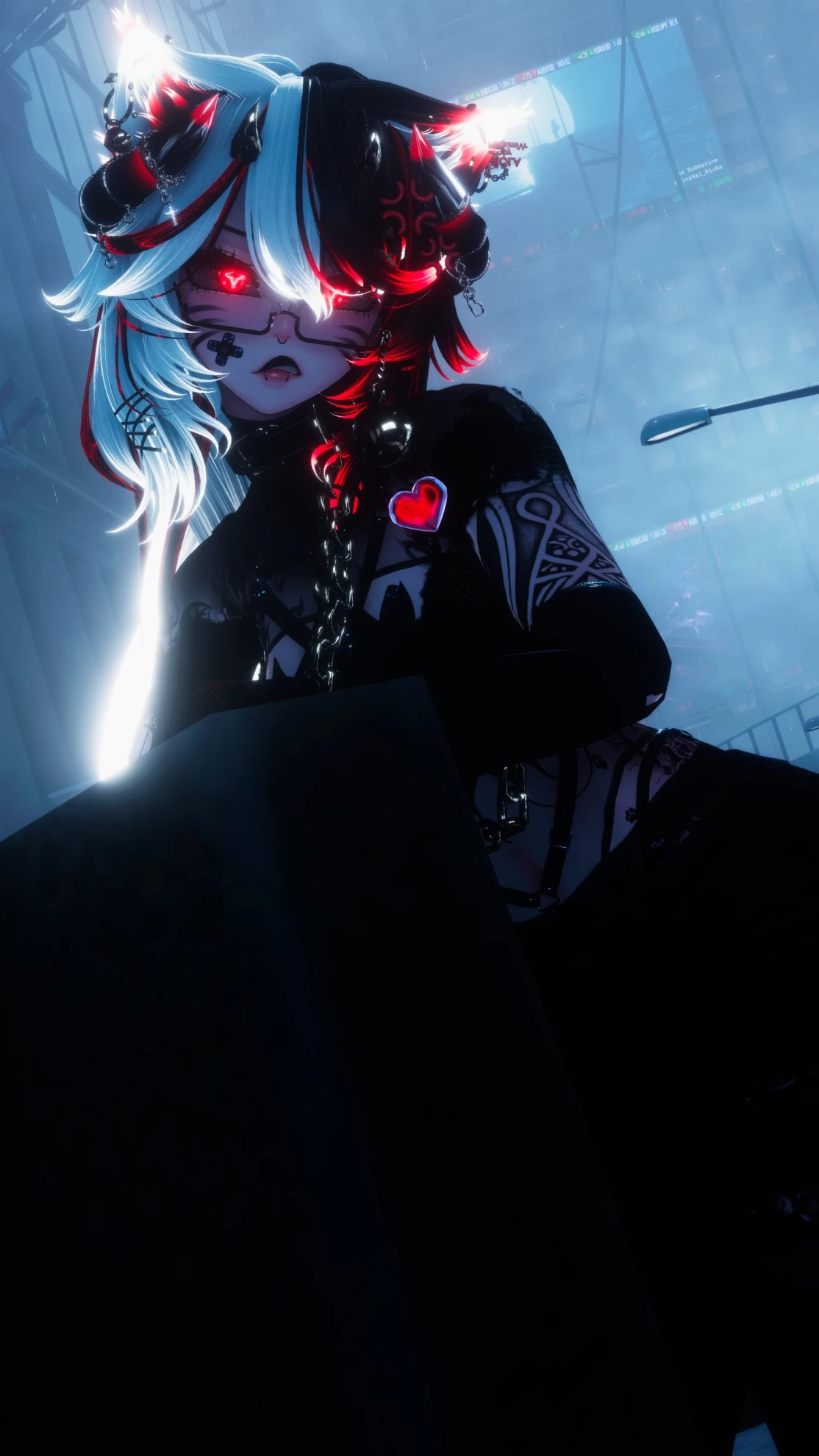
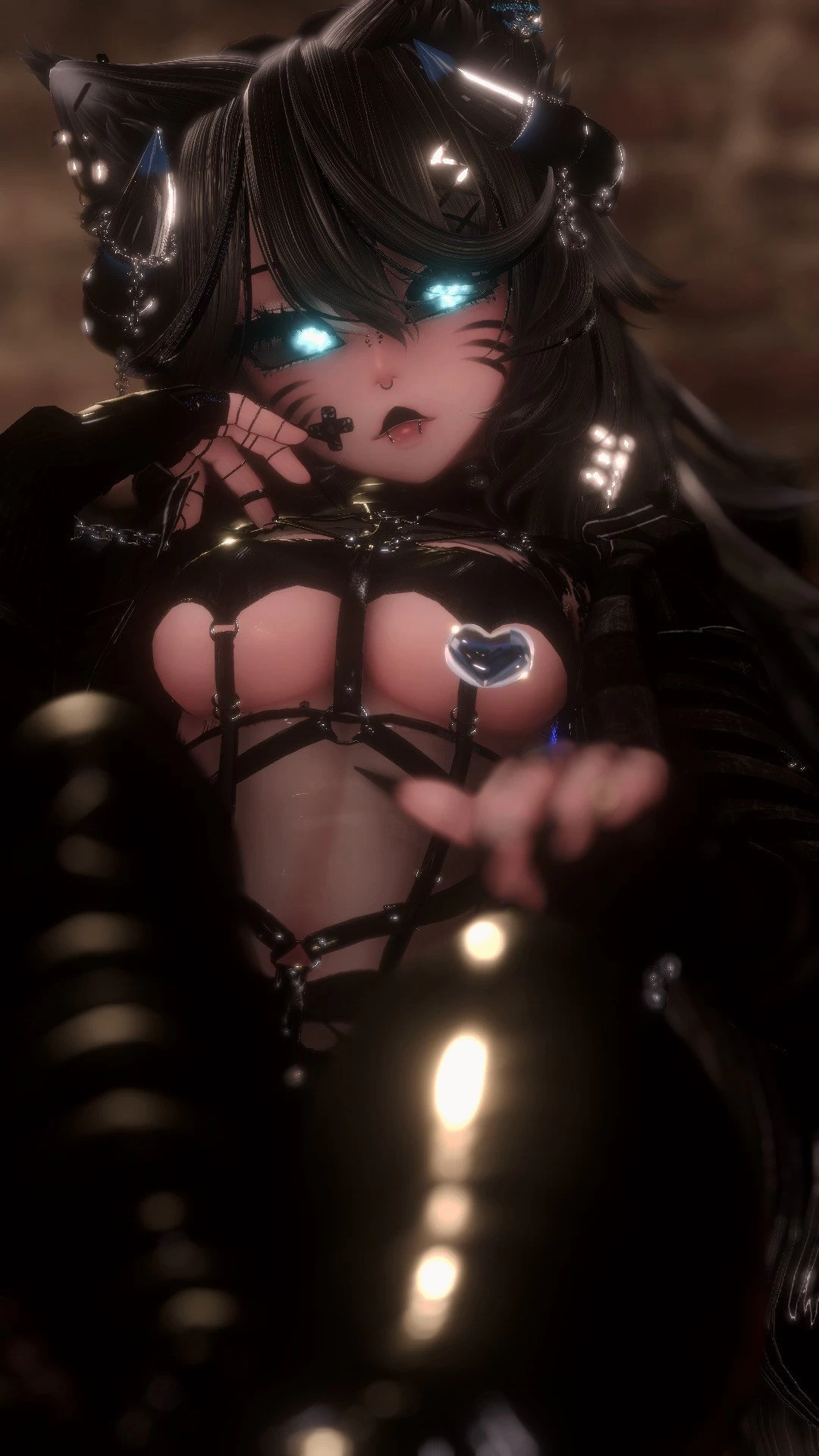
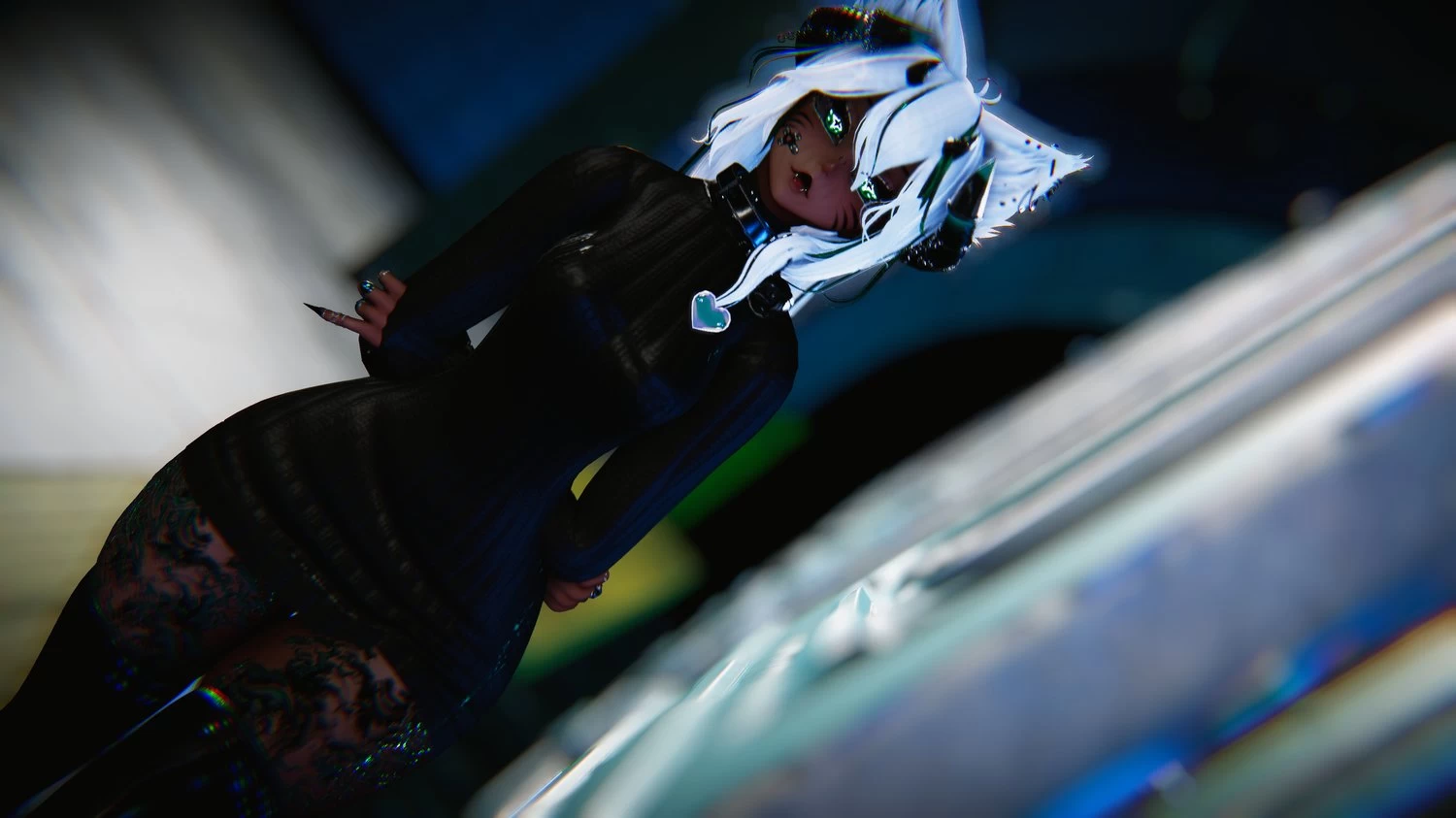
Screenshots of model Zola in the game
https://vrmodels.store/avatars/49766-zola.html
Female
Uploaded by
polemik victor
20-07-2025, 23:20
Comments: 17
Add comment
Information
To add your comment you need to
log in
.
Tonic303
#17
0
there is no scene
18 January 2026 02:15
Solarien
#16
0
why isnt there a scene?
28 November 2025 03:25
Umbra.exe
#15
0
It gave me the error "VRCExpressionParameters has too many parameters defined" how do I fix this ?
17 August 2025 07:12
Kevin Radtke
#14
0
Whitch poi u use ? If u use toon, the head is to bright...
13 August 2025 02:12
DX84GAMER GG
#13
0
***comment deleted***
29 July 2025 14:21
Ayanoshi
#12
0
Thank you
28 July 2025 07:40
ComeSaveLythixzz
#11
0
Bunn1
, This fixed it! thank you so much
26 July 2025 17:29
CandyApples29870
#10
+1
.Nox.
, i do this and then something else breaks and tells me in Chinese letters.
22 July 2025 11:19
Cardboardisgood
#9
+6
this ''upper lip only'' thing has to stop
22 July 2025 04:54
SageMerz
#8
0
Google wont let me download it ;-;
22 July 2025 02:23
.Nox.
#7
0
Bunn1
, ahh i see, by default i add these things anyway haha
22 July 2025 02:00
Bunn1
#6
+9
.Nox.
,
.Nox.
, hello, I have fixed the issue with Marshmallow. You have to add Modular Avatar, Non-Destructive Modular Framework and Gesture Manager. ( if you don't have it) Then reset your project. If you are still having issues, click on Marshmallow on the Hierarchy, then look at the right side of the screen on the Inspector tab. You should see all the settings. The first thing you should see is PB-Preset. It should be on (None) automatically. Click on a different preset, then put it back to none and then reset your Unity project again. Sorry if this isn't clear to follow i tried my best to explain it.
21 July 2025 21:53
.Nox.
#5
+2
wompwompersonn
, what issues? do me a favour, go to vrchat companion > settings > packages > Add Repository > copy paste - "https://vpm.nadena.dev/vpm.json" then head back to projects, go to Zola's project and click manage project, youre going to add a project called "Non-Destructive Modular Framework", once added open project and go to tools and open the NDFM Console, upload her and at the top of the console you will see exactly what is wrong with her
21 July 2025 16:14
LeShrimp
#4
+1
.Nox.
, uploaded, worked for me, thank you
21 July 2025 13:11
ssuramaru
#3
+1
Too many people trying to download off the google link, do you think a different domain can be used
21 July 2025 13:00
wompwompersonn
#2
0
.Nox.
, Still having a million issues uploading
21 July 2025 08:37
.Nox.
#1
0
for those having issues, go into the
Project
and search "marshmallow_pb_ma" and drag to the
Hierarchy
and attach the prefab to "marshmallow_PB_Setup"and then upload
21 July 2025 03:40