Home » Avatars » Misa

Model info

Content type:Avatars
Сreated by: Jay
SDK: 3.0 (VRChat)
Unity version: Unity 2022
Platform: PC
Рhysbones: Yes
Face Tracking: Yes
Full body: Yes
Nsfw: Yes
DРS \ SPS : No
Views: 53 496
Misa

To download the model, you need to log in.

Description

⛧°。 ⋆༺HOW TO IMPORT༻⋆。 °⛧
1. New Project for VCC (Unity 2022.3.22f1)
2. Add VRCFURY Repository
3. Add VRCFT - Jerry's Templates (For face tracking)
4. Import poiyomi 9.2.41 (included in the download section)
5. Import the "Misa" package
6. Open the "Misa (No FT)" or "Misa (FT)" scene
5. Upload and enjoy! <3

⛧°。 ⋆༺Features༻⋆。 °⛧
Face tracking
Gogo Loco
Quest Compatible
Skin tone radial
Hueshift
2 different hair styles
Grey scale toggle
Outfit presets
Physbones where you expect
Contacts - Boop, eye poke, and headpat (with facial expressions!)
A lot of clothing options (can mix & match!)
Cool lighting effect the closer you get to her!
Cool hologram glitch heart
Visualizer mask that moves when you talk!

⛧°。 ⋆༺Toggles༻⋆。 °⛧
Gogo locomotion
Bodysuit
Chest harness
Choker
Cropped jacket
Fishnets
Gloves
Hat
Heart
Horns
Jacket
Kneepads
Long hair
Panties
Pants
Pasties
Presets
Rings
Shorts
Skirt
Sleeves
Socks
Short hair
Stealth shoes
Tail
Tank top
Tech ears
Tech shoes
Tech tail
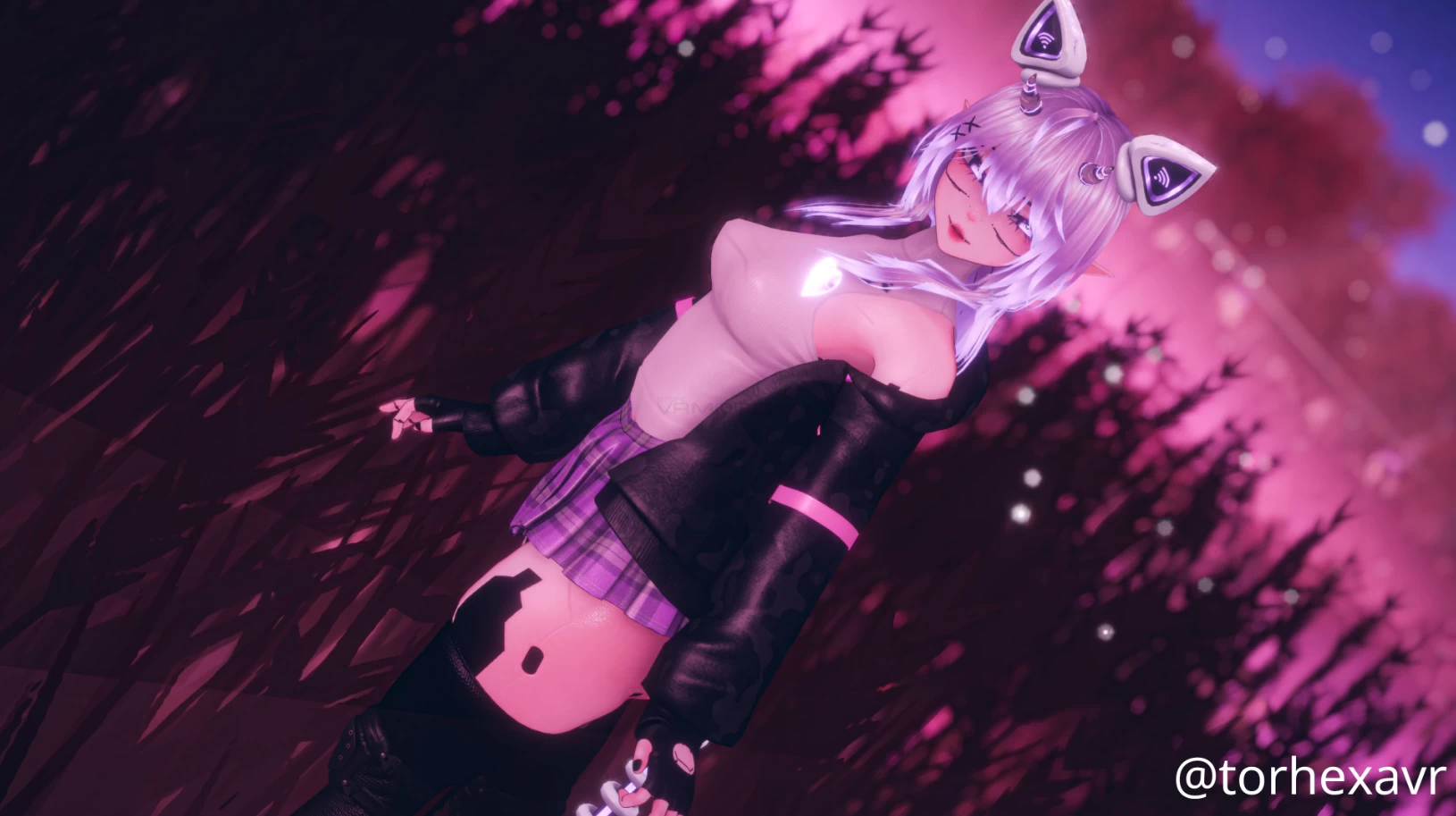
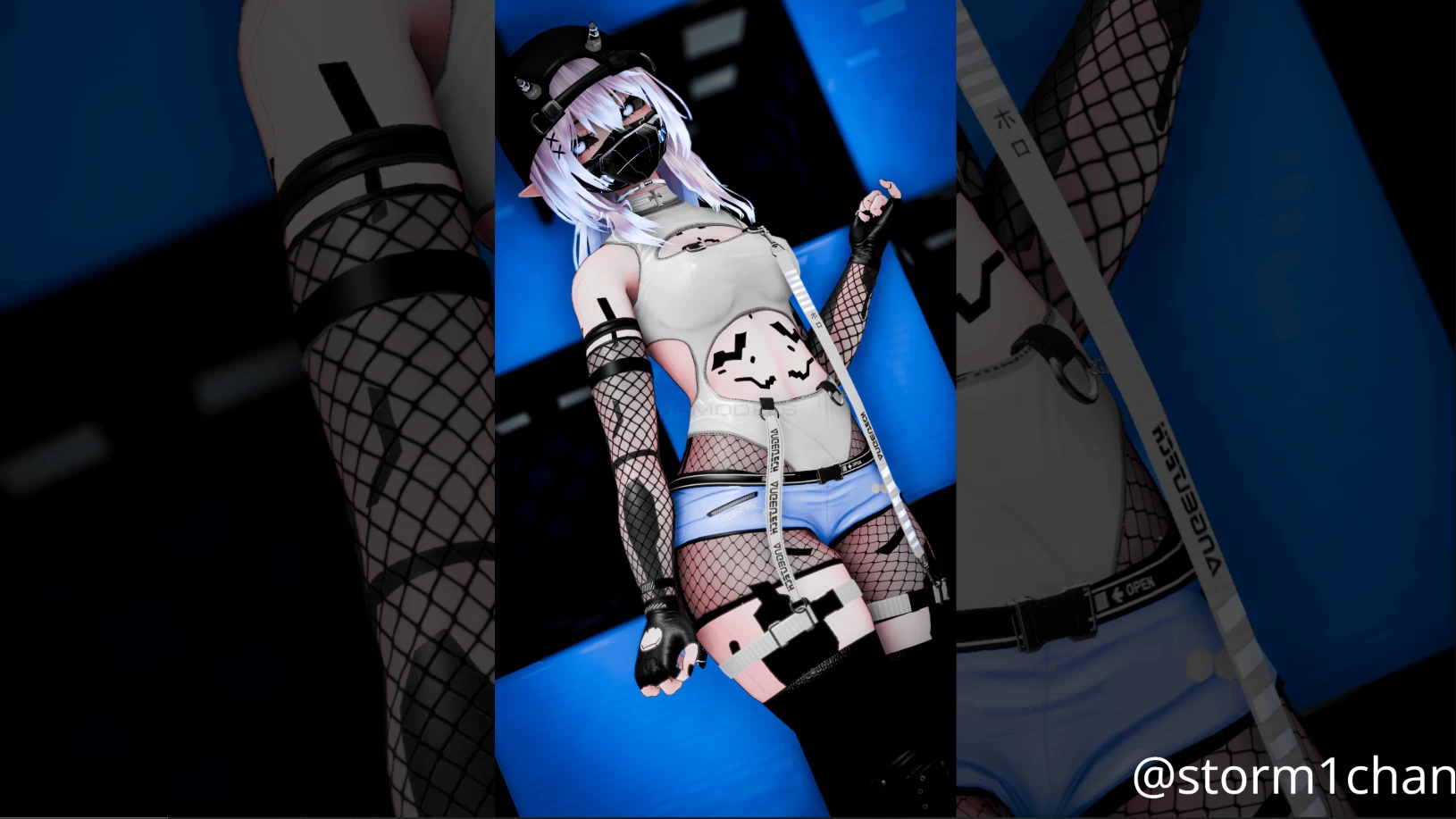
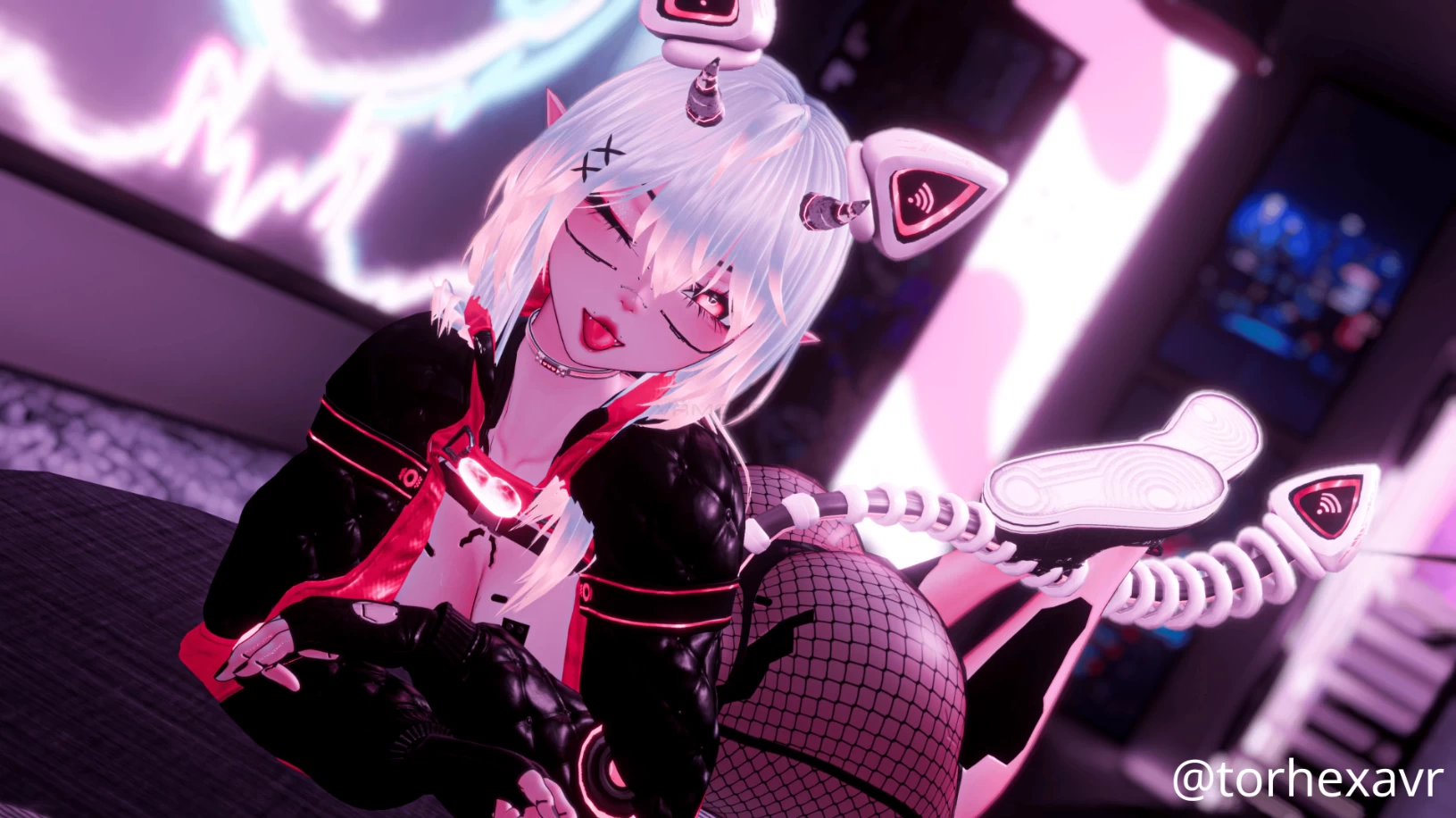
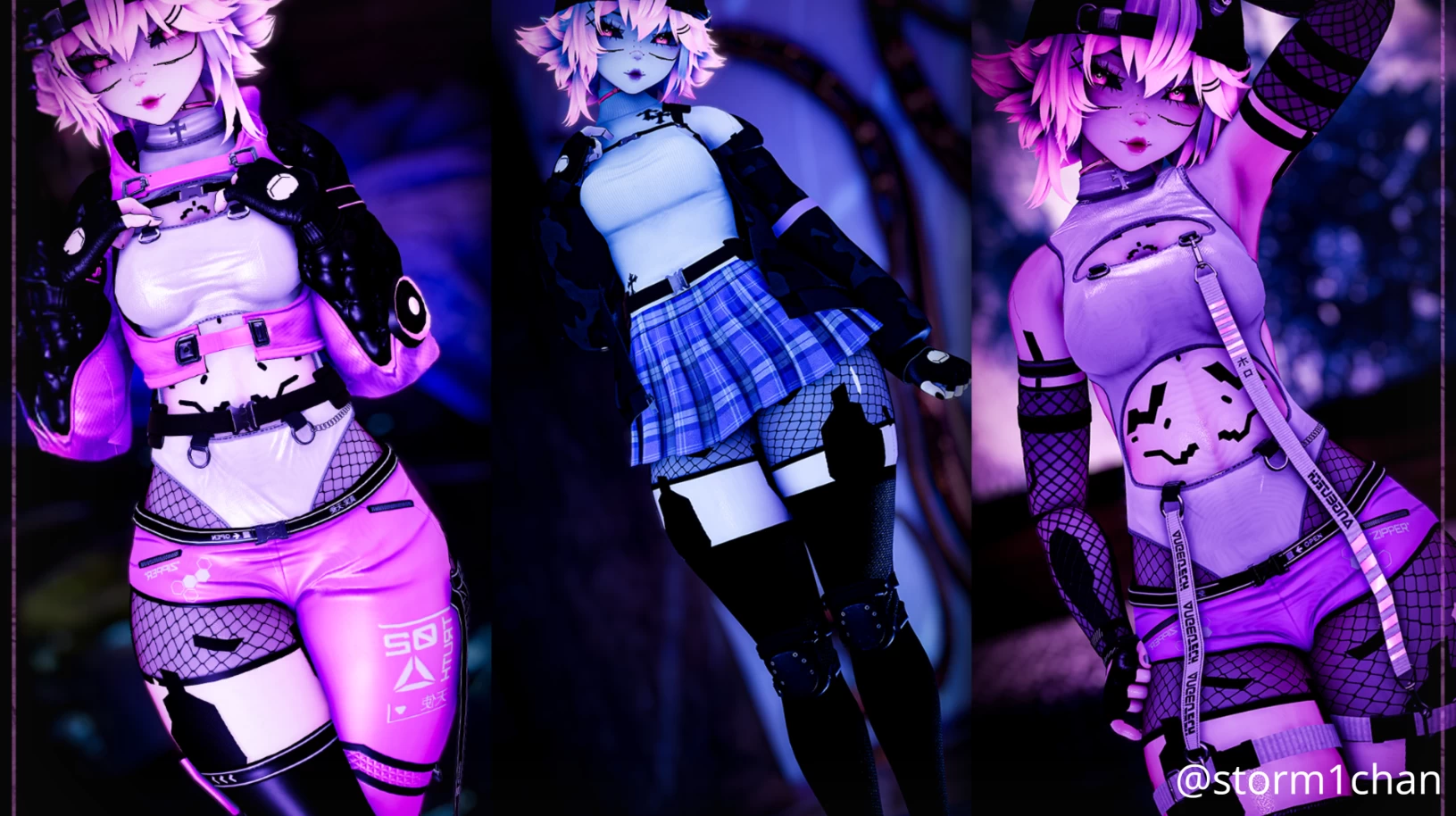
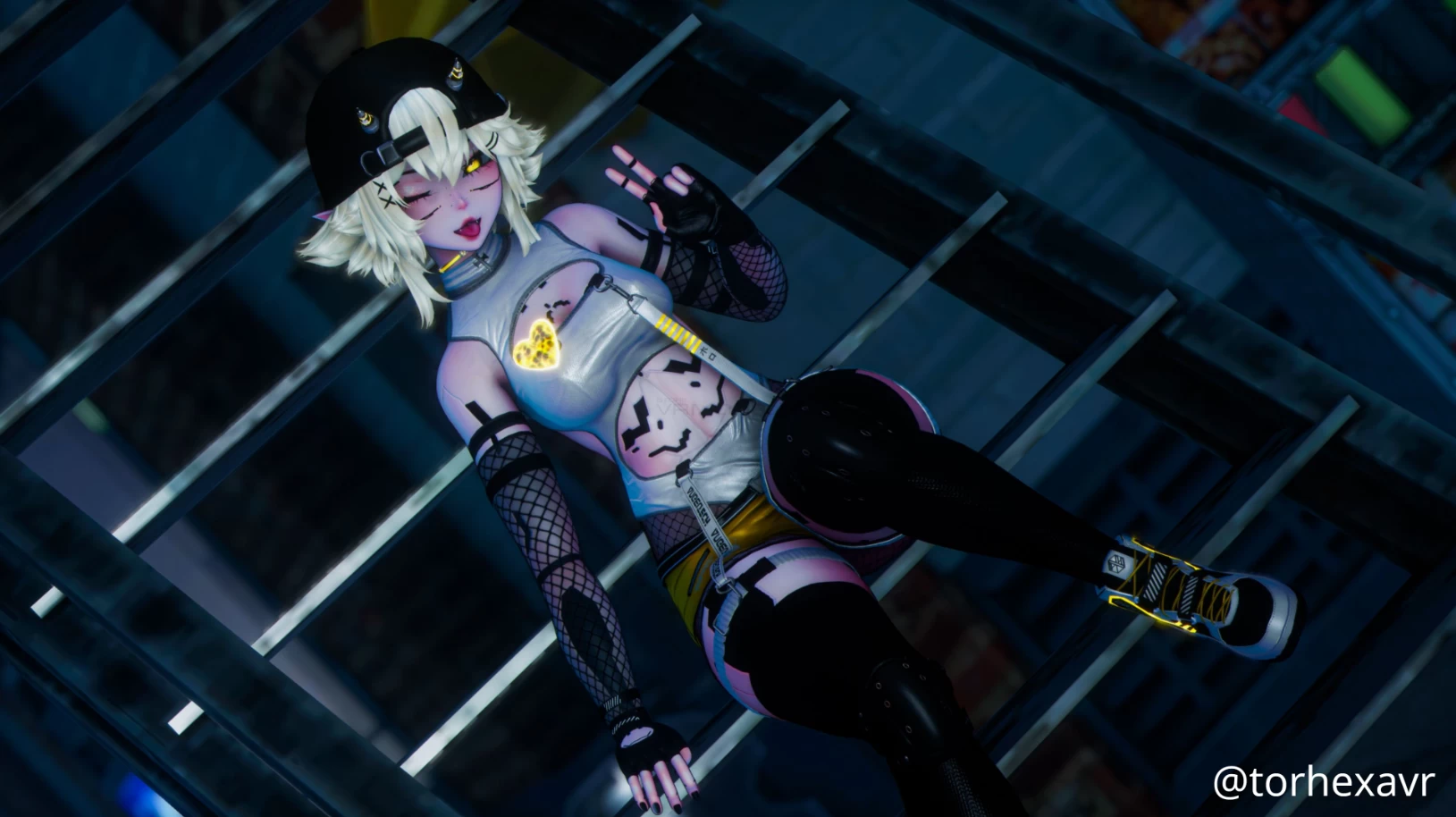
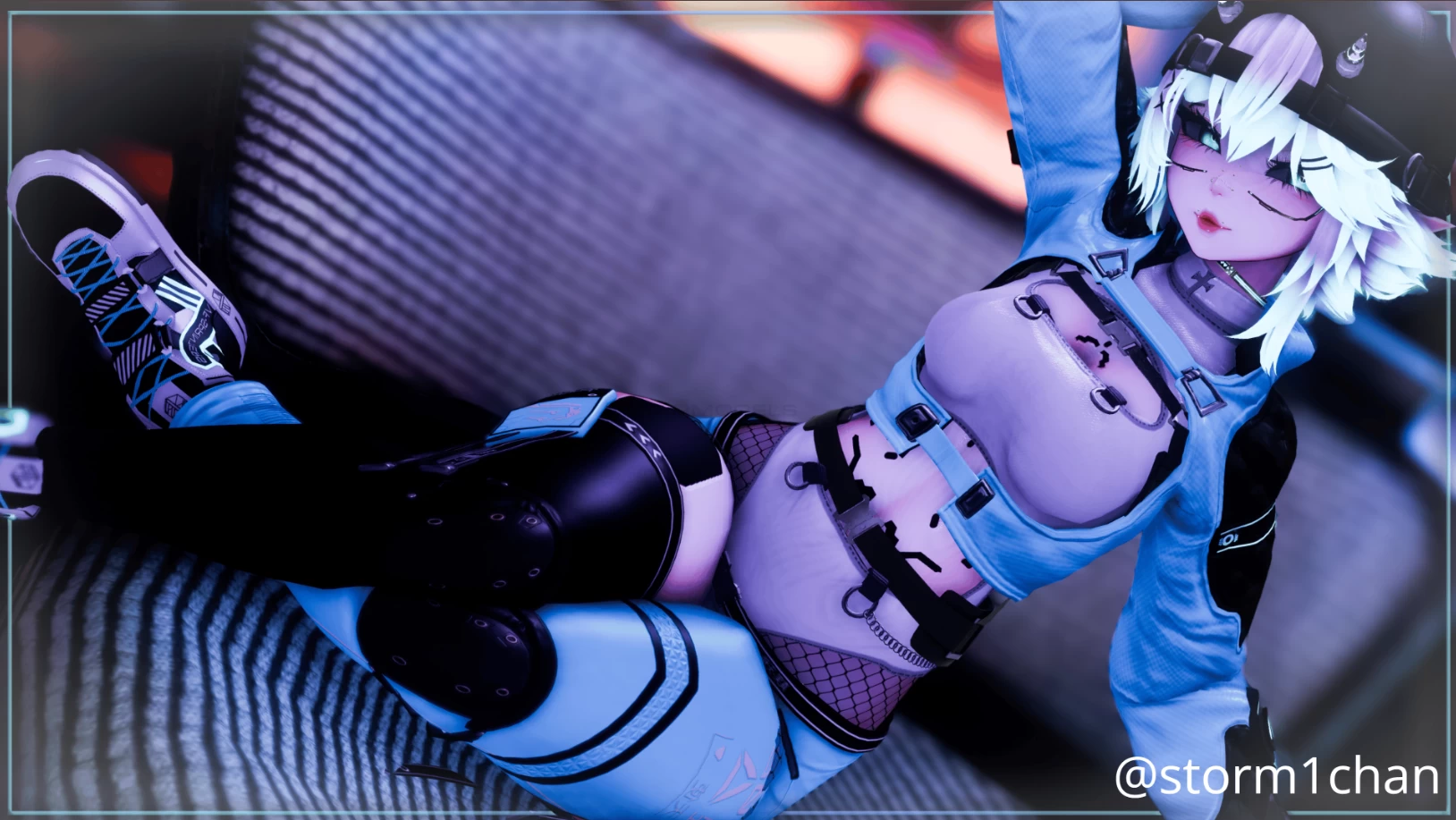
Screenshots of model Misa in the game
Comments: 15
Add comment

Information

To add your comment you need to log in.

  • foto
    Tiny Toast #15
    0
    ShackalShax, i love you, thank you <3
    17 October 2025 18:34
  • foto
    ShackalShax #14
    +4
    For anyone who is having the same issues i did with the avatars clothes / accessories / settings etc not changing for their friends and other people and only working for themselves

    all you need to do to fix it is click on 3.0, click menus, click main parameters and in the inspector click every box below where it says "synced" except for the gogo ones, the boxes should be on the far right side,

    once all of them have "synced" enabled just build & publish the avatar and it should make all the clothes / accessories / settings start working/appearing for other people, i hope this helps some people
    10 September 2025 13:10
  • foto
    Soulsie #13
    0
    The toggles aren't synced for other players so they can't see when you change anything on the avi, which sucks cause this is def my favorite one so far that I've seen. I've been trying to figure out how to manually fix it but I'm not that good with Unity lol. Something to do with VRCFury not being attached to the avi or something though I think.
    24 August 2025 07:17
  • foto
    YuriAddicted #12
    0
    Carcheese, did u find a fix yet?
    18 August 2025 16:21
  • foto
    Habibiland #11
    0
    the expressions with the FT is always enabled the toggle doesn't work :c
    17 August 2025 11:09
  • foto
    Lumii #10
    0
    I don't have icons on any toggles, all of them are transparent, any ideas?
    17 August 2025 02:39
  • foto
    Carcheese #9
    +1
    The toggles work for me but for some reason my friends can't see my outfits they just see the default outfit and also the default skin color, anyone know a fix for this?
    16 August 2025 22:25
  • foto
    Notyourgothgf #8
    0
    thats weird yall experienced that, ngl mine was just fine and had no issues with it. did yall remember to add vrcfury before importing? that would be my only idea of why that happened!
    15 August 2025 12:08
  • foto
    Abisana #7
    +3
    No need to be crass about it. It's an easy fix. Go into the '3.0' folder that the package adds, then Menus, change all the menu parameters to the main parameter in the same folder, then apply the FX to the avatar on its side menu on the Animator when you click on it in the project. Finally just go to VRC Avatar Descriptor in the same place, scroll down to expressions, then replace the menu with the correct Main Menu and parameter! Should be fixed then!
    14 August 2025 19:17
  • foto
    breadthefake #6
    -6
    If any of you guys did more than 2 secconds of trouble shooting youd see that the toggles and params are there, just not applied. If you can't figure that out why are you even here?
    14 August 2025 15:05
  • foto
    OkaWoo #5
    0
    Zuyixa, yeah can someone put toggles to the avi since i have 0 clue about it
    14 August 2025 10:17
  • foto
    Zuyixa #4
    +3
    so everyone just gonna ignore the fact that this avatar has no toggles when put in unity?
    13 August 2025 20:37
  • foto
    Loopylue #3
    +4
    it has both PC and quest within the same package, for those who were curious
    13 August 2025 16:36
  • foto
    ElVatik #2
    0
    Perfect <3
    13 August 2025 12:41
  • foto
    Mr.B (toup) #1
    0
    ***comment deleted***
    12 August 2025 23:42