Home » Avatars » Sunrise

Model info

Content type:Avatars
Сreated by: Purrinia
SDK: 3.0 (VRChat)
Unity version: Unity 2022
Platform: PC
Рhysbones: Yes
Face Tracking: Yes
Full body: Yes
Nsfw: Yes
DРS \ SPS : No
Views: 25 710
Sunrise

To download the model, you need to log in.

Description


AVATAR INFORMATIONS
GoGo Loco V1.8.6 | FaceTracking - UE | Fake Index Gestures | Pc Only | Physbones | Colliders | Avatar 3.0

AVATAR TOGGLES
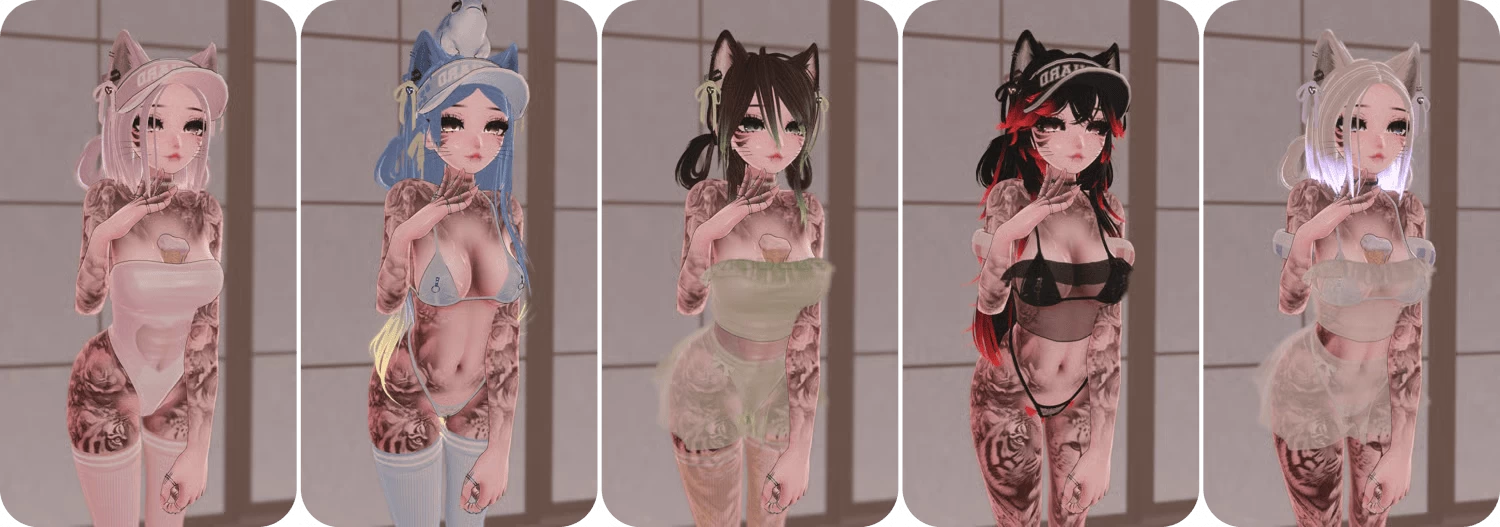
BASE: WHISKERS | NIPPLE PIERCING | PUBES | SEPTUM | BITES | SNAKEBITES | RINGS | SFW
CLOTHING: BRA | TOP | PANTIES | SKIRT | SWIMSUIT | STOCKINGS | SANDALS | SHOES
EXTRAS: CHOKER | FROG | VISOR | ICE CREAM | FLOATIES ARMS | FLOATIES HIPS
HAIR: FLUFFY HAIR | LONG HAIR | SHORT HAIR | PONYTAIL | PIGTAILS | HAIR CUTOUT | EARS | TAIL

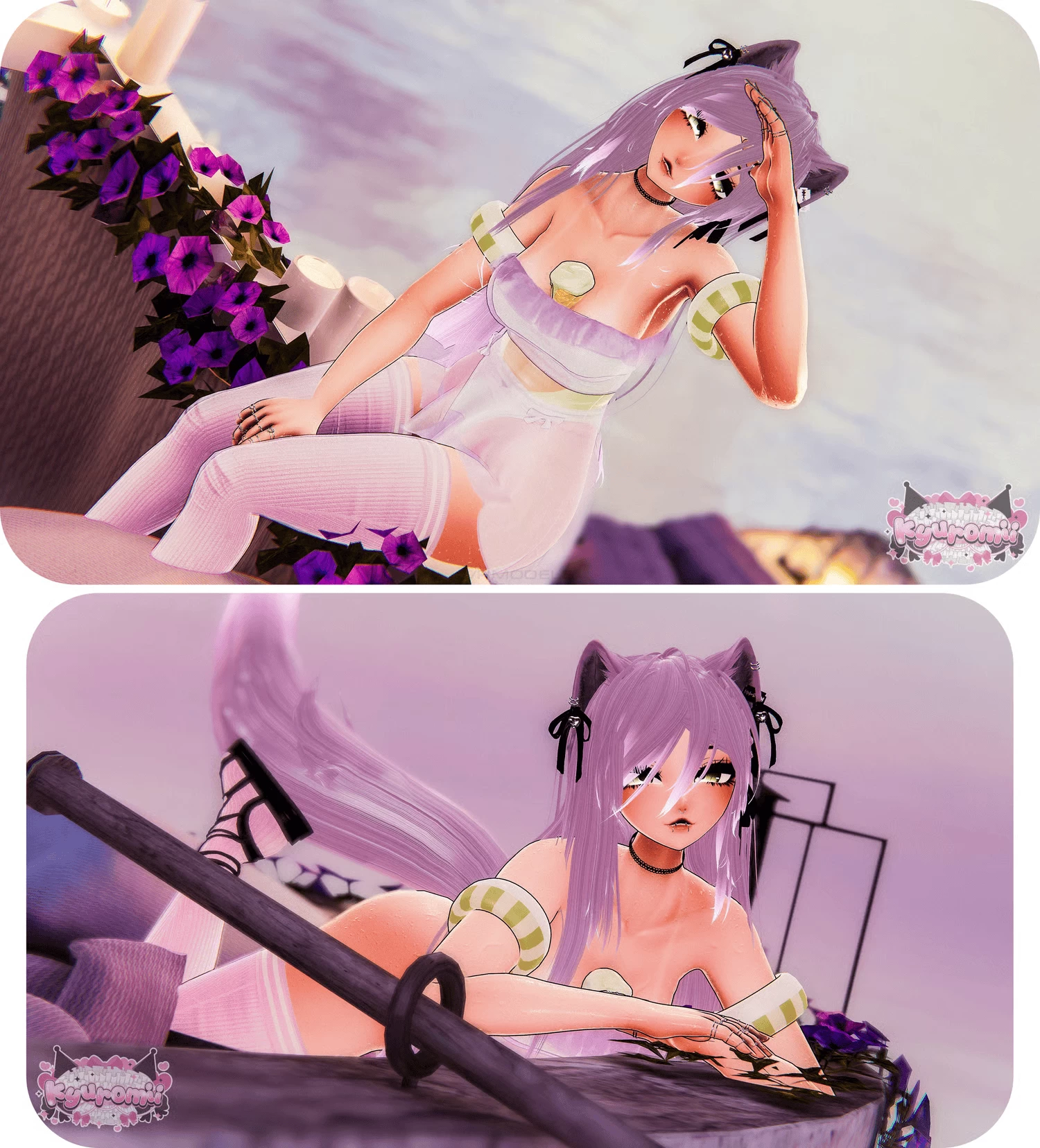
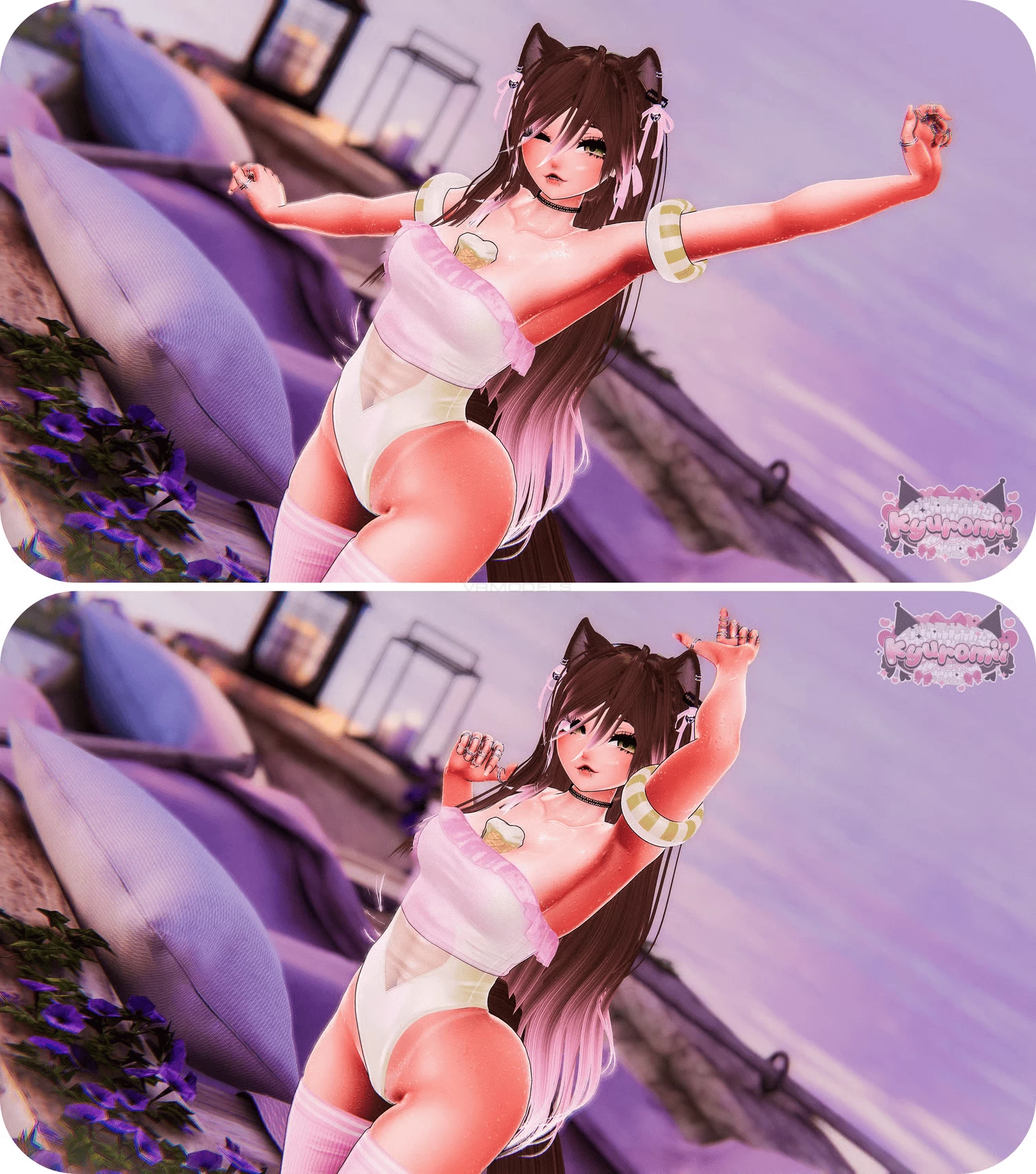
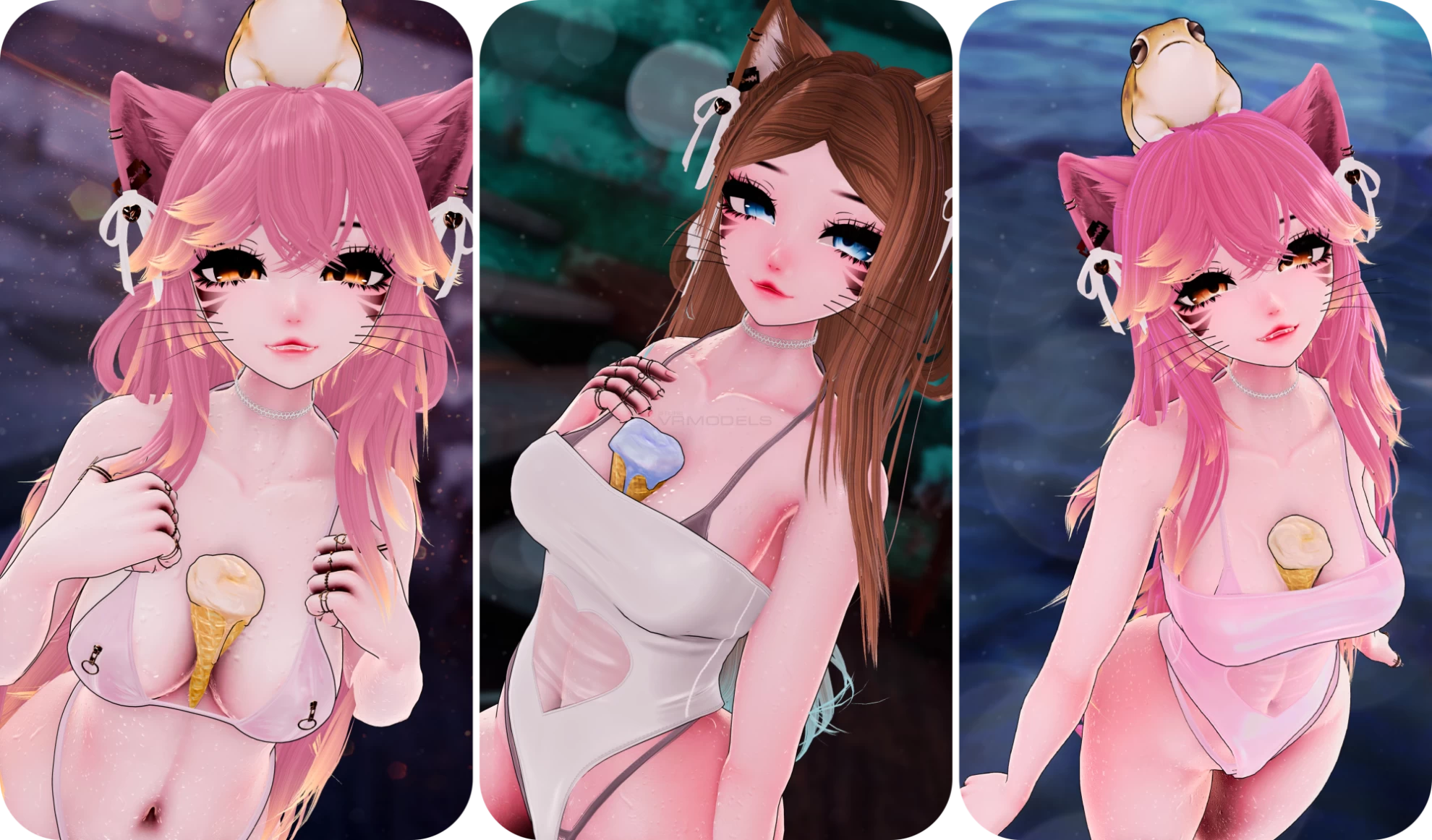
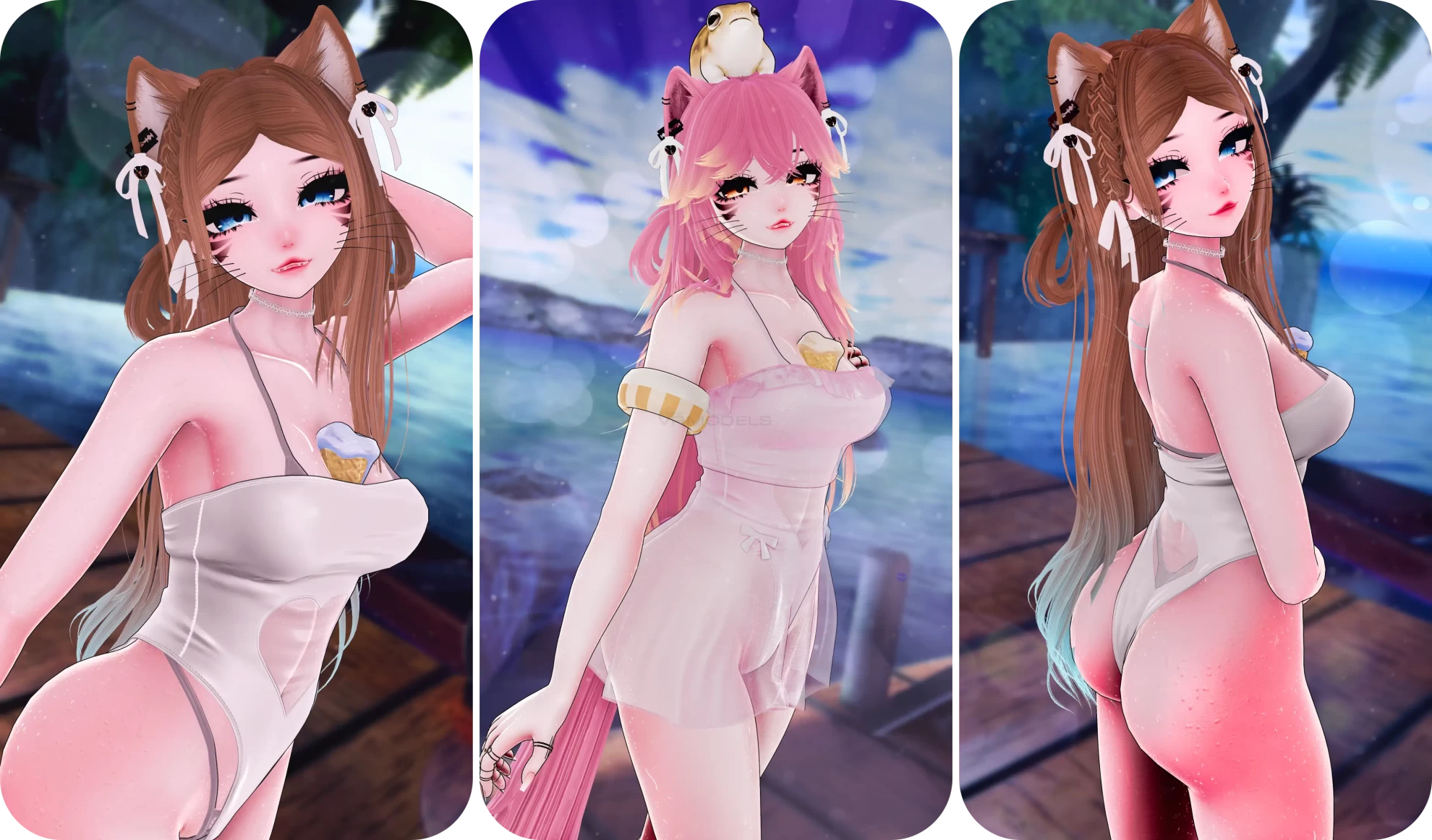
Screenshots of model Sunrise in the game
Uploaded by

Anonymous


Comments: 7
Add comment

Information

To add your comment you need to log in.

  • foto
    SilentMorgue #7
    0
    If you are having trouble uploading due to something with the VRCExpressions here is a simple fix,

    1. click on the root of the avatar named "SUNRISE"

    2. Look at the inspector and scroll down until you find the vrc avatar descriptor in that component you should find a section called "expressions" (I highlighted it in yellow)


    click the grey arrow next to it to open it, after that you should see "parameters"

    3. Once you have found parameters you're going to need to find a parameter asset in your project to replace what is in the parameters in the expressions.

    4. Drag the parameters you found in the project and replace it with the one in the expressions. Note: To find the parameters in your project look in the folder "4.TOGGLES" it should be right next to menu.

    5. You should now be able to easily upload the avatar without any problems.

    extra: if you are still having trouble uploading the avatar due to there being broken or missing files such as VRCFT you can also fix this pretty easily, just type VF_ in your Hierarchy search bar. Find the broken objects mentioned in the pop-up (like VF_EyeRotation or ResetButton) and delete them. VRCFury will ignore the missing files and let you upload immediately. Most of the stuff i mentioned is a good thing to keep note if you ever have problems like this with other avatars, most avatars simply just need VRCFT to be deleted or for you to have the required add-on and then you can upload. I have uploaded 50+ avatars and have troubleshooted many myself so if there's any other problems feel free to dm me.
    Sunday at 10:27
  • foto
    WynterSnowflake #6
    0
    It says there are too many Parameters for VRCExpression. Does anyone know what I'm supposed to do about that?
    1 November 2025 18:54
  • foto
    Ethiopian927 #5
    0
    Steve_2, Try enabling pop ups, that might help. Otherwise I have no idea how to help further than just click download on this page, and then click download on the next page.
    24 September 2025 14:44
  • foto
    YOYOYOYO #4
    +1
    can you upload mio by purrinia too
    24 September 2025 08:58
  • foto
    SourAmy #3
    0
    Link works fine
    24 September 2025 08:43
  • foto
    chonkemonke #2
    0
    Steve_2, worked for me!
    23 September 2025 05:44
  • foto
    Steve_2 #1
    Download link seems to be broken ><
    23 September 2025 05:06