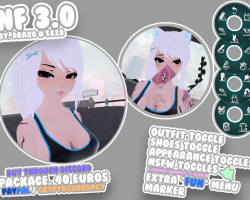
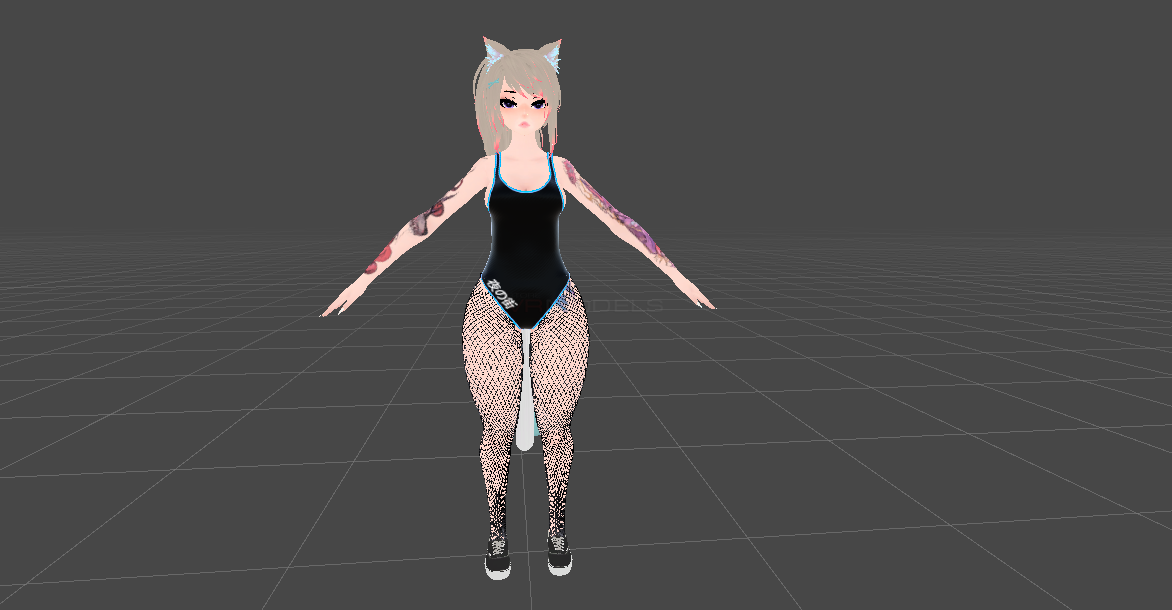
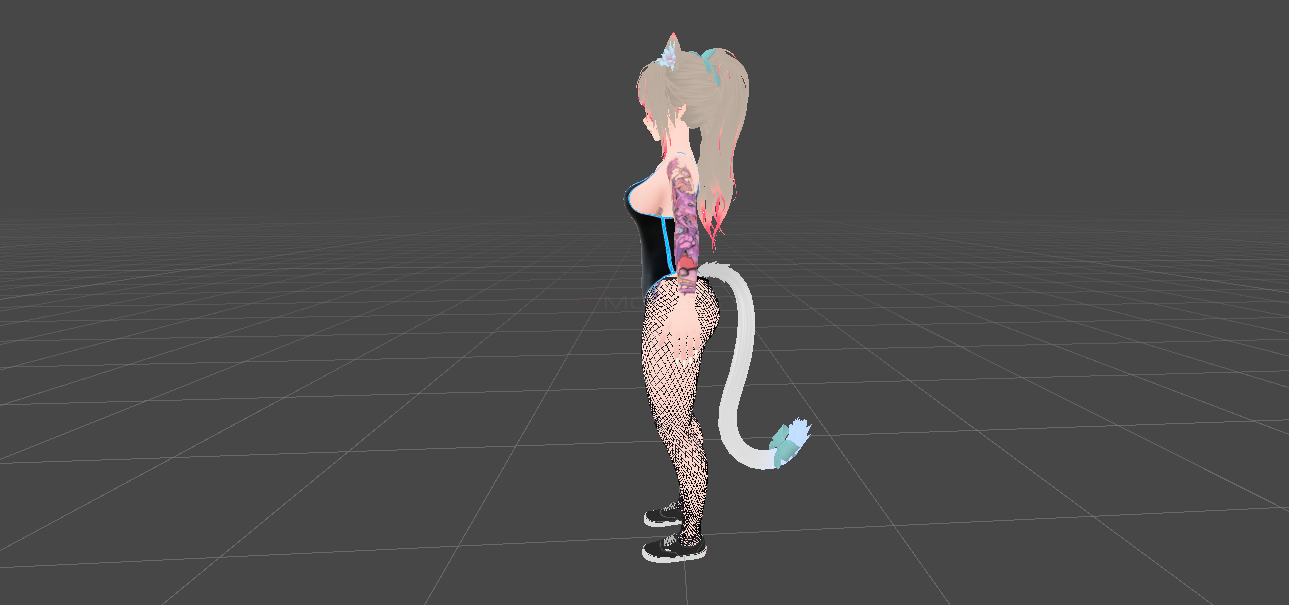
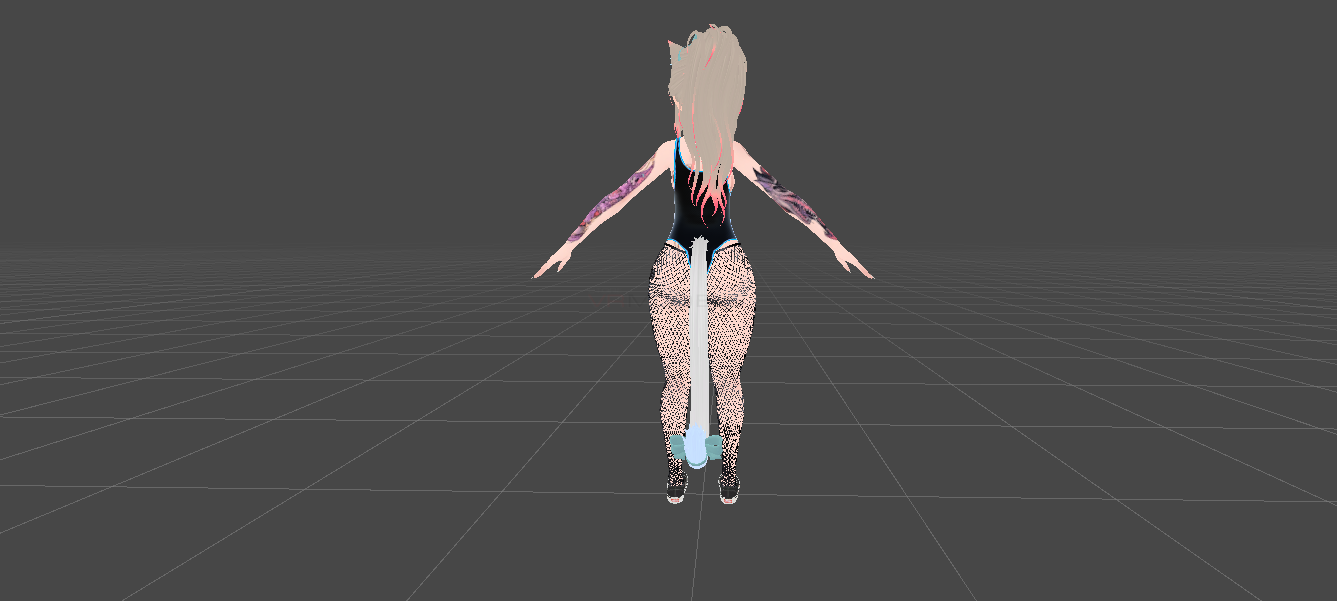
NF 3.0
To download the model, you need to log in.
Description
How to use this package and upload to VRChat.
1. Open Unity 2019.4.29f1
2. Import VRChat Avatar SDK (3.0).
3. Import a Shader you want to use, Poiyomi 7 and above is recommended.
4. Import Dynamic Bones.
5. Import The Avatar Package.
1. Open Unity 2019.4.29f1
2. Import VRChat Avatar SDK (3.0).
3. Import a Shader you want to use, Poiyomi 7 and above is recommended.
4. Import Dynamic Bones.
5. Import The Avatar Package.
