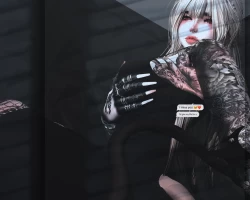
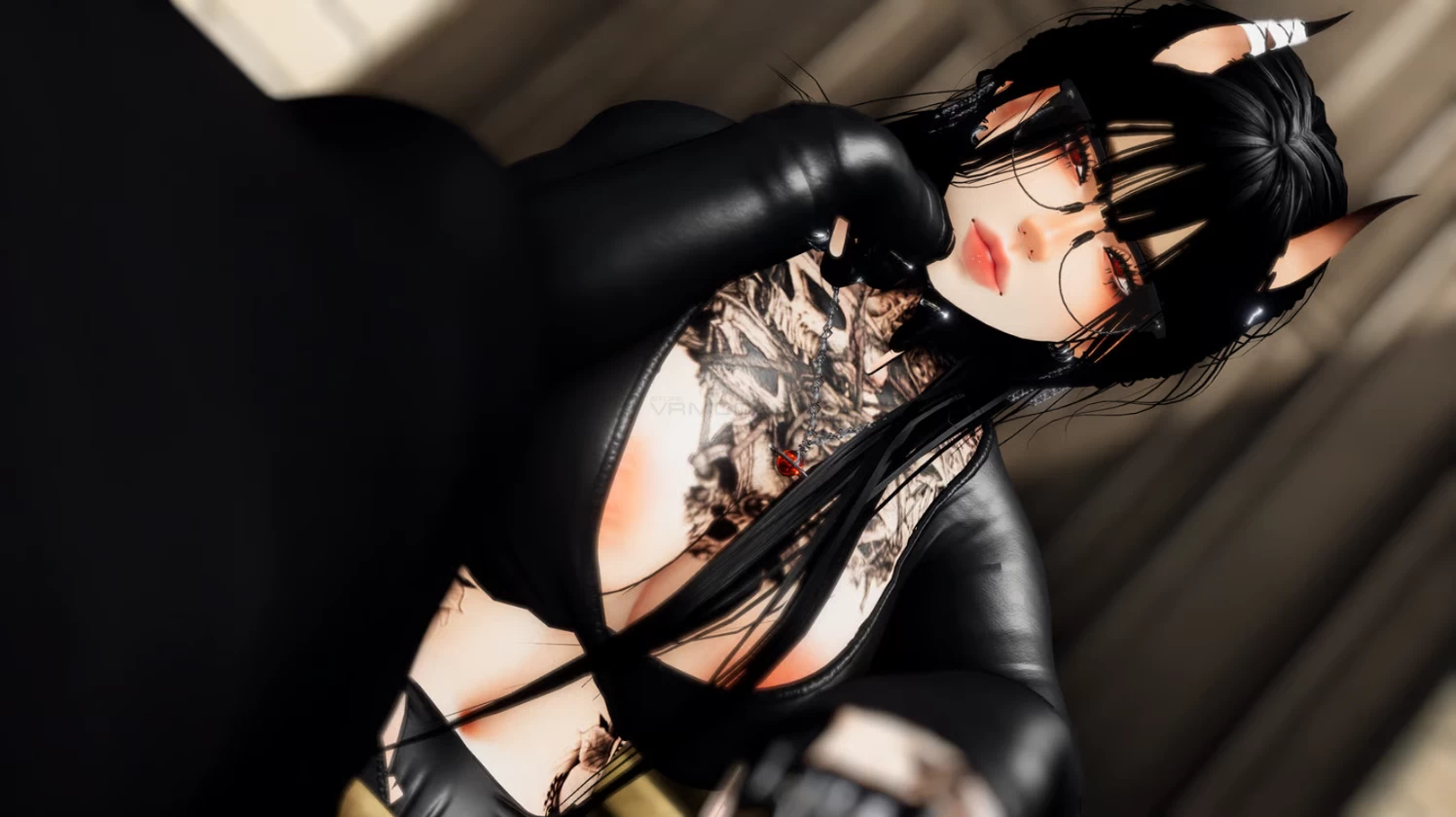
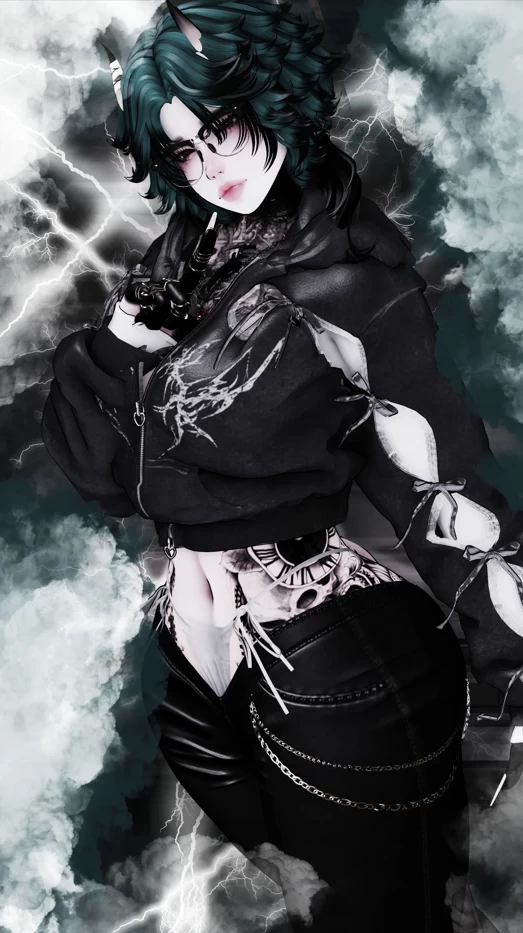
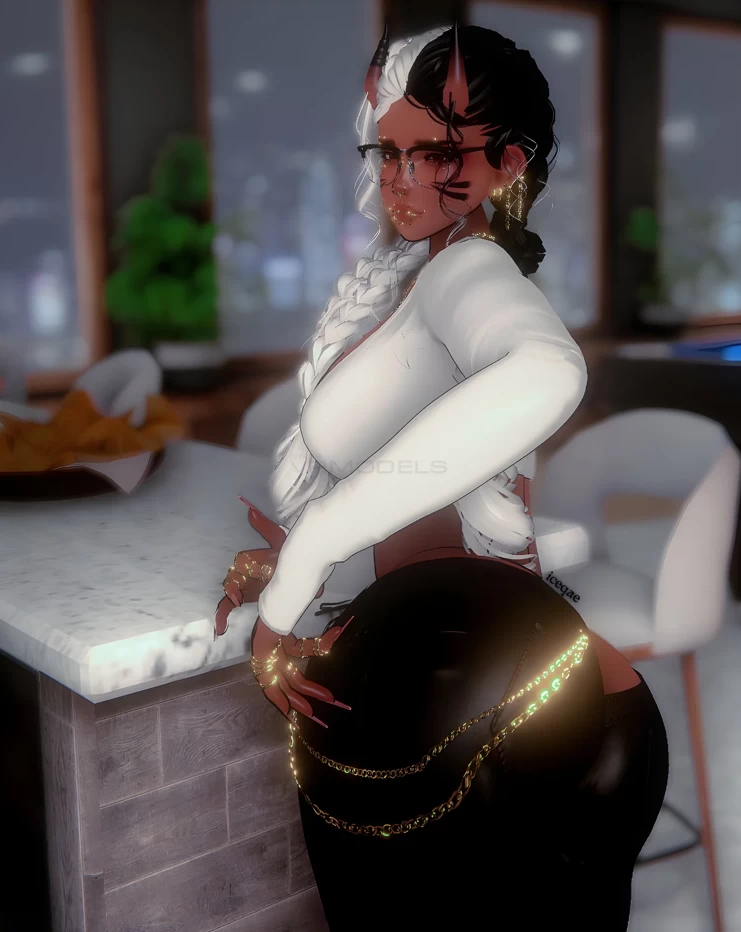
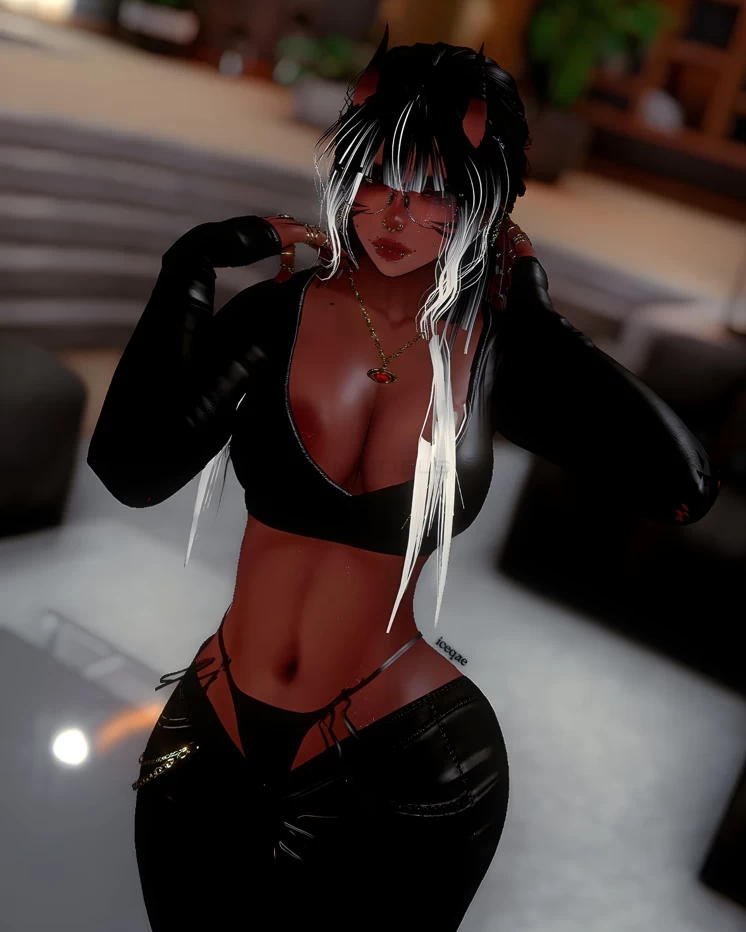
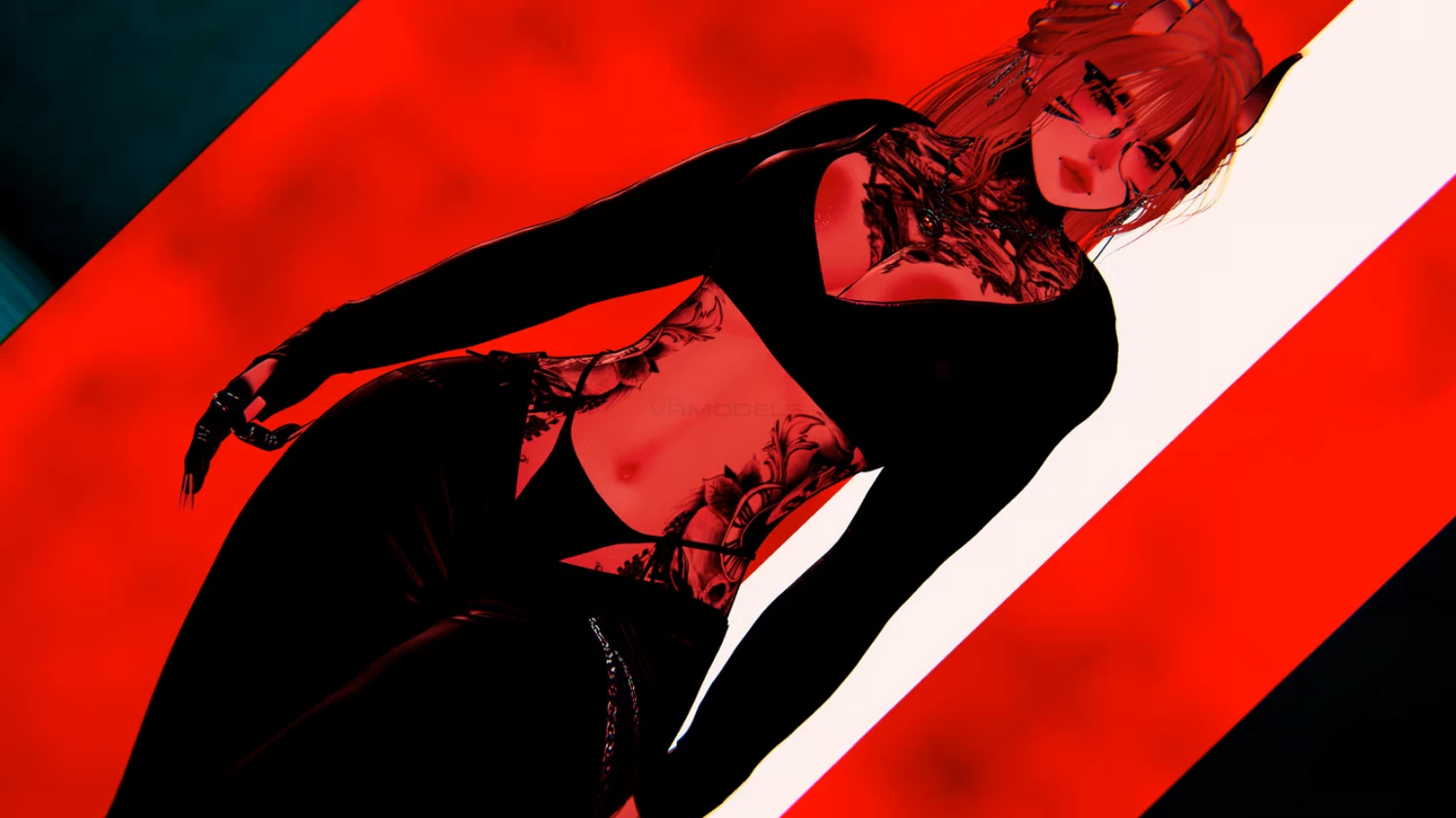
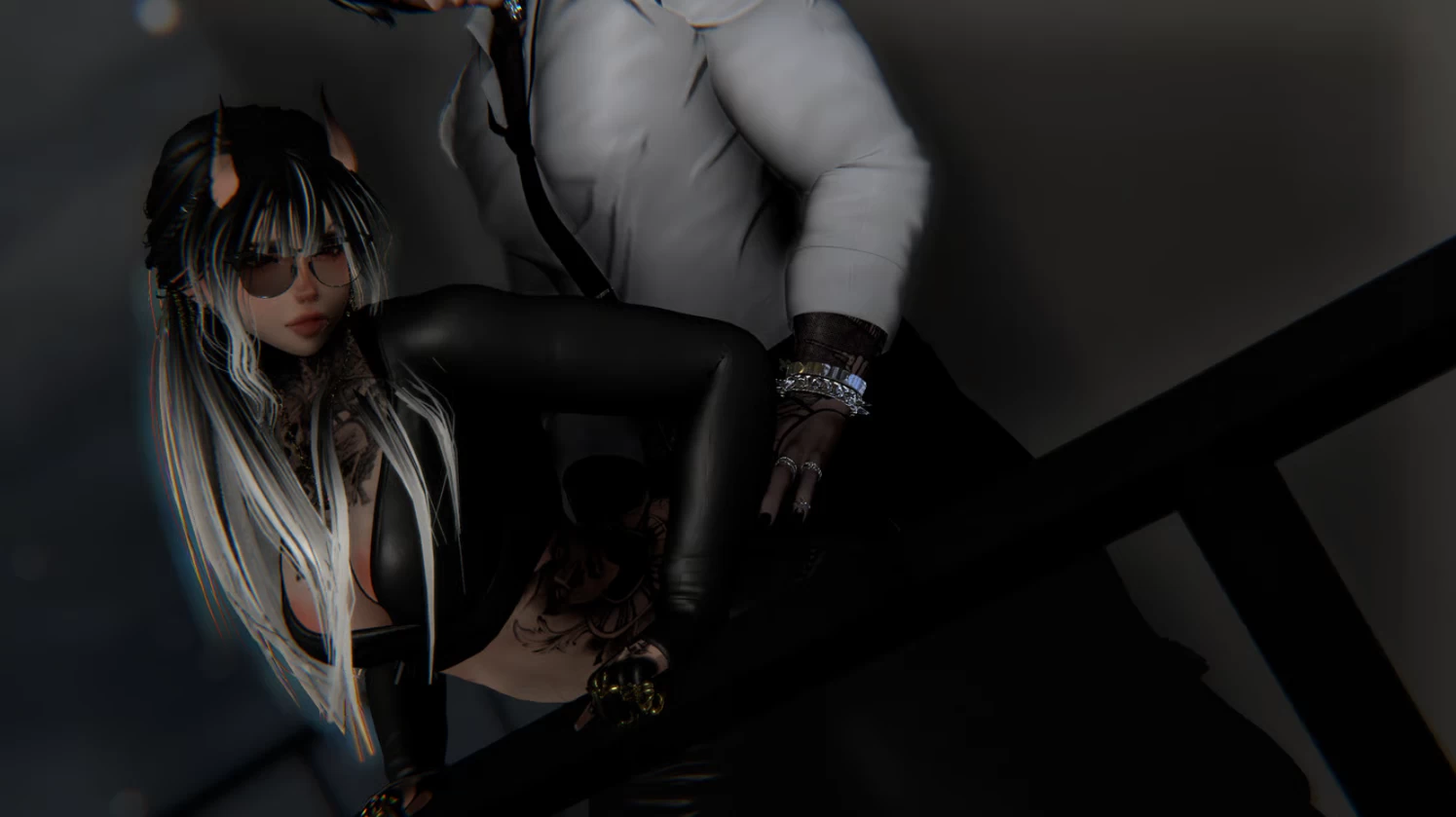
Model info
Content type:Avatars
Сreated by: Pinkyvr
SDK: 3.0 (VRChat)
Unity version: Unity 2022
Platform:
PC + Quest
Рhysbones: Yes
Face Tracking: No
Full body: Yes
Nsfw: Yes
DРS \ SPS : Yes
Views: 18 948
Pandora
To download the model, you need to log in.
Description
Features:
❖ 35+ Toggles
❖ Material Swaps
❖ Hue Shift
❖ GOGO LOCO
❖ Skin Toggle
❖ Index Gestures
❖ NSFW
❖ SPS
Upload Instructions:
Step 1: Create an Avatar Project with VCC (Unity 2022)
Step 2: Add the Avatar package
Step 3: Open the Scene ! OPEN ME
Step 4: Upload ! :)
Quest Upload Instructions:
Step 1: Create an Avatar Project with VCC (Unity 2022)
Step 2: Add VRCfury > > VRCquest tools+ d4rk's optimizer
Links d4rk Tool Link Quest Tools
Step 2: File -> Build Settings -> Android -> Switch Platform.
Step 3: Add the Avatar package
Step 4: Open the Scene ! OPEN ME
Step 5: Log into the VRCSDK, find Content Manager and then search for the PC version of the Avatar, copying it's ID.
Step 6: Find the Blueprint ID and paste the ID into the empty box then attach.
Step 7: Upload !
DISCLAIMER - Avatar made with VRC's Creator Companion!
❖ 35+ Toggles
❖ Material Swaps
❖ Hue Shift
❖ GOGO LOCO
❖ Skin Toggle
❖ Index Gestures
❖ NSFW
❖ SPS
Upload Instructions:
Step 1: Create an Avatar Project with VCC (Unity 2022)
Step 2: Add the Avatar package
Step 3: Open the Scene ! OPEN ME
Step 4: Upload ! :)
Quest Upload Instructions:
Step 1: Create an Avatar Project with VCC (Unity 2022)
Step 2: Add VRCfury > > VRCquest tools+ d4rk's optimizer
Links d4rk Tool Link Quest Tools
Step 2: File -> Build Settings -> Android -> Switch Platform.
Step 3: Add the Avatar package
Step 4: Open the Scene ! OPEN ME
Step 5: Log into the VRCSDK, find Content Manager and then search for the PC version of the Avatar, copying it's ID.
Step 6: Find the Blueprint ID and paste the ID into the empty box then attach.
Step 7: Upload !
DISCLAIMER - Avatar made with VRC's Creator Companion!
