Home » Avatars » Maliwan

Model info

Content type:Avatars
Сreated by: Sturmwolf
SDK: 3.0 (VRChat)
Unity version: Unity 2022
Platform: PC
Рhysbones: Yes
Face Tracking: Yes
Full body: Yes
Nsfw: No
DРS \ SPS : No
Views: 26 752
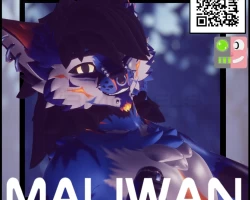
Maliwan

To download the model, you need to log in.

Description

🎭 Expressive & Dynamic


– Full Face Tracking support for natural expressions
– Custom gestures for even more personality
– Twist Bones for better movement
– 2 prebuilt versions Wolf/Shark
– 3 Base Textures included
– Gogo Loco
– Full VrcFury build
– Drag and drop Assets (Hair/Clothes/Wolf Set)
– Skull (FT ready)

🧍‍♀️ Outfits & Accessories (scratch)


– 1x Collar
– 1x Tanktop
– 1x Tech Pants
– 1x Tech Hoodie

🚀 And this is just the beginning!


More features and updates are already in the works – stay tuned!

Requirements


Unity 2022.3.22f1
VRChat Creator Companion (A.K.A VCC)
Poiyomi Toon Shader
VRCFury
Face Tracking: Jerry´s Template (without it might not work)
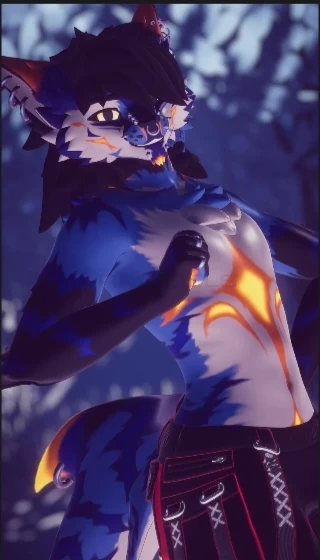
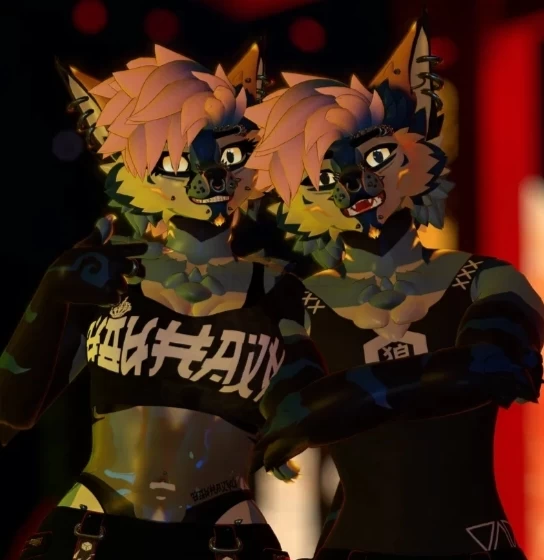
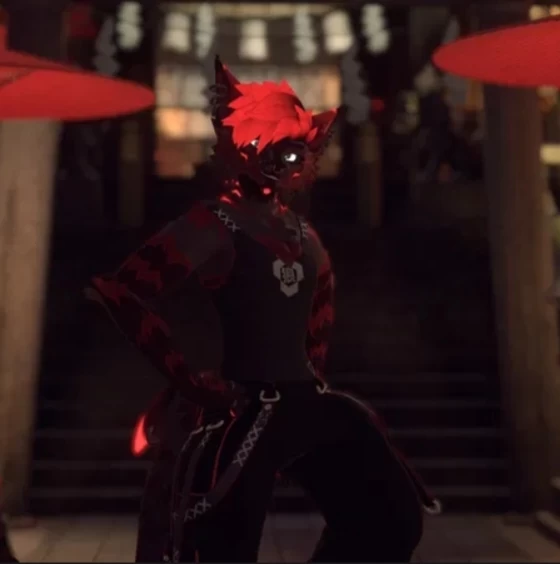
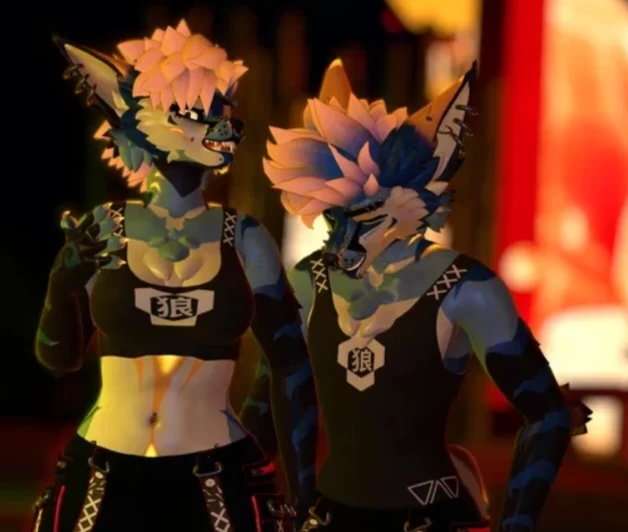
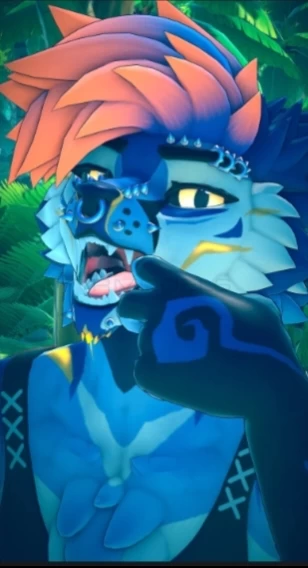
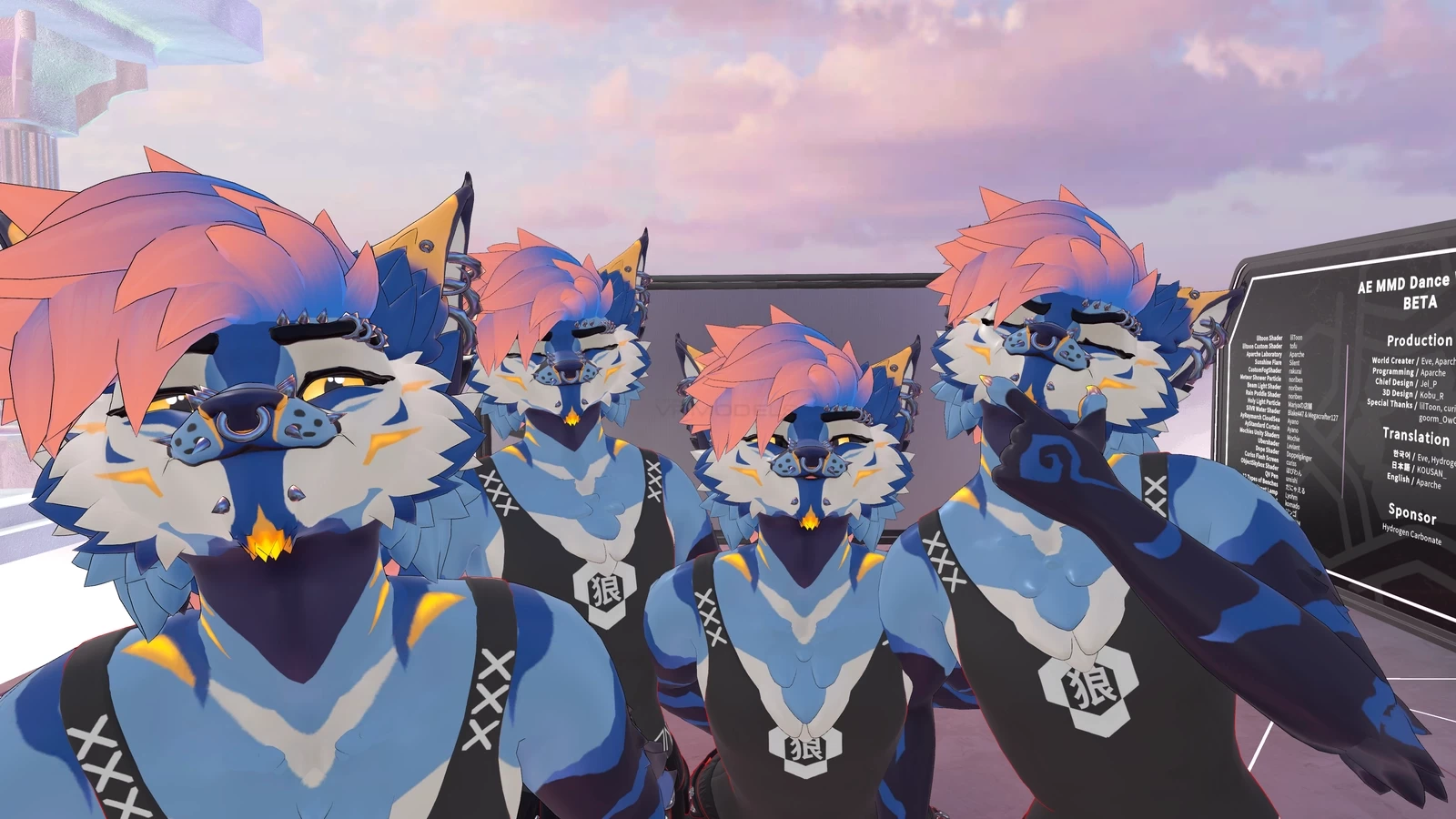
Screenshots of model Maliwan in the game
Comments: 10
Add comment

Information

To add your comment you need to log in.

  • foto
    ProtogenRay #10
    0
    tail FT not working (
    Friday at 02:56
  • foto
    SUPR0VA #9
    0
    Kurochiugo, After some shenanigans I think it might be the mesh that just might be too much for quest or there's something I just have yet to see
    19 February 2026 21:45
  • foto
    KuroVX #8
    0
    I need help, how to convert it for quest? It is literally 19+ MB in size after conversion and im removing stuff from him and it still says tat 19+ MB . . .
    7 February 2026 18:31
  • foto
    AdvisorywolfKitty #7
    0
    FunTimeCharlie, i appreciate the help, i got stuck for a bit.
    15 January 2026 17:11
  • foto
    ParteUteros #6
    0
    I don't understand how to upload it. I've already exported several models, but I honestly have no idea how to do this one. Furthermore, it says that my access is denied.
    Any help would be appreciated.
    14 January 2026 04:32
  • foto
    SUPR0VA #5
    0
    Anyone been able to quest convert this? I tried but idk if I doing smth wrong
    12 January 2026 23:17
  • foto
    FunTimeCharlie #4
    -1
    MoofTheMoth, Just rename it from unitypackage.gz to .unitypackage
    12 January 2026 01:22
  • foto
    freakiestfreakbob #3
    0
    Echo11222, open VCC, go to your project and click "manage project", and update these then retry! :)
    9 January 2026 20:04
  • foto
    Echo11222 #2
    0
    im not too proffesional about this sort of stuff. it says "id is not allowed to be used,make sure youre using sdk 3.9.0 or newer" anyone help?
    8 January 2026 06:28
  • foto
    MoofTheMoth #1
    0
    Is it downloading as a zip archive for anyone else any time I open it acts like I just decompressed a .gz
    7 January 2026 17:11