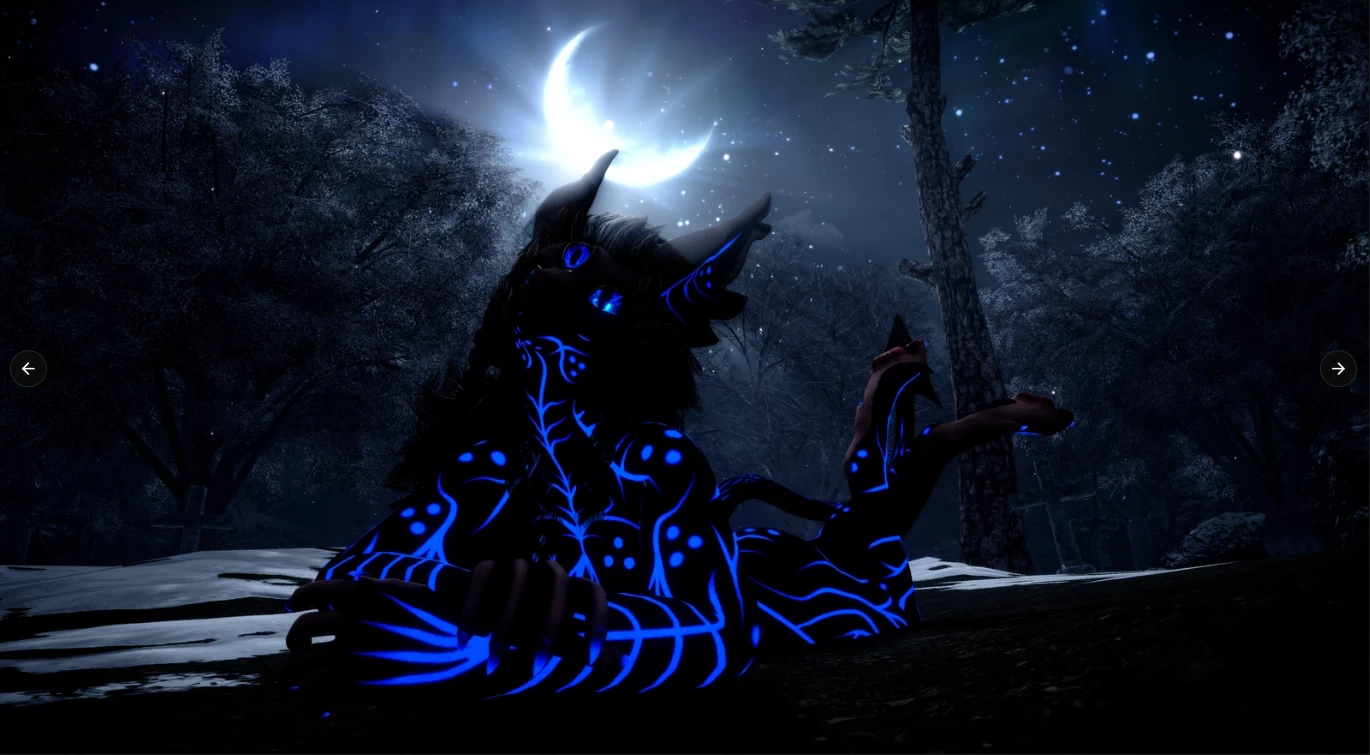
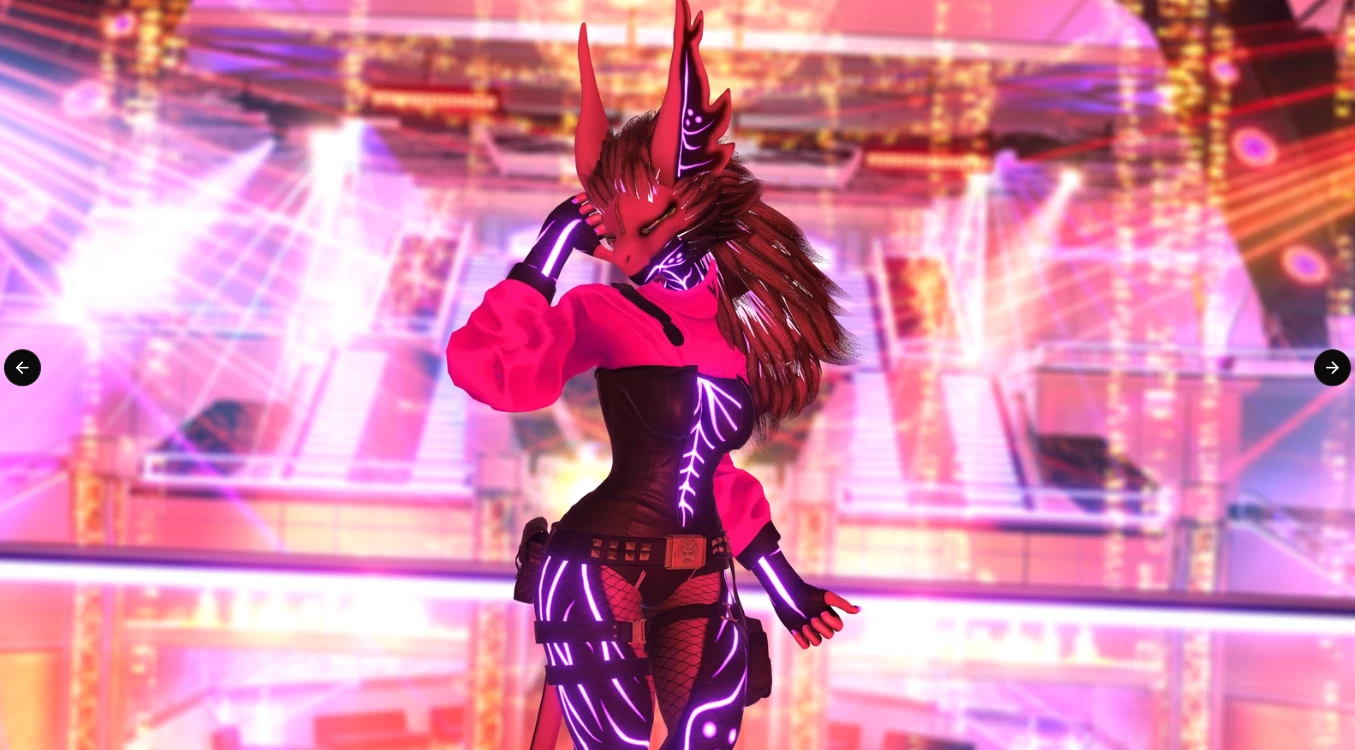
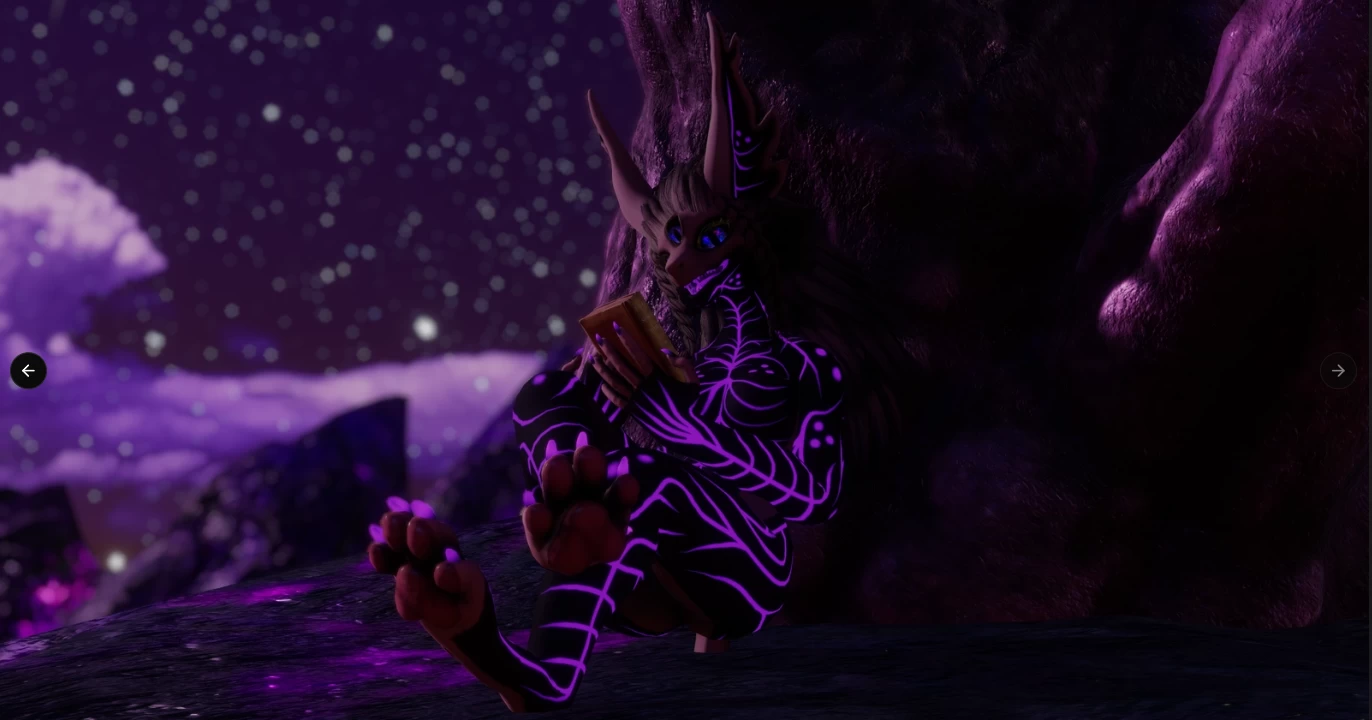
Model info
Content type:Avatars
Сreated by: HighCD
SDK: 3.0 (VRChat)
Unity version: Unity 2022
Platform:
PC
Рhysbones: Yes
Face Tracking: Yes
Full body: Yes
Nsfw: Yes
DРS \ SPS : Yes
Views: 38 869
Sanguothyne
To download the model, you need to log in.
Description
Fuel that power with blood by biting other beings and quenching your thirst.
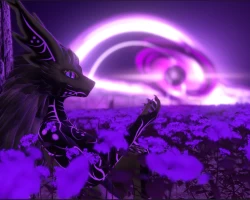
- Eye Flame - adds a flaming crest of void energy to your third eye.
- Void Orb - A black hole springjoint ball for you to stim with.
- Darklight - A glowing purple orb above your avatar that provides a minor amount of light.
- Phase Shift - Turns you invisible.
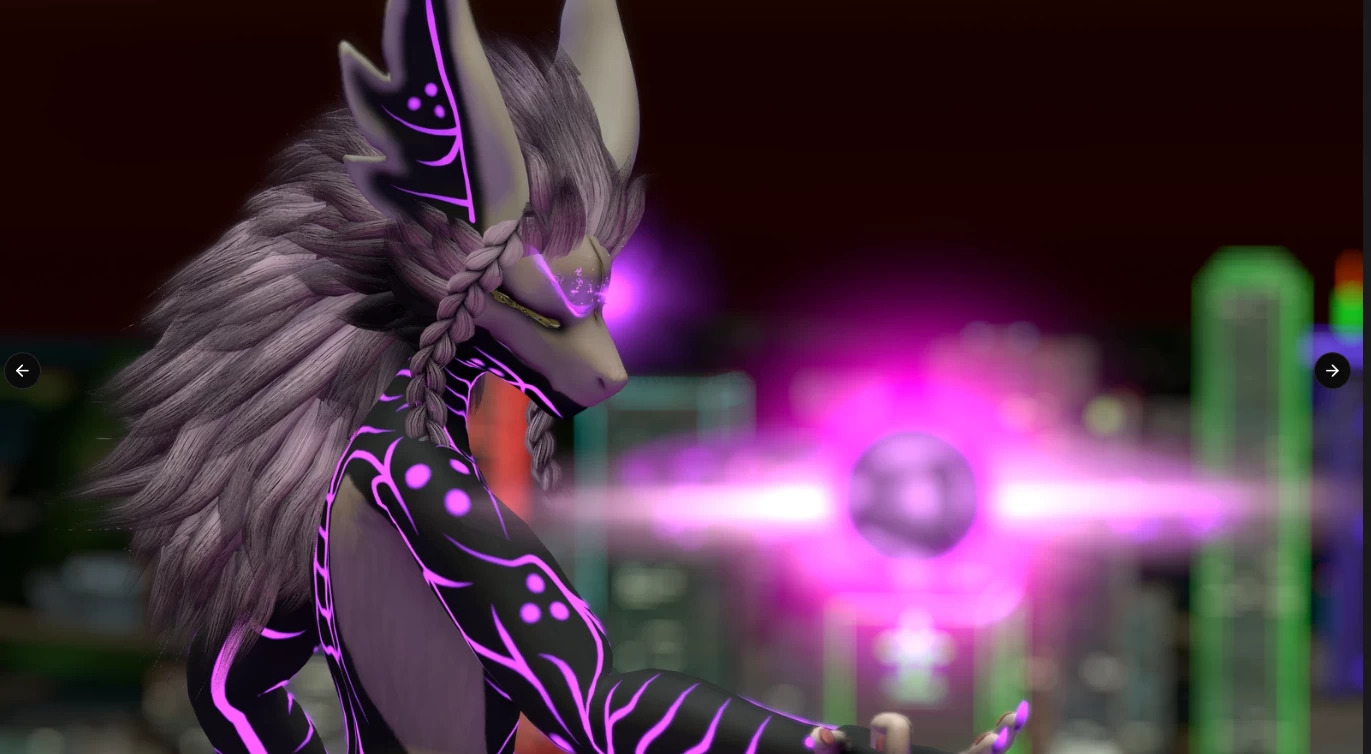
- Arcane Blast - Shoots a cone of arcane energy from your left hand.
- Impale - Sprouts a wave of purple crystals from the ground that shoot out in the direction your head is pointing.
- Void Beam - A massive laser that primes before firing out of your right hand.
Individual body part sliders and toggles
To really make the avatar fit your tastes perfectly.
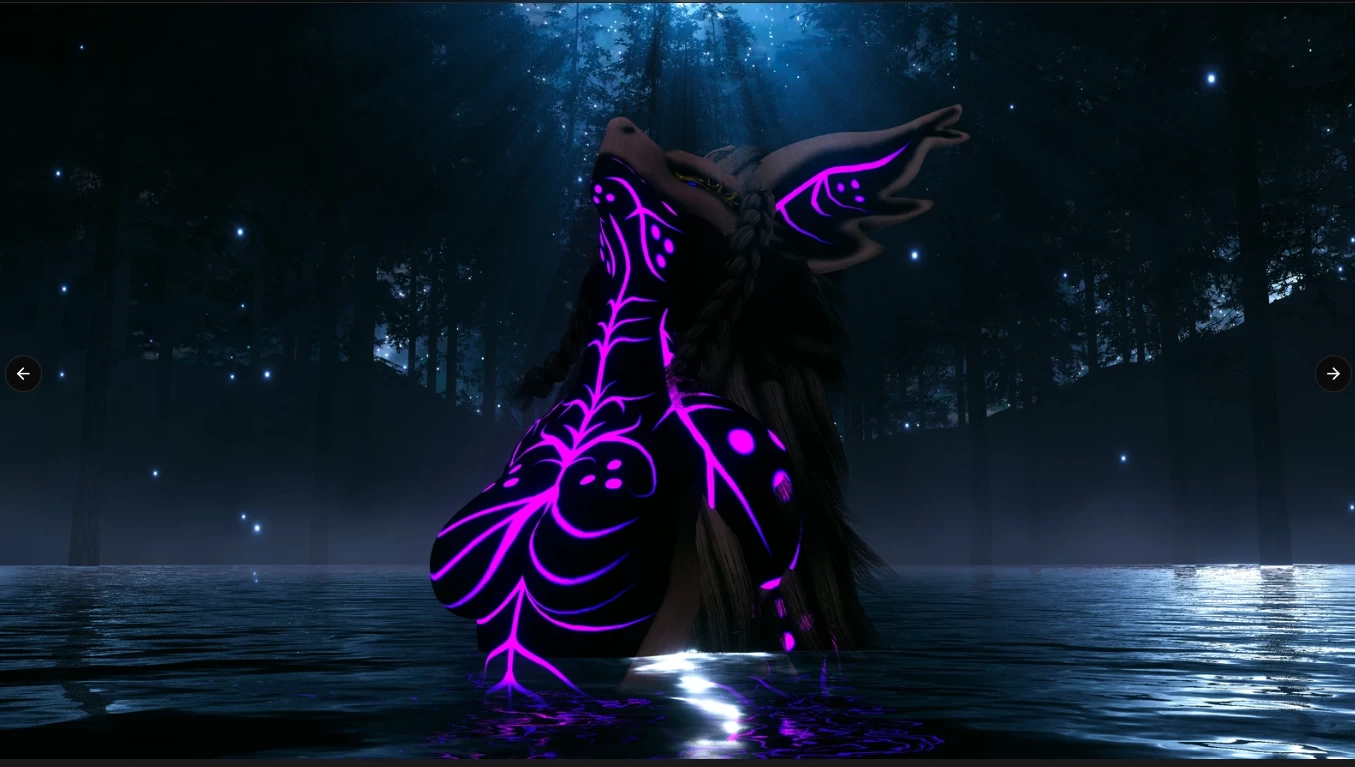
- A body shape submenu that lets you adjust the breasts, butt, hips, waist, thighs and arms individually to be thicker or thinner
- A submenu that lets you slightly alter the shape of the breasts
- A flat chest toggle if you like being an alien twink
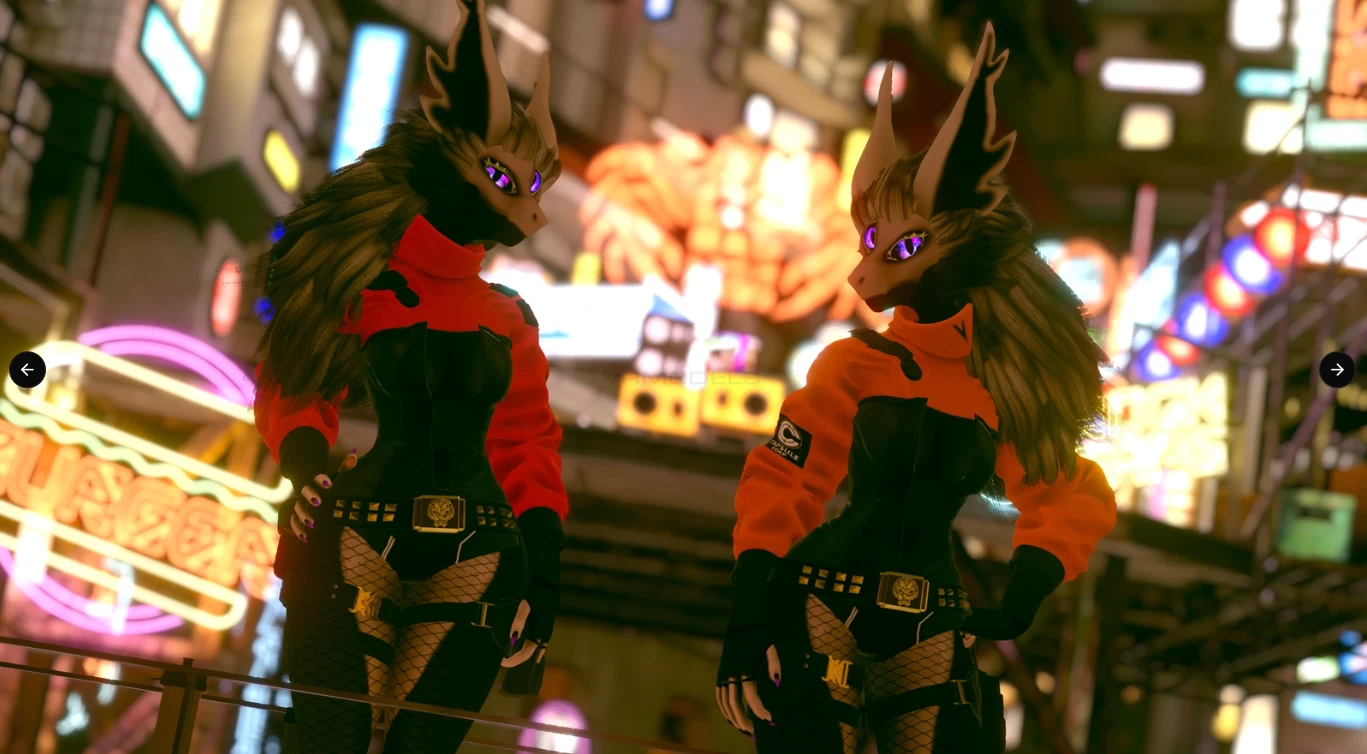
- A toggle for the braids
- A toggle for the breathing animation
- A hue shift slider for the body's emission color
Plenty of ways to control and express yourself
- 7 gestured tied to the left hand or optionally two separate two-axis puppets.
- Three modes for your third eye, follow main eyes, independent, and puppet control.
- Sleep toggle to keep your eyes closed when you're feeling like a sleepy creature.
- A "mood" puppet that very slightly changes the expression of the avatar to fit whichever mood you're in.
How to set up:
- If you haven't already, follow this guide to set up your SDK.
- Create a new unity project make sure it is with Unity 2022 and not 2019.
- Import the VRChat SDK (Use the VCC tool for most optimal results)
- Import VRCFury (Use the VCC tool) (THIS STEP IS 100% REQUIRED!)
- Import Poiyomi (Use the VCC or import the newest Poiyomi asset file from their Github)
- Import the files from the provided unity asset file, open the "HighCD" folder, the "Avatars" folder, then open the scene file named "OPEN ME (Sanguothyne)"
- Ready to upload. (First upload can take some time to compile poiyomi shaders, but is otherwise much faster on future uploads)
