Home » Avatars » Scrap the steampunk goblin

Model info

Content type:Avatars
Сreated by: LPB
SDK: 3.0 (VRChat)
Unity version: Unity 2022
Platform: PC + Quest
Рhysbones: Yes
Face Tracking: Yes
Full body: Yes
Nsfw: Yes
DРS \ SPS : No
Views: 30 170
Scrap the steampunk goblin

To download the model, you need to log in.

Description


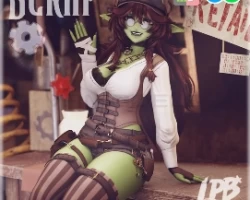
~ Scrap the steampunk goblin
“Tiny gears, big mischief, and a heart that ticks too fast.” ⚙️✨

♥ Body adjustments (chest, bottom, waist, weight+, flat chest)
♥ Walking cane with bonk interaction (particles and audio for bonk)
♥ VRCFT UE Blendshapes
♥ crop top pull interaction
♥ lots of spicy features (details in discord server)
♥ Contacts (headpat)
♥ GOGO loco
♥ limb scaler

♥ Tops (corset blouse, crop-top, bralette)
♥ Bottoms (shorts, overalls, thigh high socks, undergarment)
♥ Shoes (heels, boots)
♥ Extras/ Accessories ( choker, chain necklace, hat, glasses, goggles, belt, leg bag, smoking pipe, cane)

♥ Human skin swap w/ skin tone slider
♥ goblin body hue/saturation
♥ All clothing/accessories hue shift
♥ All brown clothing parts toggle to cream/white
♥ Eye hue and texture swap
♥ Hair hue and texture swap
♥ Black/white sclera

Uploads are available for $5-6 in my server. Please be patient with uploads<3

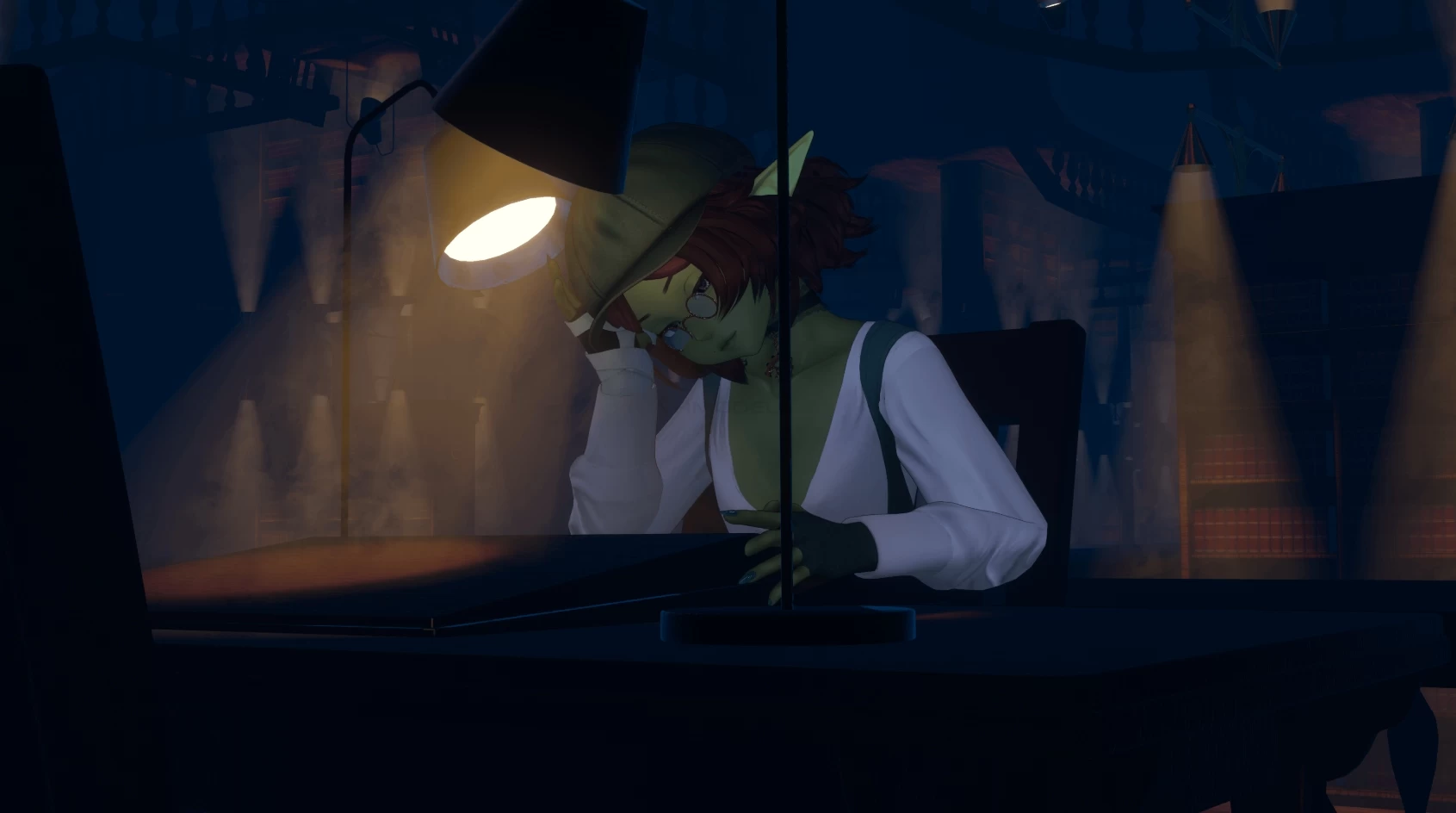
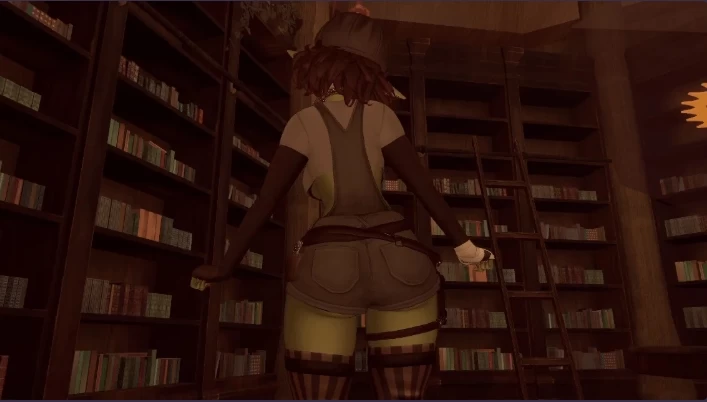
Screenshots of model Scrap the steampunk goblin in the game
Uploaded by

Anonymous


Comments: 20
Add comment

Information

To add your comment you need to log in.

  • foto
    JT:3 #20
    0
    has the pc one been fixed yet
    22 March 2026 03:37
  • foto
    Sebastián Delirio #19
    0
    It won't let me upload it.anime21
    4 March 2026 19:36
  • foto
    0zrk #18
    0
    ZaydiasZero, you need vrcFury jerry's templates
    21 February 2026 17:03
  • foto
    『JT』 #17
    0
    Jpeggle.10, If the avatars are dimmed out in the hierarchy on the left, click them then in the Inspector at the top right, hit the small box next to the name of the object to enable it. Only have one avi enabled when using Gesture Manager so you can prioritize it.

    For everyone else, if you're testing the avi in gesture manager first right after opening the scene, make sure to lock all the materials first, otherwise, many of the toggles and radials won't work in play mode.
    21 February 2026 12:55
  • foto
    Coffin Shark #16
    0
    Has the PC version been fixed yet?
    17 February 2026 04:45
  • foto
    Jpeggle.10 #15
    0
    ? help? im not too great w unity and looking up stuff didnt really help
    4 February 2026 21:58
  • foto
    ZaydiasZero #14
    +2
    PotatoMango, so i was using the nsfw non ft one and i deleted the rest to plus the random toggle ft on the the non ft one i was uploading which was weird, but after it uploaded fine. the quest one worked fine for me but in case compress the material photos down to 32 and low quality at 100 and it show upload just fine :D
    3 February 2026 18:51
  • foto
    PotatoMango #13
    0
    ZaydiasZero, Did you change anything or just try uploading again?
    3 February 2026 12:41
  • foto
    Avizandum #12
    0
    dose the avatar need poi_toon or pro?
    3 February 2026 02:30
  • foto
    ZaydiasZero #11
    +1
    ZaydiasZero, i got it to upload some how :D
    2 February 2026 22:02
  • foto
    ZaydiasZero #10
    0
    i cant get the pc one to upload and says im missing stuff for vrcfury, please help
    2 February 2026 21:27
  • foto
    DEATHCON #9
    0
    What packages does she need?
    2 February 2026 20:22
  • foto
    FunLettuce248 #8
    0
    Try adding Easy Quest Switch and VRC Quest Tools to the project for the Quest side. I've often found that if a creator uses one of those tools to convert the avatar to Quest, then it requires that you have those dependencies in order to properly script and build assets
    2 February 2026 15:57
  • foto
    MILOtheNINJA91 #7
    0
    GALIXYSQUOD309 Shade, sometimes unity screws up just try to remove it and upload it again but it seems you solve it already.
    2 February 2026 14:42
  • foto
    Busta32 #6
    0
    GALIXYSQUOD309 Shade, thats strange, the quest worked for me without having to delete anything
    2 February 2026 10:37
  • foto
    Muggy21 #5
    0
    literally cant download the pc version
    This site can’t be reached
    f59.workupload.com’s DNS address could not be found. Diagnosing the problem
    2 February 2026 07:19
  • foto
    Meeshka #4
    +1
    GALIXYSQUOD309 Shade, it wasn't like that for me
    1 February 2026 21:36
  • foto
    Queenbeejk no #3
    0
    something is wrong with the facetracking version idk what
    1 February 2026 19:12
  • foto
    GALIXYSQUOD309 Shade #2
    -2
    just so people know that your going to have to delete things off the quest version since its past the 10mb limit idk why the guy who posted it without taking that into consideration
    1 February 2026 17:57
  • foto
    ShadowRose8912 #1
    +1
    The PC side works and looks great however the quest side no matter what just refuses to upload. i thought it was size at first so i changed the texture quality to get it to where it would be good for quest but still it gave me some sort of error about failing to build some sort of asset? ive uploaded avatars for a few years now and havent found this error ever
    1 February 2026 08:46