Home » Avatars » Zane

Model info

Content type:Avatars
Сreated by: Cocovenut
SDK: 3.0 (VRChat)
Platform: PC
Рhysbones: No
Full body: Yes
Nsfw: Yes
DРS \ SPS : No
Views: 19 819
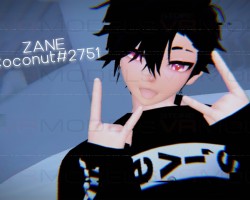
Zane

To download the model, you need to log in.

Description

HOW TO USE:

New Project

Import VRCSDK

Import Dynamic Bones

Import Poiyomi Shader

Import Zane UnityPackage

(If any questions, contact me)

IMPORTS:

VRchat SDK 3

Dynamic Bones

Poiyomi Shaders

INCLUDES:

FBX

Unity Scene

Functioning dynamic bones

FBT ready

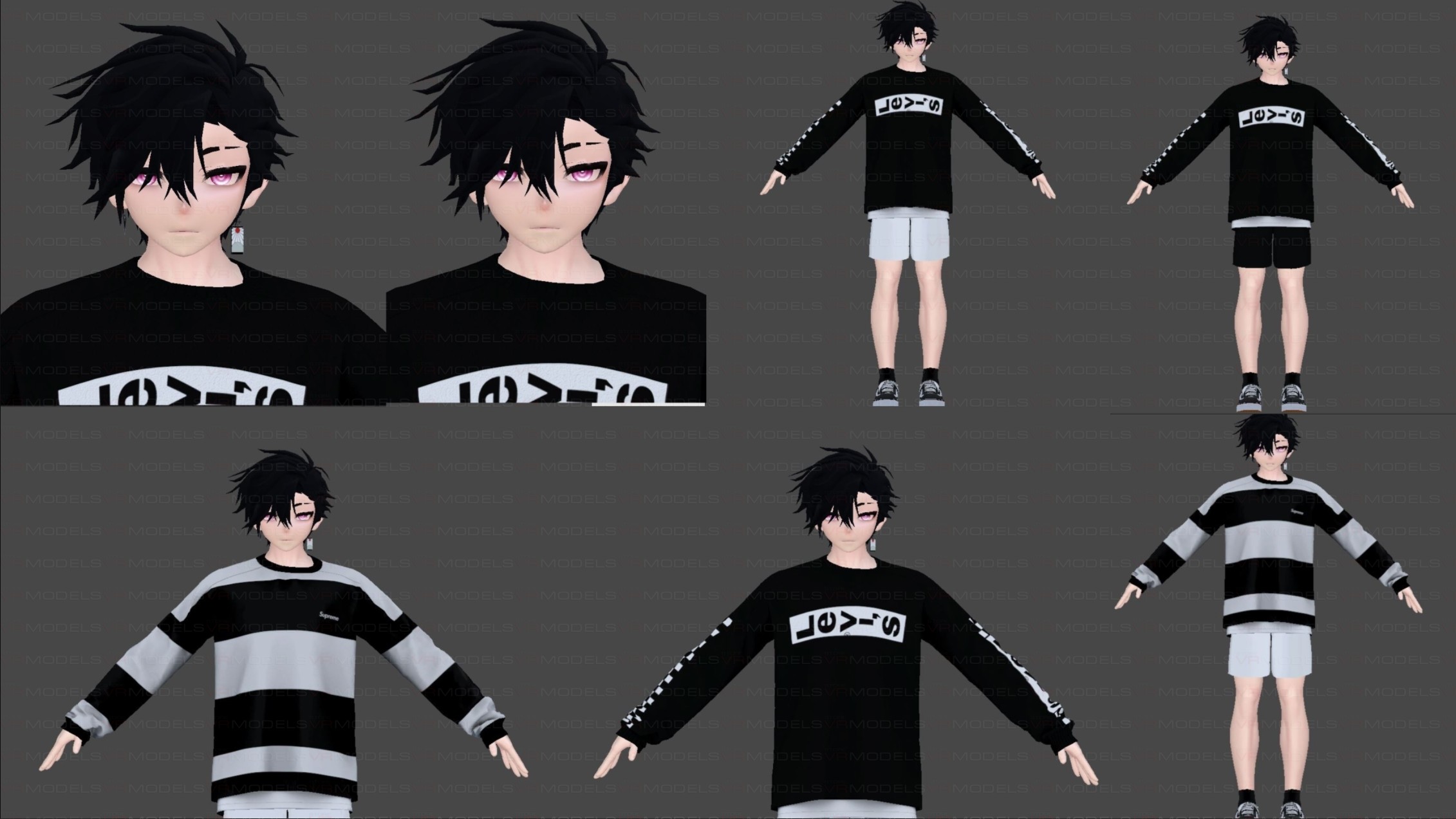
TOGGLES:

Earring Toggle

Sweater Change

Short Change
Screenshots of model Zane in the game
Uploaded by

Blah


Comments: 11
Add comment

Information

To add your comment you need to log in.

  • foto
    Nerixus Jordan #11
    0
    When trying to upload the avatar I get: FileNotFoundExpection:[File folder / users][avtr_id random numbers] and it does not create anything.
    Please help
    30 May 2022 10:24
  • foto
    Tullulah #10
    0
    Beveslayer,
    This is a very common issue that can easily be fixed. You'll want to find the pink materials in the materials folder. Click the pink material and in the top right corner of the it should say shader error, click the down menu and select poiyomi, it will go neon blue than fix itself up. This should fix your issue
    29 November 2021 03:06
  • foto
    Beveslayer #9
    +1
    I put in everything the order you said it to, then when I click on the avatar its purple/pink, how do I fix that?
    5 September 2021 22:34
  • foto
    Moonistaken #8
    0
    27reila,
    shows the body without the shirt for you? how
    29 August 2021 00:13
  • foto
    27reila #7
    0
    works well tyvm
    28 August 2021 07:18
  • foto
    jschoneckdesign #6
    0
    prolly need to use unity 2019
    27 August 2021 04:12
  • foto
    Ougi #5
    0
    tried both and it doesnt work any other options?
    27 August 2021 03:37
  • foto
    Blah #4
    0
    Quote: Ougi
    his skins transparent, when i try to put the textures on him it doesn't
    work?

    make sure it isn't set to transparent, sometimes a different version of poi will do that for no reason
    26 August 2021 20:45
  • foto
    Laptop #3
    0
    DourDiplodocus11,
    I used PoiyomiToon7.0.100 and it worked good
    26 August 2021 17:52
  • foto
    PEnutPenuss #2
    0
    wich version of poyomi?
    26 August 2021 13:39
  • foto
    Ougi #1
    0
    his skins transparent, when i try to put the textures on him it doesn't
    work?
    26 August 2021 12:13
s