
Home » Avatars » Zace

Model info

Content type:Avatars
Сreated by: KaiOasisi
SDK: 3.0 (VRChat)
Unity version: Unity 2022
Platform: PC
Рhysbones: Yes
Face Tracking: No
Full body: Yes
Nsfw: No
DРS \ SPS : Yes
Views: 20 441
Zace

To download the model, you need to log in.

Description


➔ MAIN
✘ - Custom 1of 1 assets
✘ - Locomotion set up
✘ - Fullbody tracking ready
✘ - 8 hair colors
✘ - 100+ Toggles
✘ - GoGo Loco
✘ - Comes with 8 different hairstyles
✘ - SPS
✘ - Blinking Anim
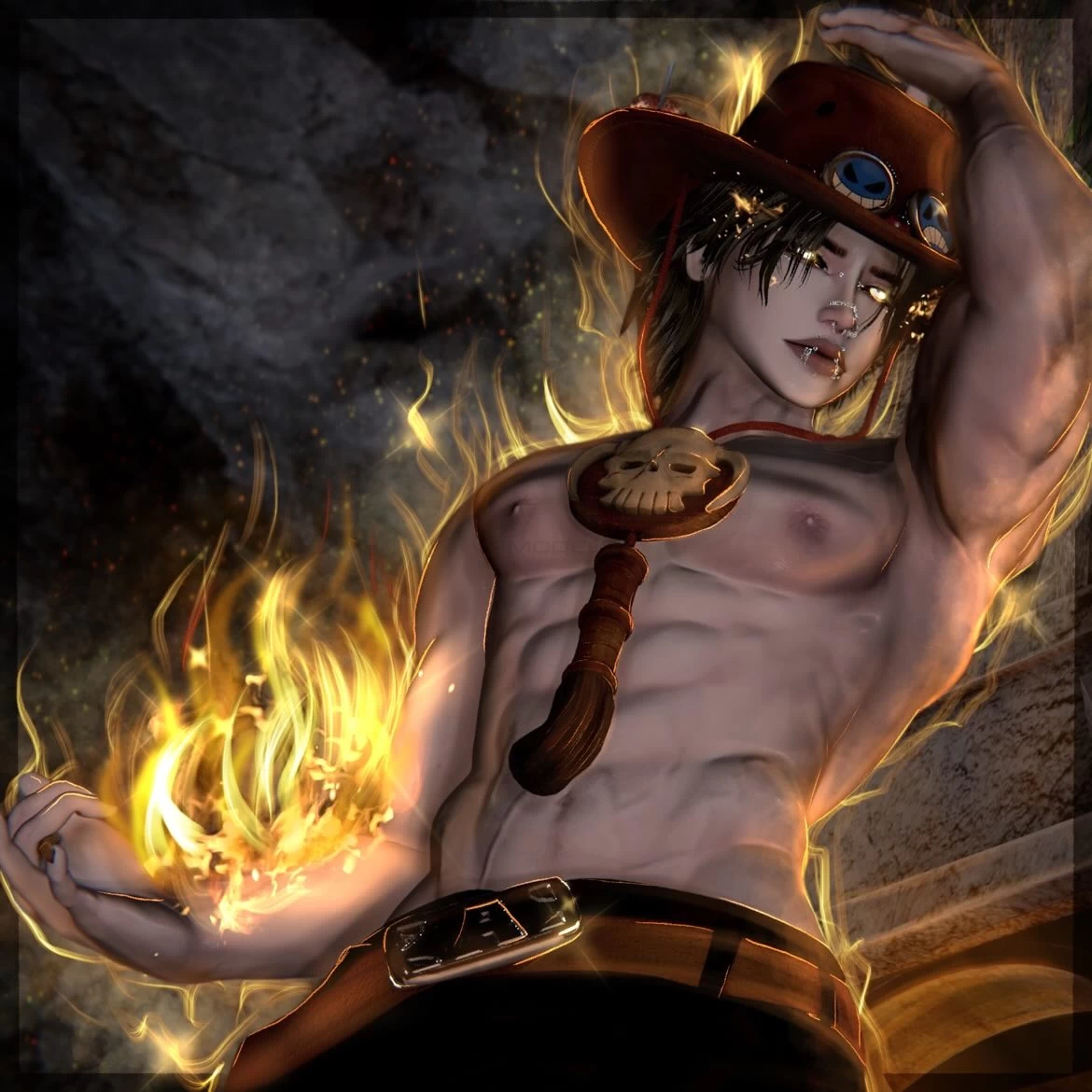
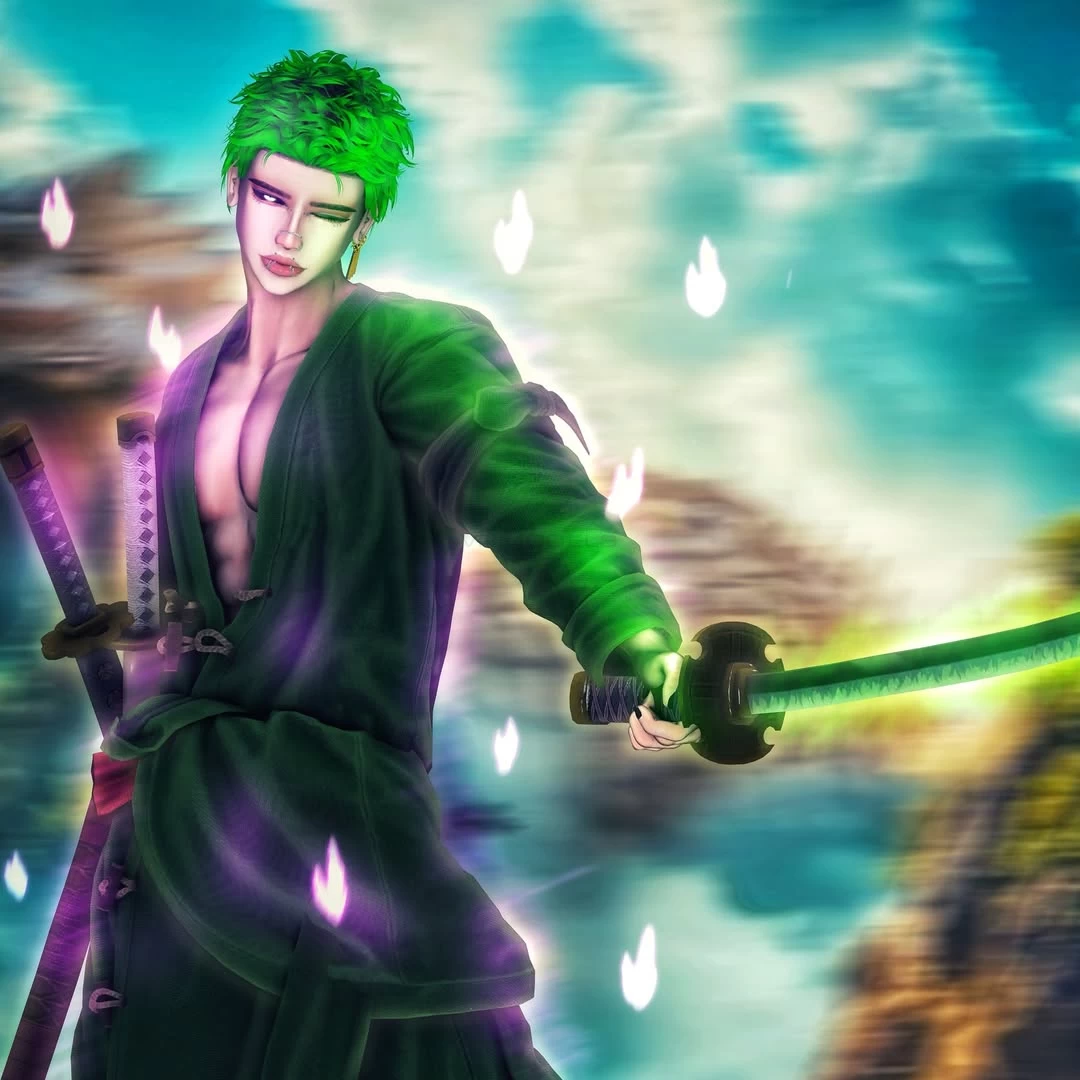
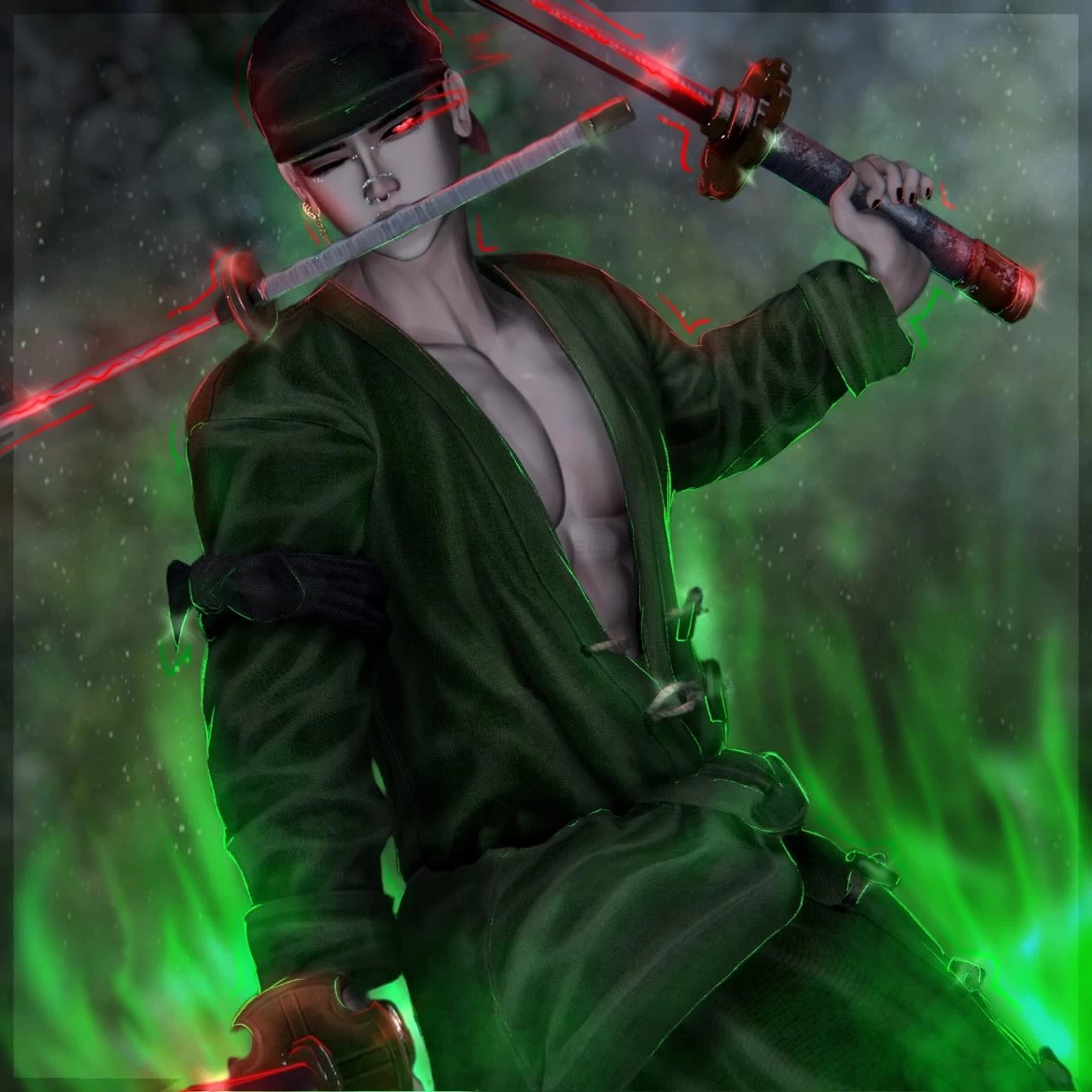
✘ - One Piece Inspired Assets
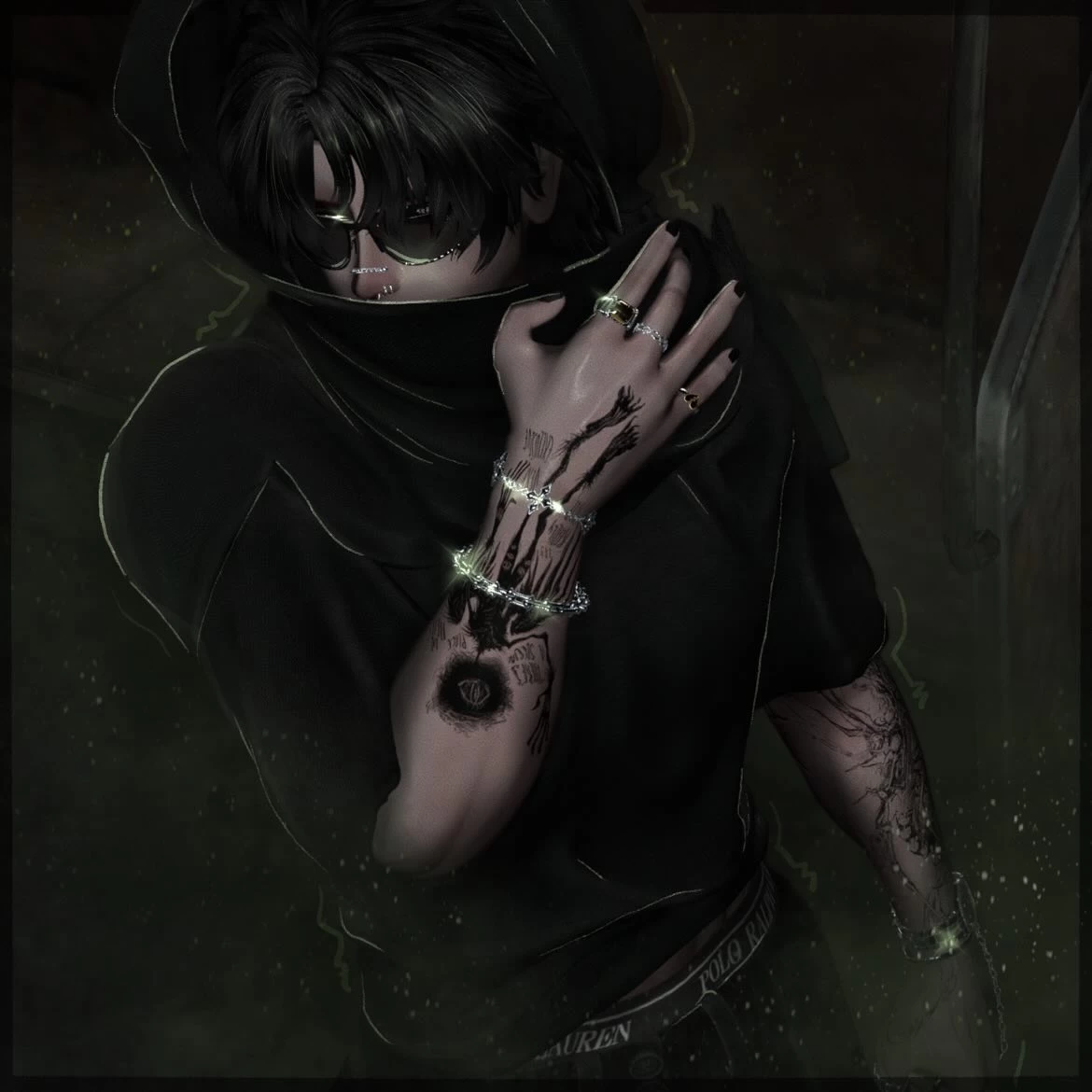
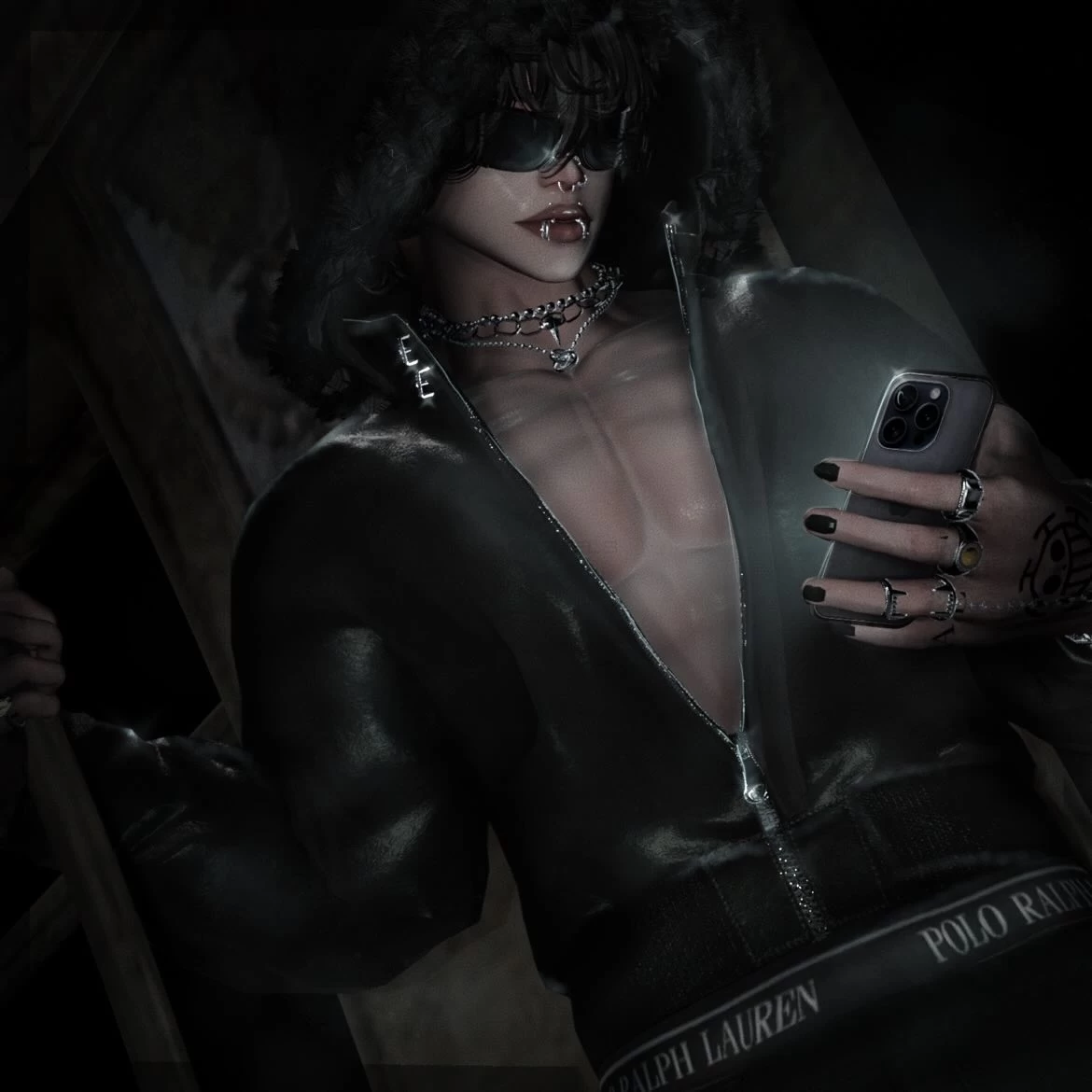
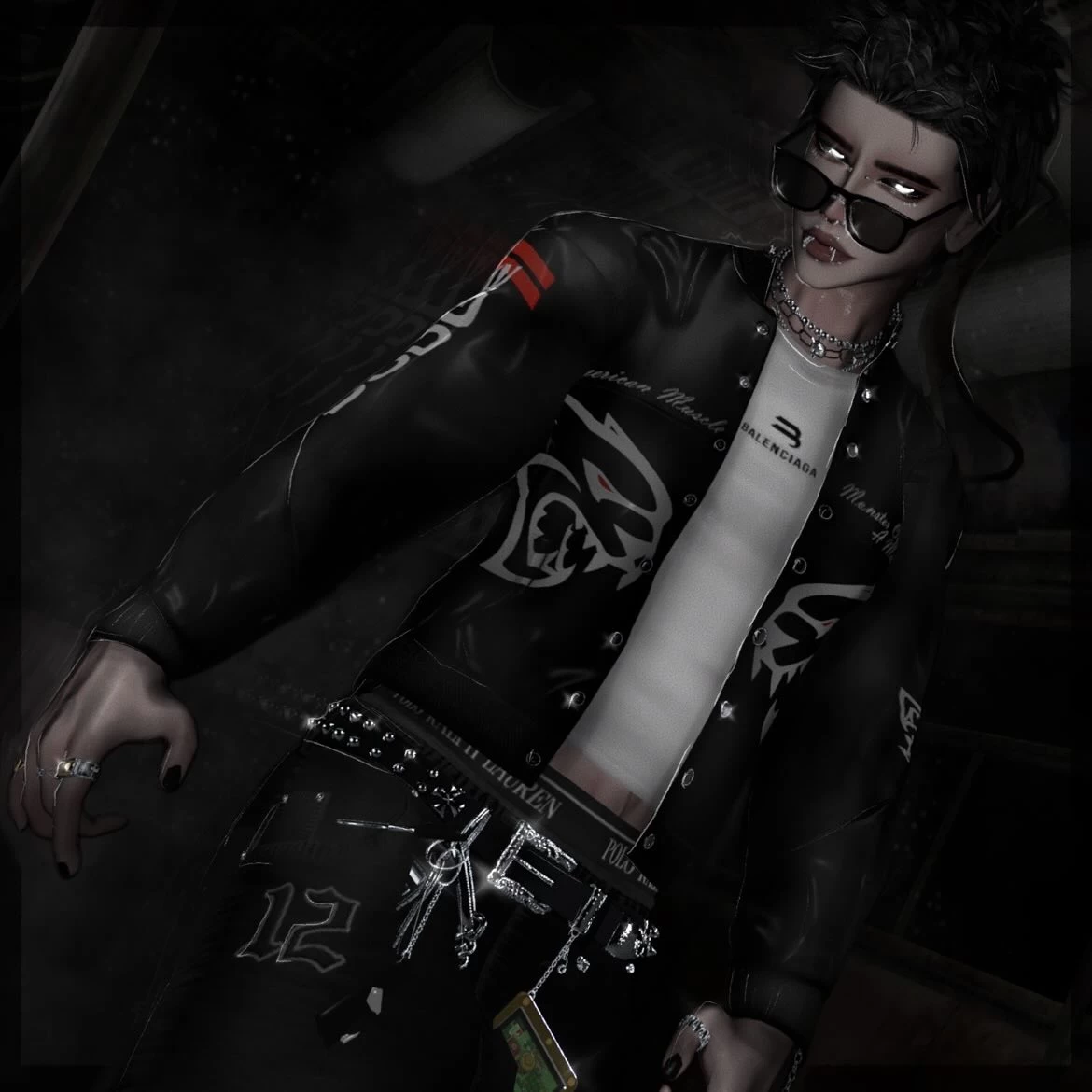
Screenshots of model Zace in the game
Comments: 8
Add comment

Information

To add your comment you need to log in.

  • foto
    Panda “Pandarouxman” #8
    0
    pimtal, He doesn't have to tell you how to upload an avatar; you can learn that elsewhere on the internet if you don't know how. When he provides the avatar, he assumes that if you download it, you already know how to upload it.
    23 July 2026 00:51
  • foto
    DivineLau #7
    -1
    Her face is really ugly.
    23 May 2026 20:39
  • foto
    fursonic #6
    0
    ***comment deleted***
    16 May 2026 13:23
  • foto
    FcoJuan_VR_Models #5
    AdvisorywolfKitty, nice to know :)
    16 May 2026 01:15
  • foto
    FcoJuan_VR_Models #4
    A great avatar based on the manga/anime ‘One Piece’, BUT it’s a shame you can’t remove the braces from its teeth!! Not via any menu option or in Unity :(
    Has anyone bothered to do this and removed them?
    Thanks.
    16 May 2026 00:51
  • foto
    AdvisorywolfKitty #3
    +1
    FcoJuan_VR_Models, worked for me.
    15 May 2026 18:48
  • foto
    FcoJuan_VR_Models #2
    pimtal, -
    It’s often not necessary, the (general) steps are

    1. Poiyomi
    2. VRCFury
    3. Avatar package
    4. Upload!

    Regards
    12 May 2026 01:27
  • foto
    pimtal #1
    -1
    There is no upload instructions. Guess i have to wing it blind
    12 May 2026 00:08