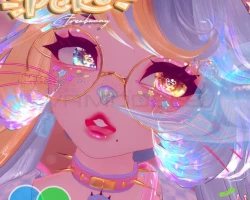
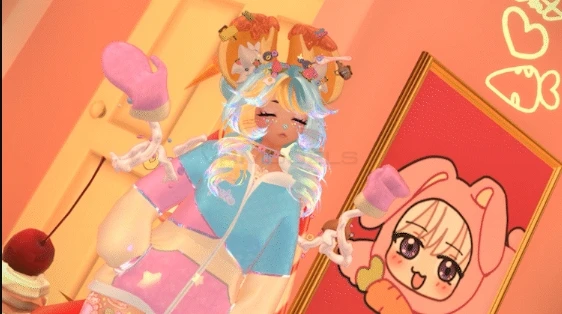
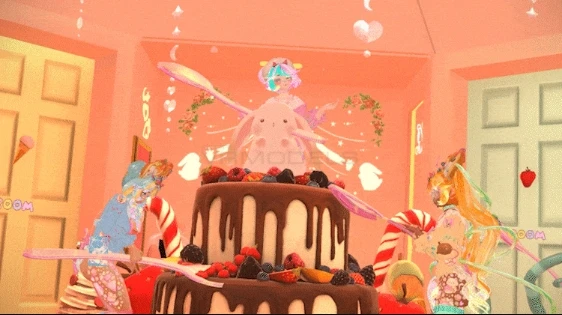
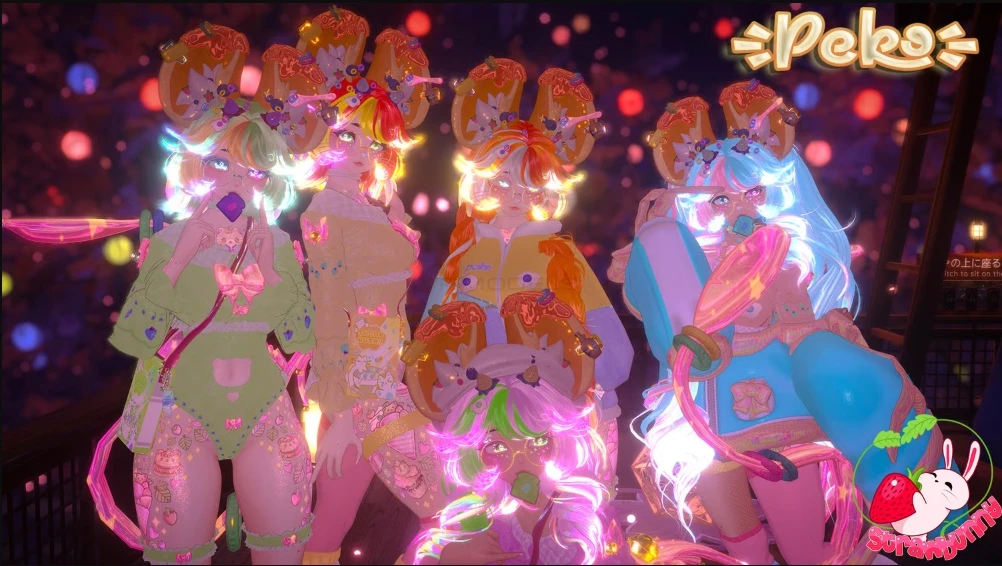
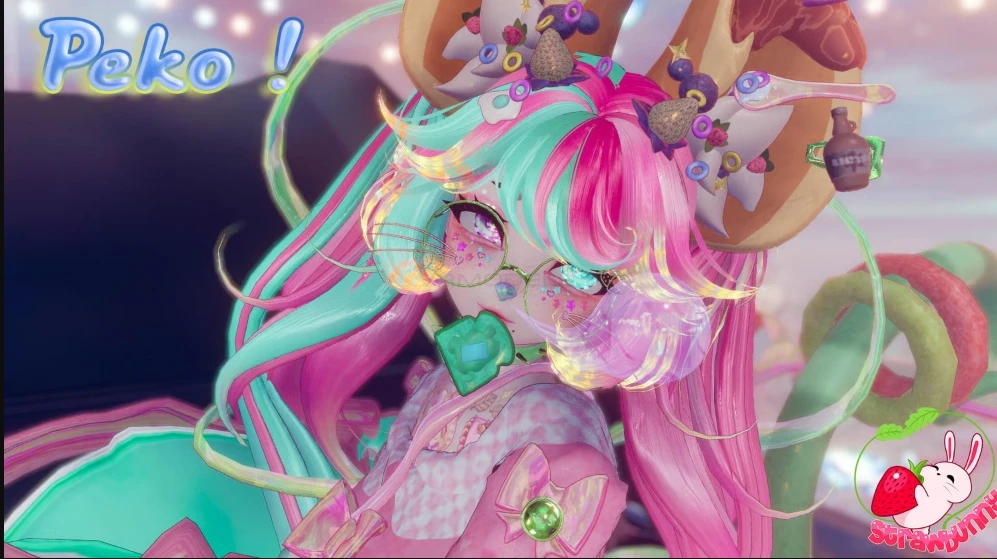
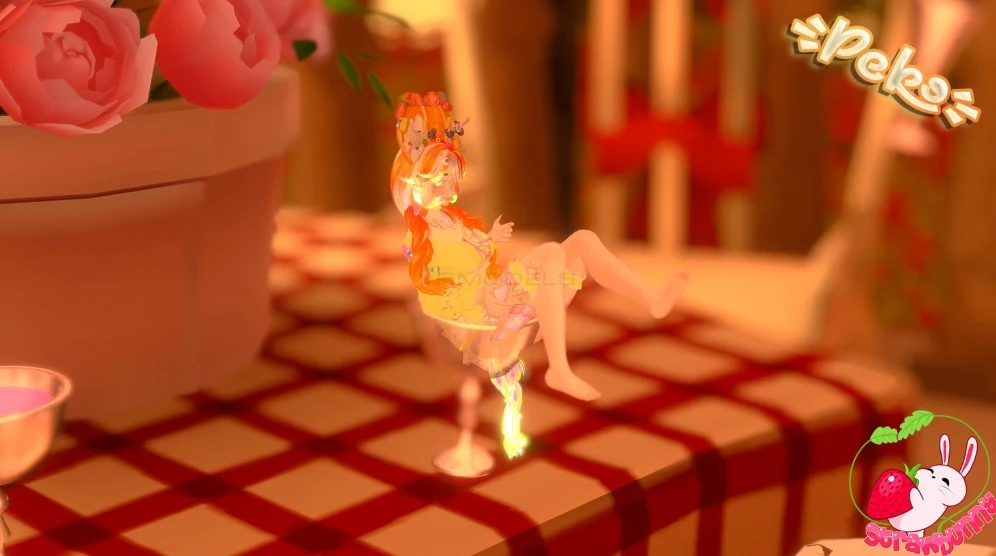
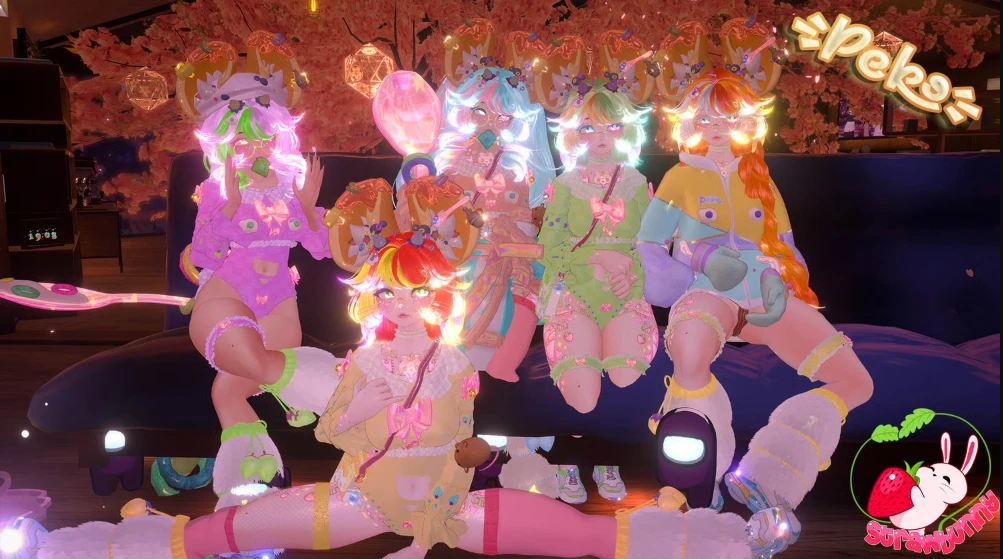
Model info
Content type:Avatars
Сreated by: Strawbunny
SDK: 3.0 (VRChat)
Unity version: Unity 2022
Platform:
PC
Рhysbones: Yes
Face Tracking: No
Full body: Yes
Nsfw: Yes
DРS \ SPS : No
Views: 31 447
Peko
To download the model, you need to log in.
Description
☀| 70+ TOGGLES + GOGO LOCO
☀| SYSTEMS:
✮ Milk hoodie inspired by Leelah from fortnite ❤︎
✮ Stingray springjoint/SleightlyBall ❤︎
✮ Sir Philoops the third (Follower) with control! ❤︎
✮ Drinkeable boba tea! ❤︎
✮ Big spoon! with world constraint ❤︎
✮ Wide range of skin tones ❤︎
✮ a BUNCH of custom and original assets! big thanks to Kora, love your creativity so much!
—» Main clothes: Jacket, bodysuit, pasties, panties, etc EVERYTHING IS TOGGLEABLE. Please check the vid!
ʚ OVER 70 TOGGLES.ɞ
A TON OMG PLEASE CHECK VIDEO HAHA
☀| Hue customization:
—» Eyes hue
—» Eyelashes decals.
—» Hair, Saturation, Brightness. (All 2 hair materials)
—» Clothes hue.
—» Skin tones
AND MORE!!
☀| Hair options.
—» Pigtails, bob, braids, buns, curls, bangs swap.
☀| GOGO Locomotion for desktop and halfbody users
꒦︶꒷ ˖ ͙ ˚﹒˖ ͙ ˚﹒˖ ͙ ˚﹒꒦︶꒷ ✦୨♡୧✦ ꒷︶꒦﹒ ˚ ͙ ˖ ﹒ ˚ ͙ ˖ ﹒ ˚ ͙ ˖ ꒷︶꒦
This product uses the Gonso AntiLeak system. This means that:
You can't edit or access the FBX (e.g. in Blender).
You can make Unity edits.
Your license is linked to your VRChat account (one license per account).
More info here: gonsodanyfaq.carrd.co
What data is visible and to whom?
We save your VRChat username, license key, and Discord ID.
This information is visible only to the creator of the avatar.
Your license key is required to upload the avatar and locks to your account once used.t.
The avatar will then appear in your scene. (。•̀ᴗ-)✧ Don’t skip this step, or your scene will be empty!
Important Notes:
Editing Restrictions:
The FBX file (mesh) is currently locked due to Gonso's system, but we're working to make it editable in the future.
You can still edit everything else in Unity, including adding toggles by creating your own FX layer and parameters, which will merge with the avatar on upload.
FBT Calibration Issue:
Due to recent updates to the Gonso License for better protection, Full Body Tracking (FBT) users may notice the avatar disappears during calibration, requiring "blind" calibration.
Despite this, calibration works as usual, and we’re working to fix this in future avatars.
We appreciate your patience and understanding as we continue to improve.
QUEST VERSION
IN GAME PICTURES
Pics taken by dumpling._.rose!
Quest conversion by Noelia
not for quest: hair ribbons, legwarmers, leg fishnet, milk arms (including the hoodie and mittens that normally turn on with it - toggling milk arms on pc will show you having the default outfit on to quest users), no tattoos toggle, hueshift/color changes except for skintones, springjoint.
physbones on quest: sleeve strap, pigtails, braids, tail, b00bz.
Instructions For Quest Upload:
- Upload the Pc version of the avatar as you usually would (check top for order).
- Open a NEW PROJECT for your quest version
- Creator companion (LATEST)
- Import in "Peko Quest", nothing else is needed to import
- If you are not in android build, go to build > build settings and switch to Android in Unity
- Log in to SDK and go to "Content Manager"
- Find your uploaded PC version of the avatar and copy ID
- Paste your ID in "Blueprint ID" if there is an ID attatched, detatch it first to paste, the re-attach!
- Upload!
