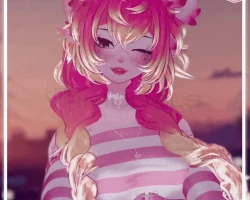
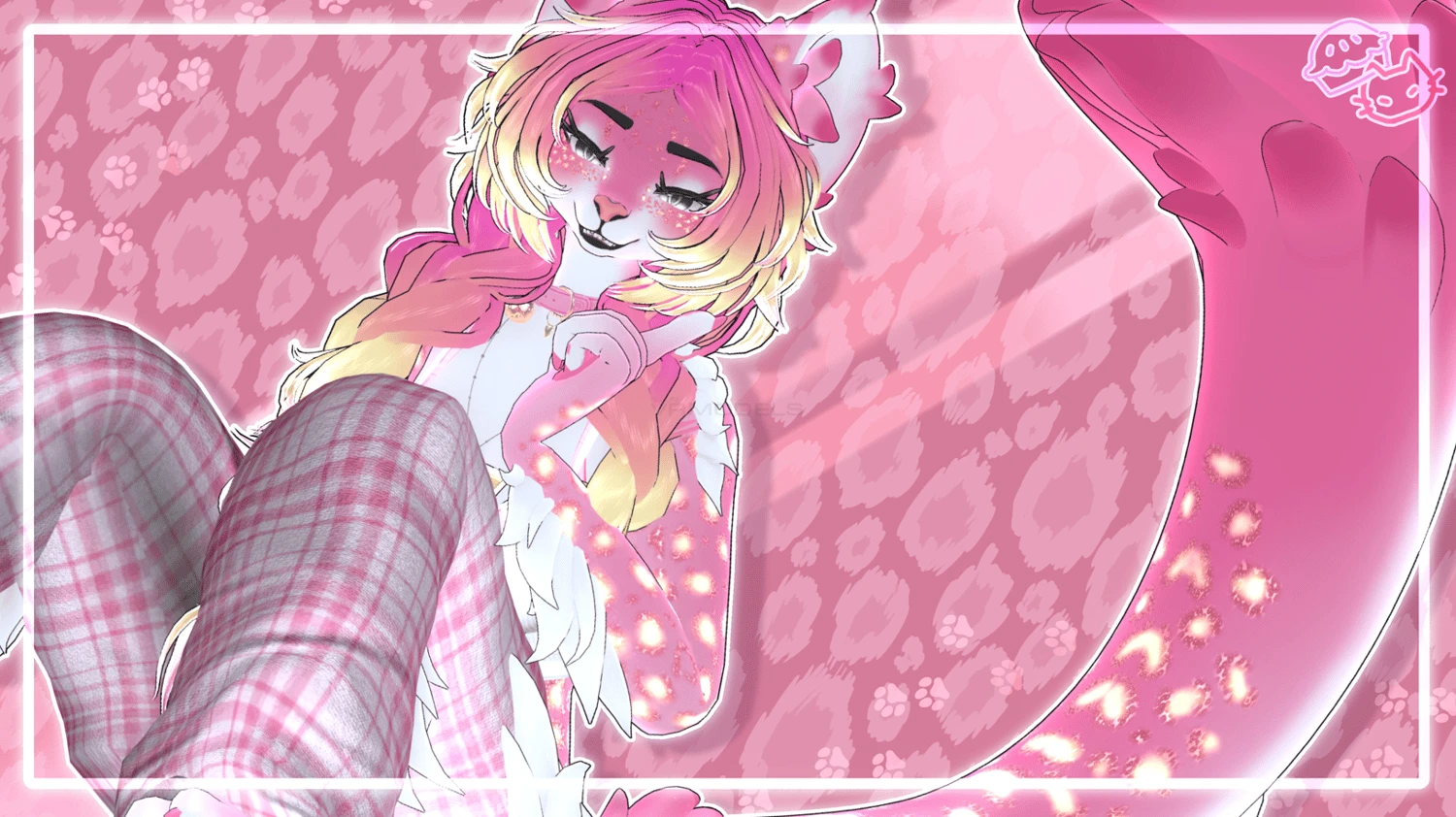
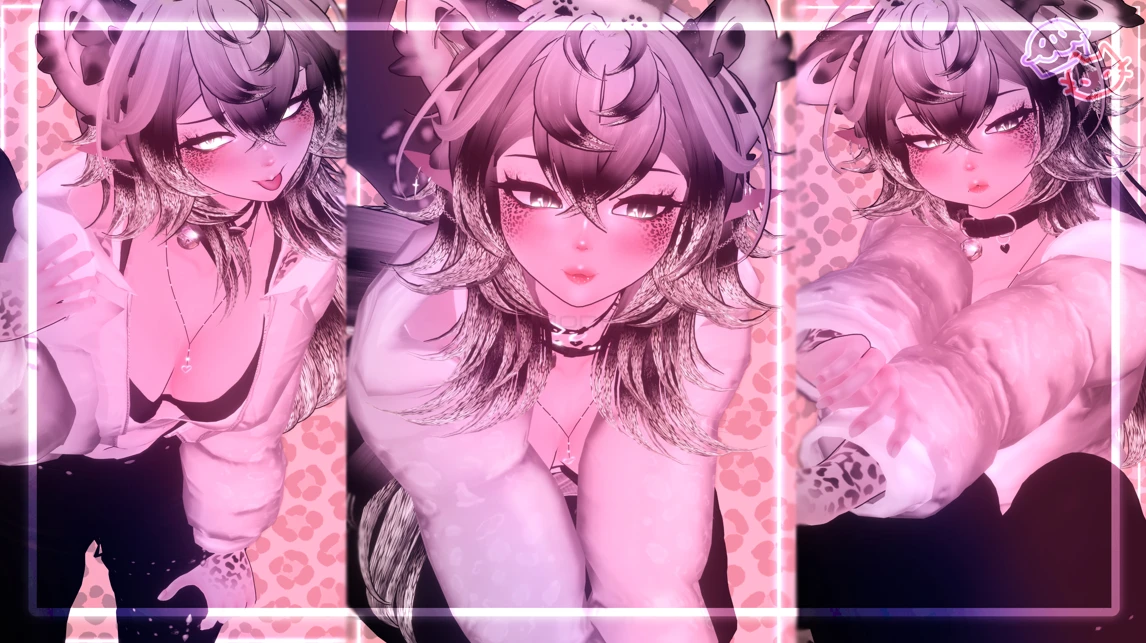
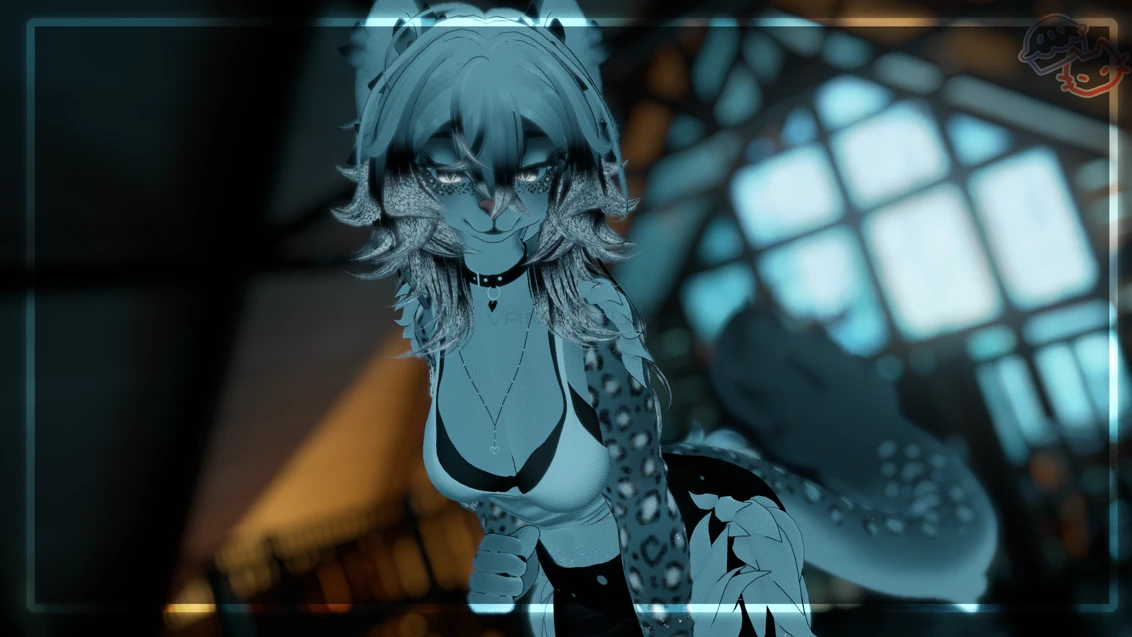
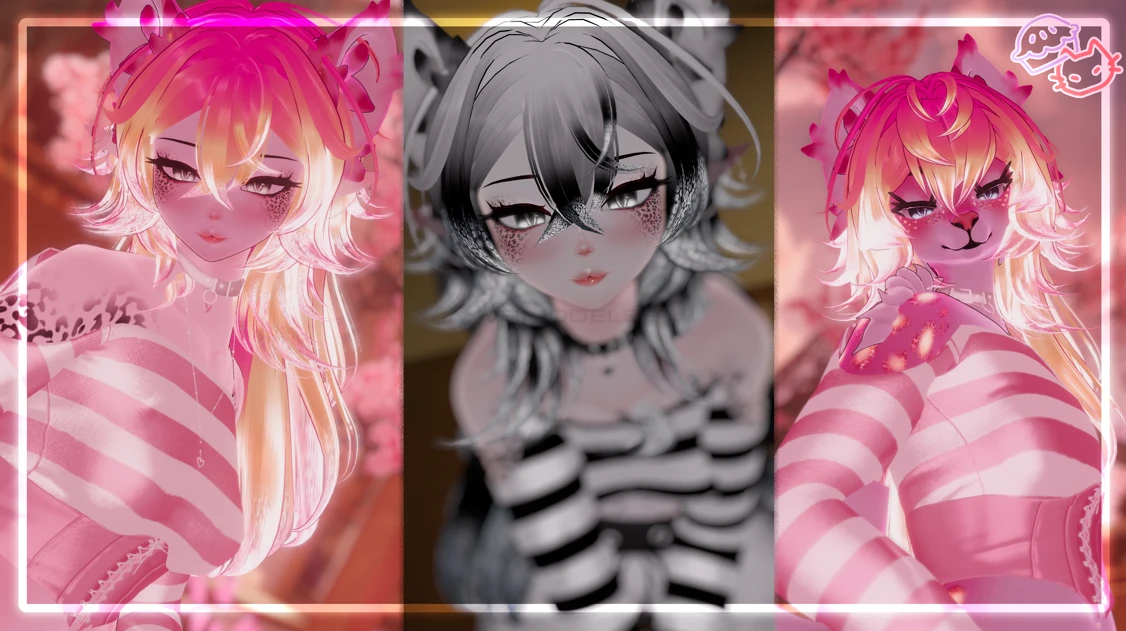
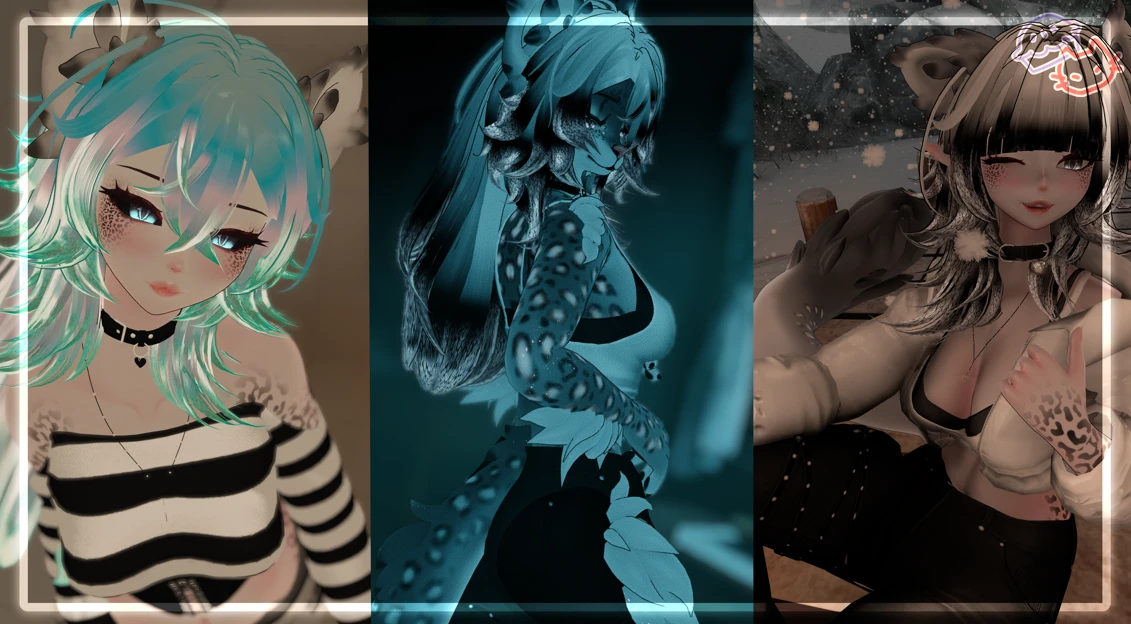
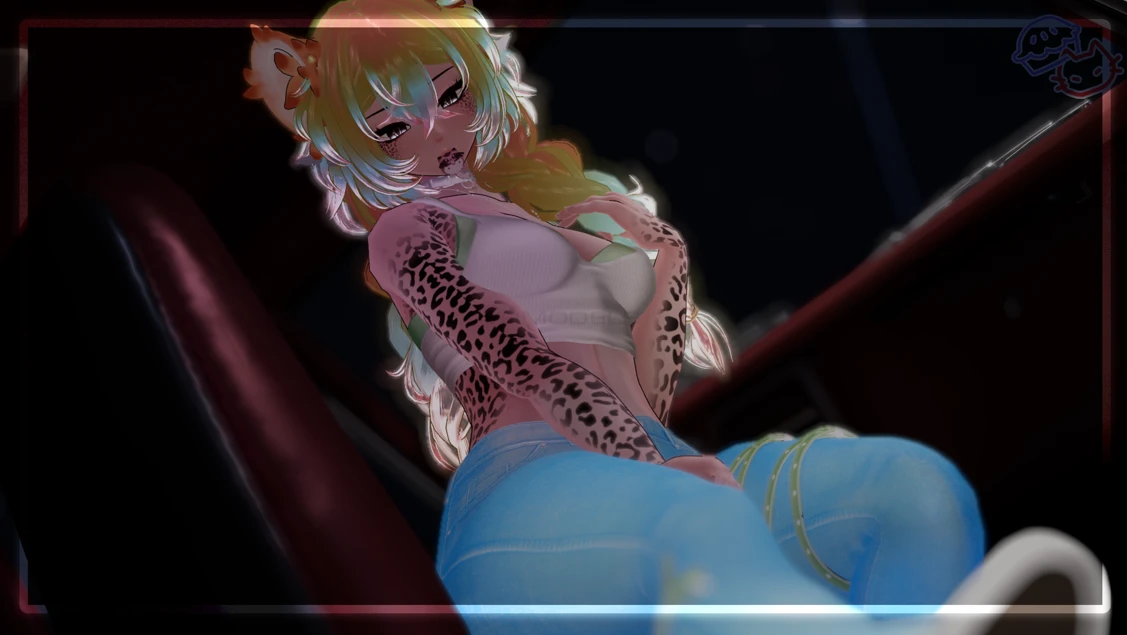
Model info
Content type:Avatars
Сreated by: novapie
SDK: 3.0 (VRChat)
Unity version: Unity 2022
Platform:
PC + Quest
Рhysbones: Yes
Face Tracking: Yes
Full body: Yes
Nsfw: Yes
DРS \ SPS : No
Views: 24 268
Kiki
To download the model, you need to log in.
Description
REQUIRED:
poi_Toon_7.3.50_UpTo_9.2.79
Unlit WF 2024
most recent VRCfury (PC Only)
Jerrys Face Tracking Template(PC Only)
PC
sdk 3.9 or higher
1.Make a 2022 avatar unity project through the vrchat avatar companion.
2.import shaders that are listed above in required first.
3.once shaders are imported you can import the model project.
4.Once the model is imported locate the OPEN ME scene in the project files.
5.Drag and drop OPEN ME to the Hierarchy.
6.Navigate to the vrchat sdk at the top and open the control panel.
7.in the control panel popup navigate to Builder.
8.fill out the info in the builder and press Build and publish at the bottom!
Quest
ADDING VRCFURY TO QUEST WILL MAKE THE MODEL TOO LARGE TO UPLOAD! DO NOT ADD
1.Make a 2022 avatar unity project through the vrchat avatar companion.
2.Navigate to files at top left corner and click build settings.
3.Click the Android option and click switch platform at bottom right corner.
4.import the model package.
5.Once the model is imported locate the OPEN ME scene in the project files.
6.Drag and drop OPEN ME to the Hierarchy.
7.Navigate to the vrchat sdk at the top and open the control panel.
8.in the control panel popup navigate to Content Manager- find the models pc side(you can search what you named it)
9.under that model click copy ID.
10.Navigate to the avatar in the hierarchy and click.
11.on the right under the inspector locate the pipeline manager.
12.paste the ID you copied under the pipeline manager and click attach.
13.follow steps 6-8 from pc side.
Unity 2022.3.6f1
sdk 3.9 or higher
poi_Toon_7.3.50_UpTo_9.2.79
Unlit WF 2024
most recent VRCfury (PC Only)
Jerrys Face Tracking Template(PC Only)
PC
sdk 3.9 or higher
1.Make a 2022 avatar unity project through the vrchat avatar companion.
2.import shaders that are listed above in required first.
3.once shaders are imported you can import the model project.
4.Once the model is imported locate the OPEN ME scene in the project files.
5.Drag and drop OPEN ME to the Hierarchy.
6.Navigate to the vrchat sdk at the top and open the control panel.
7.in the control panel popup navigate to Builder.
8.fill out the info in the builder and press Build and publish at the bottom!
Quest
ADDING VRCFURY TO QUEST WILL MAKE THE MODEL TOO LARGE TO UPLOAD! DO NOT ADD
1.Make a 2022 avatar unity project through the vrchat avatar companion.
2.Navigate to files at top left corner and click build settings.
3.Click the Android option and click switch platform at bottom right corner.
4.import the model package.
5.Once the model is imported locate the OPEN ME scene in the project files.
6.Drag and drop OPEN ME to the Hierarchy.
7.Navigate to the vrchat sdk at the top and open the control panel.
8.in the control panel popup navigate to Content Manager- find the models pc side(you can search what you named it)
9.under that model click copy ID.
10.Navigate to the avatar in the hierarchy and click.
11.on the right under the inspector locate the pipeline manager.
12.paste the ID you copied under the pipeline manager and click attach.
13.follow steps 6-8 from pc side.
Unity 2022.3.6f1
sdk 3.9 or higher
