
Avatars
Search
Avatars
Models
Other
Screenshots
Community
Authorization
Register
Home
»
Avatars
» Lexi
Model info
Content type:
Avatars
Сreated by:
NatsumiVr
SDK:
3.0 (VRChat)
Unity version:
Unity 2022
Platform:
PC + Quest
Рhysbones:
Yes
Face Tracking:
Yes
Full body:
Yes
Nsfw:
Yes
DРS \ SPS :
No
Views:
72 447
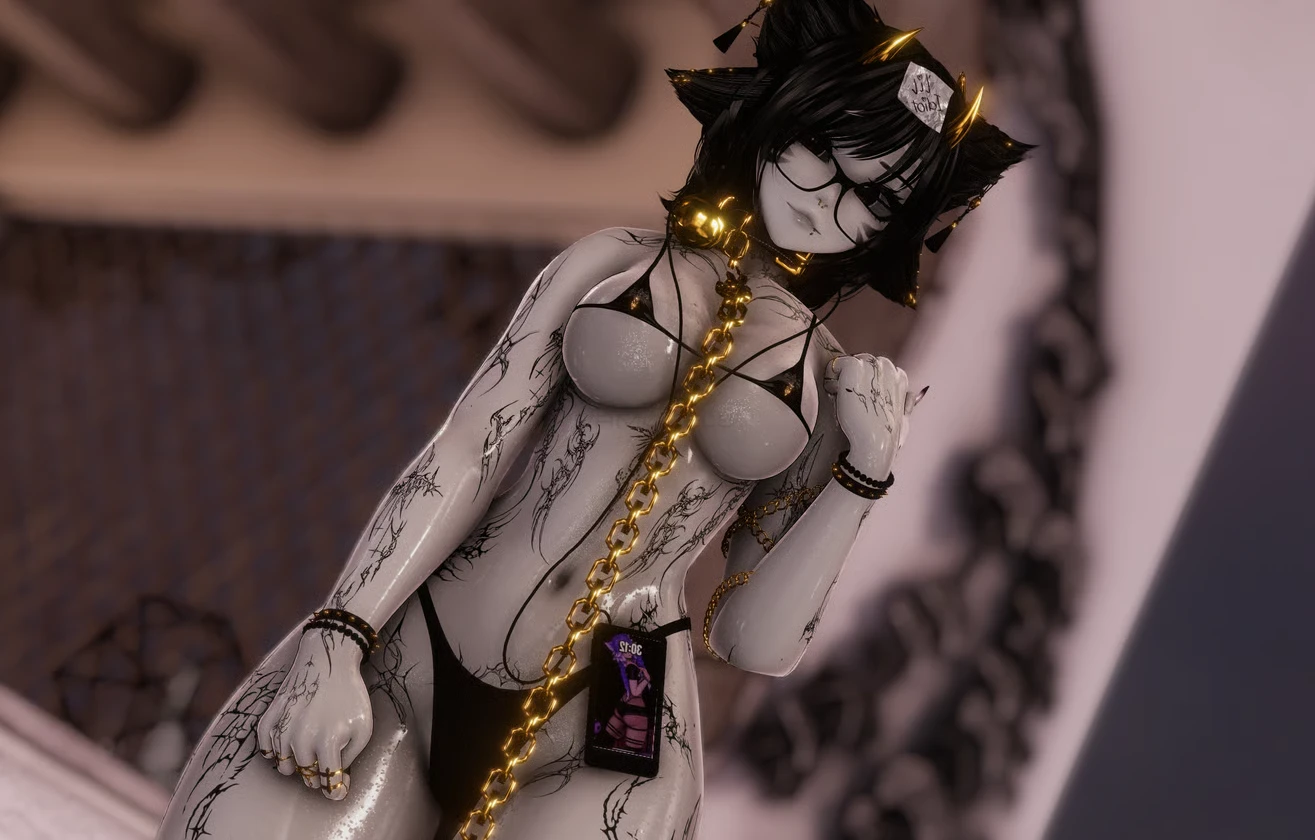
Lexi
To download the model, you need to
log in
.
Description
!!PASS!!
meowmeow
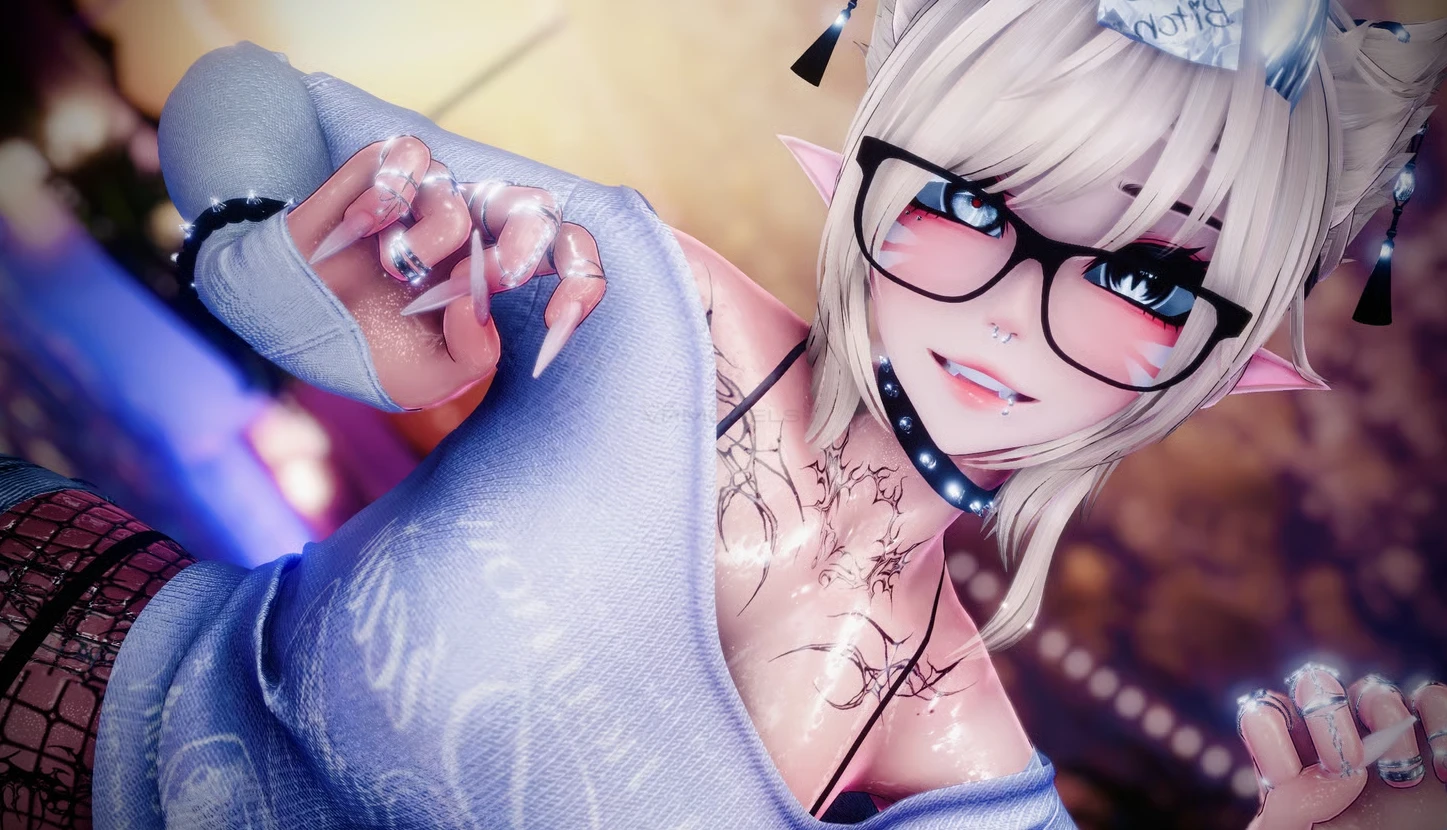
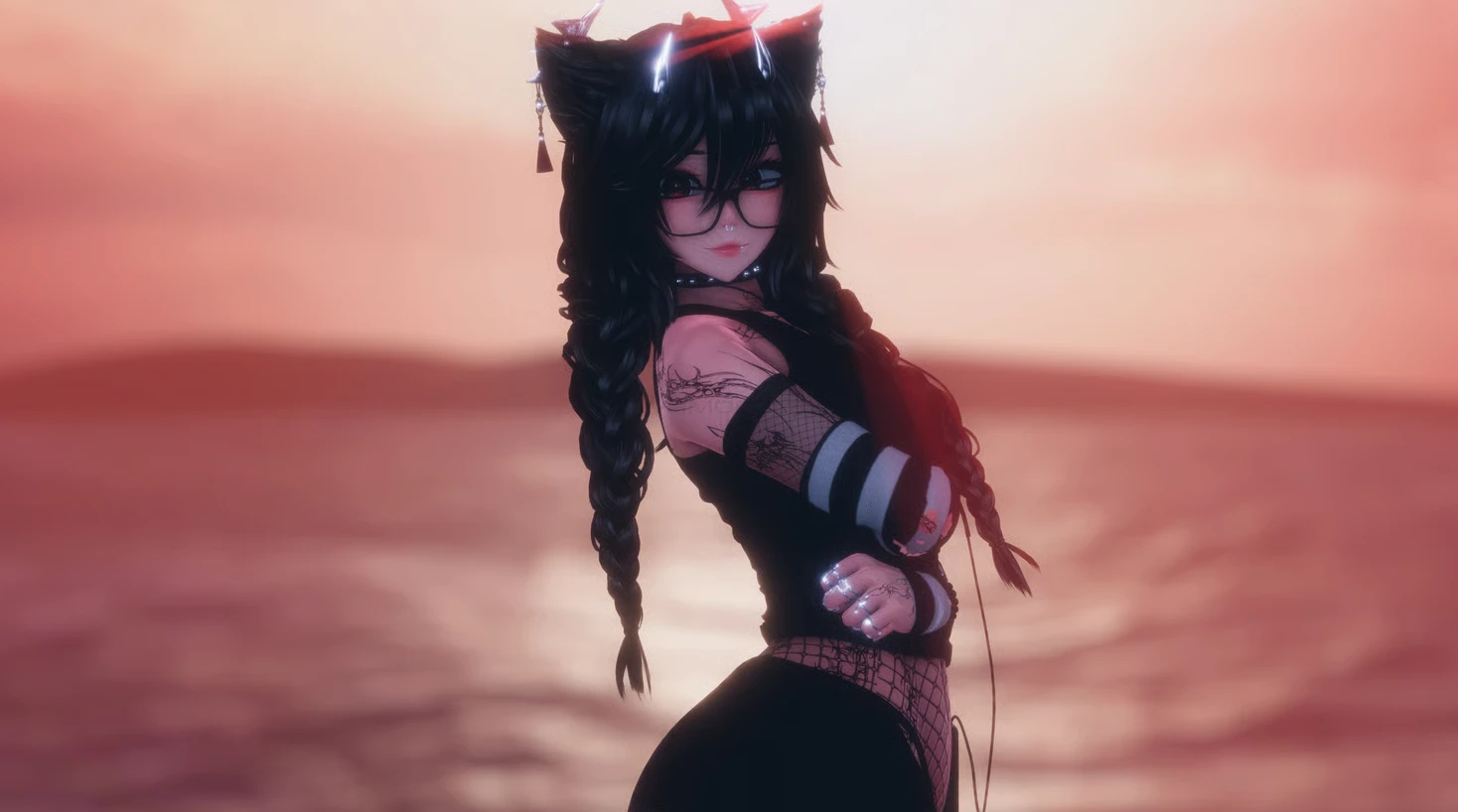
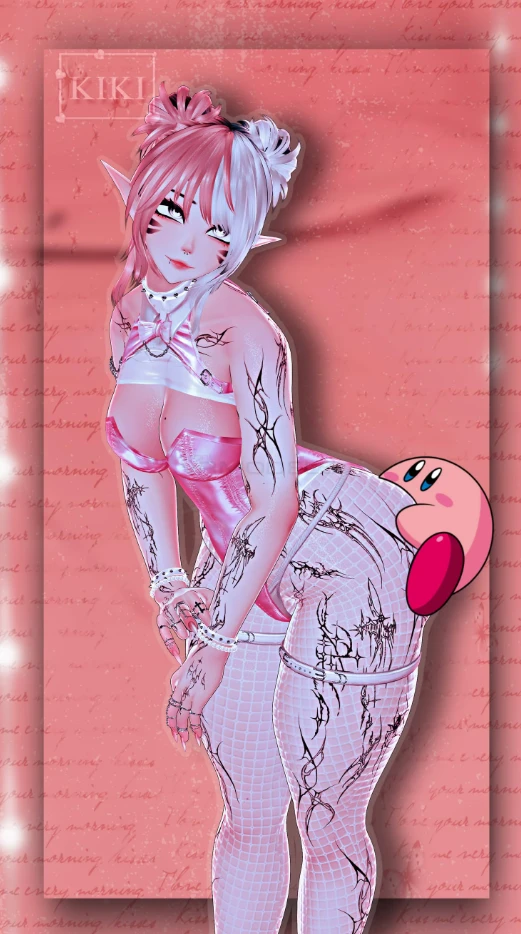
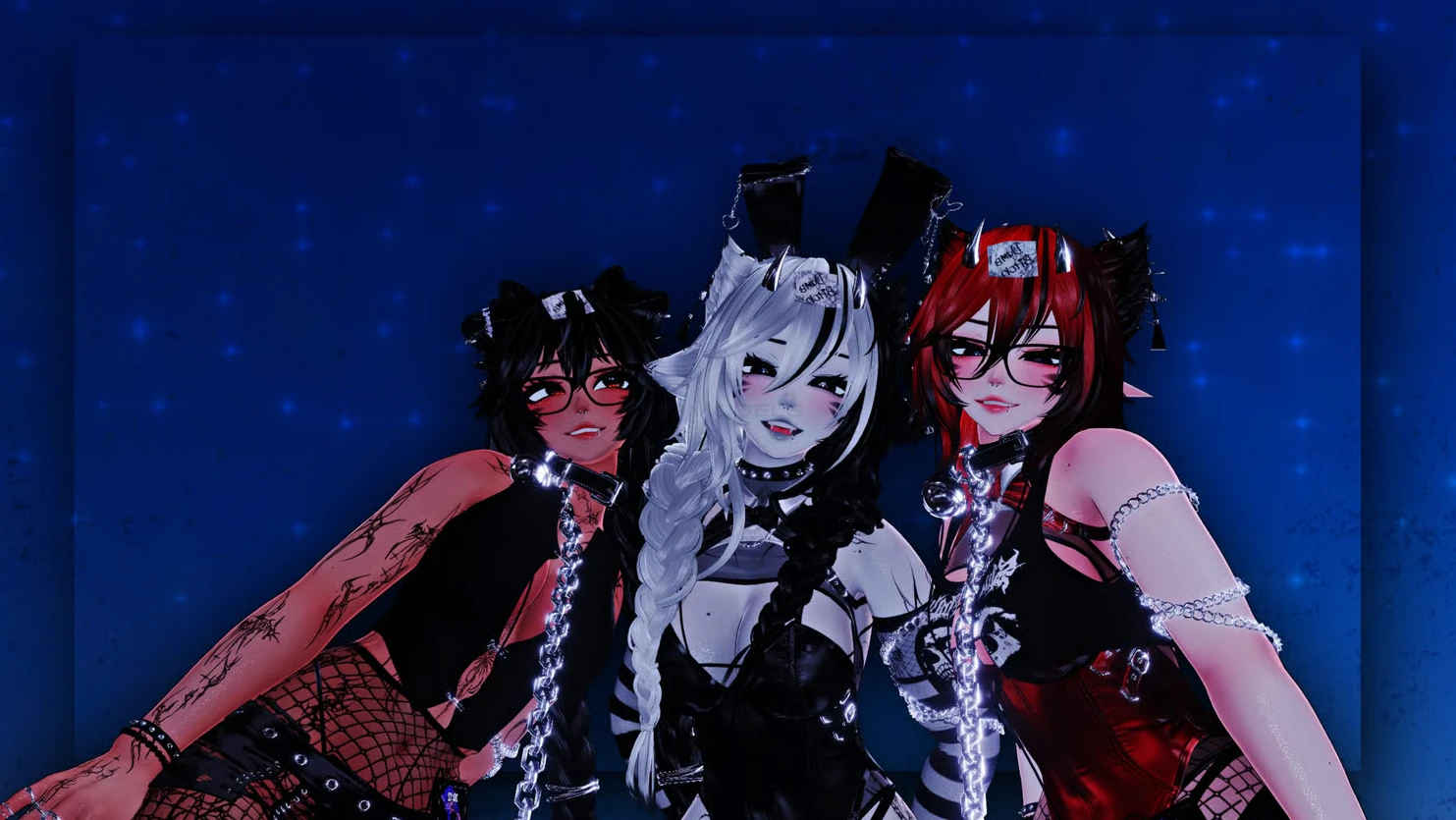
Screenshots of model Lexi in the game
https://vrmodels.store/avatars/55450-lexi.html
Female
Uploaded by
K1tty
14-06-2026, 21:01
Comments: 32
Add comment
Information
To add your comment you need to
log in
.
explodingminds
#32
0
Lovely avatar! This one I'm likely going to buy just because she's so nice, I just have 2 personal gripes with her but its more personal preference than anything. I'm also surprised she doesn't have gooner toggles on her like SPS but meh, that's no issue though and can be added later.
1. Her eyes are....crazy. I'm likely going to have to edit just how much they look around but they move around constantly and are honestly a bit too much. Still very cute but if she looks up when you move your head down her eyes constantly roll back into her head, that and sometimes she stares in weird directions, while semi having her eyes rolled back into her head like I said. Weird but nothing I cant fix or adjust in unity.
This also may likely only affect non face tracking people too though.
2. Her gesture expressions are too much for me personally, again this is a personal preference, maybe some people like very cartoon, very very overexaggerated expressions but its not it for me, I am in the process of disabling/removing them all for myself.
Other than that, fantastic avatar! Can't wait to buy her soon!
Sunday at 10:39
Meowsers
#31
0
If you're failing to upload, try pressing play. I think
vrcfury
is bugging out but for some reason pressing play and then clicking it again and THEN trying to upload worked for me.
1 July 2026 11:39
Naomiji
#30
+3
Naomiji
, so for the quest version you wanna open VRCC > Add
VRCFury
> Avatar Limb Scaling > and VRCFT Jerry's Templates . Once in Unity, log in and switch to Android build. Copy the PC avatar ID from the content manager and paste it in your blue print ID. when you go to upload, make sure only android is checked, not windows!!
It should upload smoothly!
30 June 2026 22:39
Naomiji
#29
+3
What worked for me: VRCC > New Project > Add
VRCFury
> Add VRCFT Jerry's > Avatar Limb Scaling > Gesture Manager > wholesome sps ( if you want it ) and once it's in unity, remove the poiyomi folder that came with the avatar and add your own latest poiyomi toons shader.
The face tracking and shaders work perfectly for me, I'm still working on the quest side, though.
30 June 2026 22:10
uneasyvrc
#28
it just says failed to upload
22 June 2026 17:58
percs
#27
Toxxic_Kitty
, it just says failed to upload everytime im not sure what to fix or if i have something missing
18 June 2026 14:52
Wolfy103
#26
+3
the avis eyes are looking all over the place, it doesn't focus or stay centered, how do i fix this?
18 June 2026 12:47
AstralPlays
#25
+6
for those asking for the password, u r blind, it under the video
17 June 2026 13:17
Toxxic_Kitty
#24
0
percs
, what does it say in console?
17 June 2026 13:02
percs
#23
how do i upload this avatar?. i keep getting numerous "failed to upload" but i see nothing wrong when importing into unity
16 June 2026 16:02
awoomph
#22
0
Odd, I'm not getting any expressions at all, Might've scuffed it mayb.
16 June 2026 11:05
Burn Act
#21
0
Gray C
, you use the same for quest it should upload no problems
Quote: K1tty
awoomph
, there is only a ft version and quest version non-ft isn't a option just delete the face tracking if you don't want it
The face tracking on pc shouldn’t affect it, it still has expression even when installed
16 June 2026 07:13
SourAmy
#20
0
Quote: Burn Act
what to use
Everything you see that's added in the list.
16 June 2026 06:47
K1tty
#19
0
awoomph
, there is only a ft version and quest version non-ft isn't a option just delete the face tracking if you don't want it
16 June 2026 05:22
awoomph
#18
0
Would love to get the Non-FT Version, Super cute though!~
15 June 2026 19:16
Gray C
#17
0
Burn Act
, what do i do for quest version
15 June 2026 18:20
Burn Act
#16
+2
what to use
15 June 2026 14:18
KamytheCatze
#15
+6
meowmeow is the pass*
15 June 2026 09:36
Zxmbie
#14
whats the password
15 June 2026 08:16
Wolfy22222
#13
-5
Avocadotoesss
, not helping -_-
15 June 2026 08:09
Avocadotoesss
#12
+6
For the people having "problems" withe download the Password is under the avatar
15 June 2026 02:41
JustTwigs
#11
whats the password?
15 June 2026 02:39
rawraw
#10
File is password protected from being downloaded :/
15 June 2026 02:20
PB
#9
0
Thank you!!!
15 June 2026 02:07
Dianyxx
#8
0
MissPhae
, ohh, thank you so much!
MissPhae
, by the way, i love the avi, she's so cute
15 June 2026 01:13
sweetchillyvr
#7
this file is password protected in the work upload. anyone know it or is it just not accessible anymore?
15 June 2026 00:56
MissPhae
#6
+1
Dianyxx
, Go to her body customization and its with the skin and you can use the radial to take it off or on
15 June 2026 00:47
Dianyxx
#5
0
***comment deleted***
SourAmy
, alright, i did add those assets, and it works perfectly XD
i have an issue... i cant take off the fishnet, it looks like there's no option for it...
15 June 2026 00:19
SourAmy
#4
+3
You can add whatever the hell you want.
14 June 2026 23:04
Dianyxx
#3
0
Toastkitty
, Penetration Contact System. that thing that adds some lewd features, like moans and more sounds. like penetration sounds?
14 June 2026 21:33
Toastkitty
#2
0
Dianyxx
, what is, "pcs"?
14 June 2026 21:20
Dianyxx
#1
+1
can i add SPS and PCS?👀
14 June 2026 21:18