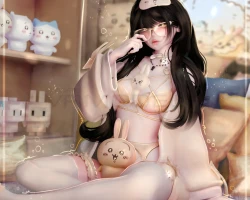
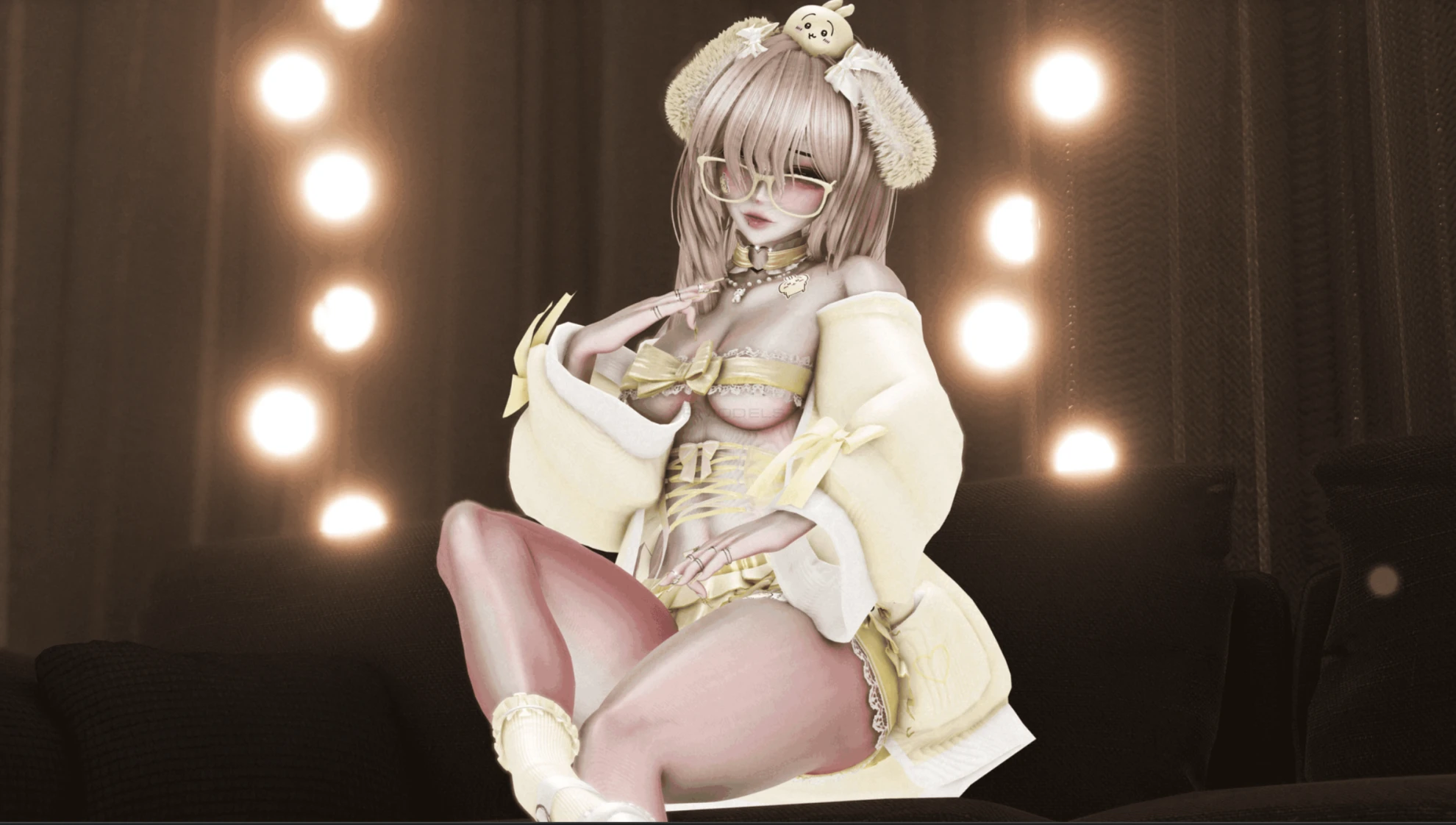
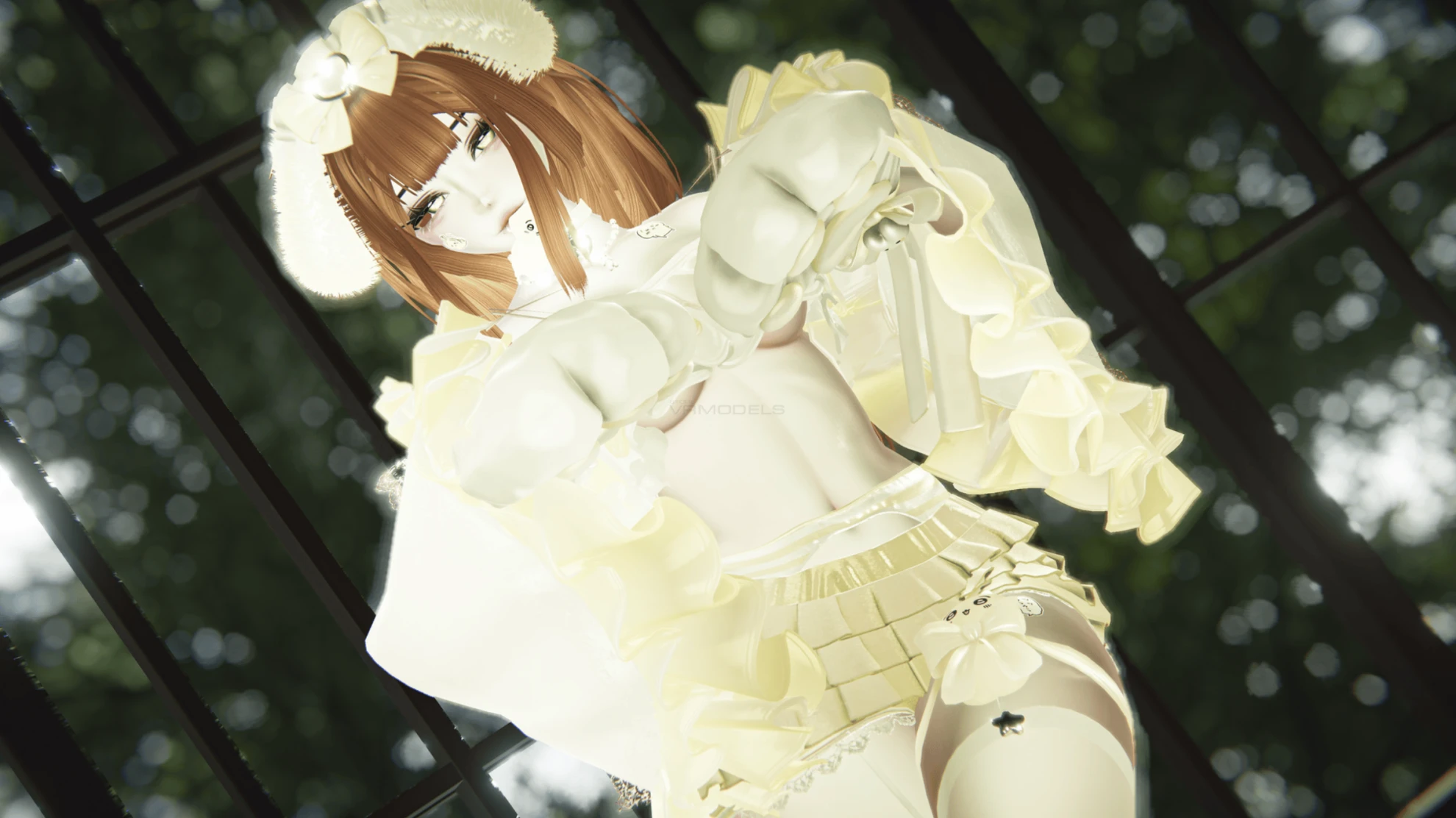
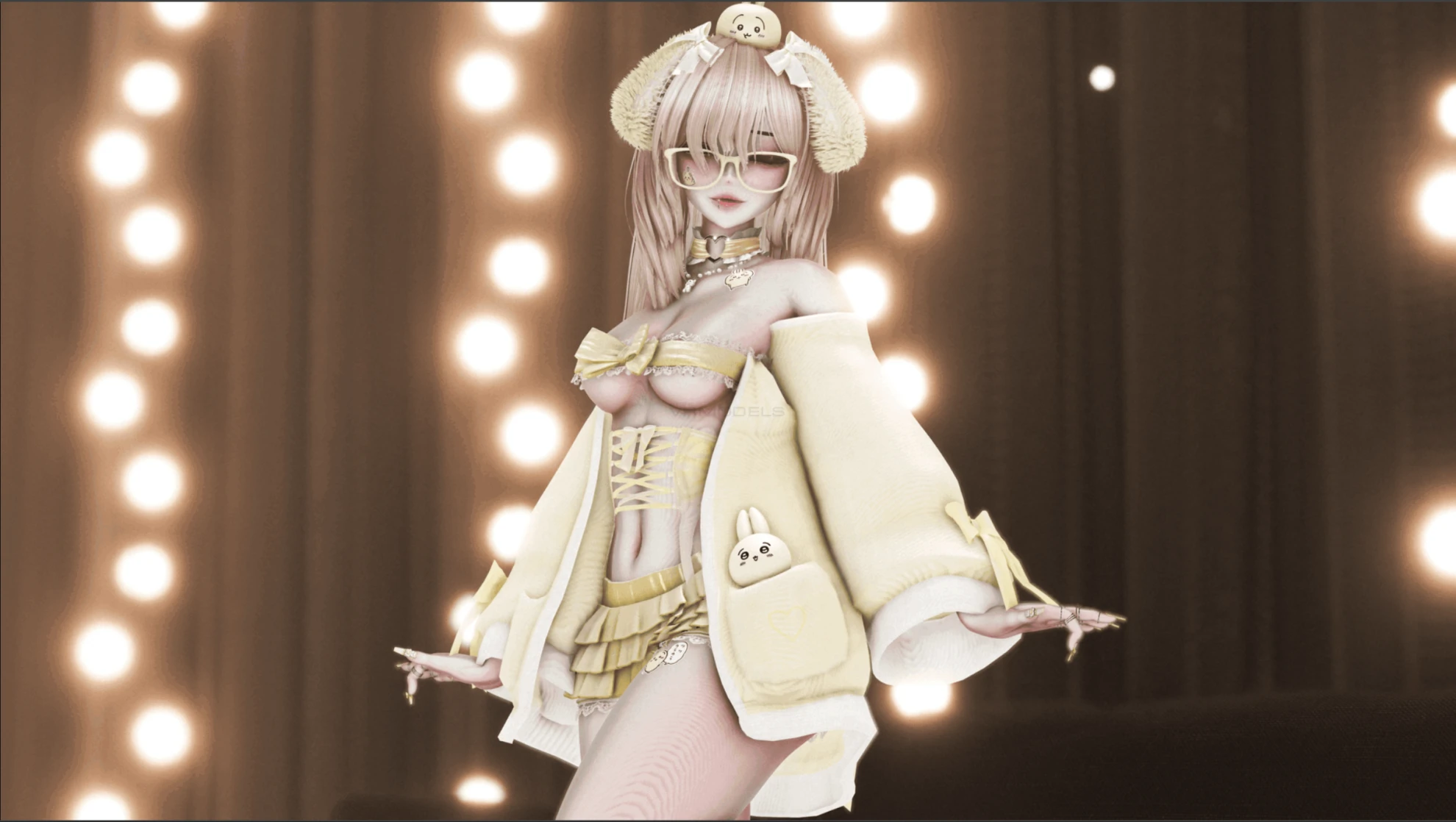
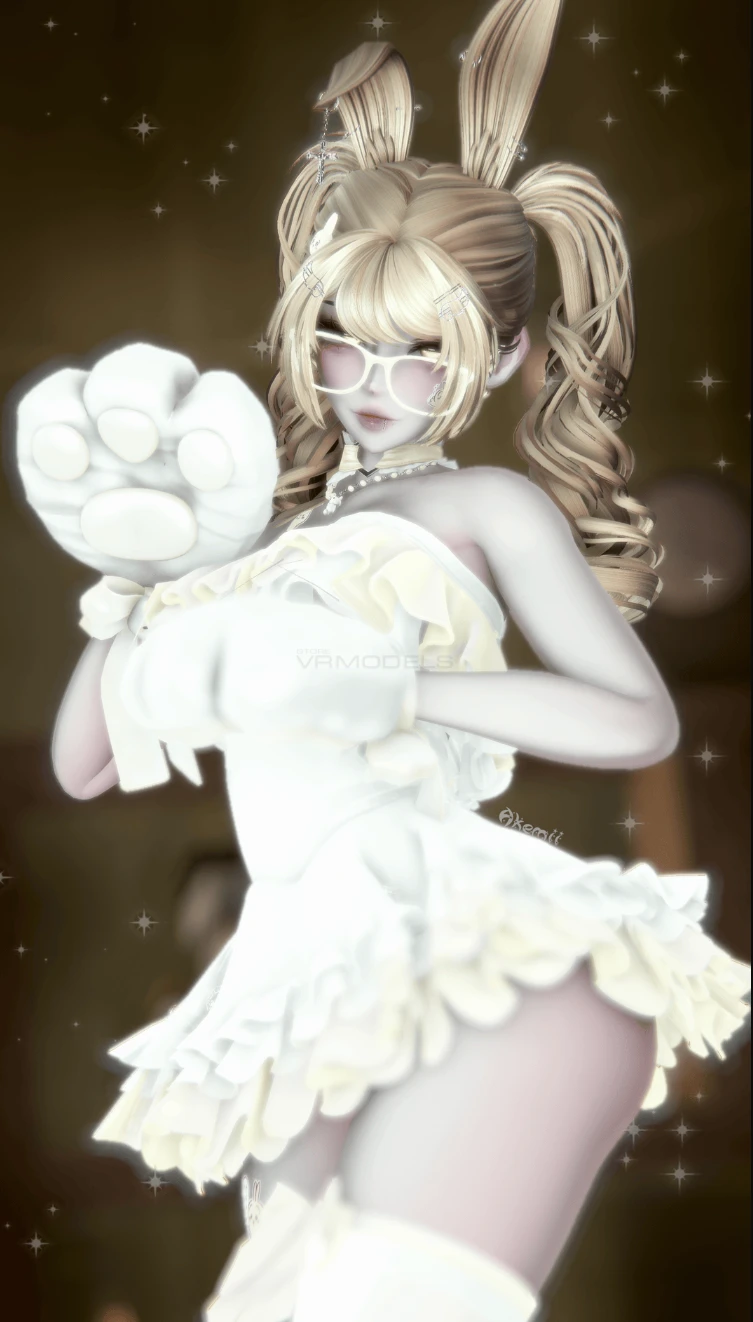
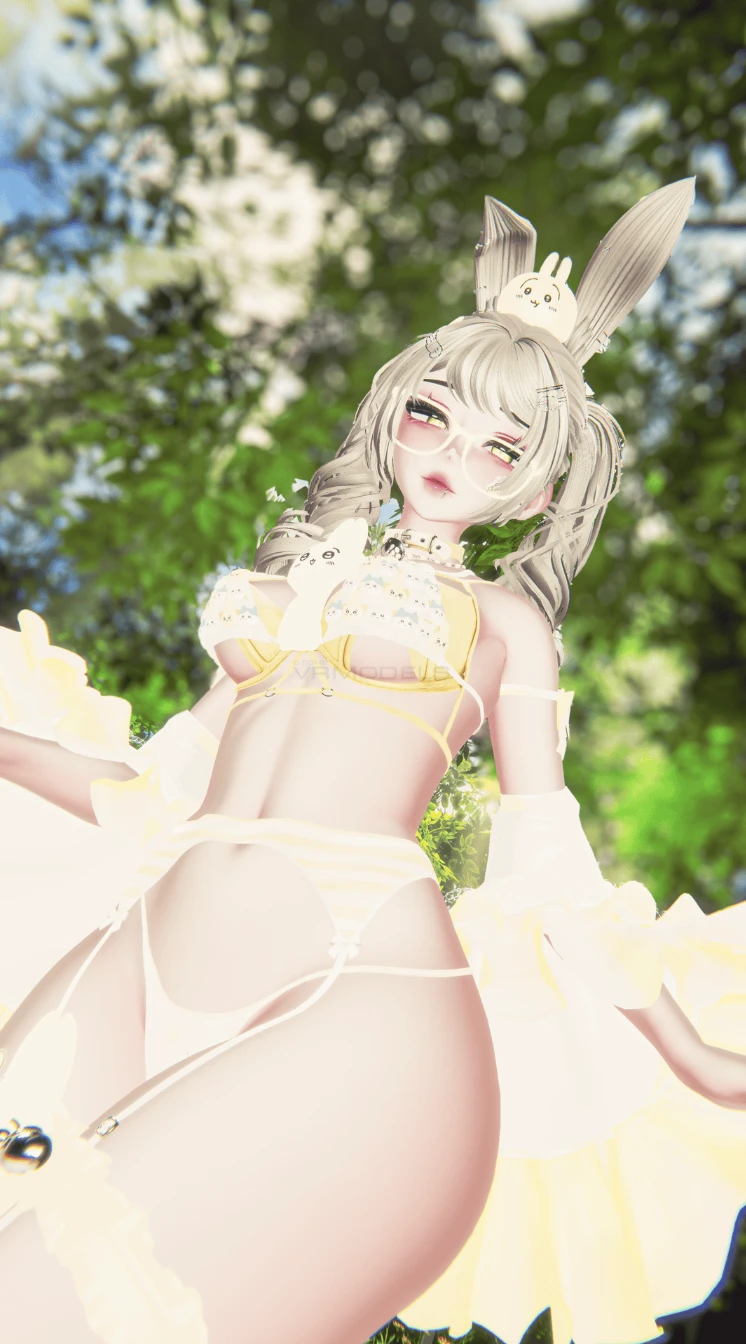
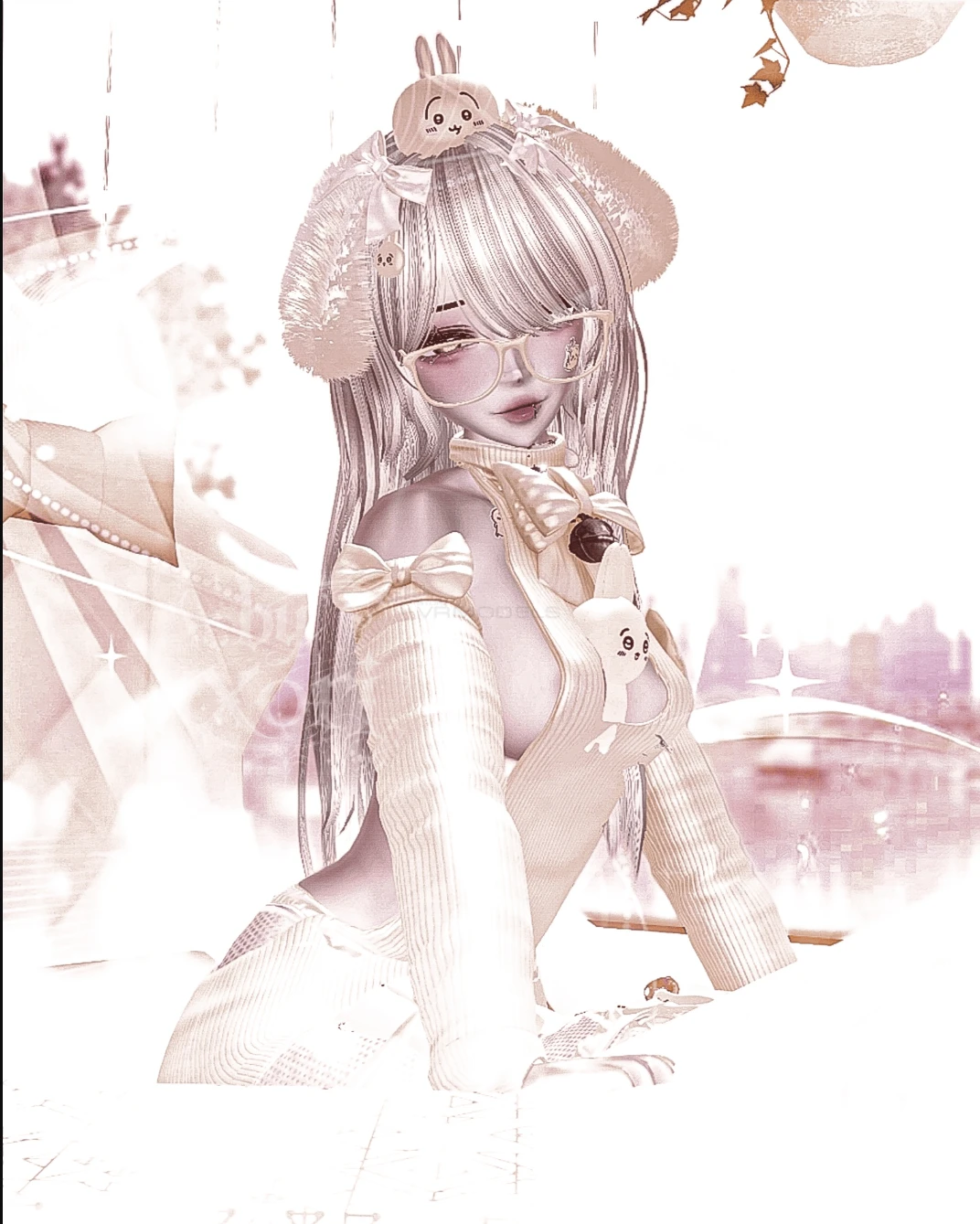
Model info
Content type:Avatars
SDK: 3.0 (VRChat)
Unity version: Unity 2022
Platform:
PC + Quest
Рhysbones: Yes
Face Tracking: Yes
Full body: Yes
Nsfw: Yes
DРS \ SPS : No
Views: 33 848
USAA
To download the model, you need to log in.
Description
🐾 Seamless Head to Neck Merge
🐾 Multiple Prefabs for VRCFT & SPS
🐾 VRCFT Included w/ PC Variant of Usaa
🐾 Skintone Radial for All Different Skintones
🐾 All Clothing, Acc, Shoes, and Hair Customizable w/ Hue and Color Shifts
🐾 Cute Facial/Sound Interactions for Headpats, Nose Boops, and Bell Collar
🐾 Limb Scaling for FBT Users
🐾 SPS Orifaces
🐾 Fullbody + GoGo Locomotion
How To Upload (PC & Opti)
VCC is HIGHLY recommended for this avatar upload !!
Avatar was made in Unity 2022.3.6 !
1. Import newest VRC SDK with VCC
2. Add Poiyomi and VRCFury to your VCC Packages if not already added
Link For VCC Poiyomi and VRCFury
3. Import VRCFury through VCC
4. Import newest Poiyomi through VCC
5. Open your Unity project !
6. Import Usaa into your Unity assets folder !
7. Log in and Upload !
How To Upload (Quest)
VCC is HIGHLY recommended for this avatar upload !!
Avatar was made in Unity 2022.3.6 !
1. Import newest VRC SDK with VCC
2. Open Unity project
3. Import Usaa Quest Version
4. Log In
5. Switch build target to Android
6. Upload !
How To Attach Quest Variant to PC Upload
Assuming you already have done the steps above for both uploads !
1. Go to 'Content Manager' Tab on the VRChat SDK Upload Window
2. Find Usaa and copy ID
3. Paste the Blueprint ID into your Pipeline Manager after clicking on GLOOMY Quest in the Hierarchy
4. Upload !
