Home » Avatars » Mochi

Model info

Content type:Avatars
Сreated by: KasuallyKhaotic
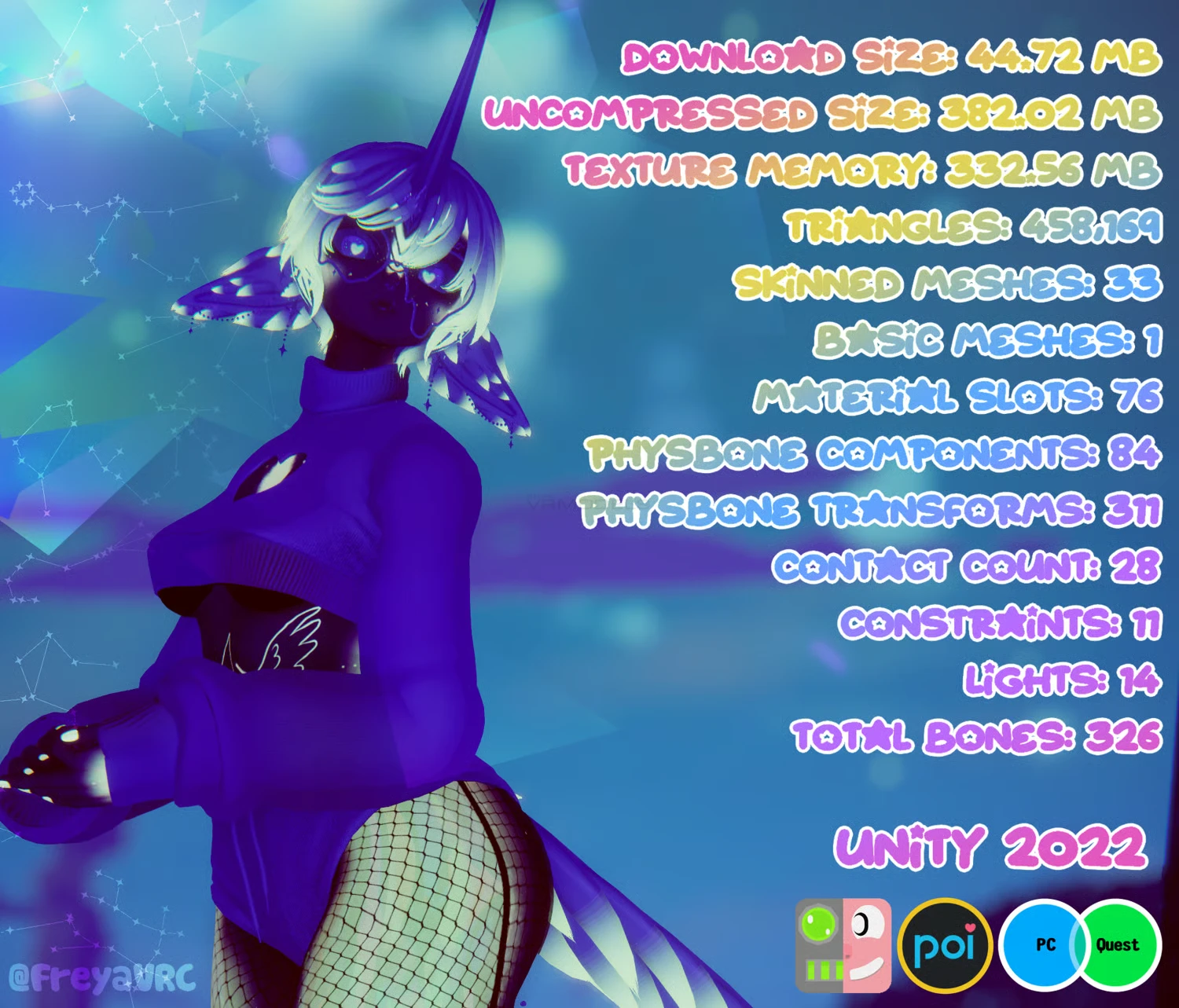
SDK: 3.0 (VRChat)
Unity version: Unity 2022
Platform: PC + Quest
Рhysbones: Yes
Face Tracking: Yes
Full body: Yes
Nsfw: Yes
DРS \ SPS : Yes
Views: 23 295
Mochi

To download the model, you need to log in.

Description

₍ᐢᐢ₎ ࿐ ˊˎ- Featuring!!:
╰┈➤
This is a collab avi her other half is kai (A dragon and hes on vrmodel!)

She has:
Face Tracking // SPS // Genderswap // Skintone slider
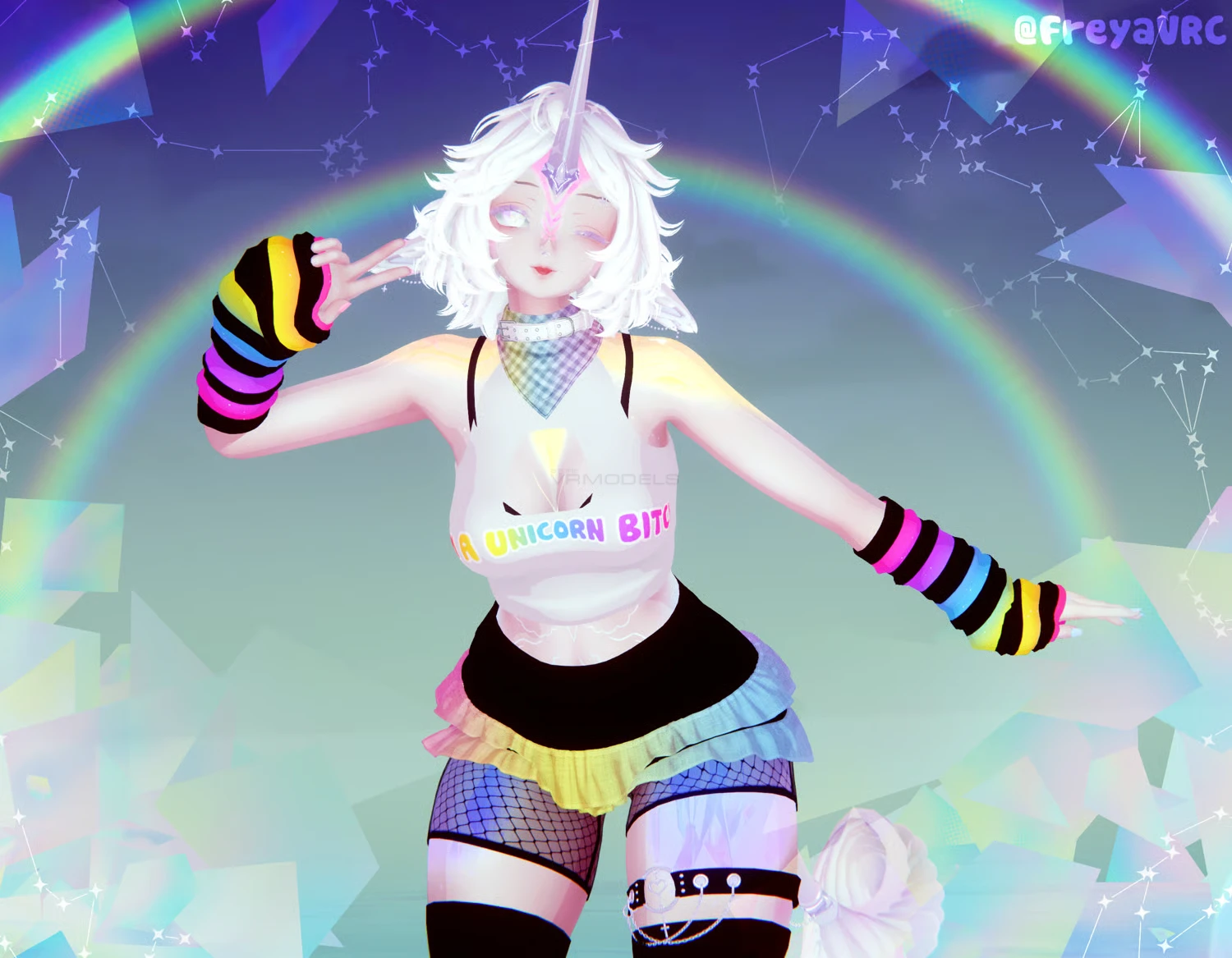
5 tops // 7 Bottoms // 3 Footwear // 2 pages of accessories
3 Hair swaps // 3 bang swaps // Lots of Customization // Lots of Toys

To upload her you need:
VRCFury
Jerrys Templates

Hope youll enjoy her! <3
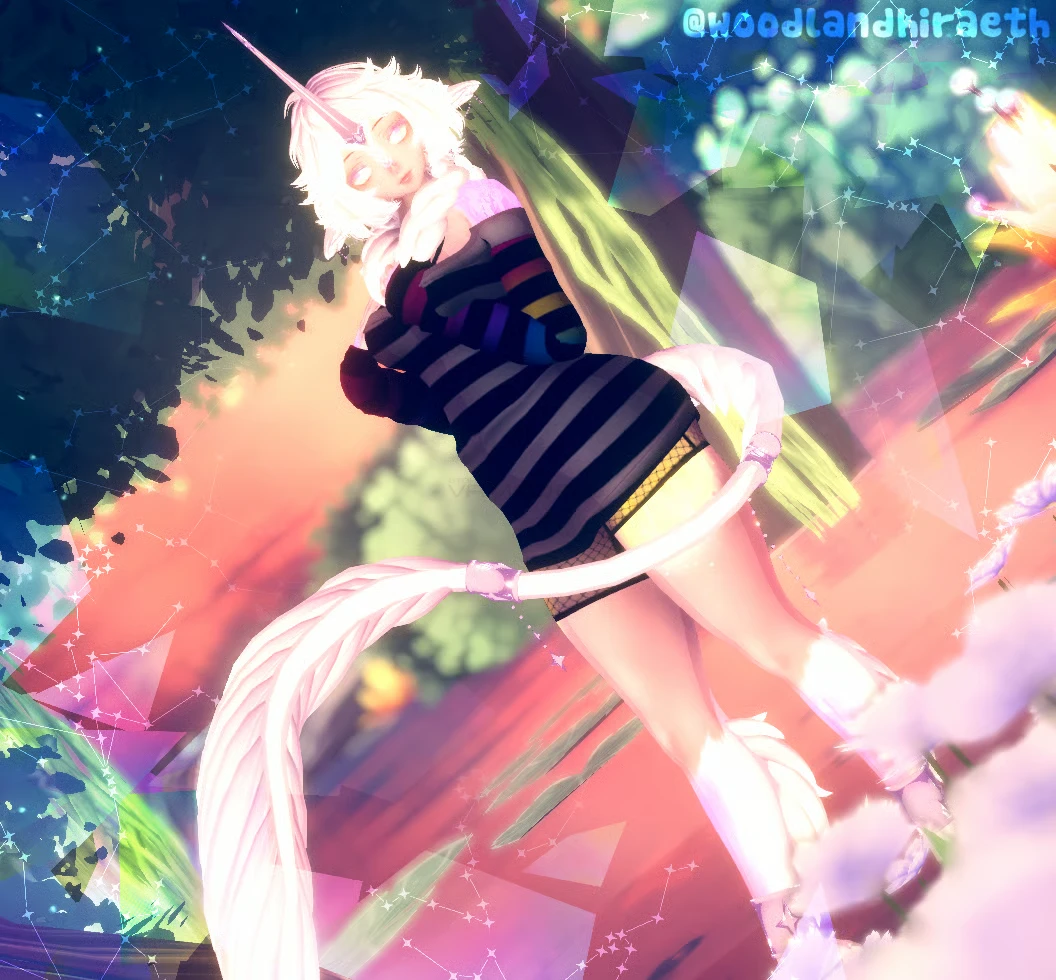
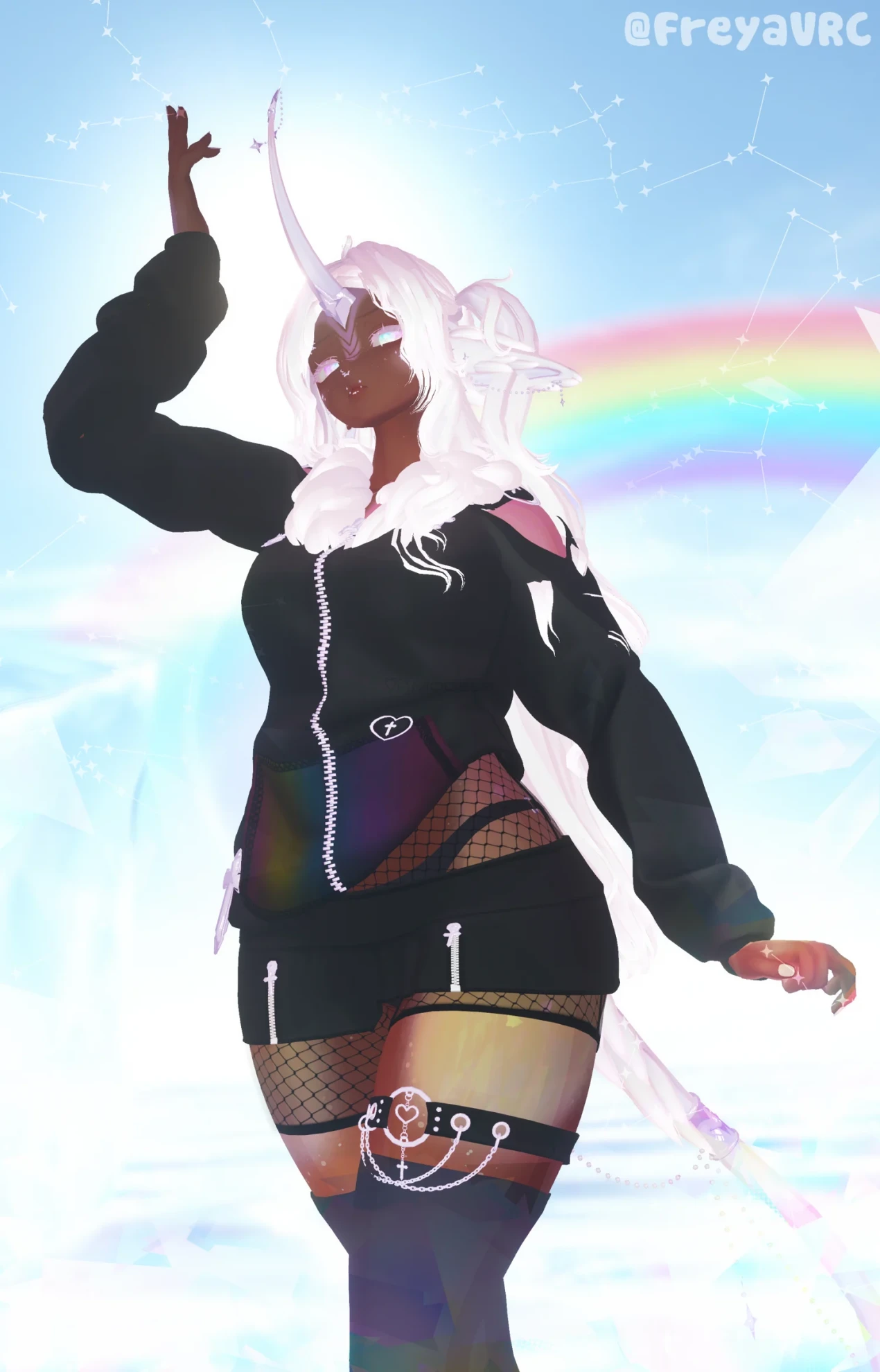
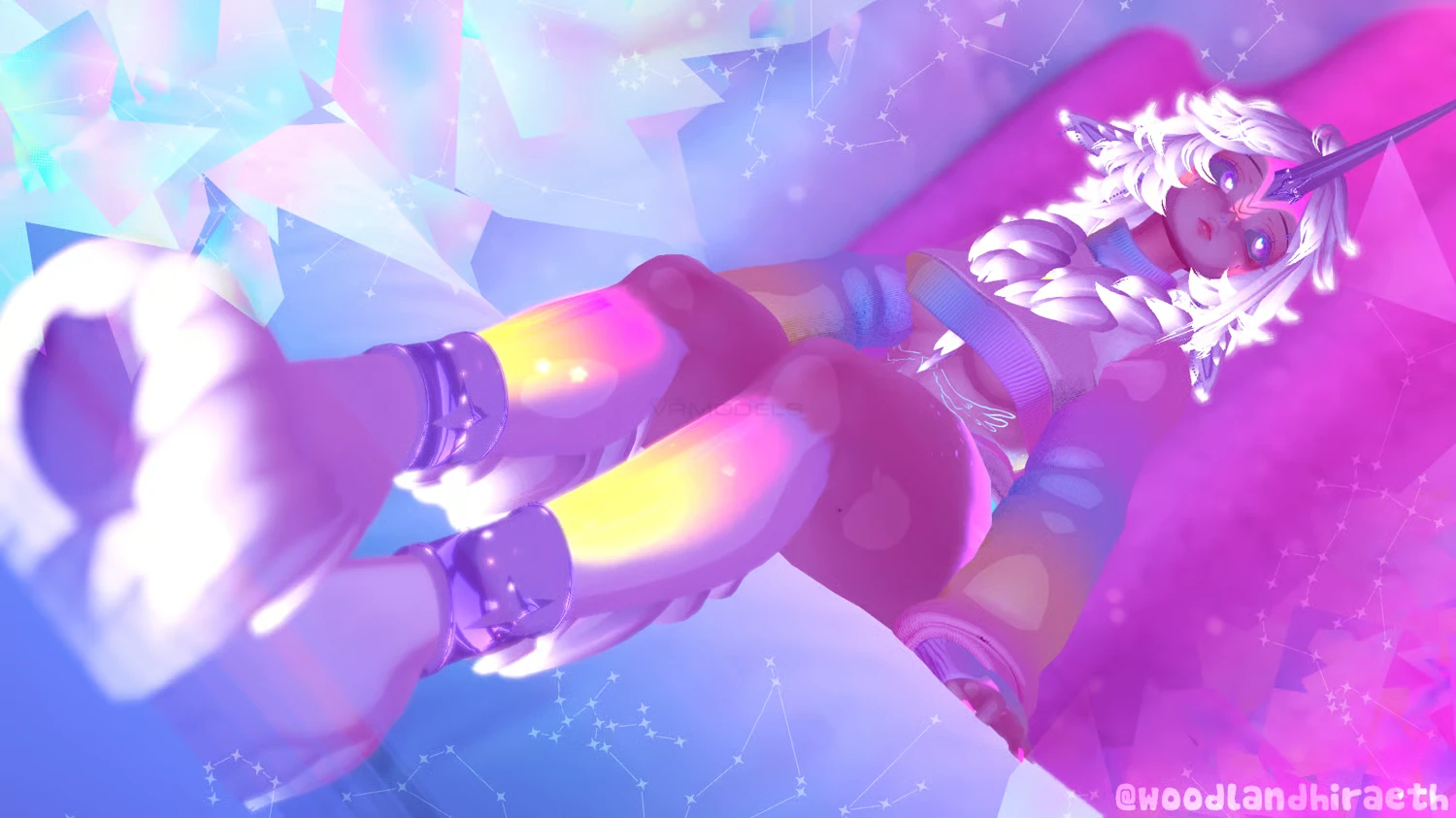
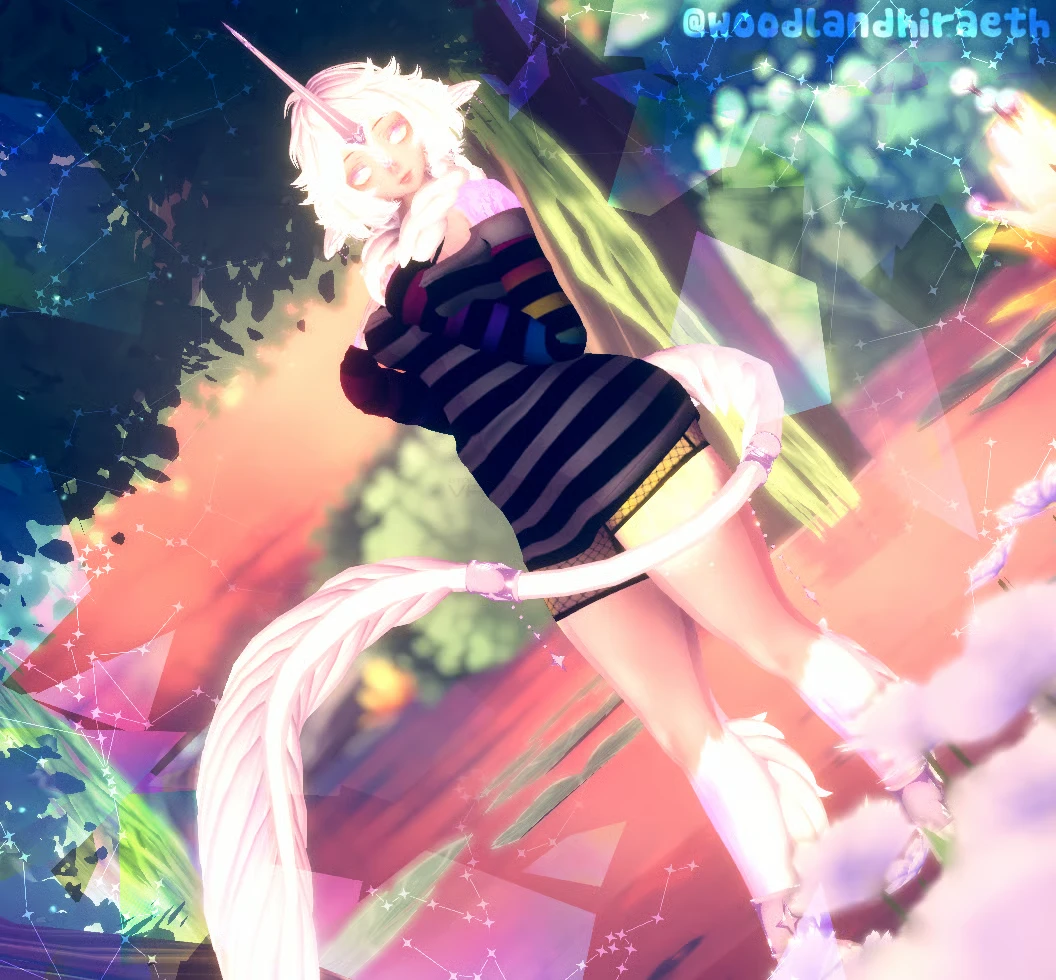
Screenshots of model Mochi in the game
Comments: 11
Add comment

Information

To add your comment you need to log in.

  • foto
    honeyloves #11
    0
    Took me a bit to fix everything wrong with this avi, but it was worth it at the end given how cute it is. Seems whoever did the quest conversion didn't do a good job of making separate animators/animations for the quest and PC versions, which is why there's a bunch of little issues throughout the PC version of the avatar by default. The PC version uses poiyomi's UV Tile Discarding to handle the hair and unicorn parts, so you have to add animation keyframes that toggle on/off the correct hairstyle/unicorn part. Other comments already pointed out how to fix the skintone toggles, so I won't repeat all that information.
    9 July 2026 13:38
  • foto
    MMM_Laurie #10
    0
    FeatherFriend, thats what im missing too, not sure how to fix it, just search it up ig
    7 July 2026 17:05
  • foto
    upaupapocoto #9
    0
    @DerpyPug So, by what I have found, the material is swapping to the quest material when uploading, even in gesture manager it does that. Deleting the material does not work, just make it pink. Still discovering how to fix it.

    I have discovered, the skintone slider had swapped the material for some reason, just go to the animation tab, go to the skintone slider and swap the quest material for the right one on each key frame.
    6 July 2026 21:51
  • foto
    DerpyPug #8
    +1
    I'm having a different problem, So the shaders on the head isn't the same as the body?? Whenever i'm in a dark world it's like i'm using a different shader even though i'm using poiyomi for both

    DerpyPug, If anyone has any info on that issue i gotta know cause it's driving me up the wall
    6 July 2026 15:26
  • foto
    FeatherFriend #7
    0
    doest any one know what her missing mono scripts are?
    6 July 2026 08:23
  • foto
    leo2255 #6
    0
    so like ive added everything but her back hair doesnt work for some reason? tried adding less packages and it still wont work, so anyone got any advice? ;-;
    5 July 2026 14:57
  • foto
    Ajaxx #5
    0
    does anyone have their valentine avi? ^^
    5 July 2026 10:33
  • foto
    DOSJ Rp #4
    0
    for noobieds always add gesture manager beause this women never adds rhe needs go go logo if u like poses
    4 July 2026 10:44
  • foto
    kayleexoxokay #3
    +1
    Arsenic_System, its kairo by pupchi just search kairo and youll find him
    4 July 2026 07:33
  • foto
    Arsenic_System #2
    +2
    Where is her other half? Idk what to look for
    4 July 2026 05:07
  • foto
    Cody Hart_2 #1
    +1
    How to make upload the pc one
    4 July 2026 03:47