Home » Avatars » Maxie

Model info

Content type:Avatars
Сreated by: urgrandma
SDK: 3.0 (VRChat)
Unity version: Unity 2022
Platform: PC + Quest
Рhysbones: Yes
Face Tracking: No
Full body: Yes
Nsfw: Yes
DРS \ SPS : No
Views: 48 467
Maxie

To download the model, you need to log in.

Description


Features
PC/Quest
Gogo Loco
Hue change for everything
Face Tracking compatible

Animal
Shark Ears
Shark Tail

Tops
Bra
Bralette
Tank Top
Jacket
Police shirt
Sweater

Bottoms
Shorts
Tiny Shorts

Accessories
Heels
Glasses
Thigh Cover
Socks
Leg Warmers
Bottom Harness
Handcuff
Police Hat
Sleeves
Tie
Top Harness
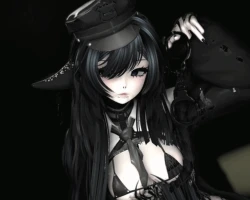
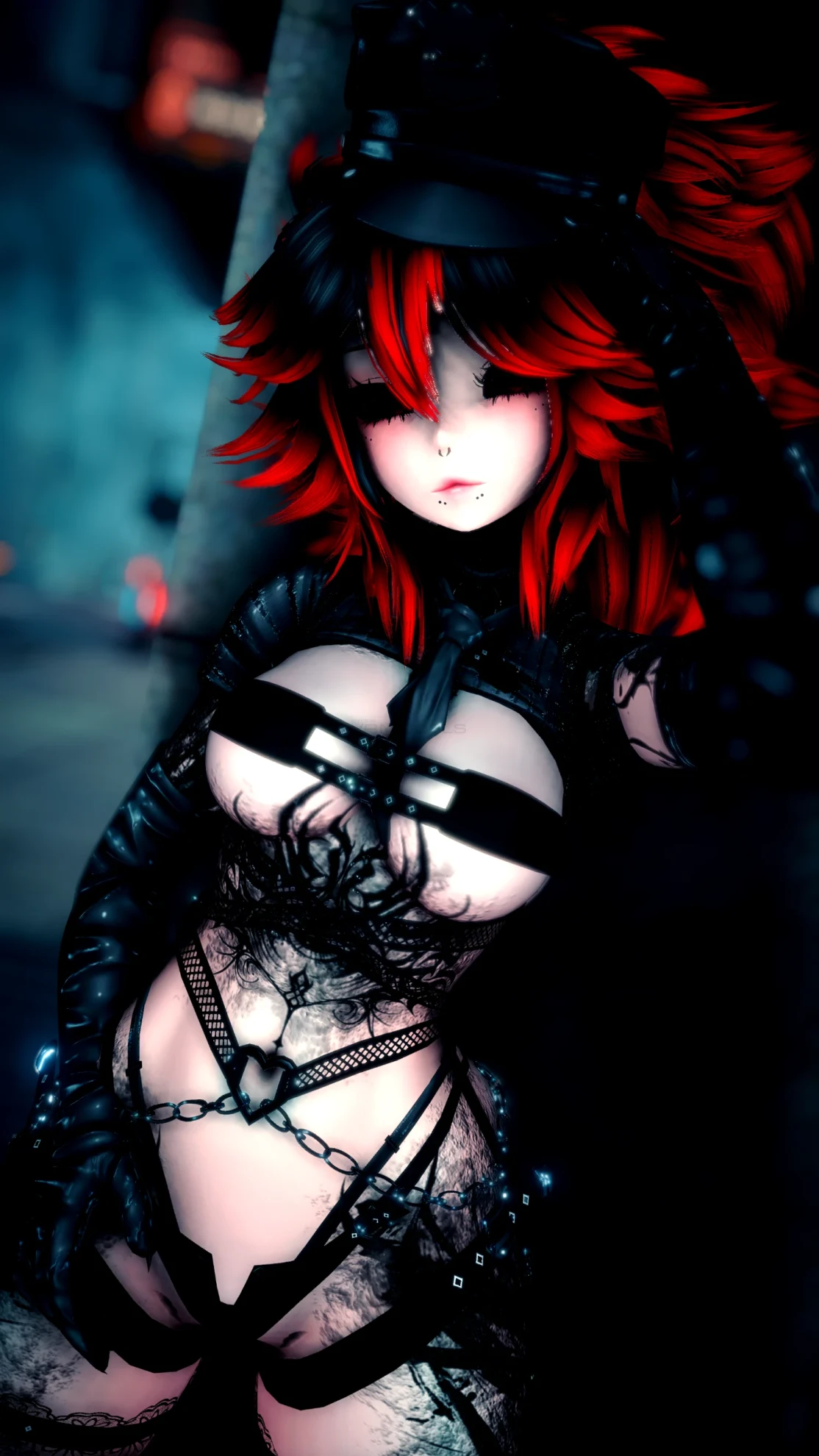
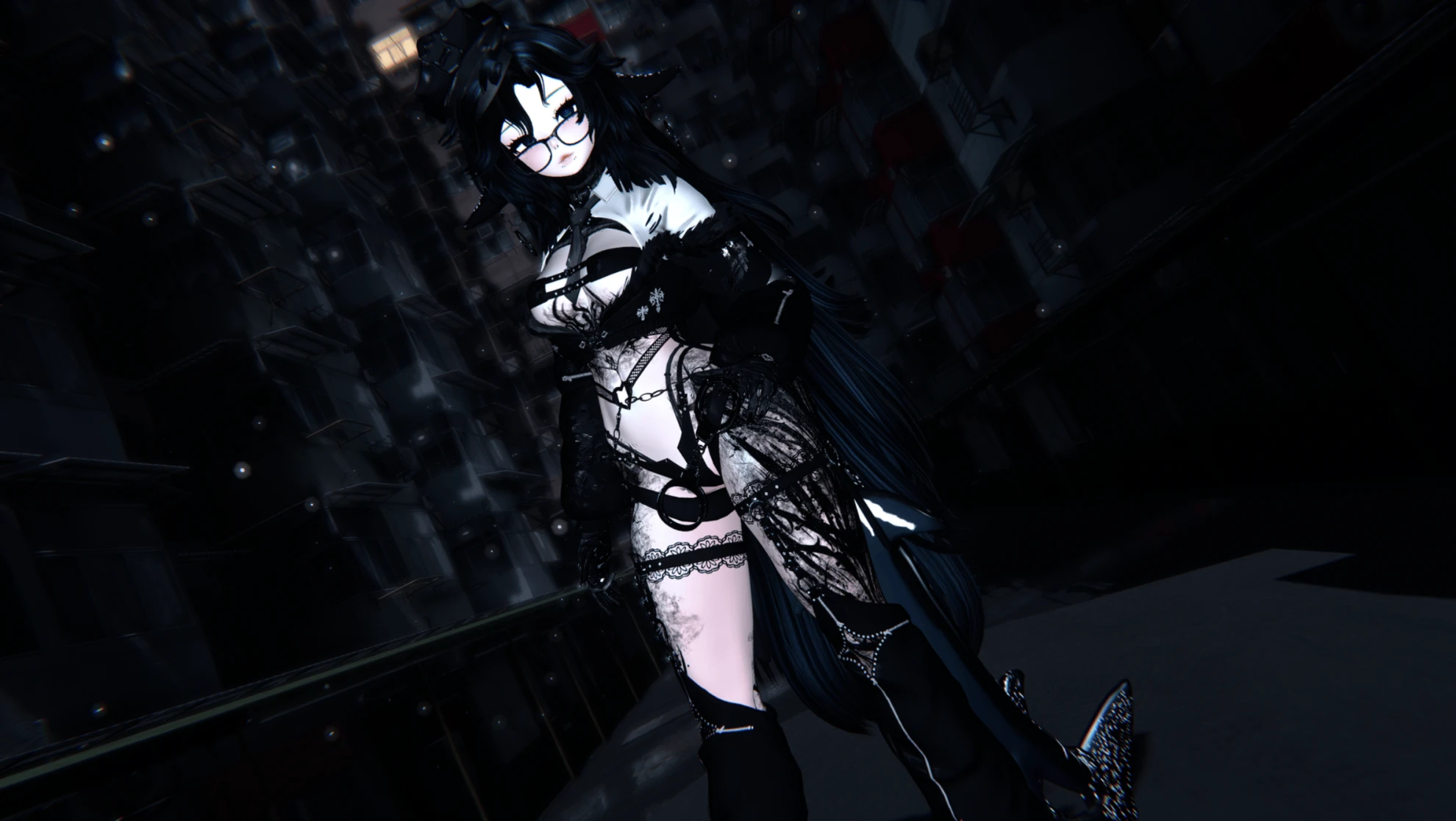
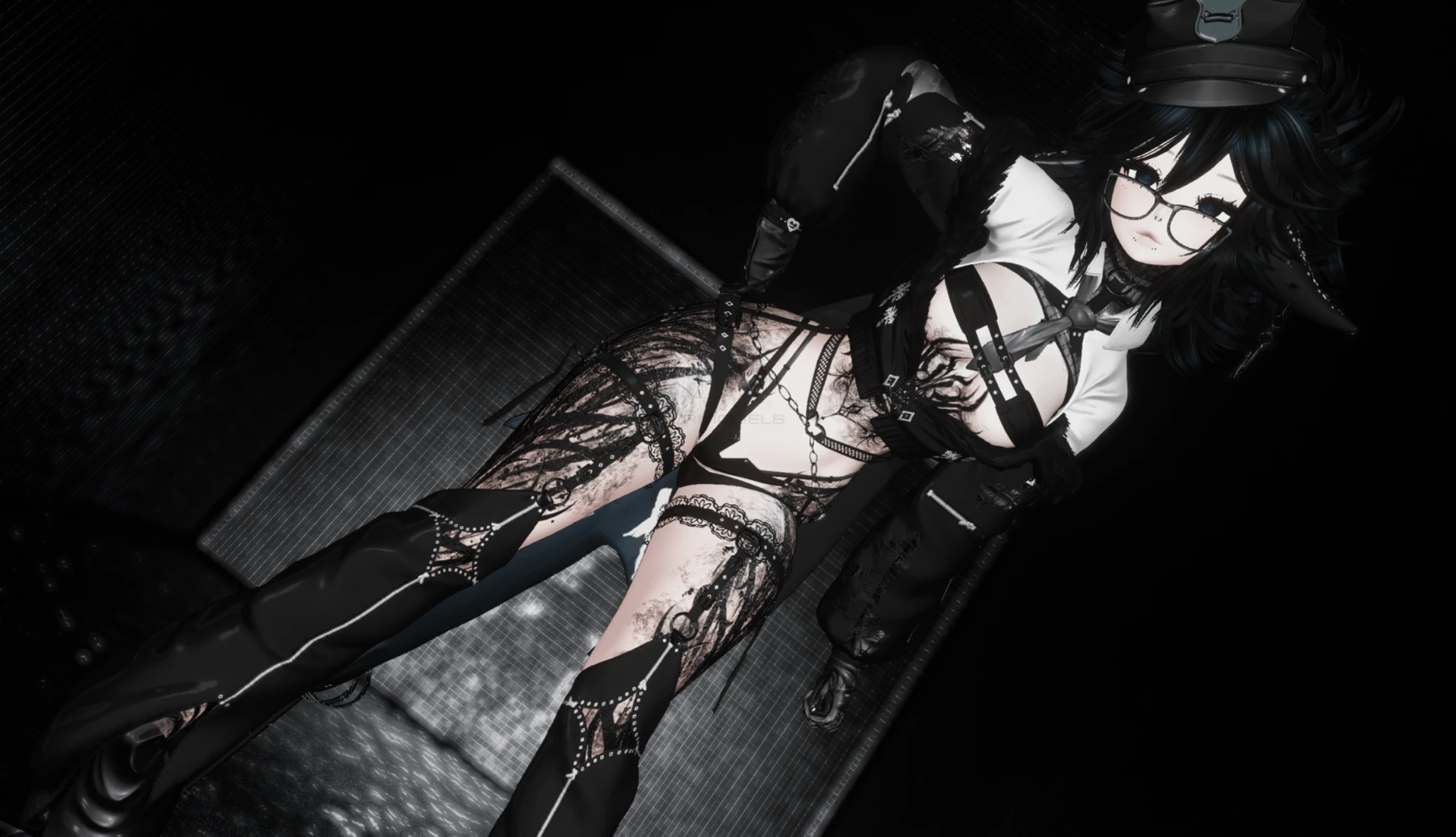
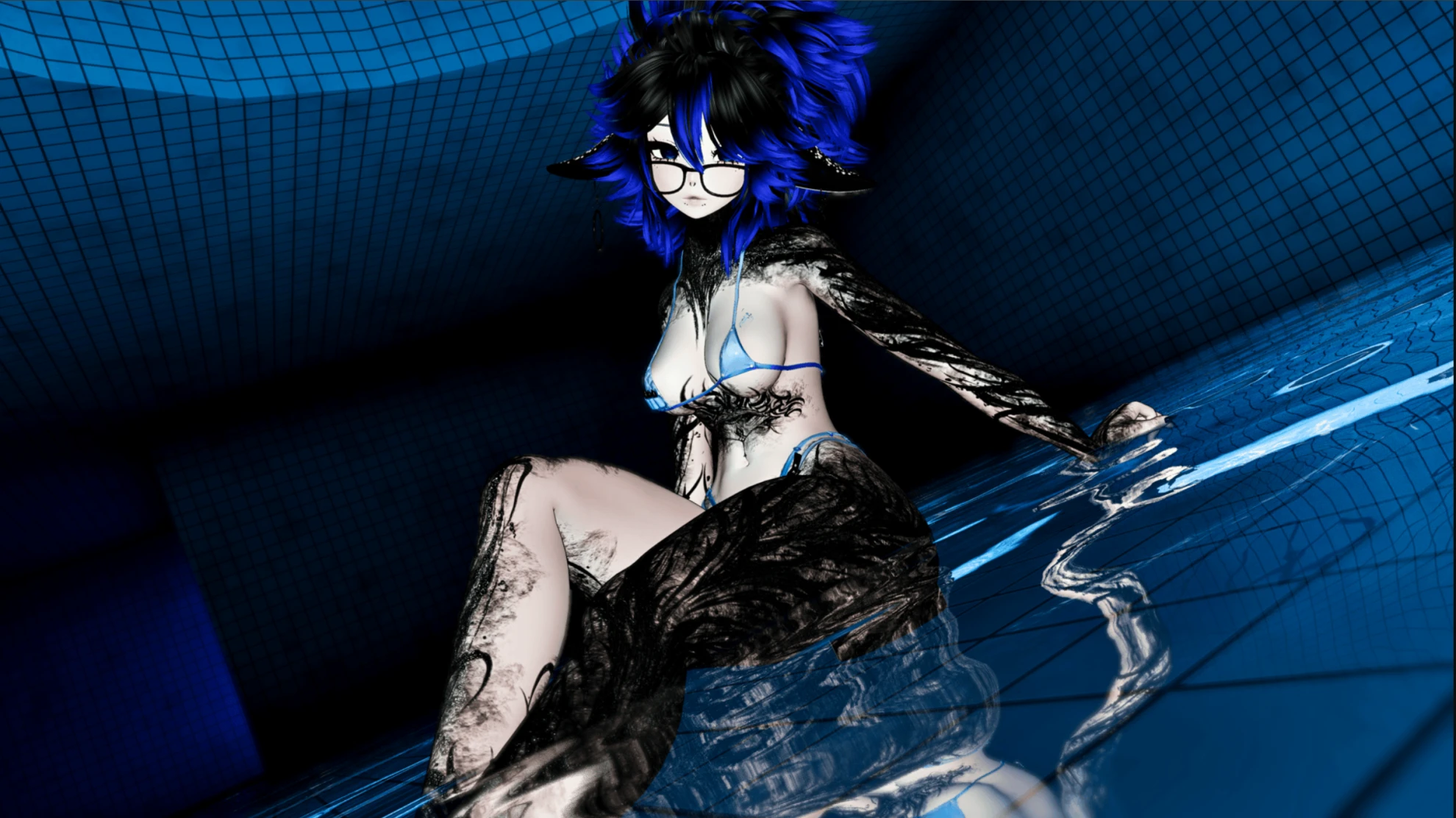
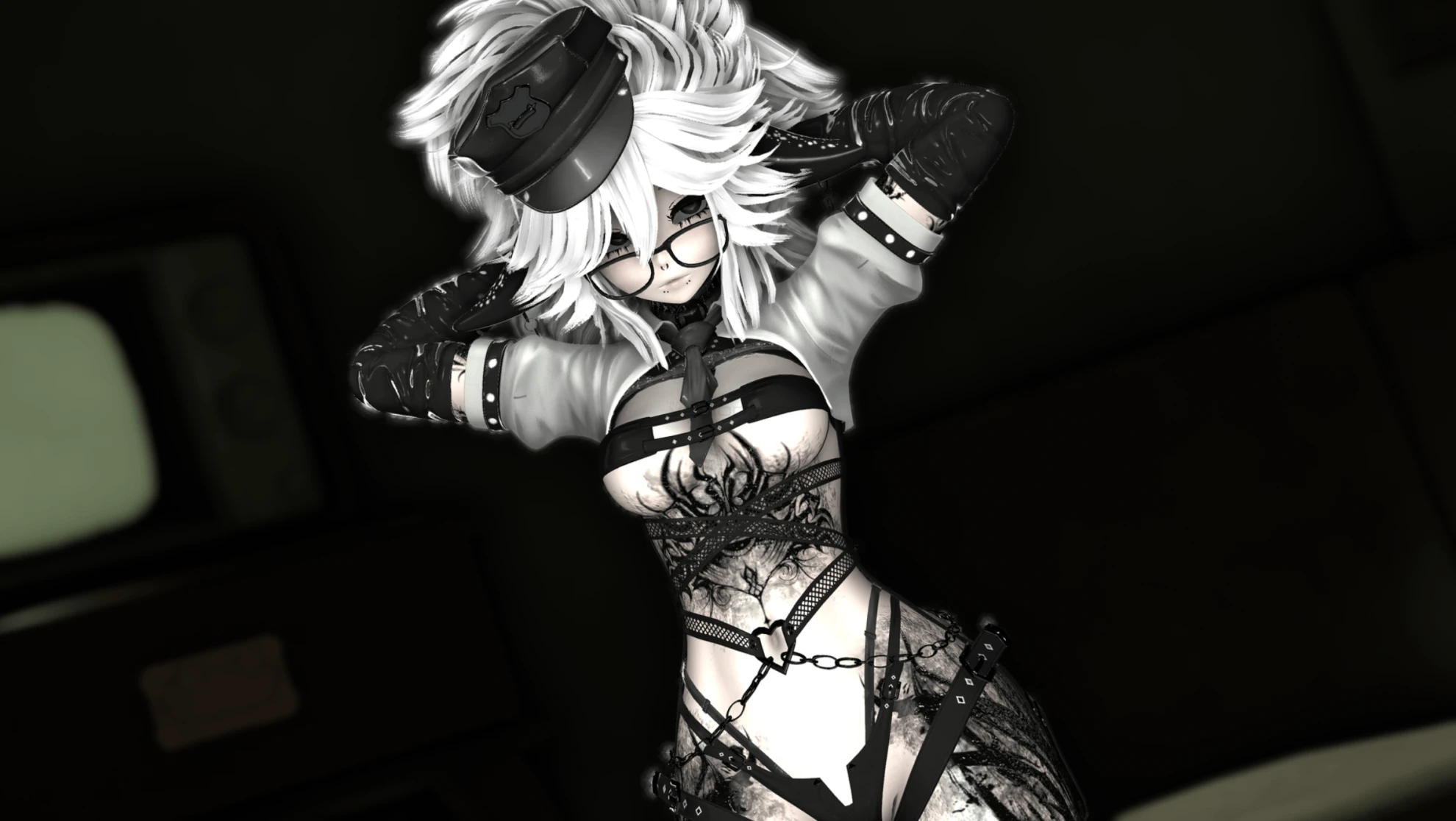
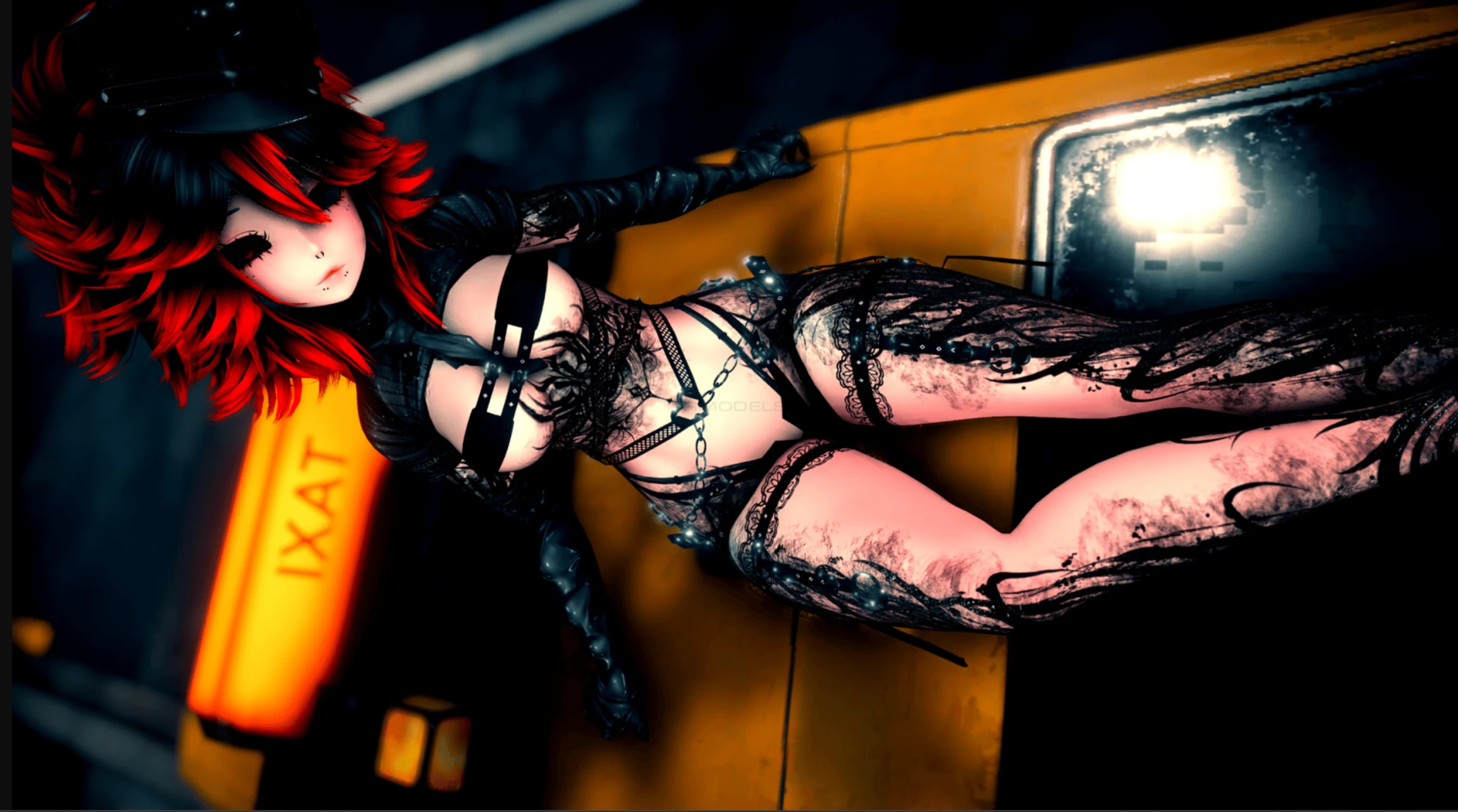
Screenshots of model Maxie in the game
Comments: 18
Add comment

Information

To add your comment you need to log in.

  • foto
    ୨୧Ӽʀʏǟ୨୧ #18
    0
    the avatar has 0 movement to it like nothing moves on it.
    22 July 2026 03:15
  • foto
    sersino #17
    -1
    ***comment deleted***
    16 July 2026 21:16
  • foto
    sersino #16
    +4
    How to fix a descriptor the Avatar

    Select the avatar from the list on the left side of the project.
    In the Inspector, find the VRC Avatar Descriptor component.
    Set the Y coordinate to 1.38 and the Z coordinate to 0.07.
    Upload the avatar and enjoy!
    If this guide helped you, feel free to say thanks.

    Unfortunately, a full avatar fix guide won't fit here. And I don't want to upload it with fixes for dynamics, toggle issues, and other stuff.
    16 July 2026 04:31
  • foto
    Tanshi #15
    +1
    model misses all physbones, physbone colliders are not parented to the bones, viewpoint is not set at eye level. toggles are SDK2 based lazily converted to sdk3
    16 July 2026 04:21
  • foto
    Ghostlyanon #14
    0
    Primordiol, Doing that did nothing to fix it :( checking it in the gesture manager still showed her size was massive
    14 July 2026 06:49
  • foto
    vrchatperson19 #13
    0
    this file is messed up beacuse i show invisible for pc and theres no gogoloco for quest
    13 July 2026 14:02
  • foto
    Primordiol #12
    +1
    bunnyfox1001, you can to scale her height down in the transform section in the inspector panel and adjust her view point, which will also be in the inspectors panel.
    13 July 2026 02:49
  • foto
    bunnyfox1001 #11
    0
    can someone fix her please :c
    12 July 2026 21:56
  • foto
    DDUUCCKKYY #10
    anyone know how to fix her?
    12 July 2026 20:32
  • foto
    whdnqls123 #9
    0
    ***comment deleted***
    12 July 2026 18:33
  • foto
    Ghostlyanon #8
    0
    SimpLord, Yeah its happening to me too ;-;
    12 July 2026 15:26
  • foto
    shadowknight767 #7
    0
    i upload it and it broken
    12 July 2026 15:07
  • foto
    Draisdoll #6
    0
    SimpLord, same here
    12 July 2026 14:51
  • foto
    RaccMilk #5
    +1
    Anyone else having trouble uploading it’s saying that I need the blueprint ID
    12 July 2026 13:22
  • foto
    SimpLord #4
    is her avatar scale way over the limit for anyone else after uploading her?
    Like it's wayyyyy more then the biggest you can set in game yourself
    12 July 2026 12:38
  • foto
    SqueedlySpooch #3
    0
    mreowmreow, I usually use vrcfury, poi toon, vrcft Jerrys, limb scaling, and if you want gesture manager, if you want to see if the avi works good for ur grandma avis she doesn't rlly do avi instructions.
    12 July 2026 02:19
  • foto
    error421 #2
    0
    anyone got the upload instructions? if it comes with any
    12 July 2026 02:06
  • foto
    SLIMPAI #1
    -4
    5 head
    12 July 2026 01:29