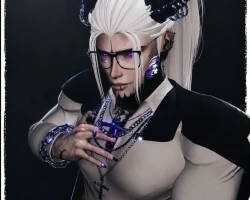
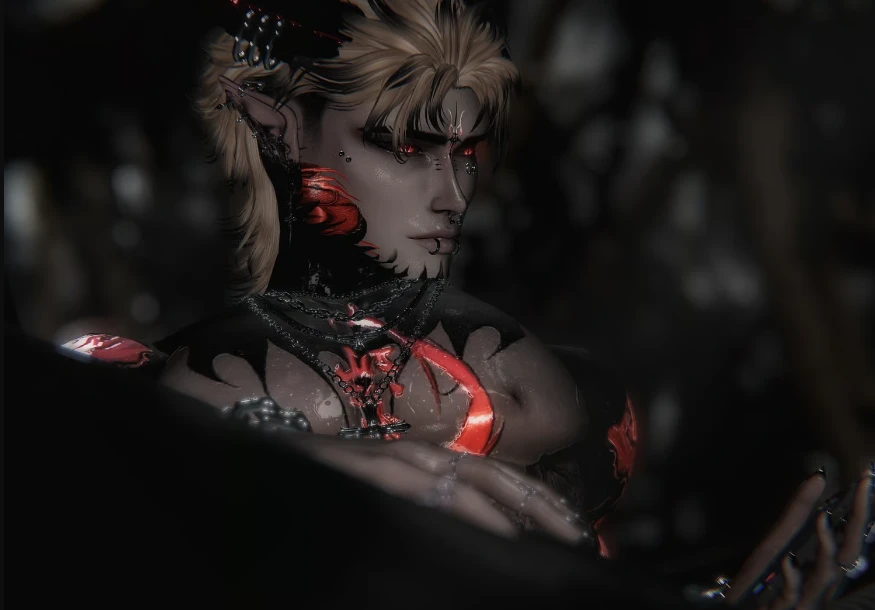
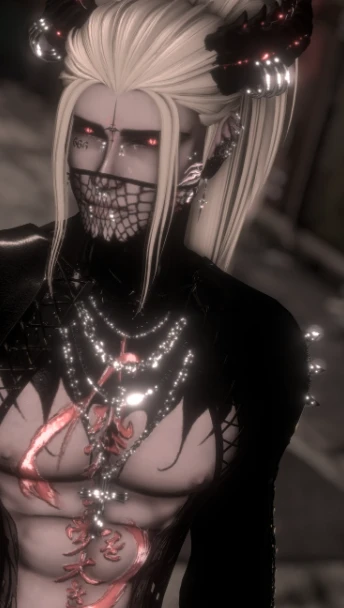
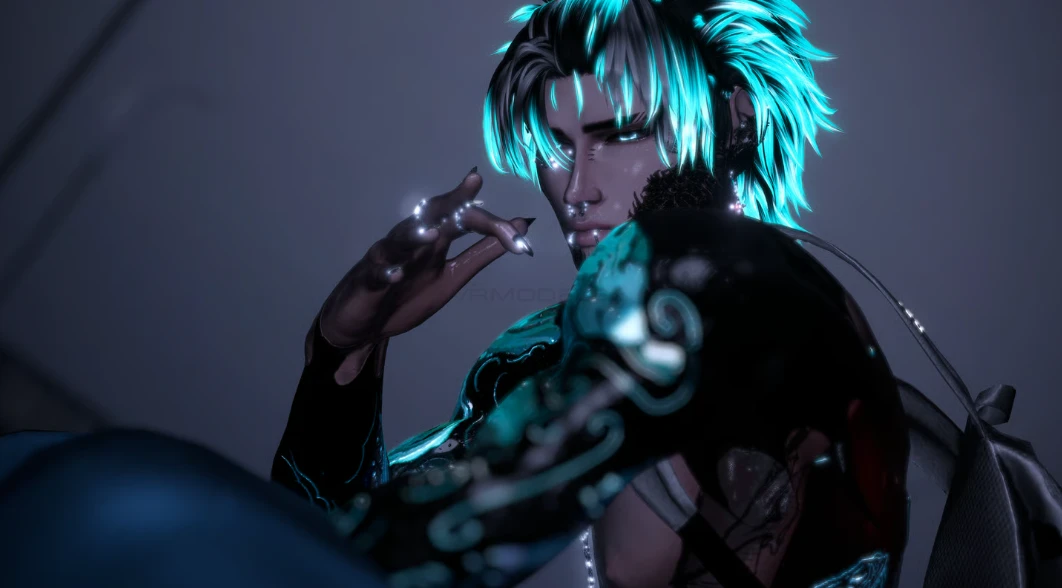
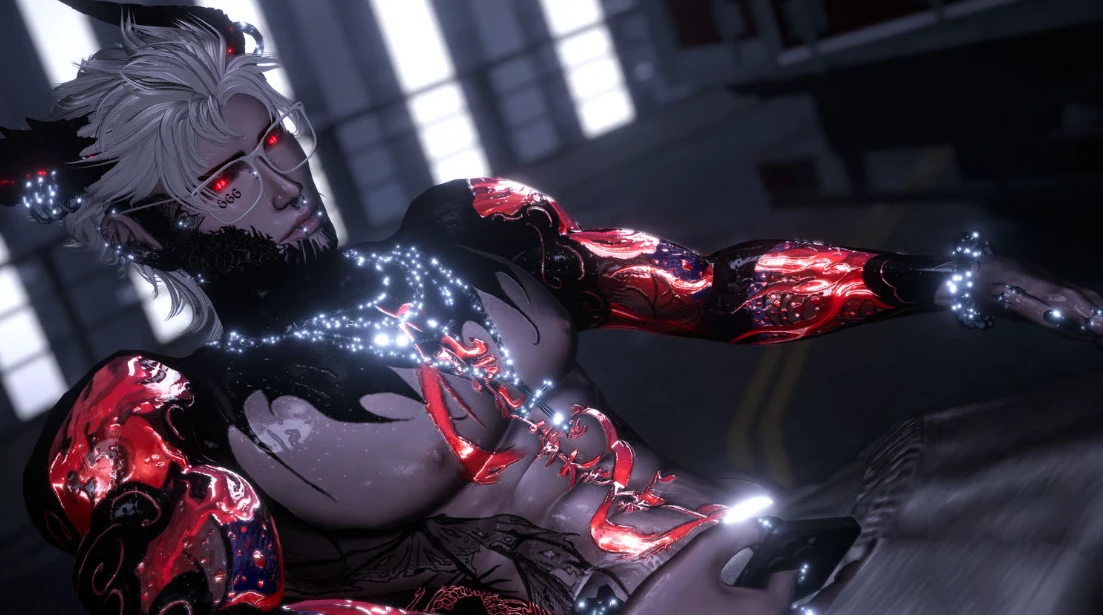
Model info
Content type:Avatars
Сreated by: Ashie
SDK: 3.0 (VRChat)
Unity version: Unity 2022
Platform:
PC
Рhysbones: Yes
Face Tracking: Yes
Full body: Yes
Nsfw: Yes
DРS \ SPS : Yes
Views: 25 371
Xavier
To download the model, you need to log in.
Description
✦ Avatar Features ✦
➷ Full PC Avatar — Includes GOGOLOCO + SPS
➷ Face Tracking Ready
➷ Fully Optimized for FBT Dancing — Tested with 9-point tracking (half-body supported)
➷ Shoulder Tracking Support — Built with dancers in mind
✦ Customization & Radial Controls ✦
➷ Extensive Radial Menu System for body, face, hair, outfits, and accessories
➷ Material Swaps for hair, clothing, body, head, eyes, and accessories
➷ Multiple Hair Colour Options
➷ Hat Toggle & Cowboy Hat Toggle
➷ Black and White Outfit Variants
➷ Synced Hue Shift
✦ High-Quality Body & Movement ✦
➷ Fully Reworked Weight Painting for clean, natural deformation
➷ Advanced PhysBones for smooth and realistic movement
➷ Chest, Abs, and Torso Physics
➷ Knuckle Movement synced with finger tracking
➷ Seamless Head-to-Body Integration
➷ Commissioned 1/1 Custom Body & Face Textures
✦ Face, Eyes & Expressions ✦
➷ Dynamic Eye Tracking that naturally focuses on the person you're speaking to
➷ Eye Emission Toggle
➷ Full Face Tracking Support for the Meta Quest Pro, Vive Focus Vision, and other compatible face-tracking headsets — tested across multiple devices for reliable performance and compatibility.
➷ Expressive Face Tracking with natural lip-sync and facial movement
✦ Style & Theme ✦
➷ Gothic Fantasy themed design a long with the E-boy toggles
➷ Dark Fantasy Textures
➷ Horns, Metal Hand, elf ears toggles
➷ Sparkling metal materials
✦ User Friendly ✦
➷ Clean, organized menu with custom icons
➷ Easy to edit in Unity or Blender
➷ Endless outfit and colour combinations
✦ Upload Instructions ✦
Follow these steps to upload your avatar correctly:
Create a new Unity project
Use the VRChat Creator Companion (VCC) with the latest supported Unity version.
Import required components (skip if using VCC and already installed)
Import the VRChat SDK
Import the Poi Shader (included in the package)
Import VRCFury (included in the package)
Import Avatar Limb Scaler (included in the package)
Import Jerrys Face Tracking
Import the avatar package
Import the provided .unitypackage file into your project.
Fix materials if needed
If any materials appear pink, select the material
Change the shader to: Poiyomi Shader
Prepare for upload
Select the avatar in the Hierarchy
In the Inspector, locate the Pipeline Manager
Click Detach Blueprint ID
Upload the avatar
Open the VRChat SDK → Builder tab
Click Build & Publish for Windows