Home » Avatars » Roxy

Model info

Content type:Avatars
Сreated by: buffin
SDK: 3.0 (VRChat)
Unity version: Unity 2022
Platform: PC + Quest
Рhysbones: Yes
Face Tracking: No
Full body: Yes
Nsfw: Yes
DРS \ SPS : No
Views: 63 877
Roxy

To download the model, you need to log in.

Description

How to Import
→ Make a New 2022.3.22 VCC Project
→ Import VRCFury
→ If uploading for FT DO NOT IMPORT ADJERRY, ITS ALREADY IN THERE!
→ Import Poiyomi toon/pro 9.0
→ Lastly import Roxy's Unity Package!

If you're uploading the Quest package make sure you make a SEPARATE project then Roxy’s PC project
FOR ANY UPLOAD MAKE SURE YOUR VRCSDK AVATAR IS 3.9 OR ABOVE!
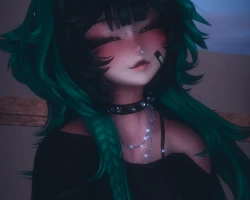
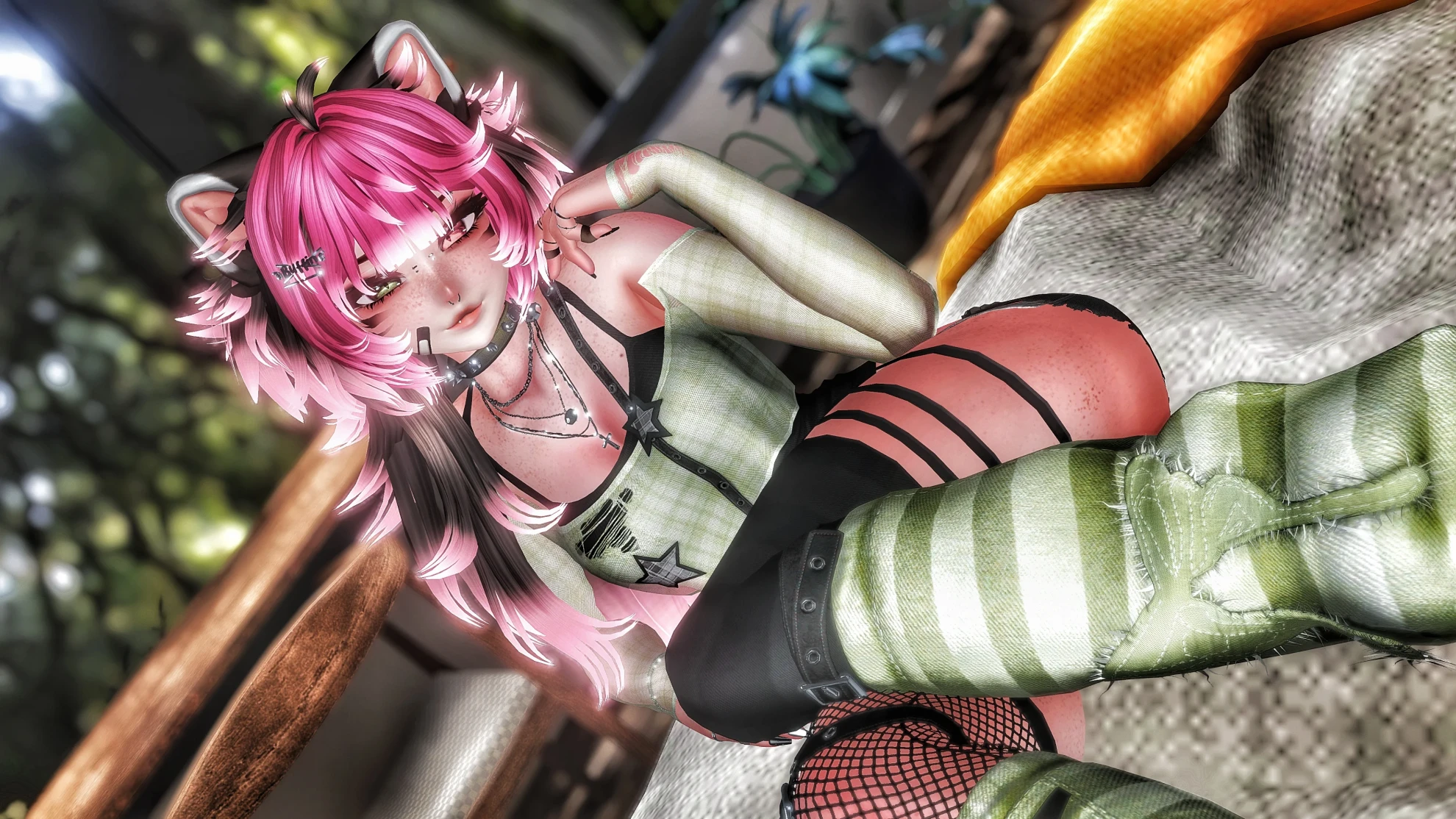
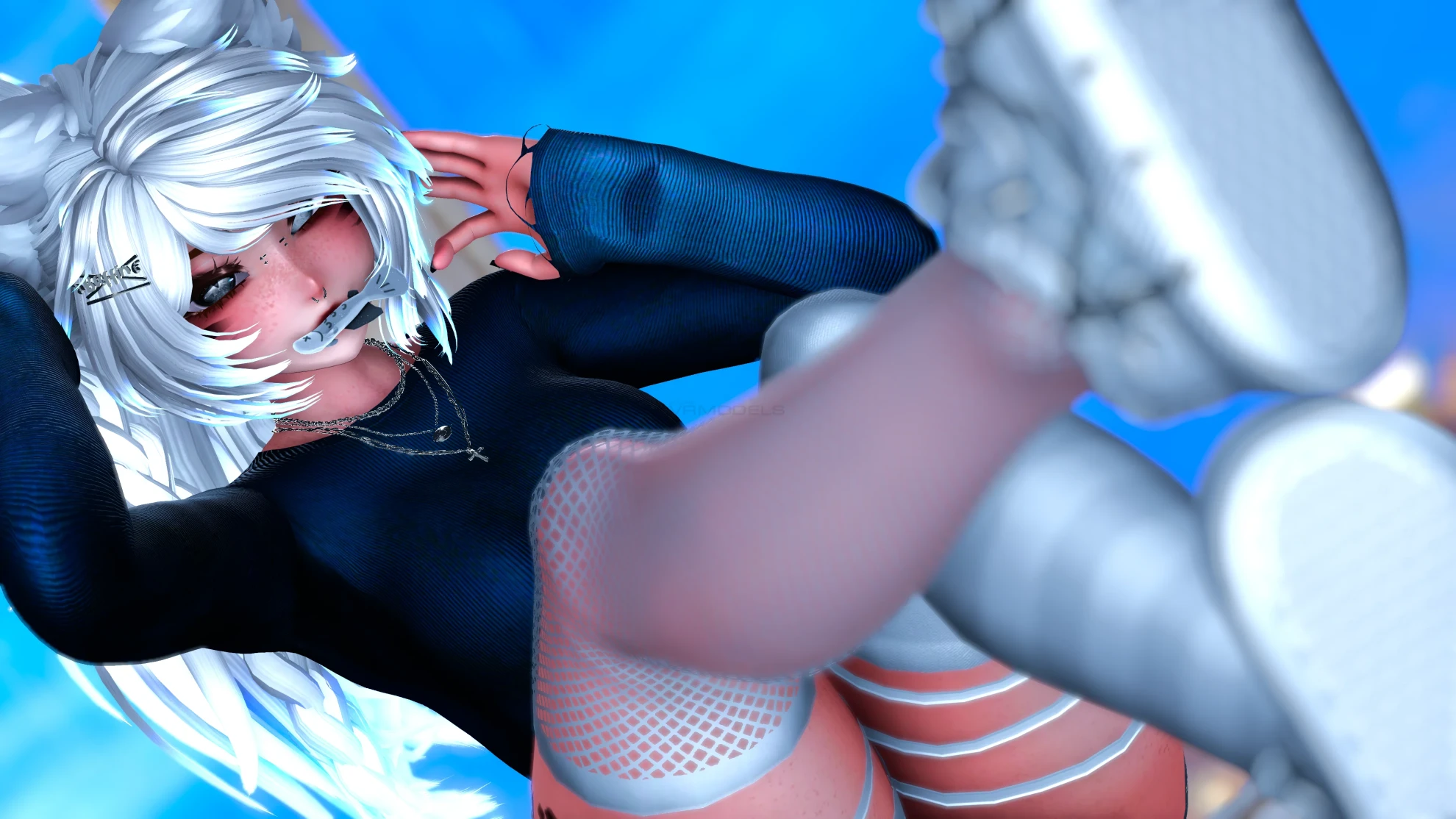
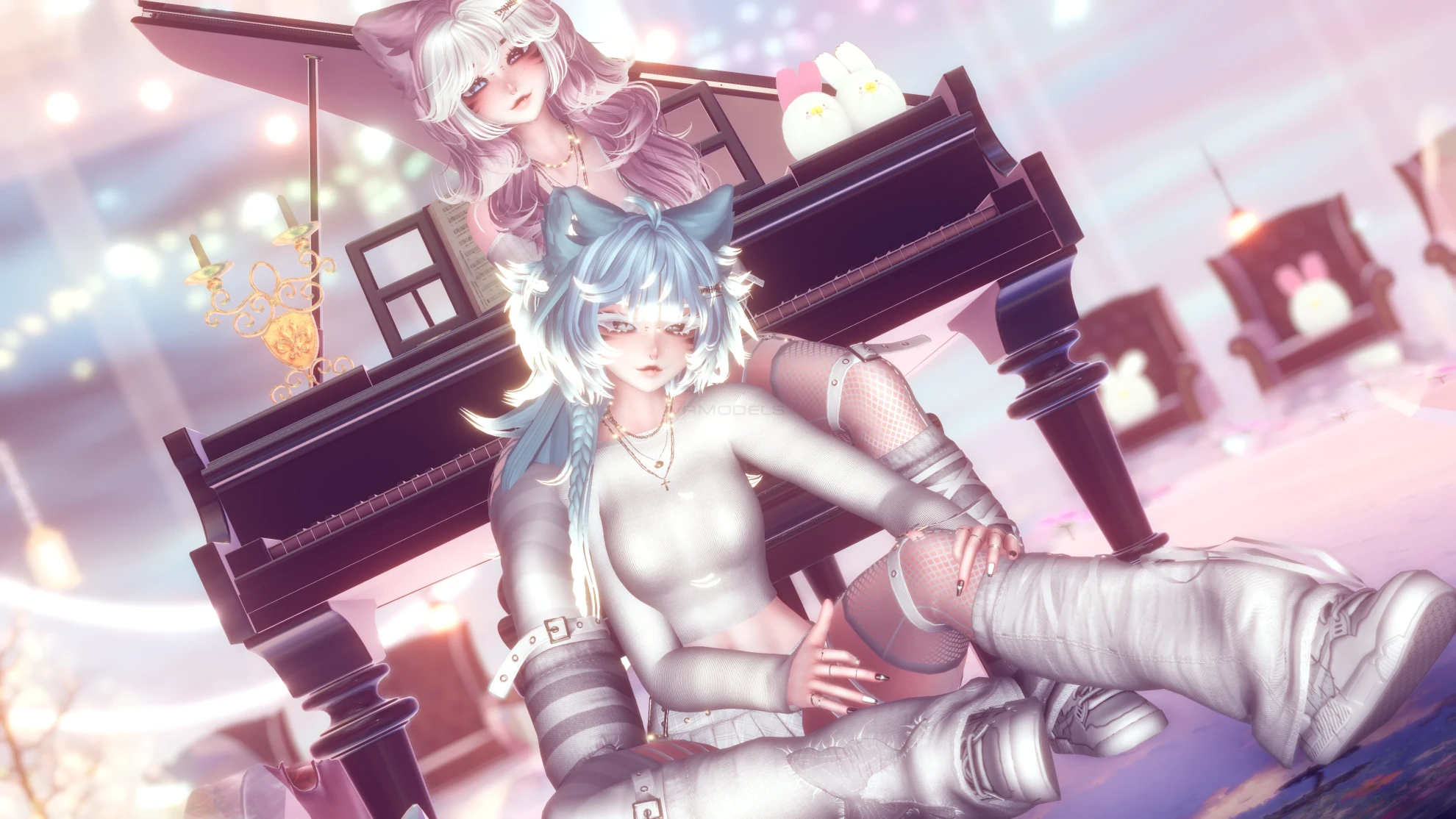
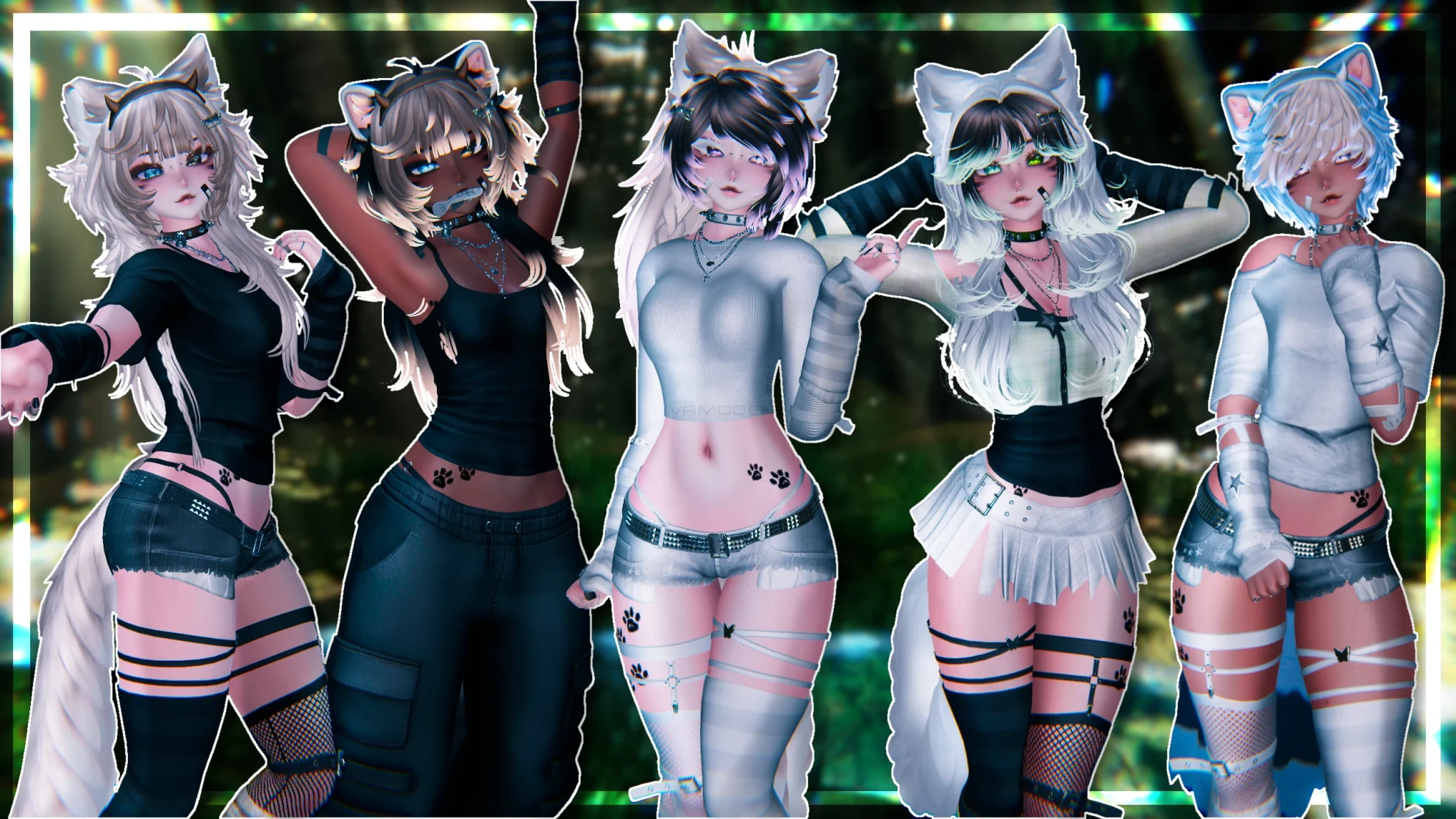
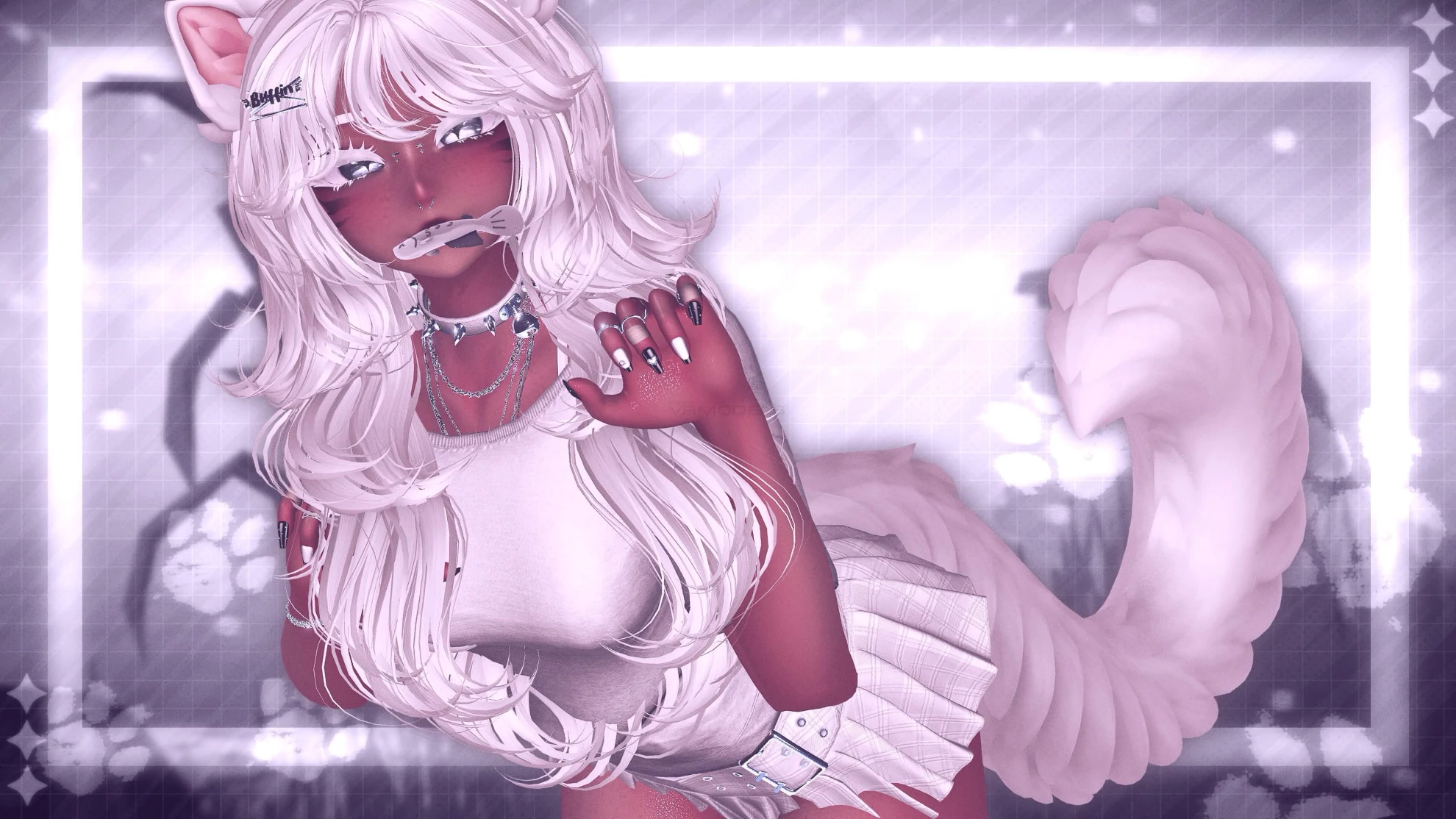
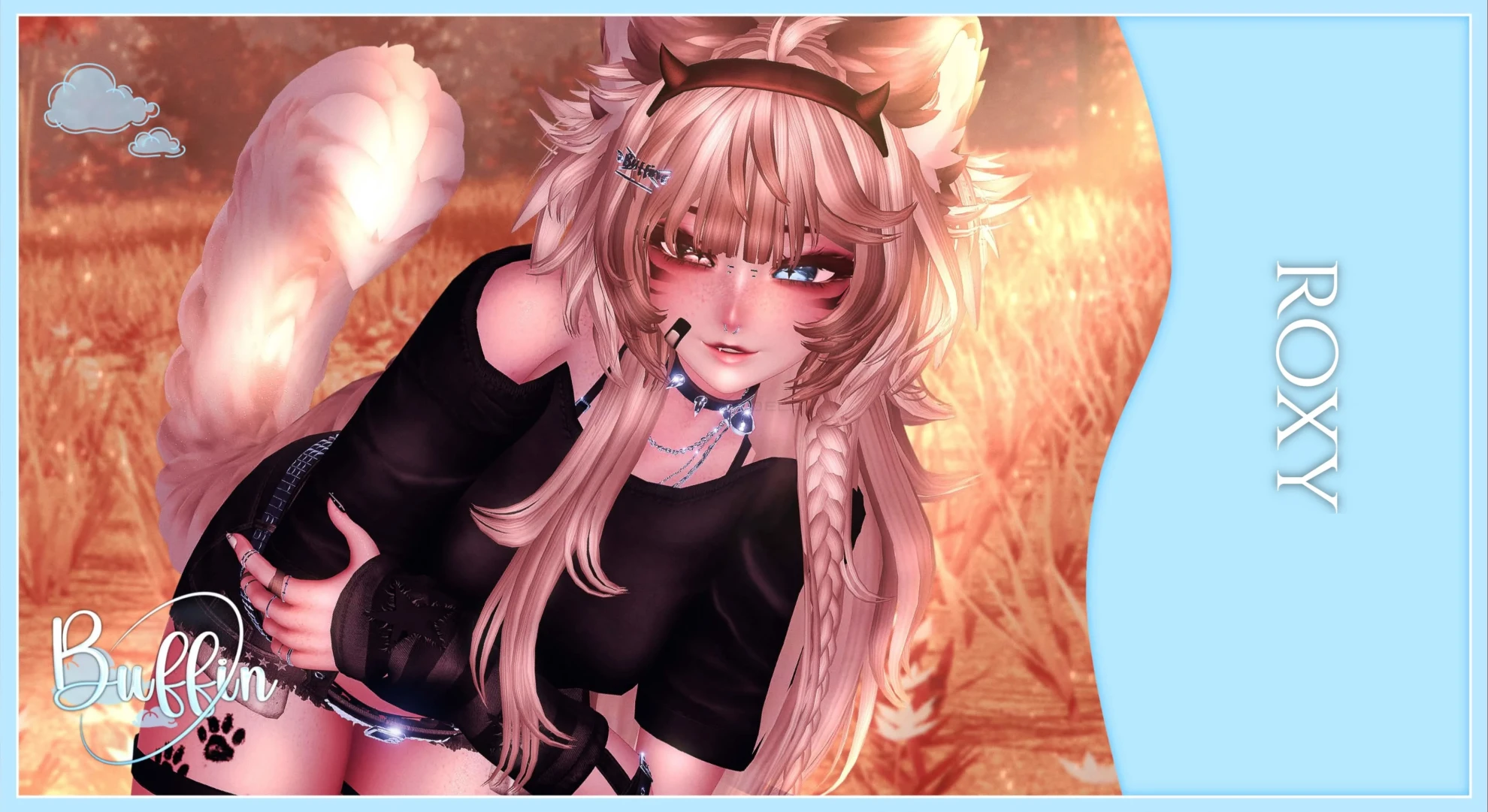
Screenshots of model Roxy in the game
Comments: 20
Add comment

Information

To add your comment you need to log in.

  • foto
    butcherhouse #20
    +1
    butcherhouse, found the solution. you NEED to do quest and pc in separate projects. do NOT import polyomi into the quest version otherwise it will be too big
    2 August 2026 09:37
  • foto
    butcherhouse #19
    +1
    says the quest file is 27mb :/
    31 July 2026 16:01
  • foto
    Loopylue #18
    0
    BadMan93XD, you literally fixed my problem. Thank you

    V4mp_Bat, womp womp
    29 July 2026 17:16
  • foto
    Jugger #17
    0
    V4mp_Bat, This is a ripping site, go whine someplace else
    29 July 2026 14:04
  • foto
    V4mp_Bat #16
    -9
    Please delete this it’s my friends file that somebody leaked and buffin also didn’t want the file leaked
    28 July 2026 09:08
  • foto
    ShadowRose8912 #15
    0
    BadMan93XD, unity has been giving this error a lot lately, how i fix it is just close the vrc sdk thing and reopen it then it acts normally allowing for a smooth upload
    22 July 2026 03:47
  • foto
    yourmo #14
    0
    Good avi. I would rec this ;]
    21 July 2026 12:24
  • foto
    BadMan93XD #13
    +6
    If you get an error with the description and tags being null, just type something into the description and then erase it, then create at least one tag and delete it, should go away after that.
    20 July 2026 12:32
  • foto
    Avocadotoesss #12
    0
    UHidklmao, you’ll have to make a new project because that’s what I did and it worked
    20 July 2026 02:22
  • foto
    UHidklmao #11
    0
    nolifenosoul, I did but it still gave me the error
    19 July 2026 12:30
  • foto
    nolifenosoul #10
    0
    UHidklmao, you have to fill it in
    19 July 2026 10:00
  • foto
    UHidklmao #9
    +1
    Avocadotoesss, lmao it didn't even work when I uploaded the pc version alone.. it gave me a null error for the description and tags..
    19 July 2026 07:35
  • foto
    Avocadotoesss #8
    +1
    IHeartPickles, you have to do it separately or it’ll break the avatar or won’t upload it
    19 July 2026 01:15
  • foto
    IHeartPickles #7
    +1
    UHidklmao, no you don't. once u upload the pc file import the quest file into the same project and then do everything u would normally do for the quest project on the pc one.
    18 July 2026 19:07
  • foto
    UHidklmao #6
    +2
    I personally hate when the pc and quest files are seperated.. like bro TwT now i gotta make TWO projects..
    18 July 2026 11:19
  • foto
    pandaeyes7766 #5
    0
    ***comment deleted***
    18 July 2026 07:47
  • foto
    Kawaiivyvfx #4
    0
    Avocadotoesss, i wasnt 100% sure but yes it does
    17 July 2026 17:52
  • foto
    Avocadotoesss #3
    0
    bandit_57, I know it does, the person who uploaded the avi said it doesn’t
    17 July 2026 12:10
  • foto
    bandit_57 #2
    0
    yes it does Avocadotoesss,
    17 July 2026 11:37
  • foto
    Avocadotoesss #1
    +2
    This avatar does have face tracking
    17 July 2026 06:32