Model info
Content type:Avatars
Сreated by: Artie
SDK: 3.0 (VRChat)
Unity version: Unity 2022
Platform:
PC + Quest
Рhysbones: Yes
Face Tracking: No
Full body: Yes
Nsfw: No
DРS \ SPS : No
Views: 12 241
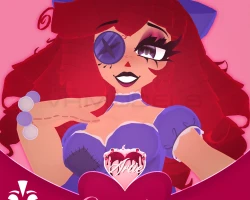
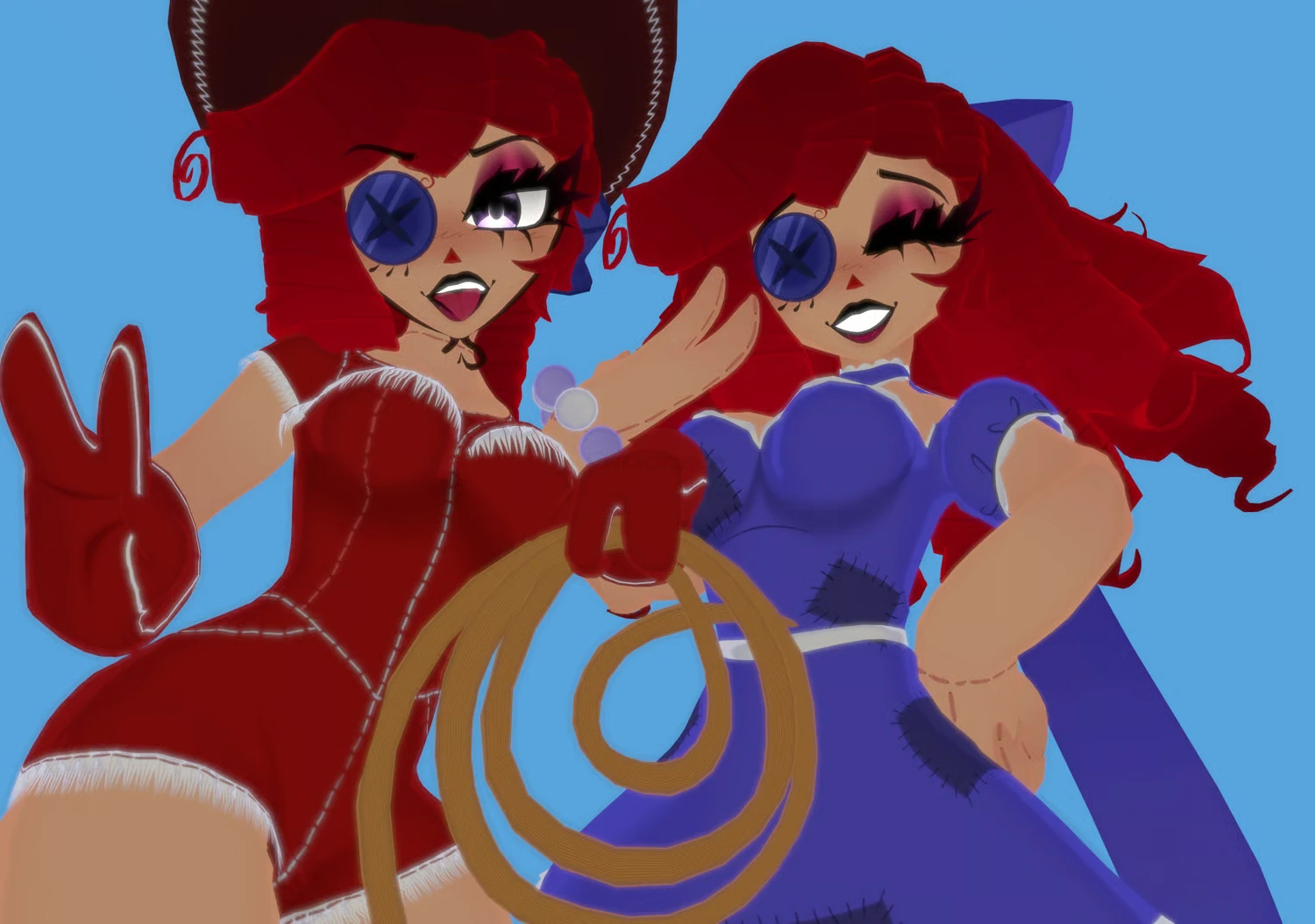
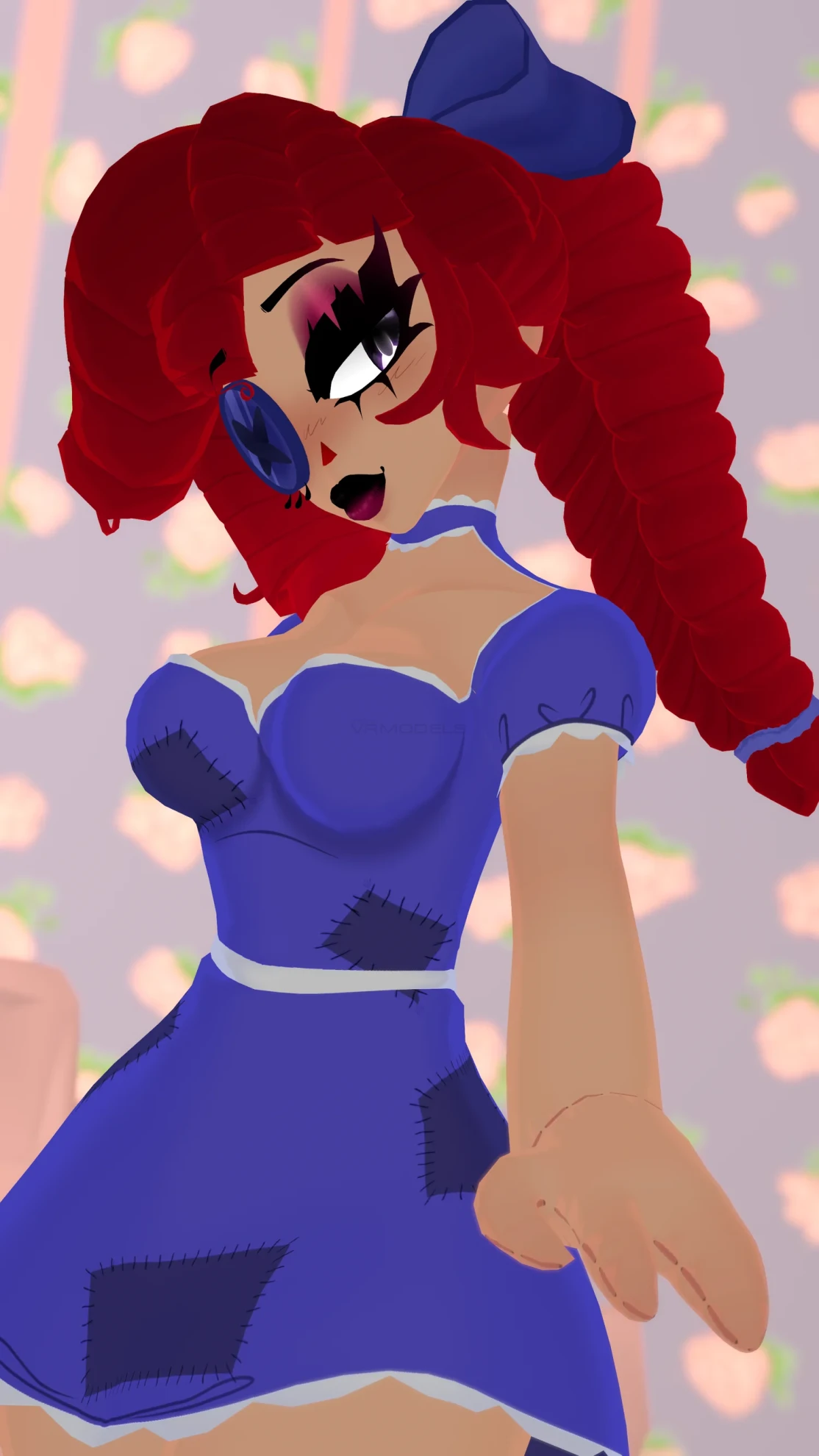
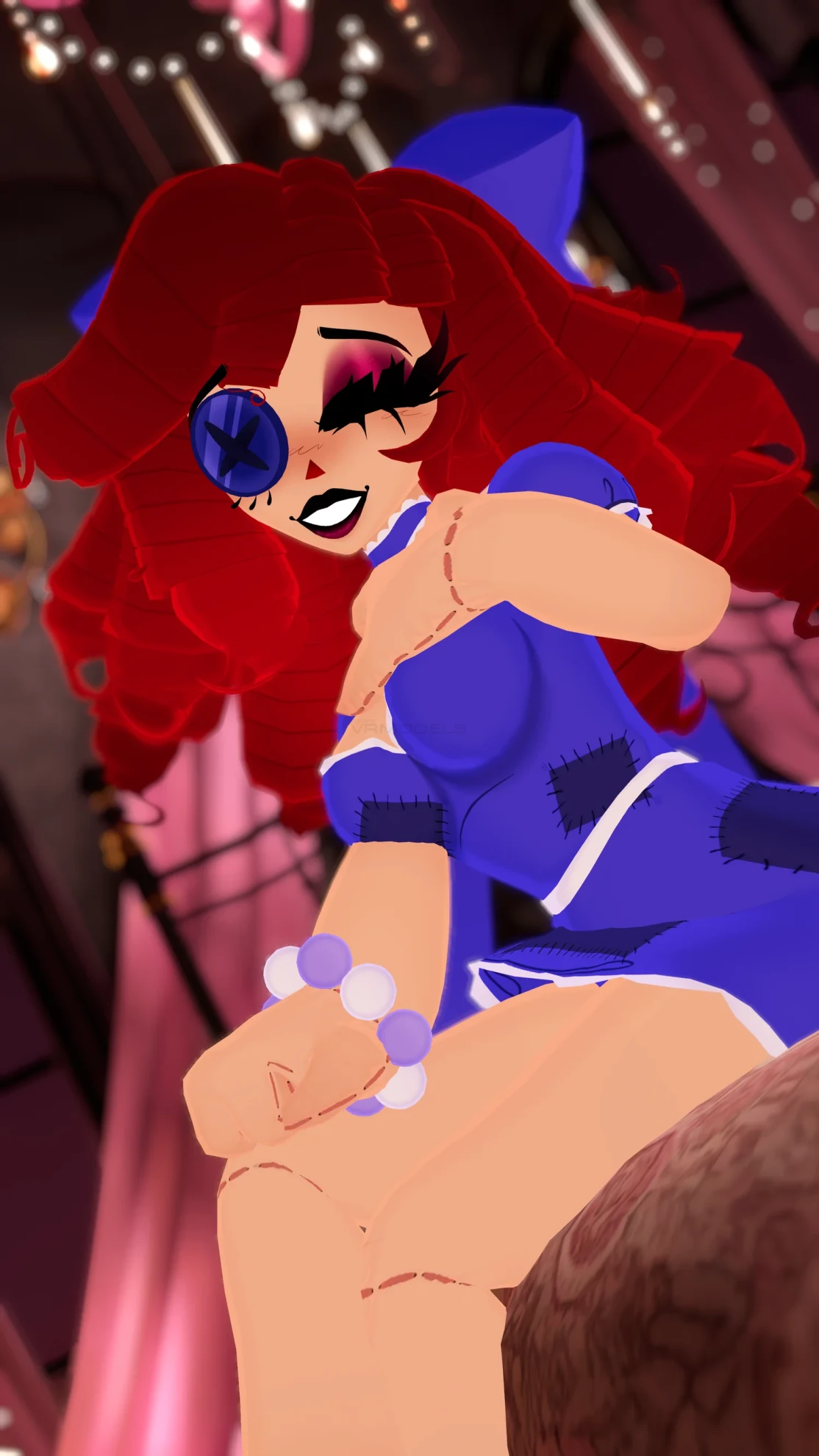
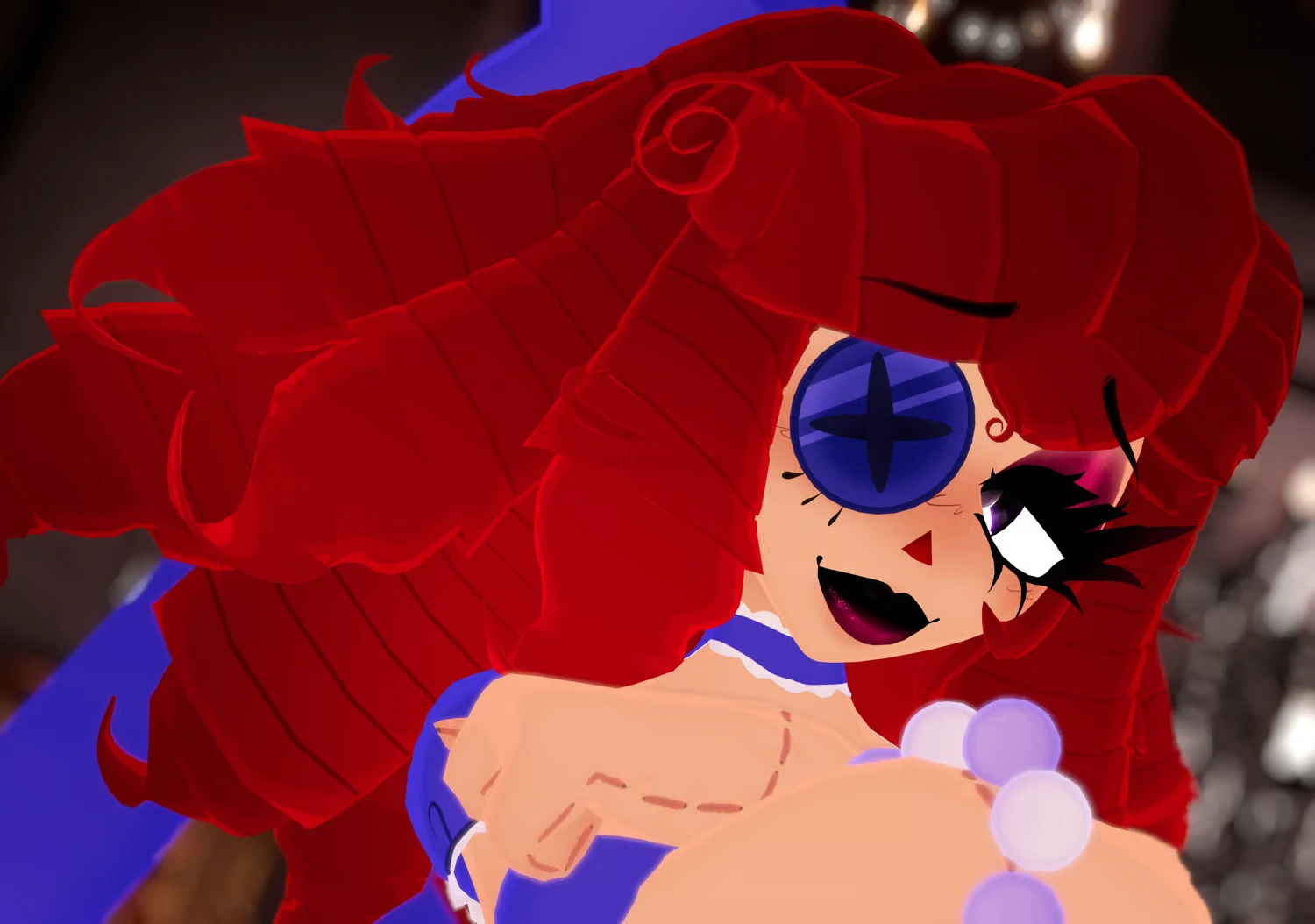
♡ Stylized Ragatha
To download the model, you need to log in.
Description
♥ Upload Step-by-Step Guide
1︰- (Optional) Create a new project using the VRC Companion using the latest Unity version 2022.3.22f1.
2︰- Open your project, and import PoiyomiToonShader the latest version of VRCFury, the latest version of GoGo Loco, before importing the avatars!
3︰- Import the PC package, open the folder containing the folder named "SCENE", open the VRChat SDK on the top, log in, and upload the PC avatar first. Make sure there is no blueprint ID in the avatar descriptor before uploading, or you will run into issues.
4︰- After uploading the first version of the model (PC version), open the Quest folder! Open the folder named "SCENE" Copy the ID from the model (if you can't find it, open the VRChat SDK, click on "content manager", and copy the ID listed there). Paste the ID into the blueprint ID box on the QUEST version of the model.
5︰- After importing and checking the blueprint ID for the quest version, switch build in the VRChat SDK to android and upload.
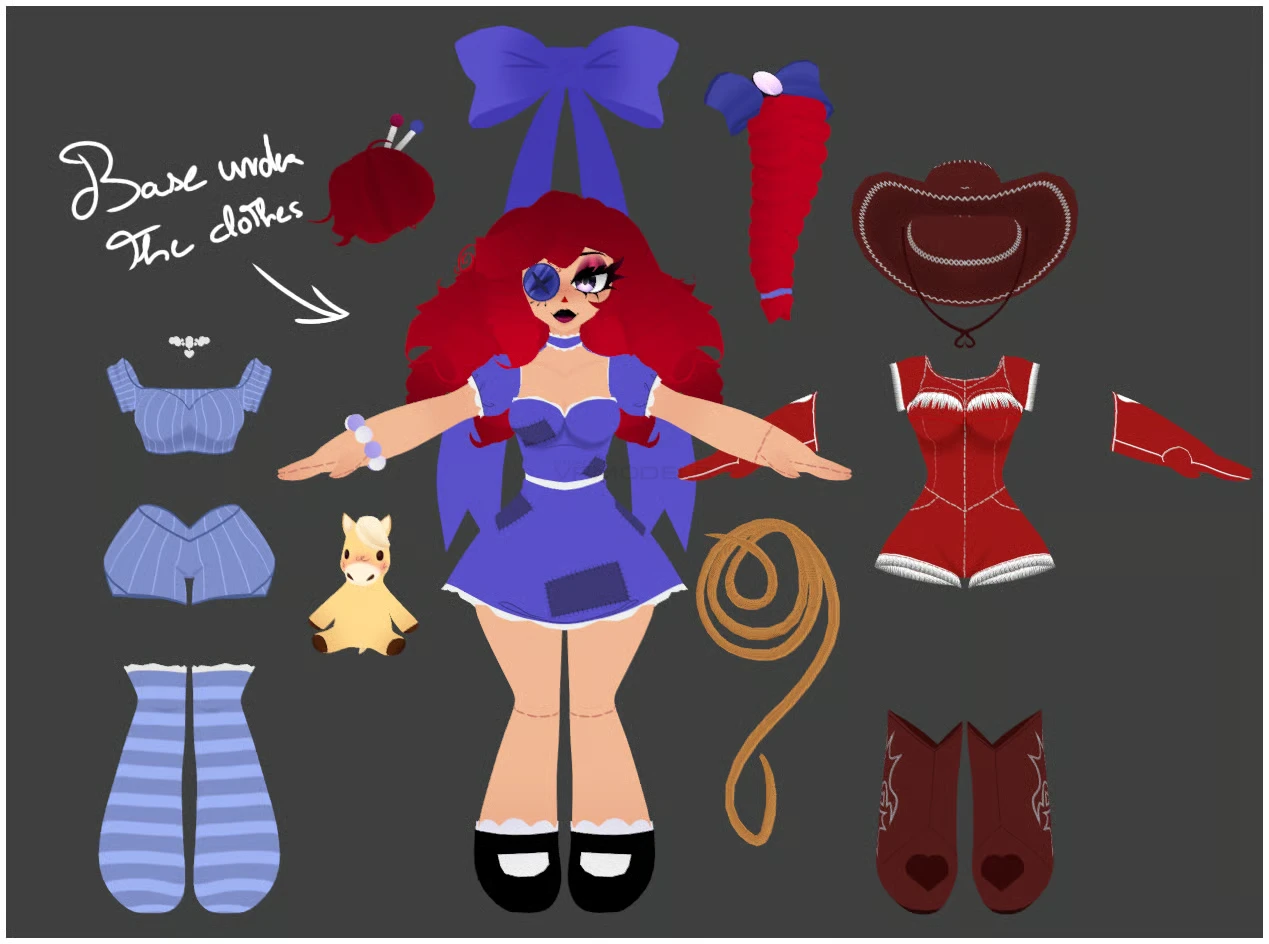
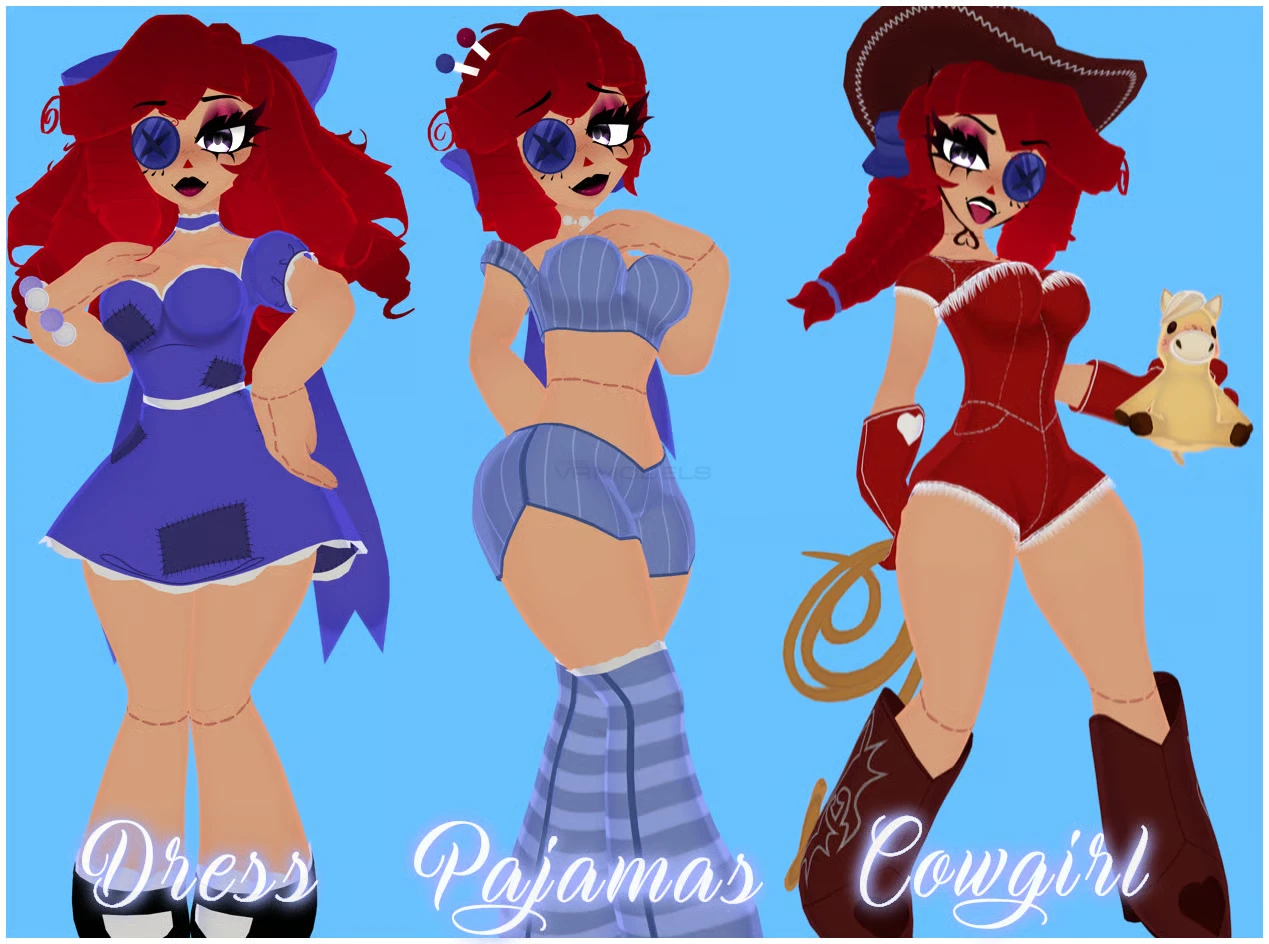
Ragatha comes with :
3 Outfits toggle swap : Dress, Cowgirl, Pajamas set
3 Hair toggle swap : Long hair, Braids, Bun
Bow toggle On/Off
Cowgirl Hat On/Off
2 Props : Horse plush, Rope
Body Sliders
7 facial expressions
FBT/VRChat ready
1︰- (Optional) Create a new project using the VRC Companion using the latest Unity version 2022.3.22f1.
2︰- Open your project, and import PoiyomiToonShader the latest version of VRCFury, the latest version of GoGo Loco, before importing the avatars!
3︰- Import the PC package, open the folder containing the folder named "SCENE", open the VRChat SDK on the top, log in, and upload the PC avatar first. Make sure there is no blueprint ID in the avatar descriptor before uploading, or you will run into issues.
4︰- After uploading the first version of the model (PC version), open the Quest folder! Open the folder named "SCENE" Copy the ID from the model (if you can't find it, open the VRChat SDK, click on "content manager", and copy the ID listed there). Paste the ID into the blueprint ID box on the QUEST version of the model.
5︰- After importing and checking the blueprint ID for the quest version, switch build in the VRChat SDK to android and upload.
Ragatha comes with :
3 Outfits toggle swap : Dress, Cowgirl, Pajamas set
3 Hair toggle swap : Long hair, Braids, Bun
Bow toggle On/Off
Cowgirl Hat On/Off
2 Props : Horse plush, Rope
Body Sliders
7 facial expressions
FBT/VRChat ready