Home » Avatars » Flohpa the Alien

Model info

Content type:Avatars
Сreated by: LeroyLmao
SDK: 3.0 (VRChat)
Unity version: Unity 2022
Platform: PC + Quest
Рhysbones: Yes
Face Tracking: Yes
Full body: Yes
Nsfw: Yes
DРS \ SPS : Yes
Views: 14 292
Flohpa the Alien

To download the model, you need to log in.

Description


In Depth Step By Step
-Install VCC
-Install the newest version of unity it recommends
-Install VRC Fury
-Install Hai Scripts
Paste this link into VCC like so: Settings-Packages-Add Repository-PasteLink https://hai-vr.github.io/vpm-listing/index.json
-Install Modular Avatar
-Make a New 2022 Avatar Project
- Hit the Plus next to:
Haï ~ Prefabulous for VRChat
VRCFury
Open Project
- Install Poi Package Included
- Install Avatar Package
- Upload With the Vrchat SDK (can be turned on if not already at the top bar of unity)
Quest
Everything the same except these things:
-Do not install Poi
-You must change the Project to android (there is a button in the VRC sdk upload tab)
-Install the quest package
- Copy the id from your pc upload and put it into the pipeline manager in the inspector tab ( In the SDK content manager you can find the ID)
(you need to add this unless you delete the ft component on the avatar)

Face Tracking
Paste this link into VCC like so: Settings-Packages-Add Repository-Paste Linkhttps://adjerry91.github.io/VRCFaceTracking-Templates/index.json
And install the package to the project like before, and upload the FT Version, (check box in the inspector tab when selecting versions)
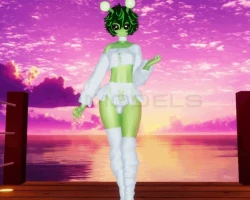
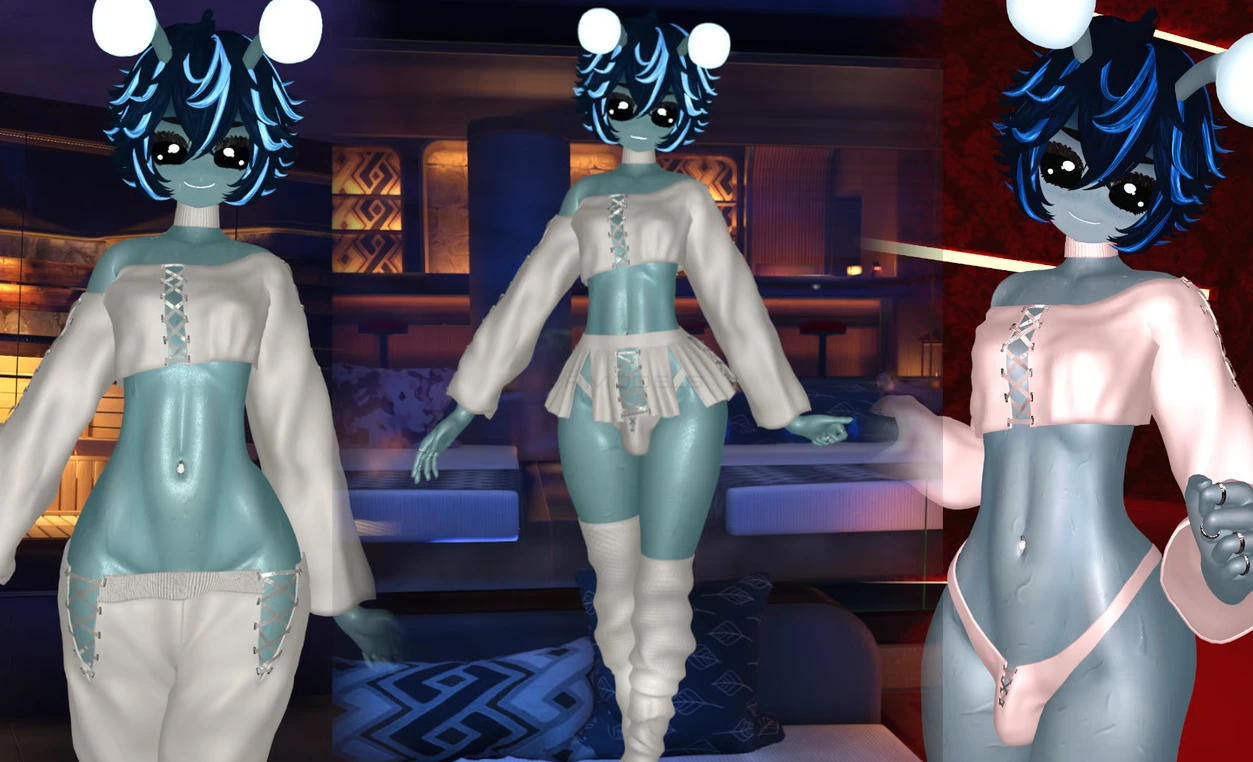
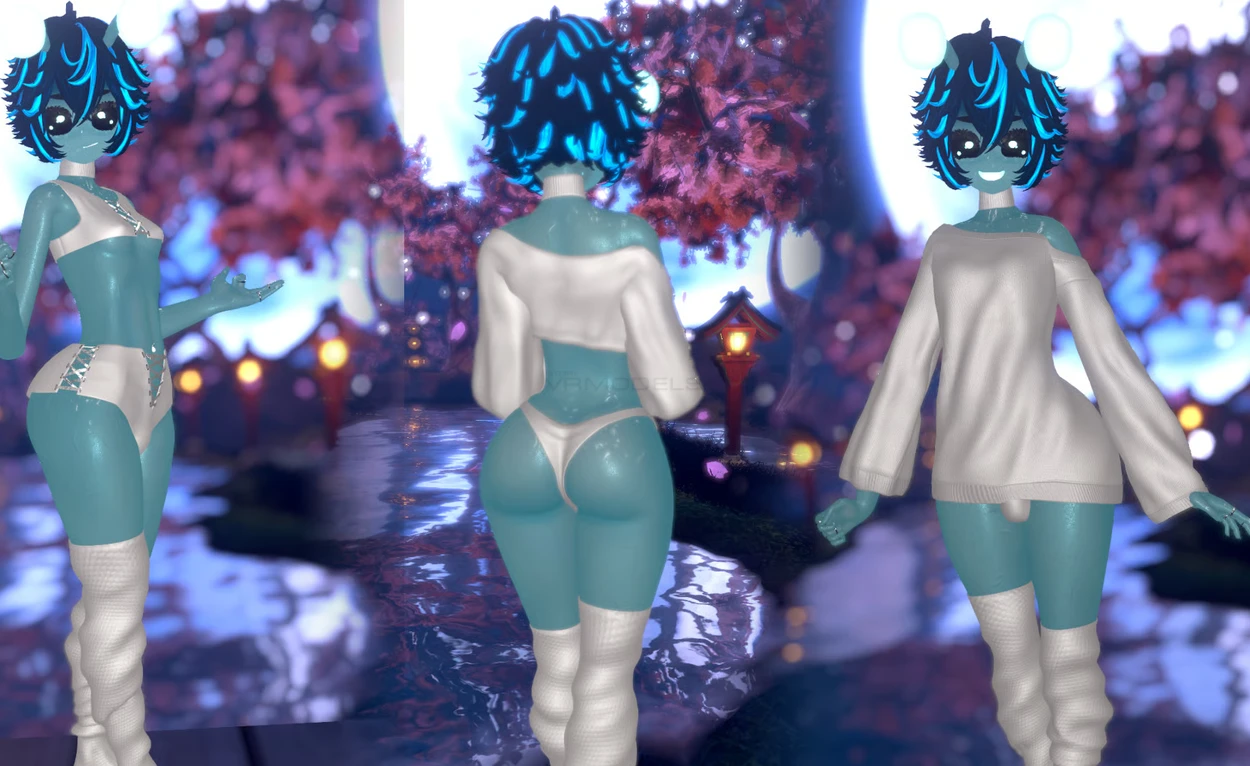
Screenshots of model Flohpa the Alien in the game
Comments: 9
Add comment

Information

To add your comment you need to log in.

  • foto
    Bob C #9
    0
    if it normal that every time i try to acces playmode to give me this error ?
    All compiler errors have to be fixed before you can enter playmode!
    UnityEngine.Logger:Log (UnityEngine.LogType,object)
    (wrapper dynamic-method) UnityEngine.Debug:UnityEngine.Debug.LogError_Patch1 (object)
    UnityEditor.SceneView:ShowCompileErrorNotification ()
    idk what to do...
    17 August 2026 01:29
  • foto
    Aeth ereal #8
    +1
    Aeth ereal, nvm i unlimped it
    16 August 2026 10:57
  • foto
    Aeth ereal #7
    0
    He has a limp dih for some reason
    16 August 2026 10:42
  • foto
    Phantom Demon11 #6
    0
    neverwas, try use modular do delete that goloco bro
    12 August 2026 00:58
  • foto
    notyourneighbor69 #5
    +1
    Yulhardt, I had to add jerry facetracking from creator companion, I also added GogoLoco and Gesture Manager as well, then it uploaded fine for me
    11 August 2026 18:48
  • foto
    Yulhardt #4
    0
    I tried uploading the avi, it says it has so many things missing and can't upload. I have followed all the steps right, but nothing changed.
    10 August 2026 19:38
  • foto
    neverwas #3
    0
    Gogoloco is very busted
    10 August 2026 13:41
  • foto
    Roxy716 #2
    0
    russ the BunBun, that’s normal, when u click play or upload to vrc the body will appear
    10 August 2026 00:49
  • foto
    russ the BunBun #1
    0
    the avi is missing it's whole body for me
    9 August 2026 23:30